
1. Introduction
This manual provides essential information for the proper use and care of your Odaro US Letter Size Thermal Printer Paper. Designed for compatibility with various portable thermal printers, this paper ensures clear and reliable printing for a range of applications.

Image 1.1: Packaging of Odaro US Letter Size Thermal Printer Paper, showing 200 sheets and 8.5x11 inch dimensions.
2. Product Features
- Size: US Letter (8.5 x 11 inches / 216 x 279 mm)
- Quantity: 200 sheets per pack
- Type: Thermal paper, requiring no ink or toner
- Finish: Smooth surface for clear and crisp prints
- Performance: Engineered to prevent paper jams and ensure print accuracy
- Safety: Manufactured with materials safe for human health
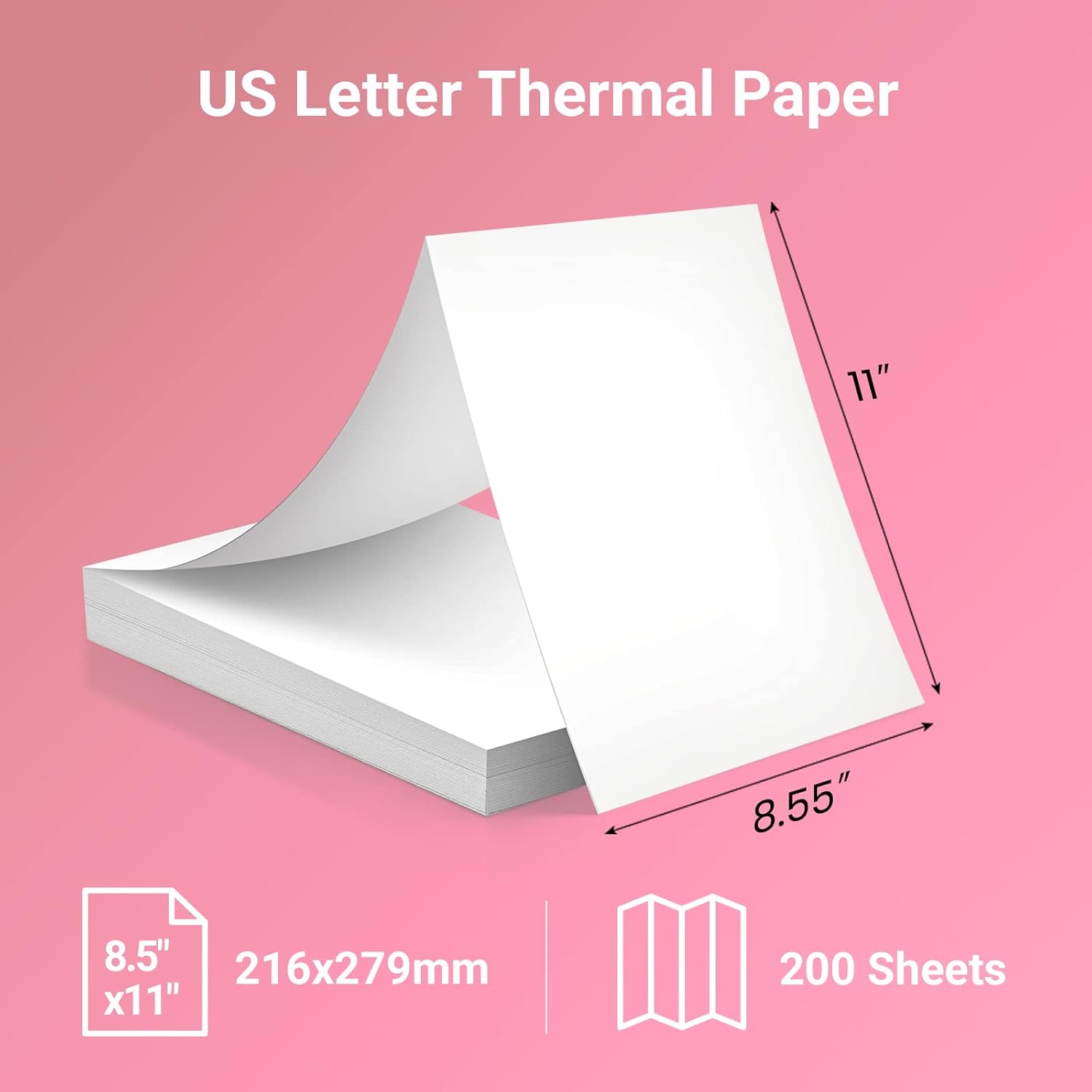
Image 2.1: Visual representation of the paper dimensions, indicating 8.5 inches by 11 inches (216x279mm) and a stack of 200 sheets.
3. Compatibility
Odaro Thermal Printer Paper is designed for broad compatibility with various portable thermal printers that support US Letter size paper. Confirmed compatible models include:
- M08F
- M832
- MT800
- MT800Q
- Other portable thermal printers supporting 8.5 x 11 inch paper.
Always refer to your printer's manual for specific paper type and size requirements.
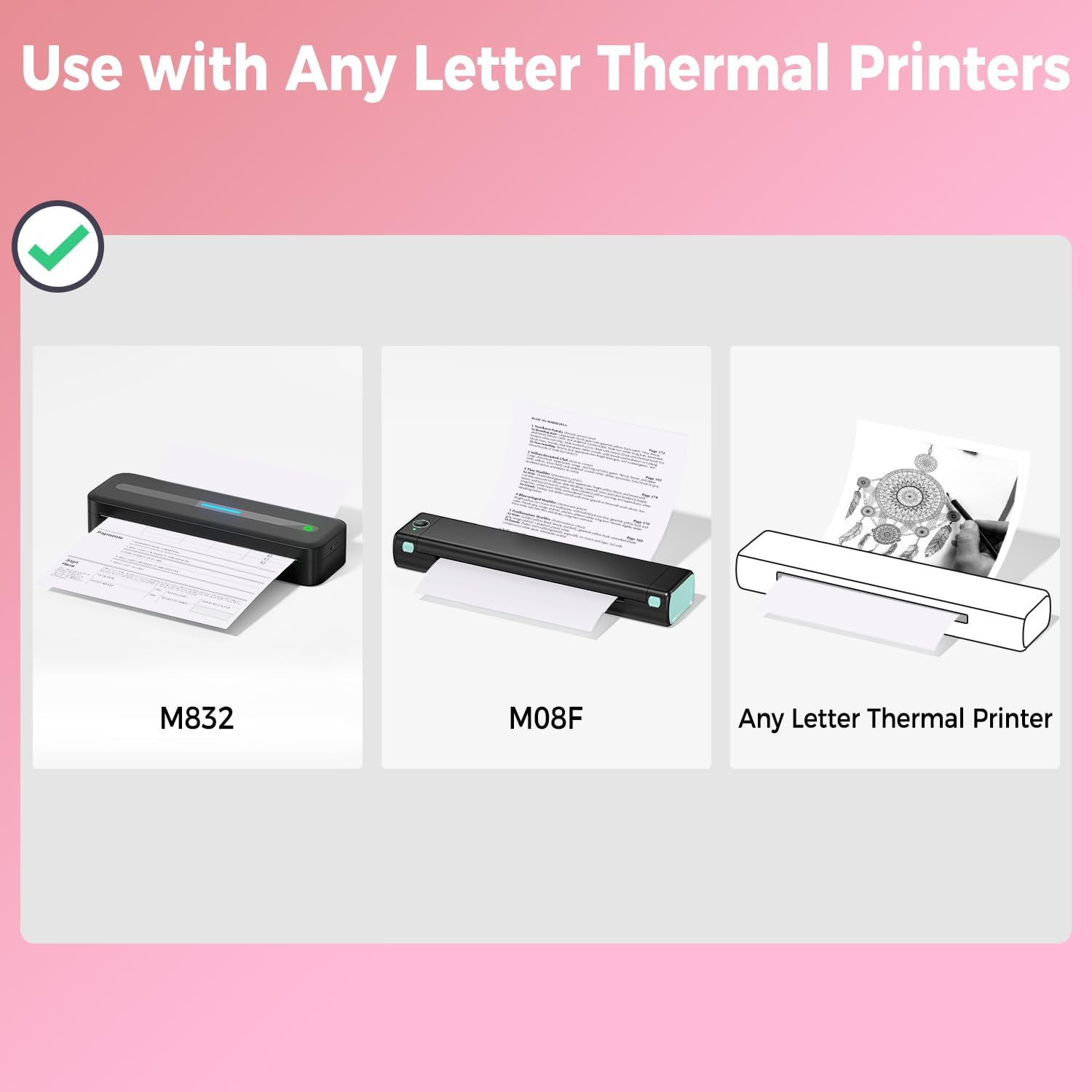
Image 3.1: Illustration showing compatibility with various thermal printers, specifically highlighting models M832 and M08F, and generally indicating compatibility with any letter thermal printer.
4. Setup: Loading Paper
Properly loading the thermal paper is crucial for optimal printing performance and to prevent jams. Follow these general steps, and consult your specific printer's manual for detailed instructions:
- Open Paper Tray: Locate and open the paper input tray or slot on your thermal printer.
- Orient Paper: Ensure the thermal side of the paper is facing the print head. For most thermal printers, this means the smooth, slightly glossy side should be facing up or towards the print mechanism.
- Insert Paper: Gently insert the stack of Odaro thermal paper into the input tray, ensuring it is aligned straight and fits snugly without bending or forcing.
- Adjust Guides: Adjust any paper guides in the tray to hold the paper firmly in place, preventing skewing during printing.
- Close Tray: Close the paper tray or cover, if applicable.

Image 4.1: A portable thermal printer successfully printing a document, illustrating smooth paper feeding and the absence of paper jams.
5. Operating: Printing Guidelines
To achieve the best results with your Odaro Thermal Printer Paper, consider the following guidelines:
- Printer Settings: Use the recommended print settings for thermal paper on your specific printer model. This may include density or darkness adjustments.
- Document Quality: Ensure the digital document you are printing is of good resolution for clear output.
- Avoid Overloading: Do not overload the paper tray beyond its specified capacity to prevent feeding issues.
- Environmental Conditions: Print in a stable environment. Extreme temperatures or humidity can affect thermal paper performance.

Image 5.1: A close-up view of a thermal printer in operation, emphasizing precise paper feeding and print accuracy, with no paper skipping or damage to the print head.

Image 5.2: A magnifying glass highlighting the clear and crisp text on a document printed with Odaro thermal paper, demonstrating its quality and jam-free performance.
6. Applications
Odaro US Letter Size Thermal Printer Paper is versatile and suitable for a wide range of printing needs, including:
- Resumes and professional documents
- Agreements and contracts
- Questionnaires and forms
- Homework and educational materials
- General office and personal printing

Image 6.1: A collage of various documents such as resumes, agreements, and contracts, demonstrating the diverse applications of Odaro US Letter Thermal Paper.

Image 6.2: Individuals utilizing a portable thermal printer with Odaro paper in various settings, including business, office, school, home, and during travel, highlighting its suitability for everyday printing.
7. Maintenance: Storage and Care
Proper storage of thermal paper is essential to maintain its print quality and longevity. Thermal paper is sensitive to heat, light, and certain chemicals.
- Store in a Cool, Dry Place: Keep unused paper in its original packaging in a cool, dry environment, away from direct sunlight and heat sources.
- Avoid Moisture: High humidity can degrade thermal paper and affect print quality.
- Protect from Light: Prolonged exposure to light, especially UV light, can cause the paper to darken prematurely.
- Chemical Exposure: Avoid contact with certain chemicals, such as plasticizers found in PVC binders, which can cause the print to fade.

Image 7.1: A stack of clean, white thermal paper sheets, representing the product's quality and emphasizing its safety for use, with a background of people in an office setting.
8. Troubleshooting
If you encounter issues while using your Odaro Thermal Printer Paper, consider the following:
- Faint or Blank Prints:
- Ensure the paper is loaded with the thermal (printable) side facing the print head.
- Check your printer's settings for print density or darkness.
- Verify the thermal paper has not been exposed to excessive heat or light, which can degrade its thermal coating.
- Paper Jams:
- Although Odaro paper is designed to be jam-free, ensure the paper is loaded straight and the paper guides are properly adjusted in your printer.
- Do not overload the paper tray.
- Inspect the printer's paper path for any obstructions.
- Uneven or Streaky Prints:
- Clean the print head of your thermal printer according to its manufacturer's instructions.
- Ensure the paper is flat and free from wrinkles or creases.
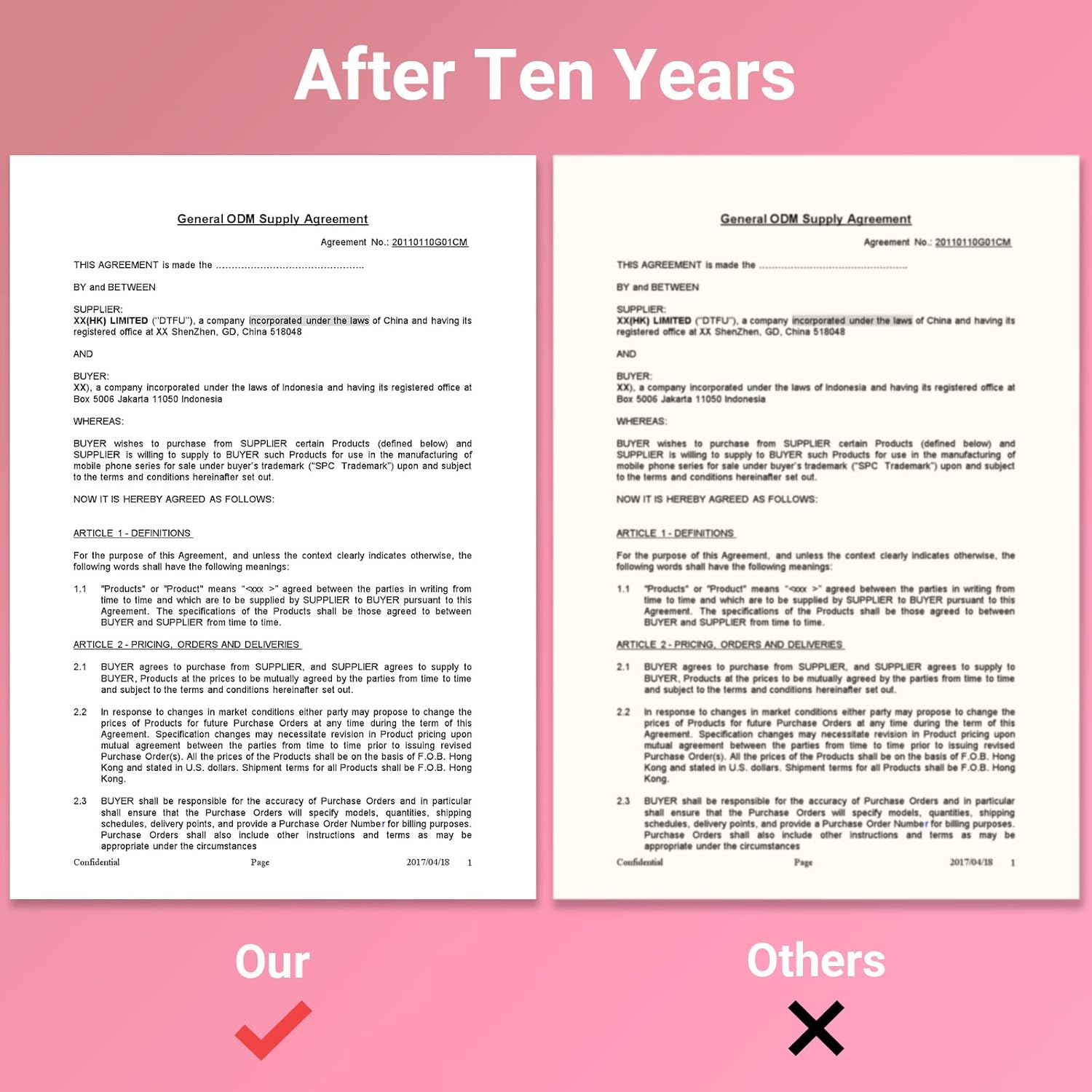
Image 8.1: A visual comparison demonstrating the superior clarity and longevity of prints made with Odaro thermal paper compared to faded or unclear prints from other sources, labeled "Our" and "Others".
9. Specifications
| Attribute | Detail |
|---|---|
| Brand | Odaro |
| Model Number | q22-200 |
| Sheet Size | US Letter (8.5 x 11 inches / 216 x 279 mm) |
| Sheet Count | 200 sheets |
| Paper Finish | Smooth |
| Color | White |
| Item Weight | 2 pounds |
| Product Dimensions | 12 x 8.6 x 0.78 inches |
10. Warranty and Support
For specific warranty information regarding your Odaro Thermal Printer Paper, please refer to the product packaging or contact Odaro customer support directly. General support inquiries can be directed to the retailer where the product was purchased or through the official Odaro website.
Ensure you retain your proof of purchase for any warranty claims.