1. Setup
1.1 Unboxing and Initial Inspection
Carefully unpack your OUKITEL WP8 PRO smartphone and check for all included accessories. The package should contain:
- OUKITEL WP8 PRO Smartphone
- Phone Case
- Power Adapter
- SIM Tray Ejector
- Screen Protector

Image: OUKITEL WP8 PRO Smartphone with its included accessories, including a phone case, power adapter, SIM tray ejector, and screen protector.
1.2 SIM Card and MicroSD Card Installation
To install your SIM card(s) and/or MicroSD card:
- Locate the SIM tray on the side of the phone.
- Insert the SIM tray ejector tool into the small hole next to the tray and press firmly until the tray pops out.
- Place your Nano-SIM card(s) and/or MicroSD card into the designated slots on the tray. Ensure the gold contacts face downwards.
- Carefully reinsert the tray into the phone until it clicks into place.
1.3 Charging the Battery
Before first use, fully charge the device. The OUKITEL WP8 PRO is equipped with a 5000mAh battery. Use the provided power adapter and USB cable to charge the phone. A full charge typically takes approximately 3 hours.
- Connect the USB cable to the power adapter.
- Plug the power adapter into a wall outlet.
- Connect the USB cable to the charging port on your phone.
- The charging indicator will appear on the screen.

Image: Representation of the OUKITEL WP8 PRO's 5000mAh battery capacity, indicating long standby and usage times.
1.4 Powering On/Off
To power on your device, press and hold the Power button located on the side of the phone until the OUKITEL logo appears. To power off, press and hold the Power button, then select "Power off" from the options on the screen.
2. Operation
2.1 Basic Navigation
The OUKITEL WP8 PRO features a 6.49-inch HD+ IPS display with a resolution of 720 x 1560 pixels. Navigate the Android operating system using touch gestures such as tap, swipe, pinch-to-zoom, and long-press.
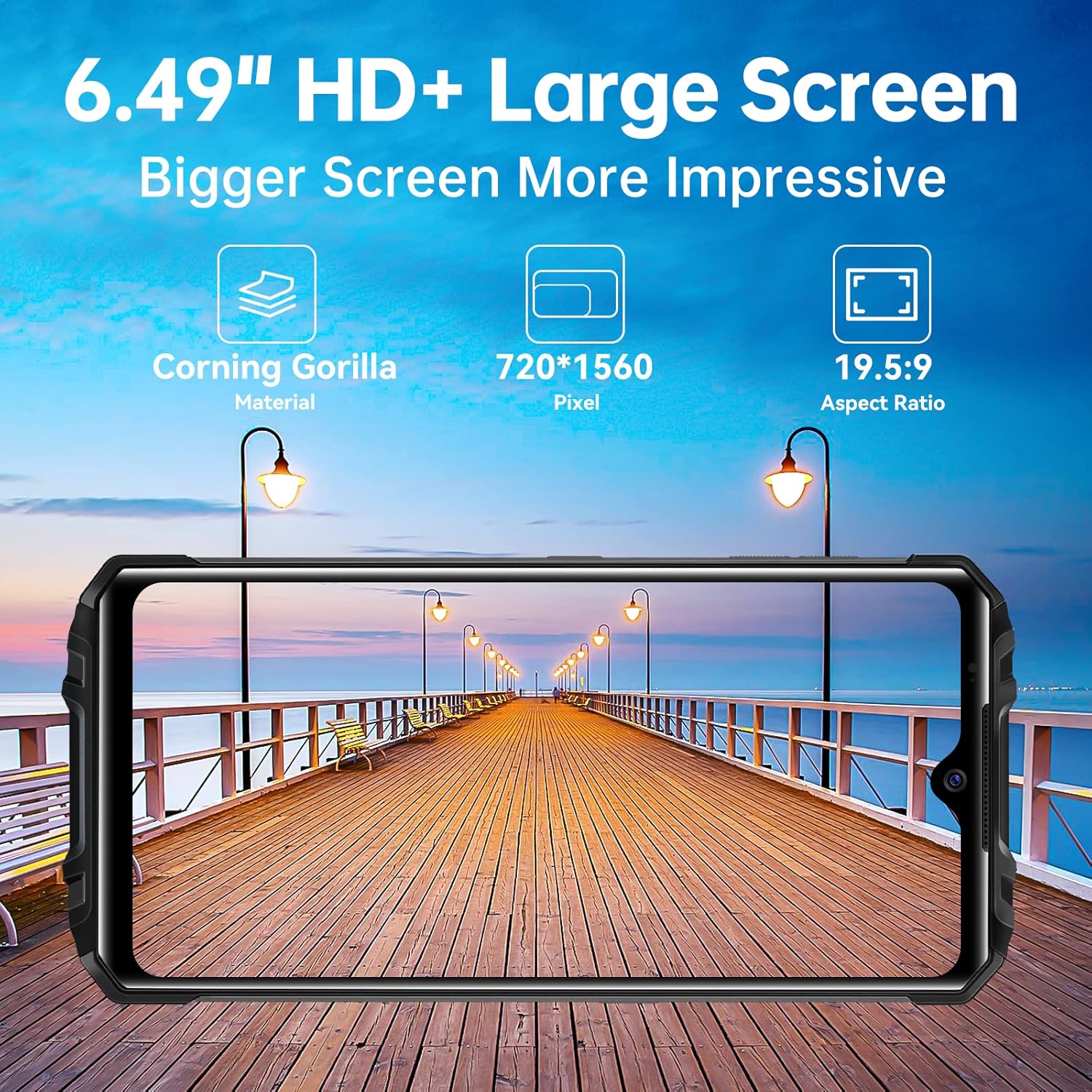
Image: The OUKITEL WP8 PRO displaying its 6.49-inch HD+ screen, highlighting its large display area.
2.2 Making Calls and Sending Messages
Use the Phone app to make calls and the Messages app to send and receive SMS/MMS messages. Ensure your SIM card is active and has network coverage.
2.3 Camera Functions
The phone is equipped with a 16MP rear camera and an 8MP front camera. Open the Camera app to capture photos and videos. Various modes such as Bokeh, Mono, Pro, and Beauty are available to enhance your photography.

Image: Close-up of the OUKITEL WP8 PRO's camera module, illustrating the 16MP rear and 8MP front cameras.
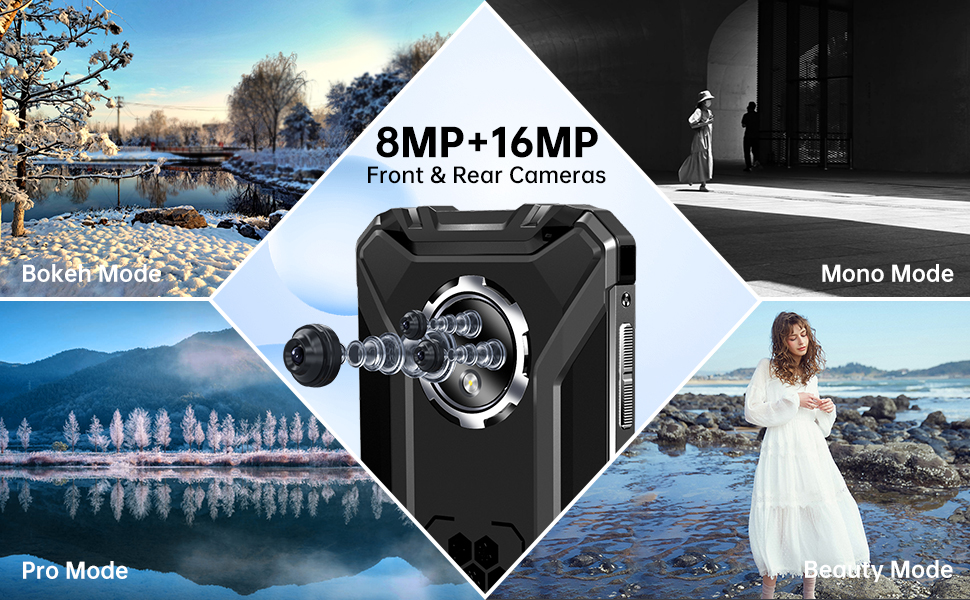
Image: Visual representation of the OUKITEL WP8 PRO's camera capabilities, including 16MP rear and 8MP front cameras, with examples of different photo modes.
2.4 Special Features
- OTG Function: The WP8 PRO supports On-The-Go (OTG) functionality, allowing it to act as a power bank to charge other devices using an OTG cable (not included). It also enables connection to USB peripherals like flash drives.
- NFC: Near Field Communication (NFC) allows for contactless payments and quick data exchange with other NFC-enabled devices. Activate NFC in the phone's settings.
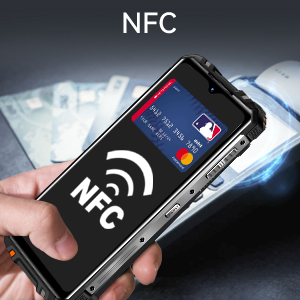
Image: The OUKITEL WP8 PRO demonstrating NFC payment capability.
- GPS: The device includes GPS for navigation and location services.
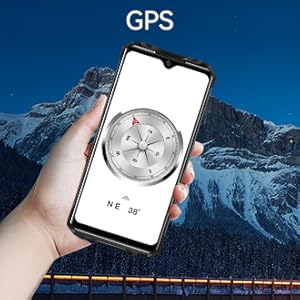
Image: The OUKITEL WP8 PRO displaying a compass, indicating its GPS navigation feature.
- Fingerprint Sensor: For enhanced security and quick unlocking, the phone features a side-mounted fingerprint sensor.

Image: Close-up of the OUKITEL WP8 PRO's side-mounted fingerprint sensor.
3. Maintenance
3.1 Rugged Features and Care
The OUKITEL WP8 PRO is designed to be a rugged smartphone, featuring IP68 waterproof, IP69K dustproof, and MIL-STD-810G drop-proof certifications. While durable, proper care is still essential to maintain its performance and longevity.
- Water Resistance (IP68): The device can withstand immersion in water up to 1.5 meters for 30 minutes. Ensure all port covers are securely closed before exposing the phone to water. After exposure to water, dry the phone thoroughly before charging or opening any ports.
- Dust Resistance (IP69K): The phone is protected against dust ingress. Keep port covers closed in dusty environments.
- Drop Resistance (MIL-STD-810G): The phone is designed to withstand drops from up to 1.5 meters. However, extreme impacts can still cause damage.
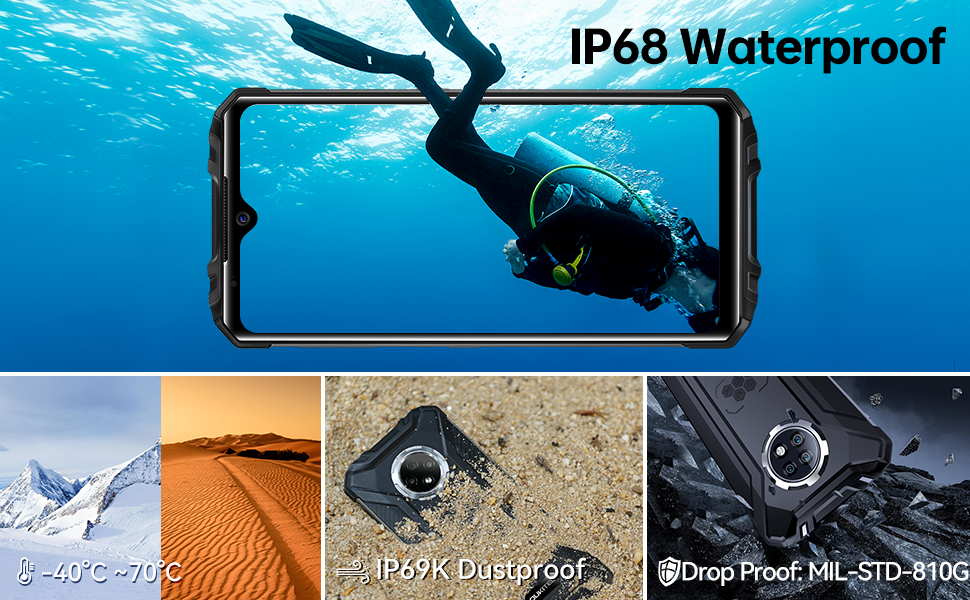
Image: Visual representation of the OUKITEL WP8 PRO's rugged certifications, including IP68 waterproof, IP69K dustproof, and MIL-STD-810G drop-proof, shown in various challenging environments.
3.2 Battery Care
- Avoid exposing the battery to extreme temperatures (below -20°C or above 45°C).
- Use only the original or certified compatible charger and cable.
- Do not puncture, disassemble, or modify the battery.
3.3 Cleaning
Wipe the phone with a soft, damp cloth. Avoid using harsh chemicals or abrasive materials that could damage the screen or casing.
4. Troubleshooting
4.1 Common Issues and Solutions
| Issue | Possible Cause | Solution |
|---|---|---|
| Phone does not power on | Low battery; software crash | Charge the phone for at least 30 minutes. If still unresponsive, perform a force restart by holding the Power button for 10-15 seconds. |
| Cannot connect to network (calls/data) | SIM card not properly inserted; no network coverage; incorrect APN settings | Reinsert the SIM card. Check for network coverage in your area. Verify APN settings with your carrier. Ensure the phone is compatible with your carrier's bands (T-Mobile is supported). |
| Wi-Fi connectivity issues | Router issues; incorrect password; software glitch | Restart your Wi-Fi router and the phone. Forget the Wi-Fi network on your phone and reconnect. Ensure correct password entry. |
| Battery drains quickly | Too many background apps; high screen brightness; old battery | Close unused apps. Reduce screen brightness. Disable unnecessary features like GPS, Bluetooth, NFC when not in use. |
| Apps crashing or freezing | Insufficient RAM; app bugs; outdated software | Clear app cache/data. Update the app or phone's operating system. Restart the phone. |
4.2 Factory Reset
If persistent issues occur, a factory reset may resolve them. Warning: A factory reset will erase all data on your phone. Back up important data before proceeding.
- Go to Settings > System > Reset options.
- Select Erase all data (factory reset).
- Confirm your choice and follow the on-screen prompts.
5. Specifications
Below are the key technical specifications for the OUKITEL WP8 PRO Rugged Smartphone:
| Feature | Detail |
|---|---|
| Model Name | OUKITEL WP8 PRO |
| Operating System | Android |
| Screen Size | 6.49 Inches |
| Resolution | 720 x 1560 |
| RAM | 4 GB |
| Memory Storage Capacity | 64 GB |
| Rear Camera | 16 MP |
| Front Camera | 8 MP |
| Battery Capacity | 5000 mAh |
| Charging Time | 3 Hours |
| Phone Talk Time | 38 Hours |
| Phone Standby Time (with data) | 18 Days |
| Connectivity Technologies | Bluetooth, NFC, Wi-Fi, 4G Cellular |
| Special Features | Rugged Body (IP68 Waterproof, IP69K Dustproof, MIL-STD-810G Drop-proof), GPS, NFC, OTG |
| Item Weight | 9.2 ounces (260 Grams) |
| Dimensions | 9.02 x 8.43 x 1.81 inches (Package) |
6. Warranty & Support
6.1 Product Warranty
OUKITEL products typically come with a limited manufacturer's warranty. Please refer to the warranty card included in your product packaging or visit the official OUKITEL website for detailed warranty terms and conditions. The warranty generally covers manufacturing defects but does not cover damage caused by misuse, accidents, or unauthorized modifications.
6.2 Customer Support
For technical assistance, warranty claims, or other inquiries, please contact OUKITEL customer support through their official website or the contact information provided in your product documentation. When contacting support, please have your product model (WP8 PRO) and purchase details ready.
Official OUKITEL Store: OUKITEL Amazon Store


