
KingHe XBW10
KingHe XBW10 1200W Solar Street Light User Manual
Model: XBW10
1. Introduction
Thank you for purchasing the KingHe XBW10 Solar Street Light. This manual provides essential information for the safe and efficient operation of your solar light. Please read these instructions carefully before installation and use, and retain them for future reference.
2. Safety Information
- Ensure the solar panel is installed in a location that receives direct sunlight for optimal charging.
- Do not attempt to disassemble or modify the product. This may cause damage and void the warranty.
- Keep the product away from open flames or extreme heat sources.
- Handle the lithium-ion battery with care. Do not puncture or expose it to high temperatures.
- Ensure all mounting hardware is securely fastened to prevent the light from falling.
- This product is IP65 waterproof, designed to withstand outdoor weather conditions. However, avoid submerging it in water.
3. Package Contents
Verify that all components are present in the package:
- KingHe XBW10 Solar Street Light Unit
- Mounting Arm/Bracket
- Remote Control
- Mounting Screws and Expansion Bolts
- User Manual (this document)
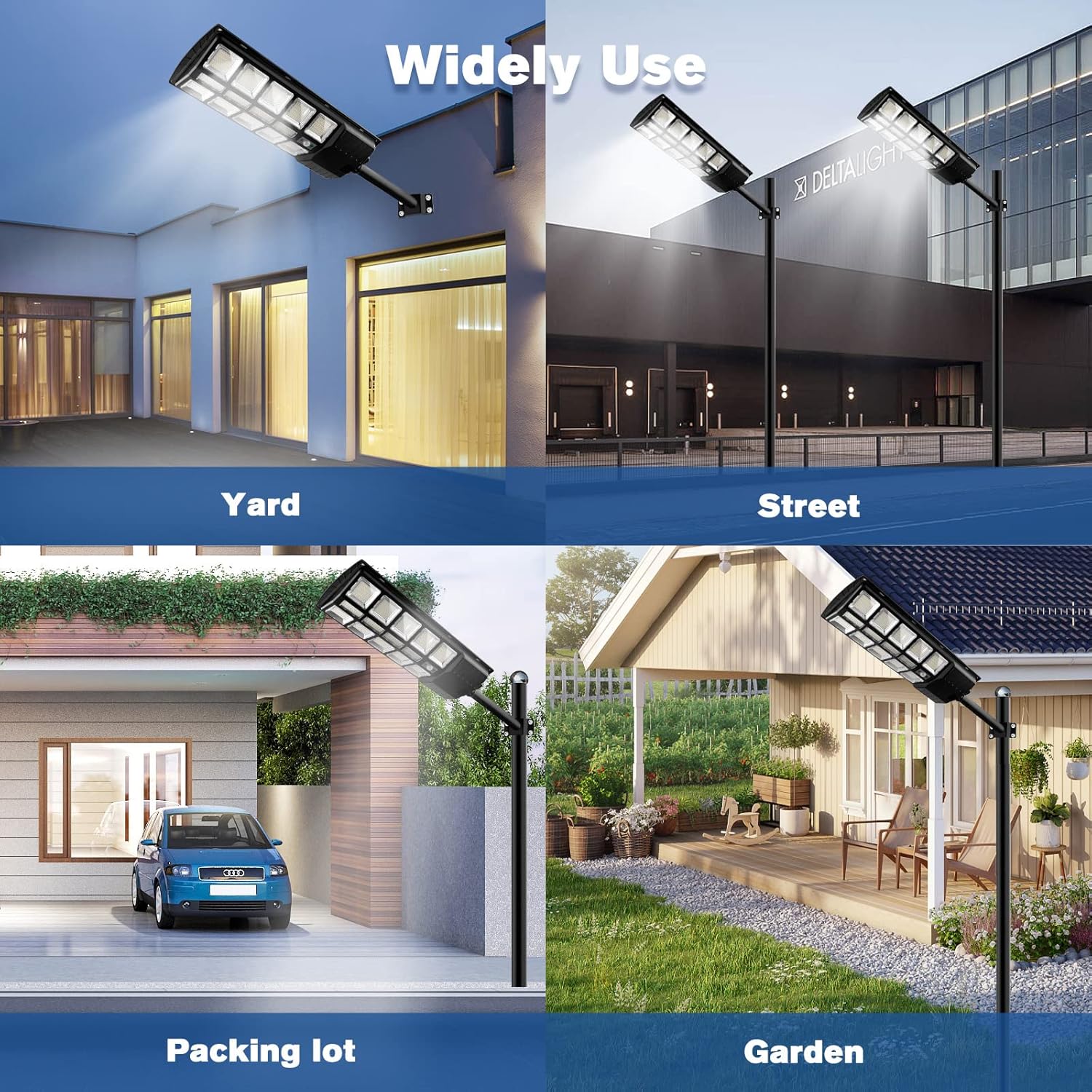
Figure 3.1: Included components of the KingHe XBW10 Solar Street Light. This image displays the main light unit, a separate solar panel, a mounting arm, a remote control, and various screws and bolts for installation.
4. Product Features
- Ultra Brightness: Equipped with 744 high-efficiency 5730 SMD lamp beads, providing 13000LM brightness with a 6500K color temperature. Illuminates up to 4300 square feet.
- 180° Wide Angle Illumination: Designed with three-sided lighting for a broader illumination range compared to standard street lights.
- High-Efficiency Solar Panel: Features polysilicon photovoltaic panels for high photoelectric conversion efficiency.
- Long-Lasting Battery: Built-in 18000 mAh large-capacity lithium battery, fully charged in 5-6 hours, providing approximately 12-24 hours of operation in bright mode.
- Intelligent Lighting Modes:
- Light Control: Automatically turns on at dusk and off at dawn for charging.
- Motion Sensor: Activates to 100% brightness for 1 second when motion is detected. Returns to 50% energy-saving mode when no motion is detected.
- Remote Control: Allows manual adjustment of settings.
- IP65 Waterproof: Durable construction ensures resistance to various outdoor environments and weather conditions. Operating temperature range: -40°F to 144°F.

Figure 4.1: Comparison of the KingHe XBW10's 180° wide-angle design versus a traditional 90° design, highlighting the expanded lighting coverage.
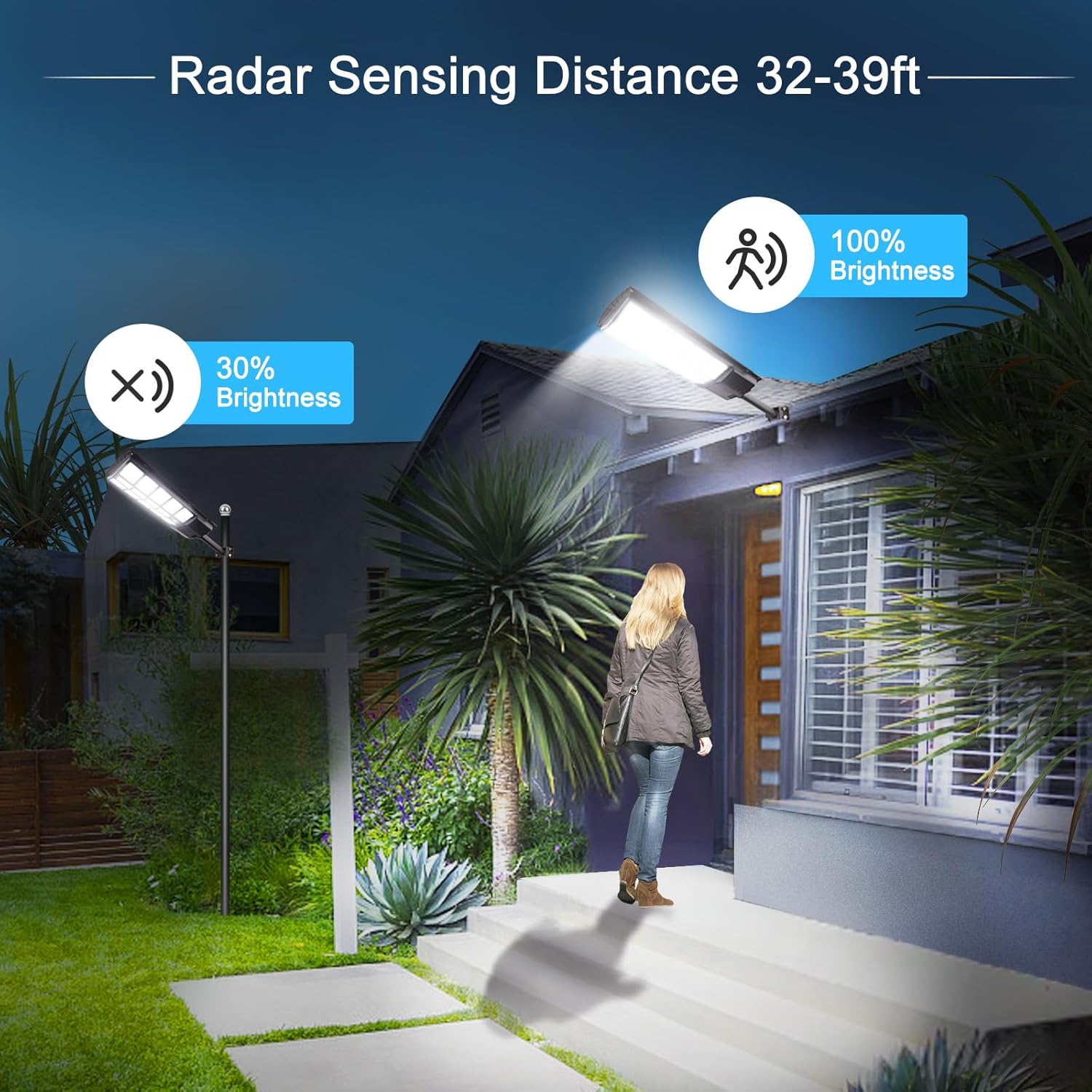
Figure 4.2: Radar sensing functionality, demonstrating the light's ability to switch from 30% brightness to 100% when motion is detected within 32-39 feet.
5. Specifications
| Product Model Number | KH-XBW10-1 |
| Product Dimensions | 66.5 x 25.5 x 7.5 cm |
| Weight | 3.7 Kilograms |
| Brand | KingHe |
| Color | Black |
| Material | Aluminum, 5730 SMD lamp beads |
| Power Source | Solar Powered |
| Battery Type | 1 Lithium Ion battery (included) |
| Waterproof Rating | IP65 |
| Color Temperature | 6500K |
| Luminous Flux | 13000 LM |
| Recommended Installation Height | 4-6 meters |
6. Setup and Installation
The KingHe XBW10 Solar Street Light is designed for easy installation on a wall or pole. Follow these steps for proper setup:
- Unpack Components: Carefully remove all items from the packaging and verify against the package contents list.
- Activate the Light: Before installation, locate and turn on the power switch on the solar street light unit. This ensures the battery can charge and the light can operate.
- Choose Installation Location: Select a location that receives direct, unobstructed sunlight for at least 5-6 hours daily to ensure optimal battery charging. The recommended installation height is 4-6 meters (approximately 13-20 feet) for effective illumination coverage.
- Mount the Bracket: Using the provided screws and expansion bolts, securely attach the mounting arm/bracket to your chosen wall or pole. Ensure the mounting surface is sturdy enough to support the weight of the light.
- Attach the Light Unit: Slide or fasten the KingHe XBW10 Solar Street Light unit onto the mounting arm. Ensure it is firmly secured and oriented to direct light as desired.
- Initial Charge: Allow the light to charge for a full day in direct sunlight before its first night of operation.
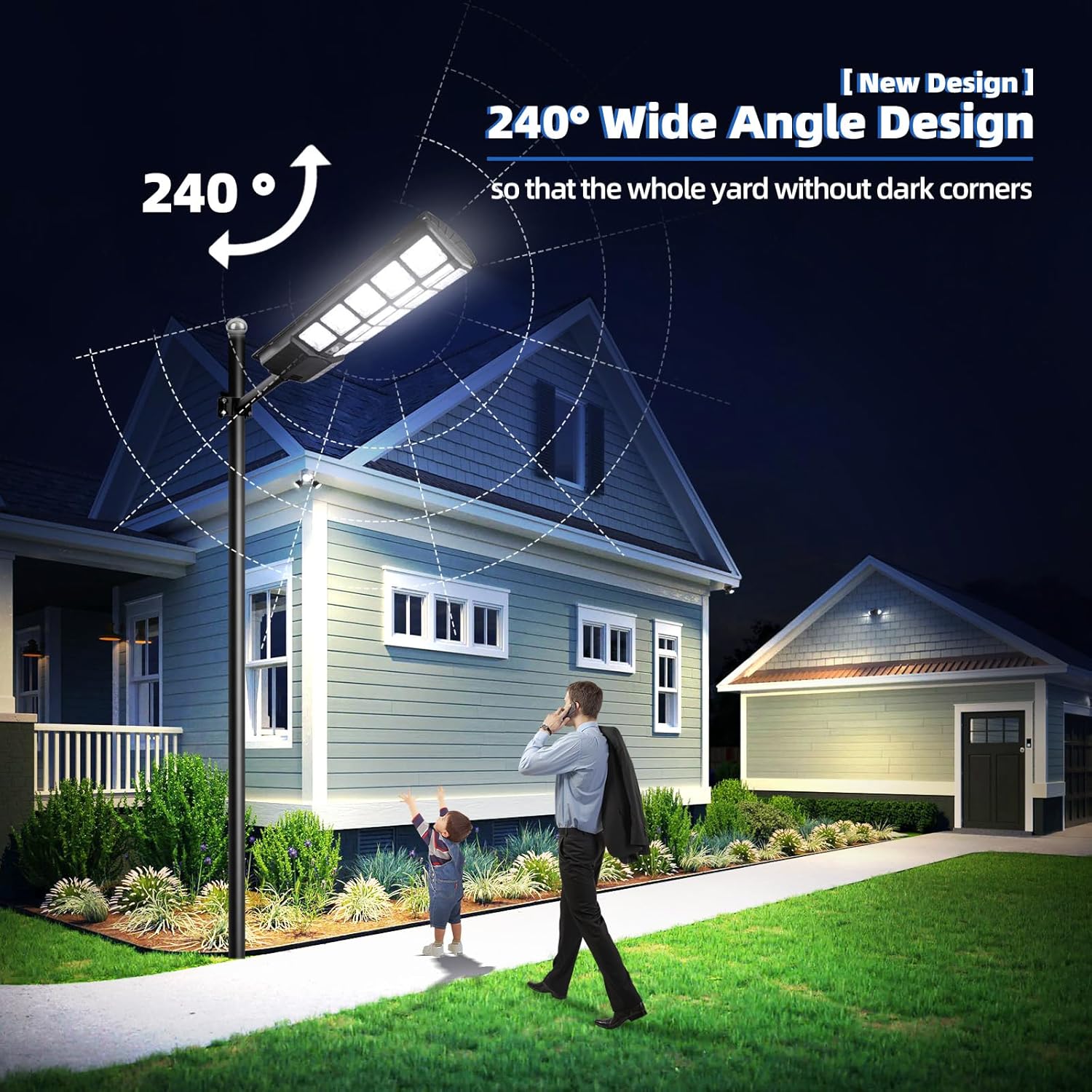
Figure 6.1: An example of the KingHe XBW10 Solar Street Light installed on a pole, providing broad illumination for a residential area.

Figure 6.2: The intelligent light sensor chip enables automatic operation, charging during the day and illuminating throughout the night without manual intervention.
7. Operating Instructions
Once installed and charged, the KingHe XBW10 Solar Street Light operates automatically based on its intelligent sensors and can be controlled via the remote.
- Automatic Operation (Light Control): The light features a built-in light sensor. It will automatically turn on at dusk and turn off at dawn to begin charging.
- Motion Sensor Mode: In its default energy-saving state, the light operates at 50% brightness. When motion is detected within its radar sensing range (32-39 feet), the light will instantly switch to 100% brightness for approximately 1 second. If no further motion is detected, it will return to 50% brightness.
- Remote Control: Use the provided remote control to adjust various settings, including brightness levels, operating modes, and timer functions (if available on your specific remote model). Refer to the remote control's specific button functions for detailed operation.

Figure 7.1: The KingHe XBW10 Solar Street Light providing ample illumination for an outdoor area during nighttime.
8. Maintenance
To ensure optimal performance and longevity of your KingHe XBW10 Solar Street Light, follow these simple maintenance guidelines:
- Clean Solar Panel: Periodically clean the surface of the solar panel with a soft, damp cloth to remove dust, dirt, leaves, or snow. A clean panel ensures maximum sunlight absorption and charging efficiency.
- Inspect for Damage: Regularly check the light unit, mounting bracket, and wiring for any signs of damage or wear. Address any issues promptly.
- Battery Care: The built-in lithium-ion battery is designed for long life. Avoid prolonged storage in a completely discharged state. If storing the light for an extended period, ensure it is fully charged beforehand.
9. Troubleshooting
If you encounter issues with your KingHe XBW10 Solar Street Light, refer to the following common problems and solutions:
| Problem | Possible Cause | Solution |
|---|---|---|
| Light does not turn on at night. | 1. Power switch is off. 2. Insufficient sunlight for charging. 3. Solar panel is dirty or obstructed. 4. Battery is fully discharged or faulty. | 1. Ensure the power switch is in the 'ON' position. 2. Relocate the light to an area with direct sunlight. 3. Clean the solar panel surface. 4. Allow several days of full charge. If problem persists, contact customer support. |
| Light is dim or only stays on for a short time. | 1. Insufficient charging. 2. Solar panel is dirty. 3. Battery capacity reduced due to age or extreme temperatures. | 1. Ensure optimal sunlight exposure for charging. 2. Clean the solar panel. 3. Allow for full charge. If performance remains low, consider battery replacement (if serviceable) or contact support. |
| Motion sensor not working. | 1. Sensor obstructed. 2. Remote control settings. | 1. Ensure the sensor lens is clean and unobstructed. 2. Check remote control settings to ensure motion sensor mode is active. |
10. Warranty and Support
The KingHe XBW10 Solar Street Light comes with a 2-year warranty from the date of purchase. This warranty covers manufacturing defects and material faults under normal use.
For warranty claims, technical assistance, or any questions regarding your product, please contact KingHe customer service through your original point of purchase or visit the official KingHe website for support contact information. Please have your purchase receipt and product model number (XBW10) ready when contacting support.
Related documentsXBW10


Ask a question about this manual
Ask about setup, troubleshooting, compatibility, parts, safety, or missing instructions. Manuals+ will review the question and use this page’s manual context to help answer it.