
1. Introduction and Product Overview
The GROWATT INFINITY 1500 is a versatile portable power station designed to provide reliable power for various applications, from emergency home backup to outdoor adventures. With its robust capacity and multiple output options, it ensures your devices stay powered wherever you are.

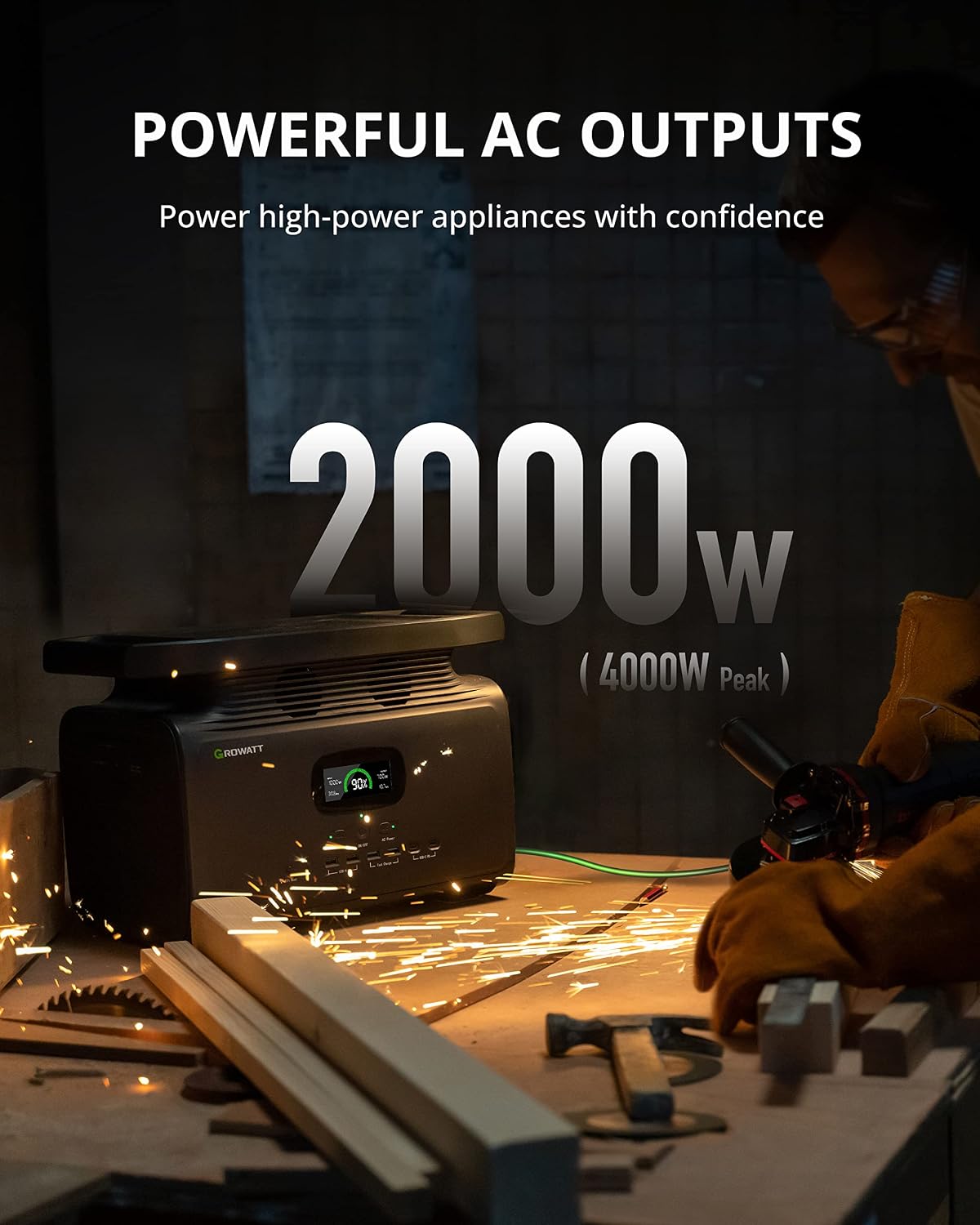
This unit features a 1512Wh capacity and a 2000W AC output (4000W peak surge), capable of powering a wide range of electronics and appliances. Its compact design and integrated handles make it easy to transport.

2. Setup and Components
Before initial use, ensure all components are present and undamaged. The package includes the INFINITY 1500 Portable Power Station, a Solar Panel Charging Cable (1.5m), an AC Charging Cable (1.5m), a User Manual and Warranty Card, and a Car Charging Cable (1.5m).
2.1 Included Components:
- 1 x INFINITY 1500 Portable Power Station
- 1 x Solar Panel Charging Cable (1.5m)
- 1 x AC Charging Cable (1.5m)
- 1 x User Manual and Warranty Card
- 1 x Car Charging Cable (1.5m)
2.2 Initial Setup:
Place the power station on a stable, flat surface. Ensure adequate ventilation around the unit. Before first use, it is recommended to fully charge the unit using the AC wall charger.
3. Charging Methods
The GROWATT INFINITY 1500 supports multiple charging methods to ensure you can recharge it conveniently, whether at home or on the go.
3.1 AC Wall Charging:
Connect the provided AC Charging Cable to the AC input port on the power station and then to a standard wall outlet. The INFINITY 1500 can be recharged from 0% to 80% within 1 hour, and fully charged in 2 hours.

3.2 Solar Charging:
Utilize the included Solar Panel Charging Cable to connect compatible solar panels (up to 800W input) to the power station. The INFINITY 1500 can be fully charged in approximately 2.5 hours with optimal solar input.

3.3 Car Charging:
For charging on the go, connect the Car Charging Cable to your vehicle's 12V outlet and the power station. A full charge via car charger takes approximately 12 hours.

4. Operating the Power Station
The INFINITY 1500 is designed for user-friendly operation with intuitive controls and a clear display.
4.1 Powering On/Off:
Press and hold the main power button to turn the unit on or off. The display will illuminate, showing battery status and output information.
4.2 Output Ports:
The power station features 4 x 110V/2000W AC outlets, 2 x USB-A ports, 2 x Quick Charge ports, 2 x USB-C PD ports, and 1 x 12V Car Outlet. Activate the desired output groups (DC, AC) using their respective buttons on the control panel.

4.3 Wireless Charging:
Place your Qi-compatible device on the wireless charging pad located on top of the unit. Ensure the DC power is enabled for wireless charging functionality.

4.4 MyGro App Control:
Download the MyGro App to remotely monitor the charging status, battery lifespan, and turn charging ports on/off via Wi-Fi or Bluetooth. This allows for convenient control and status checks from anywhere.

5. Safety Features and Protection
The GROWATT INFINITY 1500 is equipped with advanced safety features to protect both the unit and connected devices.
5.1 Battery Management System (BMS):
The built-in BMS protects the battery from high temperatures, over/low voltage, overcurrent, short circuits, and overload. This ensures safe and sustainable power delivery.

5.2 Emergency Power Supply (EPS):
The EPS function ensures that necessary connected devices will not be cut off during a power outage, with a switch-over time of less than 20ms.

6. Usage Scenarios
The GROWATT INFINITY 1500 is versatile for various power needs.
6.1 Home Backup:
Connect the Infinity 1500 to your home grid to power essential appliances during a power outage, preventing unplanned blackouts.

6.2 Outdoor & Camping:
Its portable design makes it ideal for camping, RV travel, and other outdoor activities, providing sustainable power for all your devices.

6.3 Professional Use:
With its powerful AC outputs, the INFINITY 1500 can confidently power high-power appliances and tools for professional or DIY projects.
7. Specifications
| Feature | Specification |
|---|---|
| Brand | GROWATT |
| Model Name | Infinity 1500 |
| Capacity | 1512Wh |
| AC Output | 4 x 110V/2000W (4000W Peak) |
| Total Power Outlets | 12 (4 AC, 2 USB-A, 2 Quick Charge, 2 USB-C PD, 1 12V Car Outlet, 1 Wireless Charger) |
| AC Charge Time (0-80%) | 1 hour |
| AC Full Charge Time | 2 hours |
| Solar Input | 800W (Full charge in 2.5 hours) |
| Car Charging Time | 12 hours |
| Item Weight | 36.4 Pounds |
| Product Dimensions | 16.5"L x 9.1"W x 11.3"H |
| Special Feature | Electric, Portable |
8. Maintenance
To ensure the longevity and optimal performance of your GROWATT INFINITY 1500, follow these maintenance guidelines:
- Storage: Store the power station in a cool, dry place away from direct sunlight and extreme temperatures.
- Charging Frequency: For long-term storage, charge the unit to about 50-80% every 3-6 months to maintain battery health.
- Cleaning: Use a dry, soft cloth to clean the exterior of the unit. Do not use harsh chemicals or abrasive materials. Ensure ventilation openings are free from dust and debris.
- Avoid Water Exposure: The unit is not waterproof. Avoid exposure to rain, splashes, or submersion in water.
9. Troubleshooting
If you encounter issues with your GROWATT INFINITY 1500, refer to the following common troubleshooting tips:
- Unit Not Turning On: Ensure the battery is charged. If completely depleted, connect to an AC power source for a few minutes.
- No Output from Ports: Check if the specific output group (AC/DC) is enabled. Ensure the connected device is within the power station's wattage limits.
- Overload Protection Triggered: If an overload error occurs, disconnect the device causing the overload, and restart the power station. Ensure the total wattage of connected devices does not exceed the unit's maximum output.
- App Connectivity Issues: Ensure Bluetooth and Wi-Fi are enabled on your mobile device. Try restarting the MyGro App or resetting the Wi-Fi on the power station (refer to the manual for specific reset instructions).
- Unusual Noise/Smell: Immediately power off the unit and disconnect all devices. Contact customer support for assistance.
10. Warranty and Support
The GROWATT INFINITY 1500 comes with a 2-year warranty. Product warranty is backed, and lifetime technical support is guaranteed. For any quality-related issues or technical assistance, please feel free to contact us through your order number, user manual, or GROWATT online customer service. We are committed to resolving all quality-related issues with a replacement for 24 months after the date of purchase.
For further assistance, please refer to the contact information provided in your User Manual or visit the official GROWATT website.


