
1. Introduction
The OpenRock Pro Open Ear Headphones are designed to provide a comfortable and immersive audio experience while maintaining awareness of your surroundings. Featuring advanced audio technology and a secure, open-ear design, these headphones are suitable for various activities including sports, gaming, office work, and daily use. This manual provides essential information on how to set up, operate, and maintain your OpenRock Pro headphones.
2. Package Contents
Please verify that all items listed below are present in your package:
- OpenRock Pro Open Ear Headphones (Left and Right)
- Charging Case
- USB Charging Cable
- User Manual
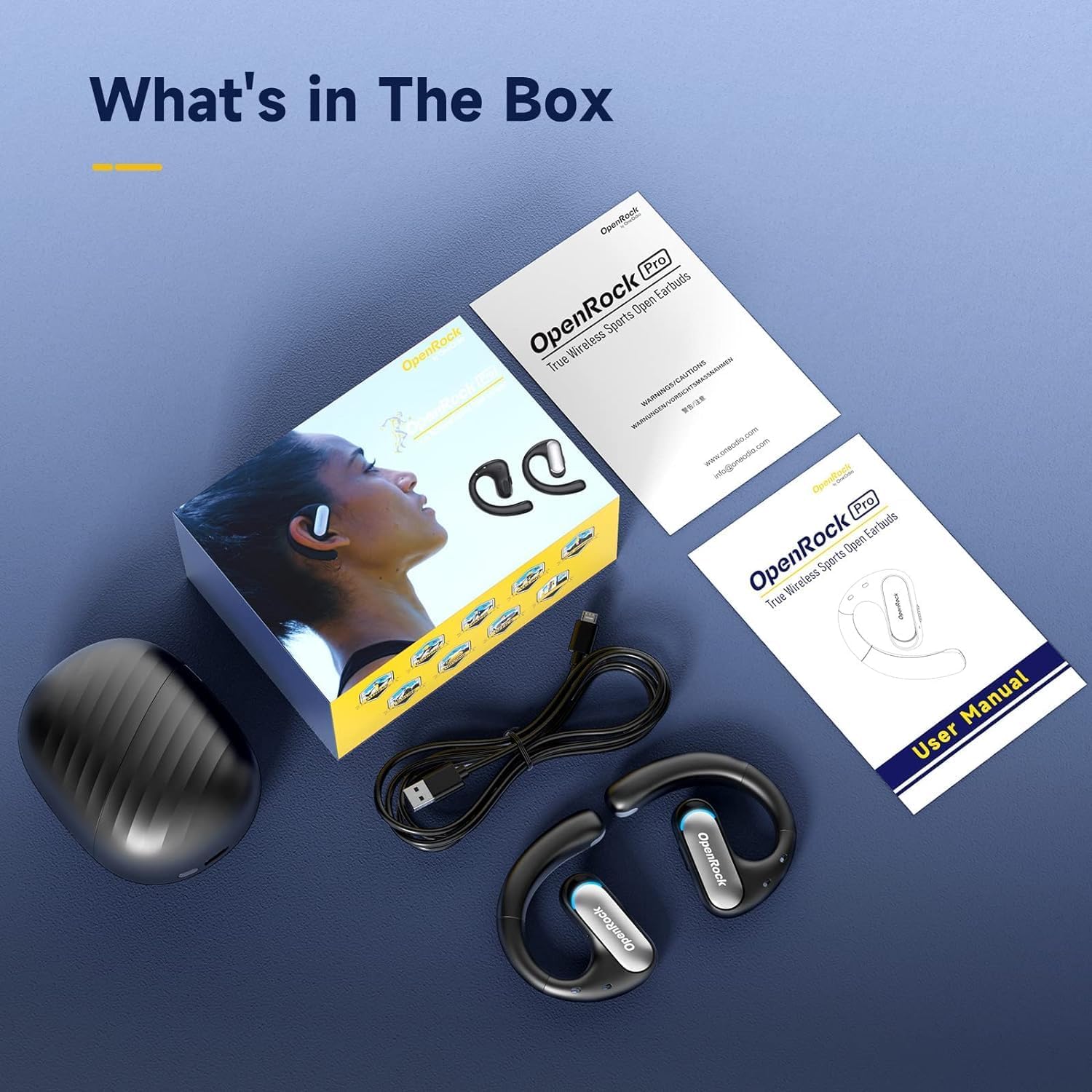
Image: The OpenRock Pro package contents, showing the headphones, charging case, USB charging cable, and the user manual.
3. Product Overview
The OpenRock Pro headphones feature an open-ear design that rests outside the ear canal, providing comfort and allowing ambient sounds to be heard. They incorporate TubeBass™ technology for enhanced bass and utilize Bluetooth 5.2 with aptX high-resolution audio for clear sound transmission.
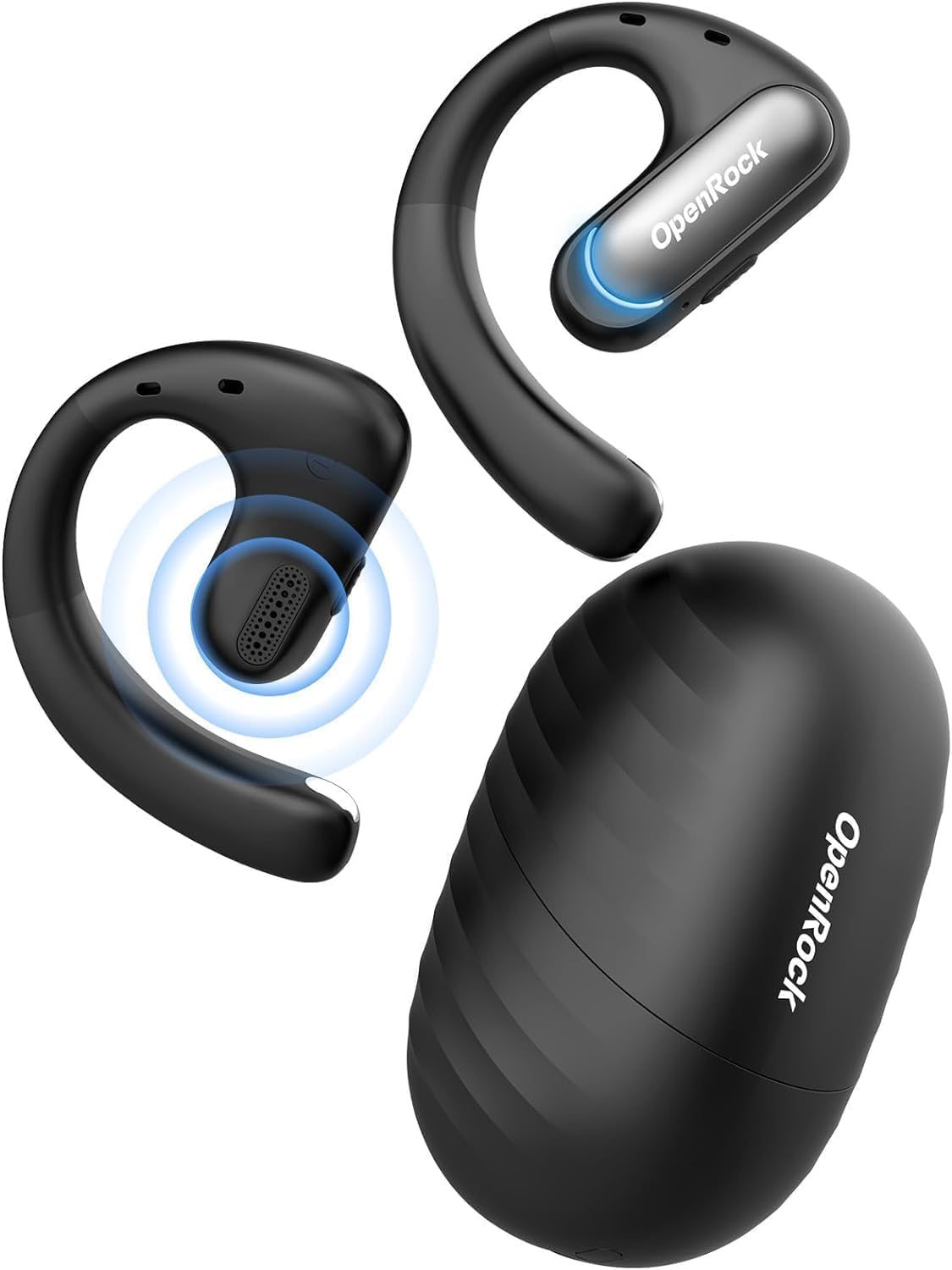
Image: The OpenRock Pro headphones and their compact charging case.

Image: A visual representation of the advanced chip, highlighting Bluetooth 5.2 and Qualcomm aptX capabilities for high-quality audio.
4. Setup
4.1. Charging the Headphones and Case
Before first use, fully charge the headphones and the charging case. Place the earbuds into the charging case. The indicator lights on the case will show the charging status. Ensure the earbuds are properly seated to initiate charging.
- Earbud Playtime: Up to 19 hours on a single charge (at 70% volume).
- Total Playtime with Charging Case: Up to 46 hours.
- Quick Charge: 5 minutes of charging provides 1 hour of playtime.
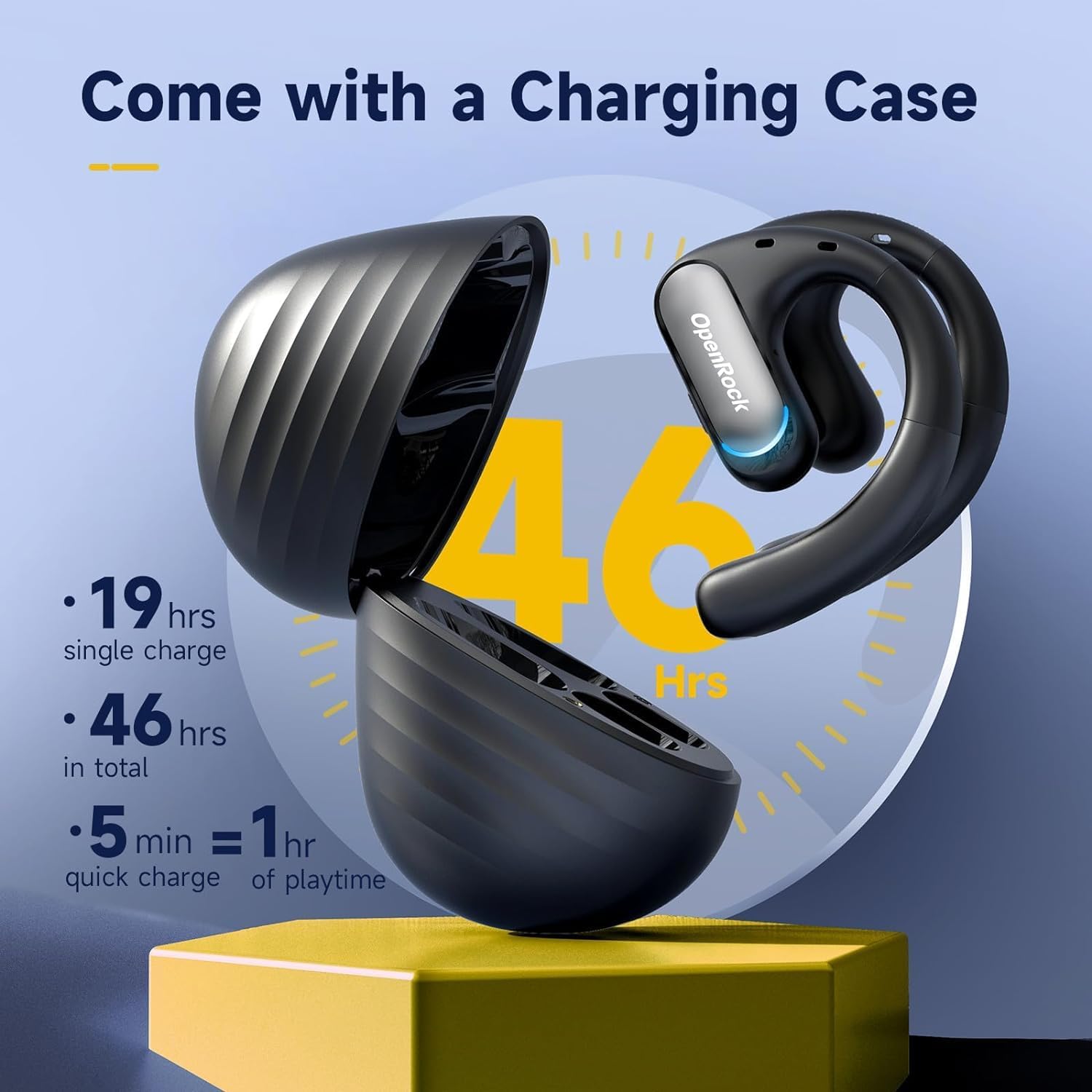
Image: The OpenRock Pro charging case open, displaying the earbuds and indicating the 46-hour total playtime capacity.
4.2. Bluetooth Pairing
- Ensure the headphones are charged.
- Open the charging case. The headphones will automatically enter pairing mode.
- On your device (smartphone, tablet, computer), enable Bluetooth.
- Search for "OpenRock Pro" in the list of available Bluetooth devices.
- Select "OpenRock Pro" to connect. A voice prompt will confirm successful pairing.
Once paired, the headphones will automatically connect to the last paired device when removed from the case and within range.
5. Operating Instructions
5.1. Wearing the Headphones
The OpenRock Pro headphones feature an ergonomic ear hook design for a secure and comfortable fit. Adjust the ear hook to conform to the shape of your ear, ensuring the speaker rests just outside your ear canal. This design disperses weight evenly, making them lightweight and stable during movement.
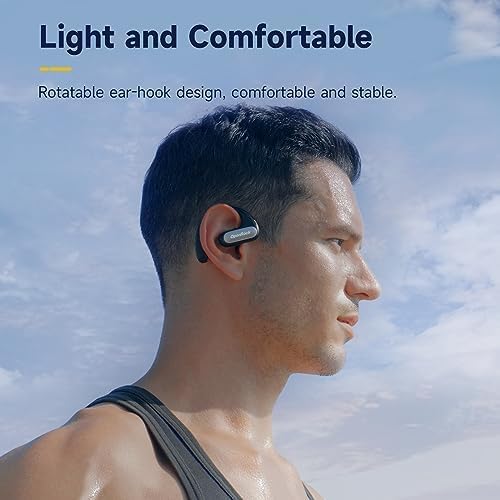
Image: A man wearing the OpenRock Pro headphones, illustrating the comfortable and stable fit provided by the rotatable ear-hook design.
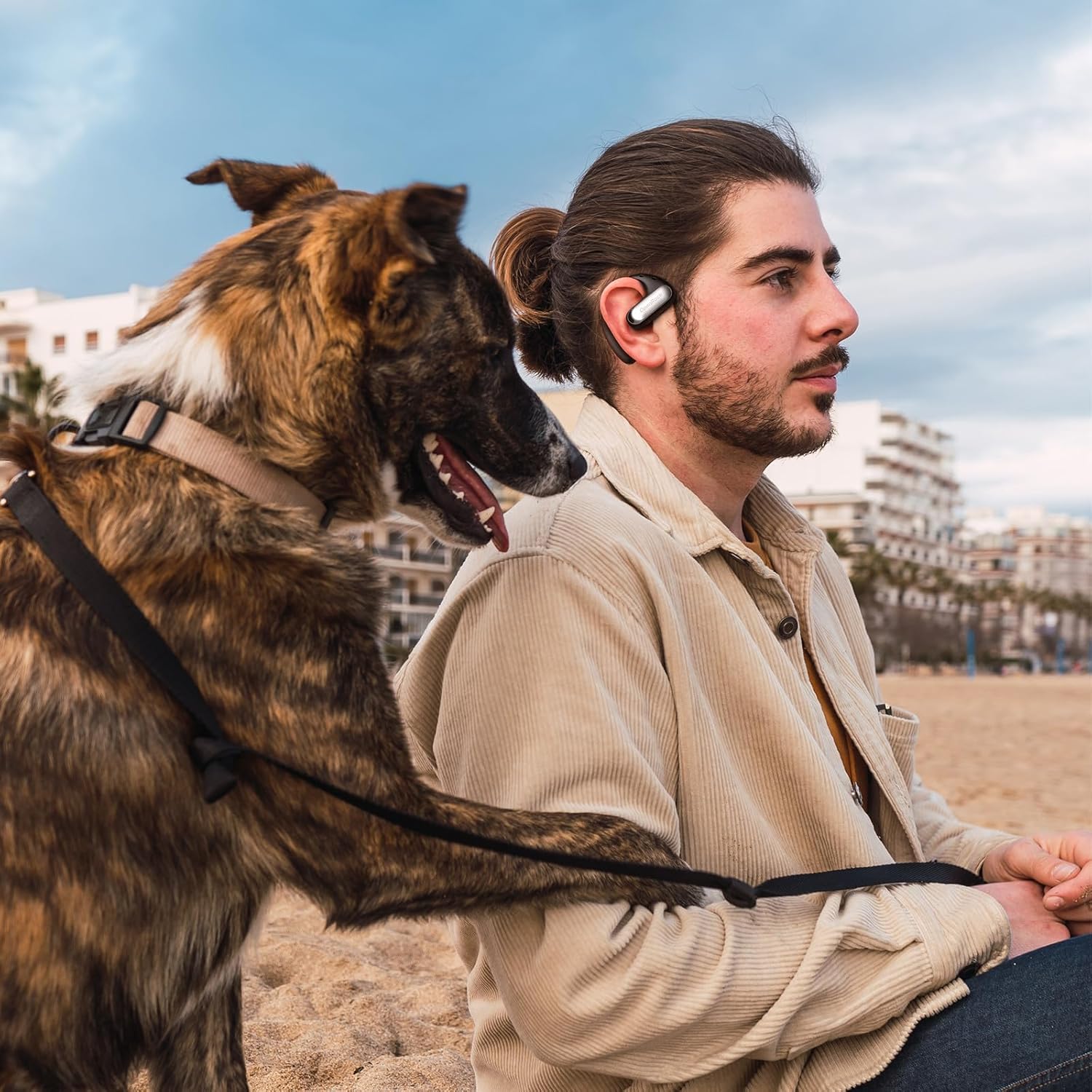
Image: A man comfortably wearing the OpenRock Pro headphones while sitting outdoors with his dog, highlighting the secure and unobtrusive fit.
5.2. Controls
The headphones feature physical buttons for media and call control. Refer to the specific button functions in the included quick start guide or the full user manual for detailed instructions on play/pause, track skipping, volume adjustment, and call management.
5.3. Surrounding Awareness
The open-ear design allows you to hear your audio while remaining aware of your environment. This feature is particularly beneficial for outdoor activities, ensuring safety by allowing you to perceive traffic, approaching individuals, or other important sounds.

Image: A collage showing individuals engaged in different activities (exercising, working, driving) while wearing OpenRock Pro headphones, emphasizing comfort and situational awareness.
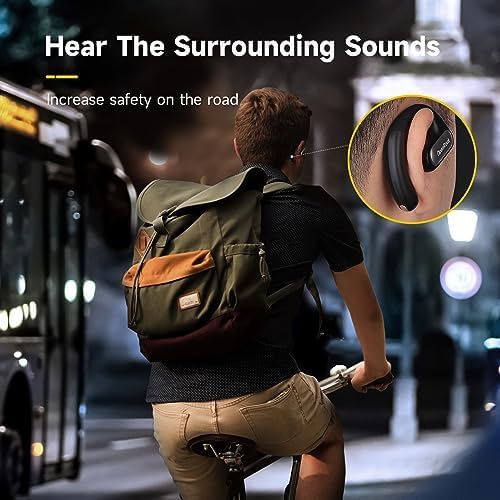
Image: A man cycling on a road, wearing OpenRock Pro headphones, with an inset highlighting how the open-ear design allows him to hear surrounding sounds for increased safety.
6. Maintenance
To ensure the longevity and optimal performance of your OpenRock Pro headphones, follow these maintenance guidelines:
- Cleaning: Wipe the headphones and charging case with a soft, dry, lint-free cloth. Do not use abrasive cleaners or solvents.
- Water Resistance: The headphones are IPX5 water-resistant, meaning they can withstand sweat and light splashes. Do not submerge them in water. After exposure to sweat or water, ensure they are completely dry before placing them back in the charging case.
- Storage: Store the headphones in their charging case when not in use to protect them from dust and damage. Store in a cool, dry place away from extreme temperatures.
7. Troubleshooting
If you encounter issues with your OpenRock Pro headphones, please refer to the following common solutions:
| Problem | Possible Cause | Solution |
|---|---|---|
| Headphones do not turn on/charge. | Low battery; improper seating in case. | Ensure the charging case is charged. Place earbuds firmly into the charging slots. Verify charging indicators illuminate. |
| Cannot pair with device. | Bluetooth off; headphones not in pairing mode; interference. | Ensure Bluetooth is enabled on your device. Open the charging case to put headphones in pairing mode. Move closer to your device and away from other wireless devices. |
| Sound is intermittent or one earbud has no sound. | Out of range; interference; earbud not fully charged or connected. | Move closer to your device. Ensure both earbuds are fully charged and properly connected to each other. Try resetting the headphones (refer to the full user manual for reset instructions). If one earbud consistently fails to charge, ensure it is angled correctly in the charging case. |
| Poor call quality. | Environmental noise; microphone obstruction. | Move to a quieter environment. Ensure the microphone area on the earbuds is not obstructed. The cVc 8.0 4-Mic Call Noise Cancelling technology helps reduce environmental noise. |
If the problem persists after attempting these solutions, please contact OpenRock customer support for further assistance.
8. Specifications
| Feature | Detail |
|---|---|
| Model Name | OpenRock Pro |
| Connectivity Technology | Wireless (Bluetooth) |
| Bluetooth Version | 5.2 |
| Bluetooth Range | Up to 15.24 meters (50 feet) |
| Audio Driver Type | Dynamic Driver |
| Audio Driver Size | 16.2 Millimeters |
| Frequency Range | 20Hz ~ 20kHz |
| Earbud Battery Life | Up to 19 hours (single charge) |
| Total Battery Life (with case) | Up to 46 hours |
| Water Resistance Level | IPX5 (Water Resistant) |
| Microphone | cVc 8.0 4-Mic Call Noise Cancelling |
| Material | Plastic, Silicone |
| Item Weight (Earbuds) | 26 Grams (0.917 ounces) |
| Charging Case Weight | 100 Grams |
| Dimensions | 5.51 x 3.94 x 2.28 inches |
9. Warranty and Support
OpenRock products are manufactured to high quality standards. For information regarding warranty coverage, claims, or technical support, please refer to the warranty card included in your product packaging or visit the official OpenRock website. Keep your proof of purchase for any warranty-related inquiries.


