
1. Introduction
This manual provides essential instructions for the safe and effective use of your Andoer 4K 30 FPS Portable WiFi Video Camera. Please read this manual thoroughly before operating the device and retain it for future reference.
The Andoer 4K 30 FPS Portable WiFi Video Camera is designed for capturing high-quality video and photos, featuring a 120° wide-angle lens, EIS 2.0 anti-shake technology, and convenient control via a mobile application. Its head-wearable design allows for hands-free recording, making it suitable for vlogging, live streaming, and sports video recording.
2. Safety Information
- Do not expose the camera to extreme temperatures, direct sunlight, or high humidity.
- This device is not waterproof. Avoid contact with water or other liquids.
- Use only the specified charging voltage (5V, 1A-2A) and Type-C cable to prevent damage.
- Keep the camera away from strong magnetic fields.
- Do not attempt to disassemble or modify the camera. This will void the warranty.
- Keep out of reach of children.
3. Package Contents
Verify that all items are present in your package:
- 1x Andoer Video Camera
- 1x Headband
- 1x Headset Mounting Base
- 1x USB Type-C Cable
- 1x User Manual (English and Chinese)

Image: The Andoer 4K camera, headband, headset mounting base, USB Type-C cable, and user manual are included in the package.
4. Setup
4.1. Inserting a TF Card
The camera supports TF cards from 8GB to 512GB. A TF card is required for recording video and taking photos.
- Locate the TF card slot on the camera.
- Insert the TF card with the contacts facing down until it clicks into place.
- To remove, gently press the card until it springs out.
4.2. Charging the Battery
The camera has a built-in 2200mAh lithium battery. Fully charge the camera before first use.
- Connect the supplied USB Type-C cable to the camera's charging port.
- Connect the other end of the cable to a 5V, 1A-2A USB power adapter (not included).
- The charging indicator light will show the charging status. A full charge provides approximately 5 hours of battery life.

Image: The camera features a built-in 2200mAh rechargeable battery, providing long working time and charging via a Type-C port.
4.3. Powering On/Off
- Power On: Press and hold the power button for a few seconds until the indicator light turns on.
- Power Off: Press and hold the power button again until the indicator light turns off.
4.4. Mobile Application (QSCamera)
The camera can be controlled wirelessly via the QSCamera mobile application.
- Download the "QSCamera" app from your smartphone's app store (iOS/Android).
- Enable Wi-Fi on your smartphone.
- Power on the camera.
- Open the QSCamera app and follow the on-screen instructions to connect to the camera's Wi-Fi network. The camera's Wi-Fi name and password can usually be found in the camera settings or the included manual.

Image: The camera supports mobile app wireless remote control via WiFi connection, displaying the camera's view on a smartphone.
4.5. Mounting Options
The camera offers various mounting options for hands-free recording:
- Headband: Use the included headband for a first-person perspective.
- Helmet Mounting: Attach the camera to a helmet using the headset mounting base.
- Bicycle Mounting: Secure the camera to a bicycle handlebar or other suitable surface (additional accessories may be required).

Image: The camera is designed to be head-wearable, providing a first-person view.

Image: Examples of camera usage including helmet mounting, job recording, live streaming, and bicycle mounting.
5. Operating Instructions
5.1. Video Recording
The camera supports various video resolutions and frame rates:
- 4K at 30 frames per second (fps)
- 2K at 30 fps
- 1080p at 30 fps or 60 fps
- 720p at 60 fps or 120 fps
To start/stop recording, use the dedicated record button on the camera or the QSCamera app.
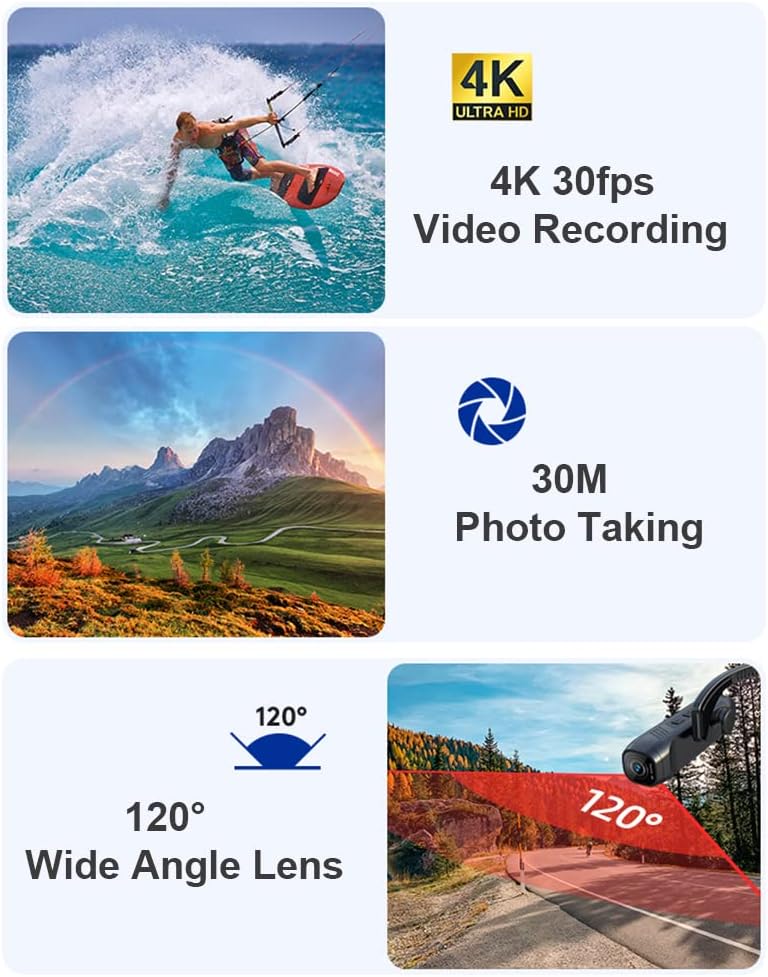
Image: Key features of the camera, including 4K 30fps video recording, 30MP photo taking, and a 120-degree wide-angle lens.
5.2. Photo Taking
The camera can capture still images up to 30 Megapixels (6400x4800 resolution).
To take a photo, use the dedicated photo button on the camera or the QSCamera app.
5.3. EIS 2.0 Super Anti-Shake
The camera incorporates EIS 2.0 (Electronic Image Stabilization) technology to reduce vibrations caused by human body movement, resulting in more stable and clear images and videos.
5.4. 120° Wide Angle Lens
The 120° wide-angle lens provides a broader field of view and effectively prevents image distortion, capturing more of your surroundings.
5.5. Special Recording Modes
- Slow Motion: Record videos in slow motion (2x, 4x, 8x) for dramatic effects. This feature can be activated via the QSCamera app.
- Cyclic Video Recording: When enabled, the camera will automatically delete older files and continue recording when the memory card is full. This is useful for continuous recording without manual intervention.
- Time Reduction (Time-lapse): Capture time-lapse videos.
- Fast Video Recording: For quick capture needs.

Image: The camera supports 2x, 4x, and 8x slow motion recording, illustrated by a snowboarder in action.
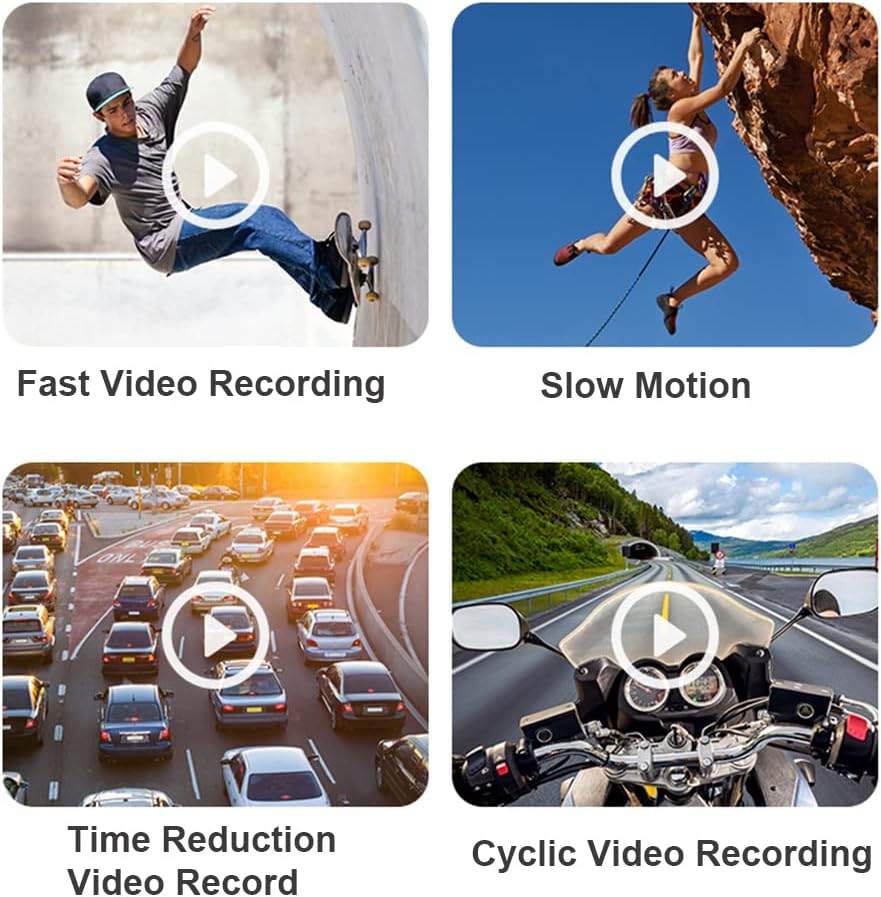
Image: Various video recording modes including Fast Video Recording, Slow Motion, Time Reduction Video Record, and Cyclic Video Recording.
5.6. App Control Functions
Through the QSCamera app, you can access and control various camera functions:
- Photography mode selection
- Time reduction settings
- Video recording start/stop
- Resolution adjustment (video and photo)
- Quick recording activation
- Anti-shake toggle
- Slow motion settings
- Recording time configuration
- Live preview and playback
6. Maintenance
- Cleaning: Use a soft, dry cloth to clean the camera body. For the lens, use a specialized lens cleaning cloth and solution. Do not use abrasive cleaners or solvents.
- Storage: Store the camera in a cool, dry place away from direct sunlight and extreme temperatures. Remove the TF card if storing for extended periods.
- Battery Care: To prolong battery life, avoid fully discharging the battery frequently. If storing for a long time, charge the battery to about 50% every few months.
7. Troubleshooting
| Problem | Possible Cause | Solution |
|---|---|---|
| Camera does not power on. | Battery is depleted. | Charge the camera using the Type-C cable. |
| Cannot record video/take photos. | No TF card inserted or TF card is full/corrupted. | Insert a compatible TF card (8GB-512GB) or format/replace the current card. |
| Image/Video is blurry or out of focus. | Fixed focus lens, subject too close or too far. | Ensure subjects are within the optimal focus range for a fixed-focus lens. The camera has a fixed focus type. |
| Video is shaky despite EIS. | Excessive movement or extreme vibrations. | EIS 2.0 reduces vibrations but cannot eliminate all motion blur from very rapid or intense movements. Ensure secure mounting. |
| Cannot connect to Wi-Fi/App. | Wi-Fi is off, incorrect password, or app issue. | Ensure camera Wi-Fi is enabled. Re-enter password. Restart camera and smartphone. Reinstall QSCamera app if necessary. |
| Battery drains quickly. | Continuous recording, Wi-Fi active, or cold environment. | Minimize continuous recording, turn off Wi-Fi when not in use. Battery performance can decrease in cold temperatures. |
8. Specifications
| Feature | Detail |
|---|---|
| Brand | Andoer |
| Model Number | 6d90c626-1f92-4a46-b021-9ad72a5179b0 |
| Dimensions (L x W x H) | 10.3 x 2.9 x 2.7 cm (Camera body) / 2.7 x 10.41 x 2.7 cm (Product) |
| Weight | 75 g (Camera body) / 321 g (Product) |
| Sensor Technology | CMOS |
| Video Resolution | 4K 30fps, 2K 30fps, 1080p 30/60fps, 720p 60/120fps |
| Video Format | MP4 |
| Image Resolution | Up to 30MP (6400x4800) |
| Image Format | JPG |
| Lens Angle | 120° Wide Angle |
| Image Stabilization | EIS 2.0 Electronic Image Stabilization |
| Focus Type | Fixed Focus |
| Memory Support | TF Card, 8GB to 512GB (Class 10, UHS-I, V60 recommended) |
| Battery | Built-in 3.7V, 2200mAh Lithium Battery |
| Battery Life | Approx. 5 hours (fully charged) |
| Charging Port | Type-C |
| Charging Voltage | 5V, 1A-2A |
| Connectivity | USB, Wi-Fi (802.11a/b/g/n/ac) |
| App Control | QSCamera App |
| Supported Systems | Windows XP/7/Vista/8/10; Mac OS X 10.4 or above, Linux |
| Water Resistance | Not waterproof |
9. Warranty and Support
For warranty information and technical support, please refer to the documentation provided with your purchase or contact Andoer customer service through their official website or the retailer where the product was purchased.
Please retain your proof of purchase for warranty claims.