
Introduction
Welcome to the user manual for your Selieve T-888 Kids Rechargeable Walkie Talkies. These walkie talkies are designed for clear, long-range communication, making them ideal for outdoor adventures, camping, hiking, and interactive play. This manual provides essential information on setup, operation, maintenance, and troubleshooting to ensure a safe and enjoyable experience.

Image: Children enjoying outdoor activities with their walkie talkies.
Package Contents
Upon opening your package, please ensure all items listed below are present:
- Kids Walkie Talkies (2 units)
- USB Charging Cable
- User Manual (this document)
Product Features
The Selieve T-888 Walkie Talkies come equipped with several features designed for ease of use and enhanced communication:
- 22 Channels: Provides multiple options for communication, reducing interference.
- Long Range: Capable of communication over 3 KM (approximately 1.86 miles) in open areas.
- Rechargeable Battery: Built-in 1000mAh non-removable lithium-ion battery for convenience and environmental friendliness.
- USB Charging: Includes a dual USB charging cable to charge both units simultaneously.
- Clear Sound Quality: Ensures smooth and understandable communication with adjustable volume.
- Flashlight Function: Integrated LED flashlight for use in low-light conditions.
- Keypad Lock: Prevents accidental changes to settings during use.
- VOX Communication: Voice-activated transmission for hands-free operation.
- Compact and Lightweight: Each unit weighs approximately 90g, making them easy for children to carry.
- Belt Clip: For convenient attachment to clothing or bags.

Image: Overview of Selieve T-888 Walkie Talkie features.

Image: Detailed view of flashlight, belt clip, HD voice, and long-distance call capabilities.

Image: Selieve T-888 Walkie Talkies as a gift for family fun.
Setup Guide
1. Charging the Walkie Talkies
Your walkie talkies come with a built-in, non-removable rechargeable battery. Before first use, or when the battery indicator shows low power, charge both units using the provided USB charging cable.
- Connect the dual-head USB charging cable to the charging ports on both walkie talkies.
- Plug the USB-A end of the cable into a compatible USB power adapter (not included) or a computer USB port.
- The charging indicator light on the walkie talkie will illuminate during charging. It typically takes about 2.5 hours for a full charge.
- Once fully charged, the indicator light may change or turn off (refer to the specific behavior of your unit's indicator). Disconnect the cable.

Image: Charging the walkie talkies with the dual USB cable.

Image: Benefits of rechargeable walkie talkies compared to battery-operated ones.
2. Powering On/Off
- To turn on: Press and hold the Power button (
 ) until the screen illuminates.
 - To turn off: Press and hold the Power button until the screen turns off.
Operating Instructions
1. Channel Selection
Your walkie talkies have 22 available channels. Both units must be on the same channel to communicate.
- Press the Menu button (
 ) once. The channel number on the LCD screen will flash.
 - Use the Up () or Down (
 ) buttons to select your desired channel.
 - Press the Talk button or Menu button again to confirm your selection and exit the menu.
2. Transmitting (Push-to-Talk - PTT)
To speak to another walkie talkie:
- Press and hold the large Talk button located on the front of the unit.
- Speak clearly into the microphone, holding the walkie talkie a few inches from your mouth.
- Release the Talk button when you are finished speaking to allow the other party to respond.
3. Volume Control
Adjust the speaker volume using the Up and Down buttons when not in menu mode.
4. Monitor Function (MON)
Press the MON button to temporarily disable squelch and listen for weak signals on the current channel.
5. Call Tone
Press the Call Tone button (often marked with a music note) to send an audible call alert to other walkie talkies on the same channel.
6. Keypad Lock
To prevent accidental button presses, activate the keypad lock:
- Press and hold the Menu button () until a key lock icon appears on the screen.
- To unlock, press and hold the Menu button again until the icon disappears.
7. Flashlight Function
Press the LAMP button ( ) to turn the built-in LED flashlight on or off. This is useful for navigating in the dark.
8. VOX (Voice Operated Exchange)
The VOX function allows for hands-free transmission. When activated, the walkie talkie will transmit automatically when it detects your voice.
- Press the Menu button multiple times until the VOX icon flashes on the screen.
- Use the Up or Down buttons to select a VOX sensitivity level (e.g., 1-3, with 3 being most sensitive).
- Press the Talk button or Menu button to confirm.

Image: Demonstrating the long-range communication capability.

Image: Children utilizing the VOX hands-free function during play.
Maintenance
- Cleaning: Wipe the walkie talkies with a soft, damp cloth. Do not use harsh chemicals or abrasive cleaners.
- Storage: Store the units in a cool, dry place away from direct sunlight and extreme temperatures when not in use.
- Battery Care: Although the battery is non-removable, avoid fully discharging it frequently. Charge regularly to maintain battery health.
- Water Resistance: These walkie talkies are NOT water resistant. Avoid exposure to water or high humidity.
Troubleshooting
| Problem | Possible Cause | Solution |
|---|---|---|
| No power | Battery is depleted. | Charge the walkie talkie using the provided USB cable. |
| Cannot communicate with another unit | Units are on different channels. | Ensure both walkie talkies are set to the same channel. |
| Poor sound quality or static | Out of range, low battery, or interference. | Move closer to the other unit, charge batteries, or try a different channel. |
| Buttons not responding | Keypad lock is activated. | Deactivate the keypad lock by pressing and holding the Menu button. |
| Flashlight not working | Unit is off or battery is low. | Ensure the unit is powered on and the battery is charged. |
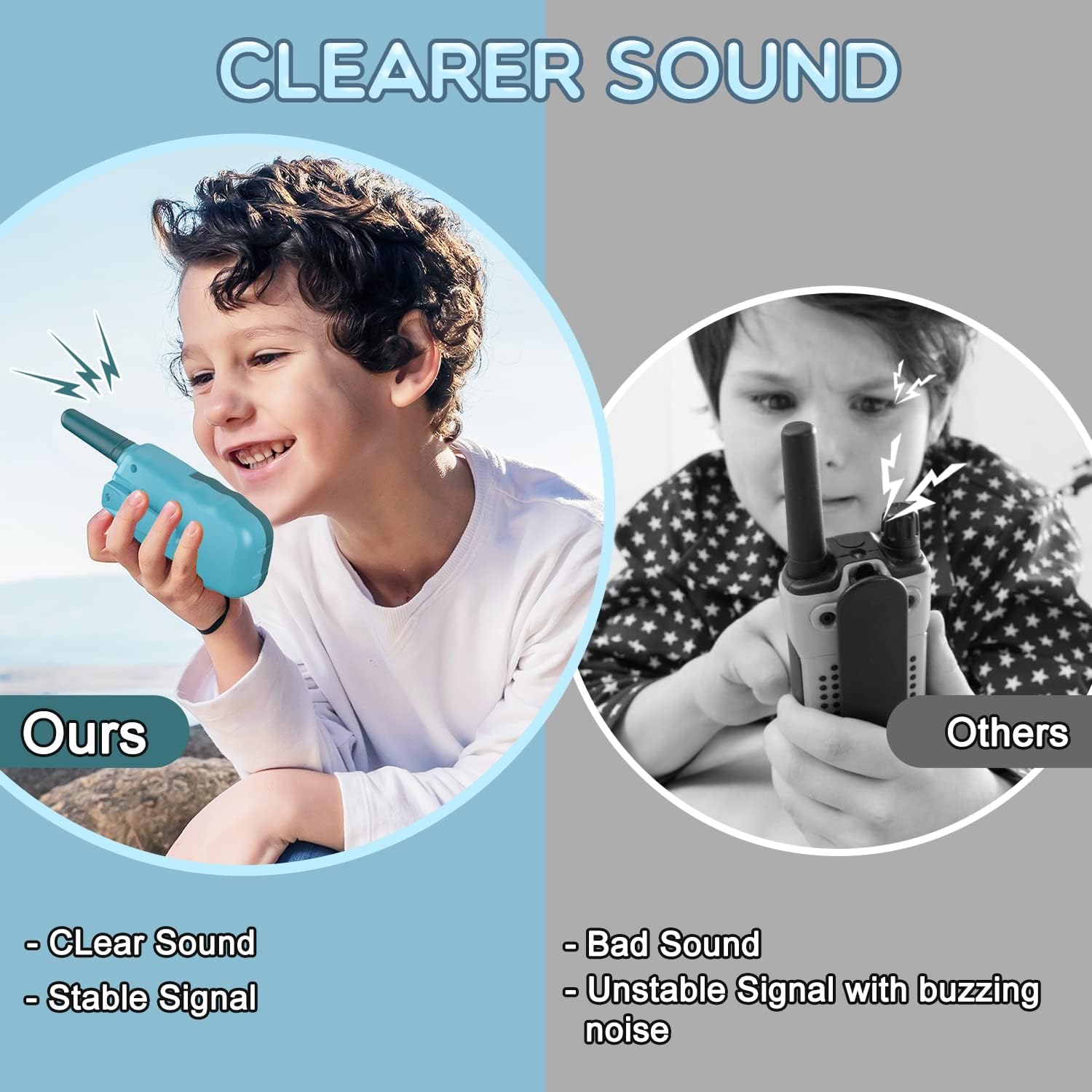
Image: Visual comparison of clear sound quality.
Specifications
| Brand | Selieve |
| Model Number | T-888 |
| Color | Navy Blue |
| Number of Channels | 22 |
| Frequency Range | 462.5625- 462.7125 MHz |
| Talking Range Maximum | 3 Mile (approx. 4.8 KM) |
| Battery Type | 1 Lithium Polymer battery (included, non-removable) |
| Voltage | 3.7 Volts |
| Item Weight | 90 Grams |
| Water Resistance Level | Not Water Resistant |
| Connectivity Protocol | GMRS |
Warranty and Support
Your Selieve T-888 Walkie Talkies come with a 1 Year Warranty from the date of purchase. For any product inquiries, technical support, or warranty claims, please contact Selieve customer support. Refer to the contact information provided on the product packaging or the official Selieve website.
