
STUDIOFINIX 601WBT
STUDIOFINIX 6.5-Inch Indoor/Outdoor Bluetooth Speakers (Model 601WBT) Instruction Manual
1. Introduction
Thank you for choosing the STUDIOFINIX 6.5-inch Indoor/Outdoor Bluetooth Speakers. This manual provides detailed instructions for the safe and efficient use of your new speakers. Please read this manual thoroughly before installation and operation, and retain it for future reference.

Image 1.1: Front and side view of the STUDIOFINIX 6.5-inch Indoor/Outdoor Bluetooth Speakers.
2. Safety Information
To ensure safe operation and prevent damage, please observe the following precautions:
- Do not expose the speakers to extreme temperatures, direct sunlight, or excessive humidity for prolonged periods.
- Ensure all connections are secure before powering on the speakers.
- Use only the provided power adapter and cables.
- Do not attempt to open or service the speakers yourself. Refer all servicing to qualified personnel.
- Keep speakers away from sources of strong magnetic fields.
- While these speakers are waterproof (IP44 rated), they are not designed for submersion. Avoid direct high-pressure water jets.

Image 2.1: The speaker's IP44 waterproof rating protects against splashing water.
3. Package Contents
Verify that all items listed below are included in your package:
- Active Speaker (1)
- Passive Speaker (1)
- Power Adapter (12VDC-PWRB) (1)
- Speaker Wire (1)
- Mounting Brackets and Screws (Set)
- Owner's Manual (1)

Image 3.1: All components included in the product packaging.
4. Product Features
- 6.5-inch Woofer: Provides robust bass and mid-range audio.
- 1.0-inch PET Dome Tweeter: Delivers clear high frequencies.
- 400 Watt Peak Power: Ensures powerful sound output.
- Bluetooth 5.0 Connectivity: For stable wireless audio streaming up to 65 feet.
- IP44 Waterproof Rating: Suitable for outdoor use, resistant to splashing water.
- Wall Mount Design: Flexible installation for various environments.
- Active/Passive Speaker System: One powered speaker drives a passive speaker for stereo sound.

Image 4.1: Internal speaker components and power rating.
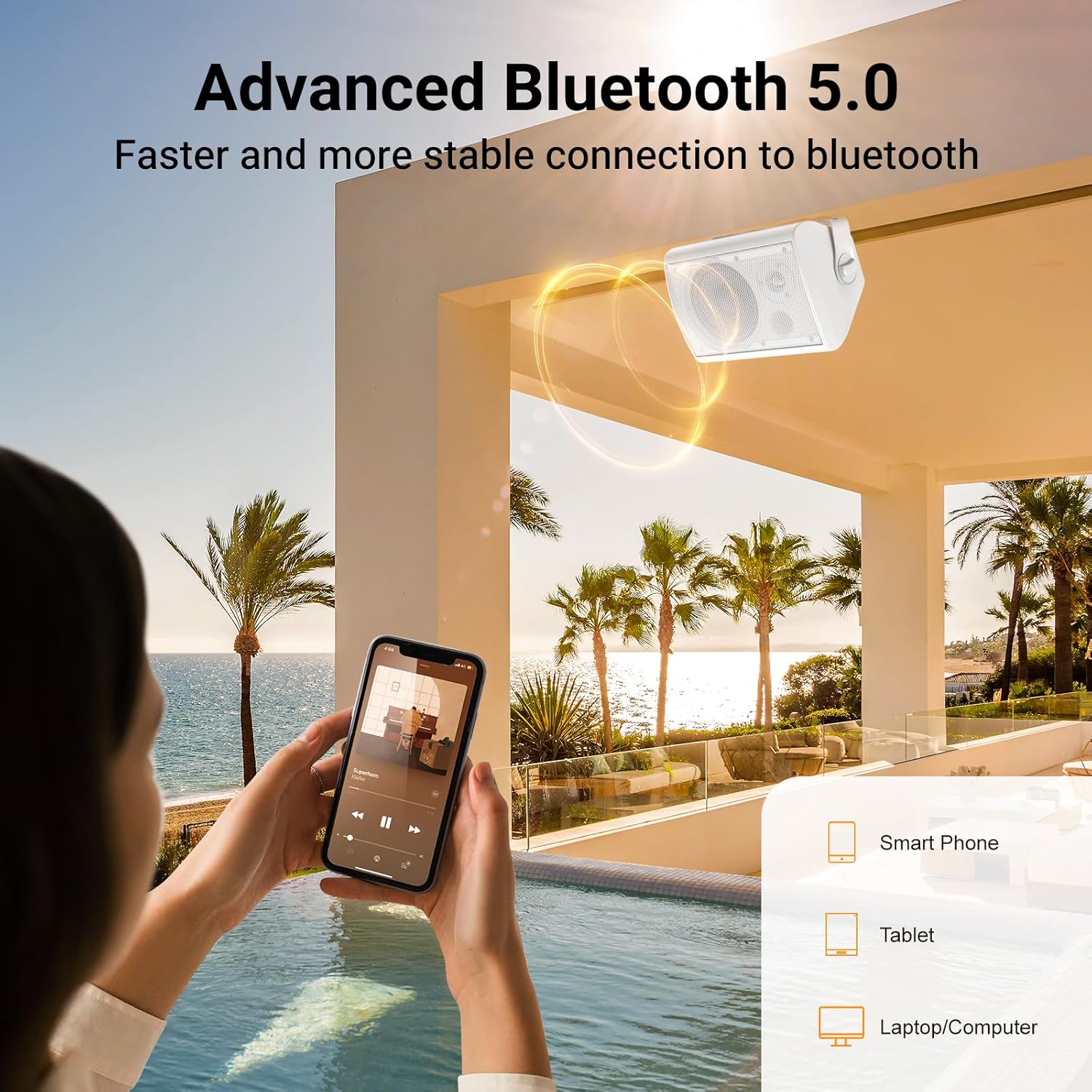
Image 4.2: Advanced Bluetooth 5.0 for fast and stable wireless connection.
5. Setup
5.1 Mounting the Speakers
The speakers are designed for wall mounting. Use the provided brackets and screws for secure installation.
- Choose a suitable location for mounting, ensuring the surface can support the weight of the speakers.
- Attach the mounting brackets to the desired location using the screws.
- Secure the speakers to the brackets. Adjust the angle for optimal sound projection.

Image 5.1: Illustration of wall mounting process.
5.2 Wiring the Speakers
Connect the active speaker to the passive speaker using the provided speaker wire. Ensure correct polarity (red to red, black to black).

Image 5.2: Wiring diagram for active and passive speakers.
5.3 Power Connection
Connect the power adapter to the active speaker's power input, then plug the adapter into a standard electrical outlet.
6. Operating Instructions
6.1 Powering On/Off
Once connected to power, the active speaker will automatically power on. There is no physical power button. Disconnect from power to turn off.
6.2 Bluetooth Pairing
- Ensure the speakers are powered on. The Bluetooth indicator light on the active speaker will flash, indicating it is in pairing mode.
- On your smartphone, tablet, or laptop, enable Bluetooth and search for available devices.
- Select "STUDIOFINIX 601WBT" (or similar name) from the list of devices.
- Once paired, the Bluetooth indicator light will become solid, and a confirmation tone may be heard.
- The speakers will automatically attempt to reconnect to the last paired device when powered on.
6.3 Audio Playback
Control audio playback (play, pause, skip tracks) and volume directly from your connected Bluetooth device. The speakers feature touch controls for basic functions, if available on your model.
7. Maintenance
- Cleaning: Use a soft, dry cloth to clean the speaker surfaces. For stubborn dirt, a slightly damp cloth can be used, but ensure no water enters the speaker grilles or ports.
- Storage: If storing the speakers for an extended period, disconnect them from power and store them in a cool, dry place away from direct sunlight.
- Environmental Protection: While waterproof, regular inspection for debris or blockages in grilles is recommended for outdoor installations.
8. Troubleshooting
| Problem | Possible Cause | Solution |
|---|---|---|
| No sound from speakers. |
|
|
| Bluetooth connection unstable or drops. |
|
|
| Sound distortion. |
|
|
9. Specifications
| Feature | Detail |
|---|---|
| Brand | STUDIOFINIX |
| Model Name | HNGM-601WBT-US |
| Item Model Number | 601WBT |
| Speaker Type | Outdoor |
| Mounting Type | Wall Mount |
| Speaker Size | 6.5 Inches |
| Woofer Diameter | 6.5 Inches |
| Audio Driver Type | Dynamic Driver |
| Speaker Maximum Output Power | 400 Watts |
| Frequency Response | 60 Hz |
| Connectivity Technology | Bluetooth |
| Wireless Communication Technology | Bluetooth |
| Bluetooth Range | 65 Feet |
| Audio Output Mode | Stereo |
| Control Method | Touch (via connected device) |
| Is Waterproof | TRUE (IP44 rated) |
| Product Dimensions (H x W x D) | 8.46" x 11.61" x 7.68" (as shown in diagram) |
| Item Weight | 13 pounds (for the pair) |
| Power Source | Corded Electric |

Image 9.1: Product dimensions for installation planning.
10. Warranty and Support
10.1 Limited Warranty
This STUDIOFINIX product comes with a limited warranty. Please refer to the warranty card included in your package for specific terms and conditions. The warranty covers manufacturing defects under normal use.
10.2 Customer Support
For technical assistance, troubleshooting, or warranty inquiries, please contact STUDIOFINIX customer support. Contact information can typically be found on the product packaging or the official STUDIOFINIX website.
Website: www.studiofinix.com
Ask a question about this manual
Ask about setup, troubleshooting, compatibility, parts, safety, or missing instructions. Manuals+ will review the question and use this page’s manual context to help answer it.