
1. Introduction
Thank you for purchasing the Admiral 50 Inch 4K Smart LED TV, model ADL50UMSACN. This manual provides essential information for the safe and efficient use of your new television. Please read this manual thoroughly before operating the TV and retain it for future reference.
This television features a 50-inch 4K UHD display, integrated Google Android TV for smart functionality, Dolby Sound System, built-in Chromecast, Bluetooth, and Wi-Fi connectivity, offering a comprehensive home entertainment experience.
2. Safety Information
Important Safety Instructions:
- Read all instructions before operating the TV.
- Keep the TV away from heat sources, direct sunlight, and water.
- Ensure proper ventilation around the TV to prevent overheating. Do not block ventilation openings.
- Use only the power cord supplied with the TV. Do not overload power outlets.
- Protect the power cord from being walked on or pinched.
- Unplug the TV during lightning storms or when unused for long periods.
- Do not attempt to service the TV yourself. Refer all servicing to qualified service personnel.
- Keep small parts and batteries out of reach of children.
3. Package Contents
Please check that all items are present and in good condition:
- Admiral 50 Inch 4K Smart LED TV
- TV Stand (2 pieces)
- Remote Control
- Power Cable
- User Manual (this document)
- Screws for Stand Installation
4. Setup
4.1 Unpacking the TV
Carefully remove the TV from its packaging. It is recommended to have two people for this process due to the size and weight of the television. Place the TV screen-down on a soft, flat surface (like a blanket or foam) to prevent damage during stand installation.
4.2 Installing the TV Stand
To attach the included stand:
- Identify the left and right stand pieces.
- Align each stand piece with the corresponding slots on the bottom of the TV.
- Secure each stand piece using the provided screws. Ensure they are tightened firmly but do not overtighten.
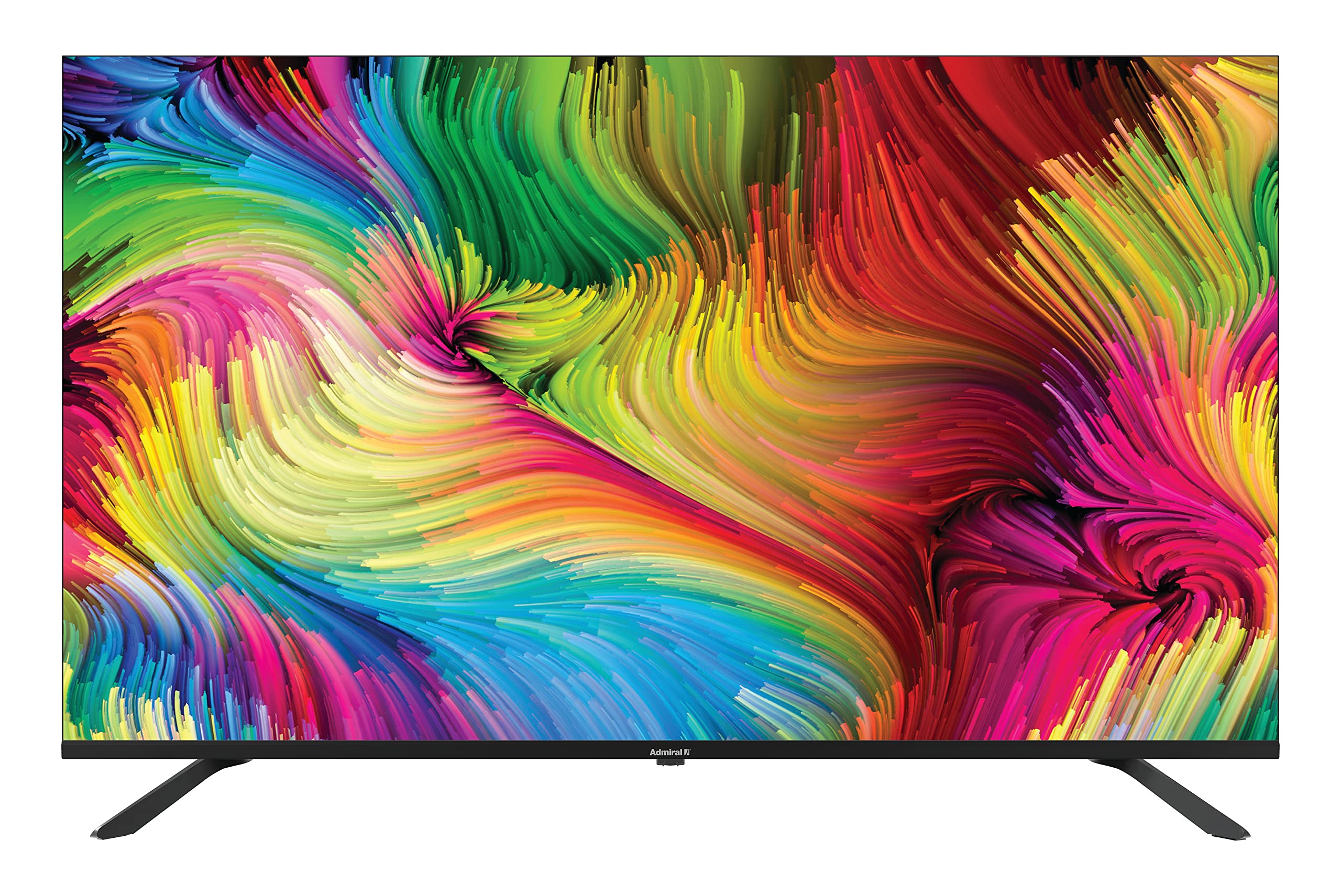
Image: Admiral 50 Inch 4K Smart LED TV with its stand attached, viewed from an angle.
4.3 Wall Mounting (Optional)
If you choose to wall mount your TV, please consult a professional installer. The TV uses a VESA compatible mounting pattern. Ensure the wall mount can support the weight of the TV (approximately 9.3 kg) and is installed securely.
4.4 Connecting Devices
Connect your external devices (e.g., cable box, Blu-ray player, gaming console) to the appropriate ports on the back or side of the TV. Common connections include HDMI for high-definition video and audio.

Image: Side view of the Admiral 50 Inch 4K Smart LED TV, illustrating the slim profile and potential locations for connectivity ports.
4.5 Connecting Power and Initial Setup
After connecting all devices, plug the power cable into the TV and then into a wall outlet. Press the power button on the TV or remote control. The TV will guide you through the initial setup process, including language selection, network connection (Wi-Fi), and channel scanning.
5. Operating Instructions
5.1 Remote Control Functions
The remote control allows you to access all TV functions. Familiarize yourself with the buttons for power, volume, channel selection, input source, and smart TV navigation.

Image: A person comfortably seated, operating the Admiral 50 Inch 4K Smart LED TV with a remote control.
5.2 Smart TV Features (Google Android TV)
Your Admiral TV runs on Google Android TV, providing access to a wide range of applications and services:
- App Access: Navigate to the home screen to find pre-installed apps like Netflix, YouTube, and Amazon Instant Video. You can download more apps from the Google Play Store.
- Chromecast Built-in: Stream content (videos, music, photos) directly from your compatible smartphone, tablet, or computer to the TV screen.
- Wi-Fi Connectivity: Connect to your home wireless network for internet access and smart features.
- Bluetooth: Pair Bluetooth-enabled devices such as headphones or game controllers for enhanced audio or gaming experiences.
- Voice Control: Use the voice assistant feature (if available on your remote) to search for content, control playback, and more.
5.3 Basic TV Functions
- Power On/Off: Press the power button on the remote or TV.
- Volume Control: Use the Volume Up/Down buttons.
- Channel Selection: Use the Channel Up/Down buttons or number pad.
- Input Source: Press the 'Input' or 'Source' button to switch between HDMI, AV, TV, etc.
- Settings Menu: Access picture, sound, network, and system settings via the 'Settings' button on your remote.
6. Maintenance
6.1 Cleaning the Screen
To clean the screen, gently wipe it with a soft, lint-free cloth. For stubborn marks, lightly dampen the cloth with water or a specialized screen cleaner. Do not use harsh chemicals, abrasive cleaners, or alcohol-based solutions as they can damage the screen surface.
6.2 Cleaning the TV Cabinet
Wipe the TV cabinet with a soft, dry cloth. If necessary, a slightly damp cloth can be used, followed by a dry cloth. Ensure no liquid enters the ventilation openings.
6.3 Storage
If you need to store the TV for an extended period, unplug it from the power outlet, remove batteries from the remote, and cover it to protect against dust. Store in a cool, dry place.
7. Troubleshooting
Before contacting customer support, please refer to the following common issues and solutions:
- No Power: Ensure the power cable is securely plugged into both the TV and a working wall outlet. Try plugging another device into the same outlet to confirm it has power.
- No Picture or Sound:
- Check that the correct input source is selected (e.g., HDMI 1, AV).
- Verify all cables are securely connected.
- Increase the volume level.
- Remote Control Not Working:
- Replace the batteries with new ones.
- Ensure there are no obstructions between the remote and the TV's IR sensor.
- Smart Features/Internet Not Working:
- Check your Wi-Fi connection in the TV's network settings.
- Restart your home router/modem.
- Restart the TV by unplugging it from the power outlet for a few minutes, then plugging it back in.
- Poor Picture Quality:
- Check the resolution settings of your connected device.
- Adjust picture settings (brightness, contrast, sharpness) in the TV menu.
- Ensure the signal source (antenna, cable, streaming) is strong and clear.
8. Specifications
| Feature | Specification |
|---|---|
| Brand | Admiral |
| Model Number | ADL50UMSACN |
| Screen Size | 50 Inches |
| Display Technology | LED |
| Resolution | 4K UHD (3840 x 2160) |
| Refresh Rate | 60 Hz |
| Operating System | Google Android TV |
| Connectivity Technology | Wi-Fi, Bluetooth |
| Special Features | Browser, Chromecast Built-in |
| Supported Internet Services | Amazon Instant Video, Netflix, YouTube |
| Product Dimensions (with stand) | 111 x 31 x 69.7 cm |
| Item Weight | 9.3 Kilograms |
| Included Components | Stand, TV |
9. Warranty and Support
Your Admiral 50 Inch 4K Smart LED TV ADL50UMSACN comes with a 2-year warranty. Please retain your proof of purchase for warranty claims.
For technical assistance, troubleshooting beyond this manual, or warranty service, please contact Admiral customer support. Refer to the contact information provided with your purchase documentation or visit the official Admiral website for support details.

