
Introduction
The Limitless TikiTunes Pro is a portable Bluetooth speaker designed to provide audio playback and ambient lighting. It features a 360-degree speaker design for immersive sound and an LED flame light with multiple modes. This device is built for portability and can connect with up to 100 other TikiTunes Pro speakers for a synchronized audio experience.
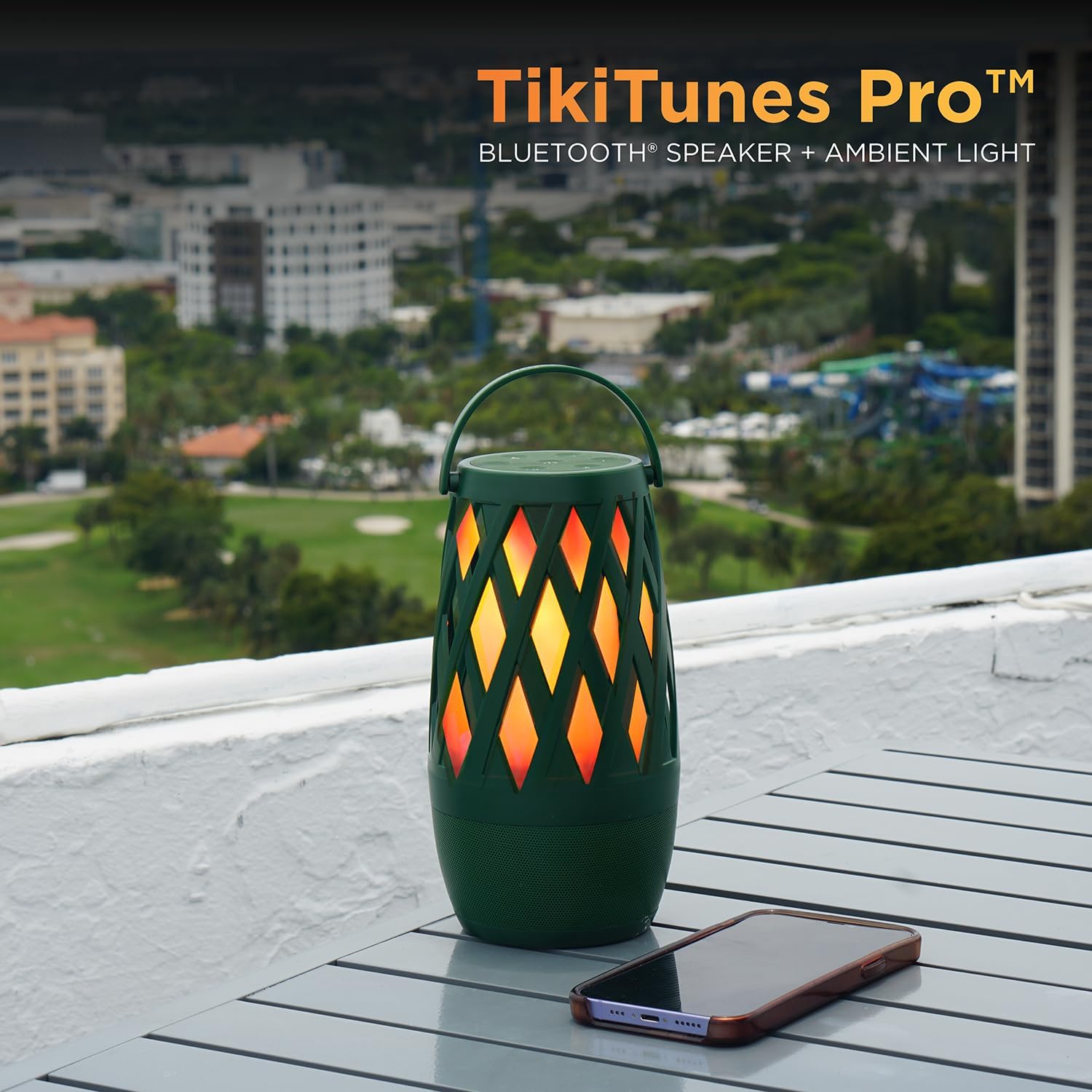
Image: The TikiTunes Pro speaker, showcasing its ambient light feature, positioned on an outdoor table alongside a smartphone.
Product Components
Familiarize yourself with the various parts and controls of your TikiTunes Pro speaker.

Image: A detailed diagram illustrating the various components of the TikiTunes Pro speaker, including the control panel, ambient light, and threaded insert.
- Control Panel: Located on the top, contains all operational buttons.
- Ambient Light: The central section that emits the LED flame effect.
- Threaded Insert: Located at the bottom for mounting accessories (e.g., poles).
- USB-C Charging Port: For connecting the charging cable.
- Speaker Grille: Located at the base for audio output.
Setup
Charging the Speaker
Before first use, fully charge your TikiTunes Pro speaker.
- Connect the included 36-inch Type-C to USB-A cable to the charging port on the speaker.
- Connect the USB-A end of the cable to a compatible USB power adapter (not included).
- The battery indicator light will show charging status. A full charge typically takes several hours.
The speaker is equipped with a 4000 mAh battery, providing up to 12 hours of playtime on a full charge.
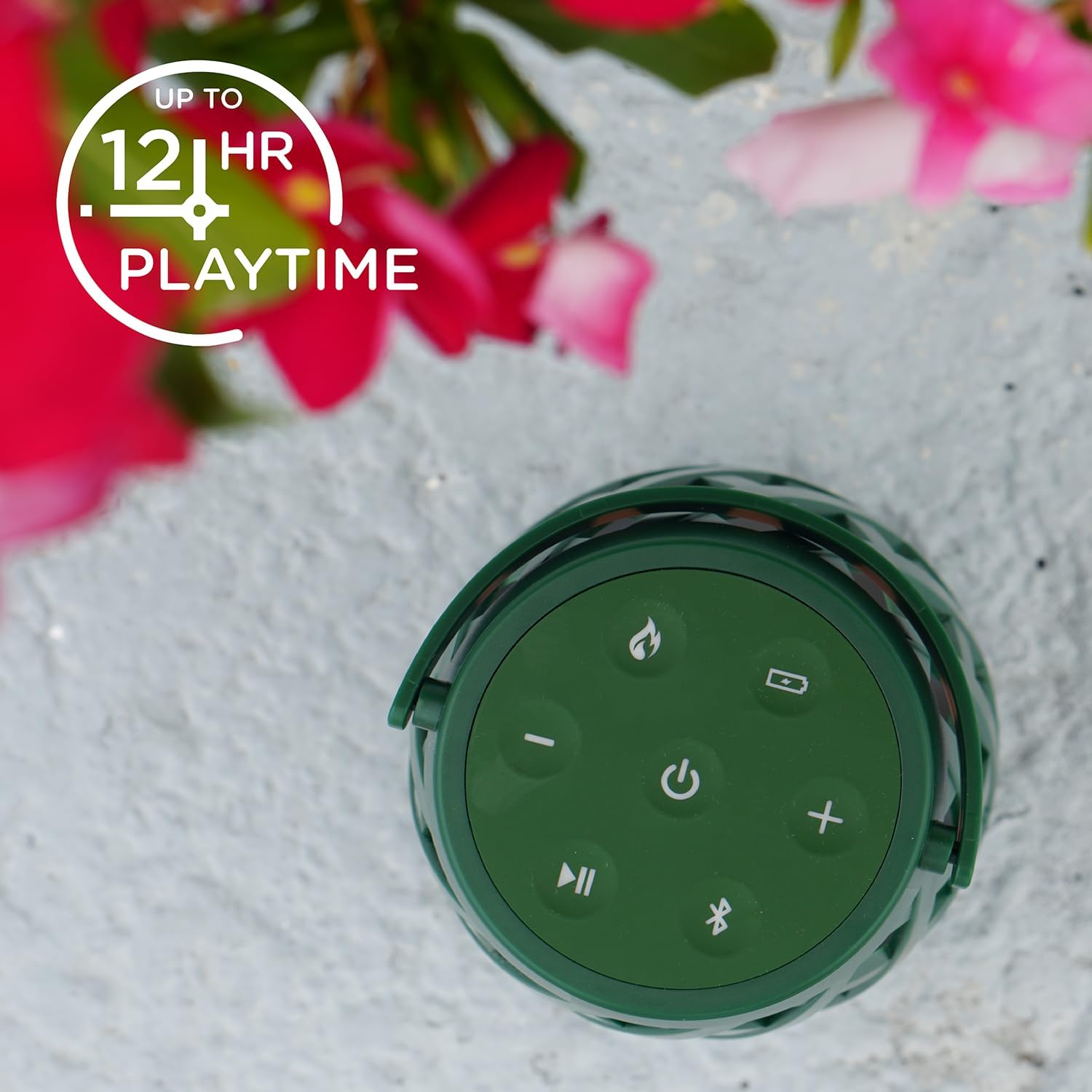
Image: Top view of the TikiTunes Pro control panel, highlighting the speaker's battery life of up to 12 hours.
Power On/Off
- To power on, press and hold the Power button for 3 seconds.
- To power off, press and hold the Power button for 3 seconds.
Bluetooth Pairing
Pair your TikiTunes Pro with a Bluetooth-enabled device to stream audio.
- Ensure the speaker is powered on. The Bluetooth indicator light will flash, indicating it's in pairing mode.
- On your device (smartphone, tablet, laptop), navigate to the Bluetooth settings.
- Select "TikiTunes Pro" from the list of available devices.
- Once connected, the Bluetooth indicator light will remain solid.
Operating Instructions
Audio Playback
- Play/Pause: Press the Play/Pause button to play or pause audio.
- Volume Up: Press the '+' button.
- Volume Down: Press the '-' button.
- Next Track: Press and hold the '+' button.
- Previous Track: Press and hold the '-' button.

Image: A user interacting with a smartphone, demonstrating the TikiTunes Pro's 360-degree room-filling audio capability.
Flame Light Modes
The TikiTunes Pro features a 3-mode LED flame light.
- Press the Flame button to cycle through the light modes:
- Flickering Flame
- Solid Light
- Off

Image: A hand pressing the flame button on the TikiTunes Pro, activating its flickering LED flame effect.
Multi-Sync (PartySync™) Mode
Connect up to 100 TikiTunes Pro speakers for a synchronized audio experience.
- Ensure all speakers are powered on and not connected to any Bluetooth device.
- On the first speaker (which will be the primary speaker), press the PartySync™ button. The indicator light will flash.
- On each additional speaker, press the PartySync™ button. They will automatically connect to the primary speaker.
- Once all desired speakers are connected, pair your device to the primary speaker via Bluetooth as described in the "Bluetooth Pairing" section.
- Audio will now play simultaneously across all connected TikiTunes Pro speakers.
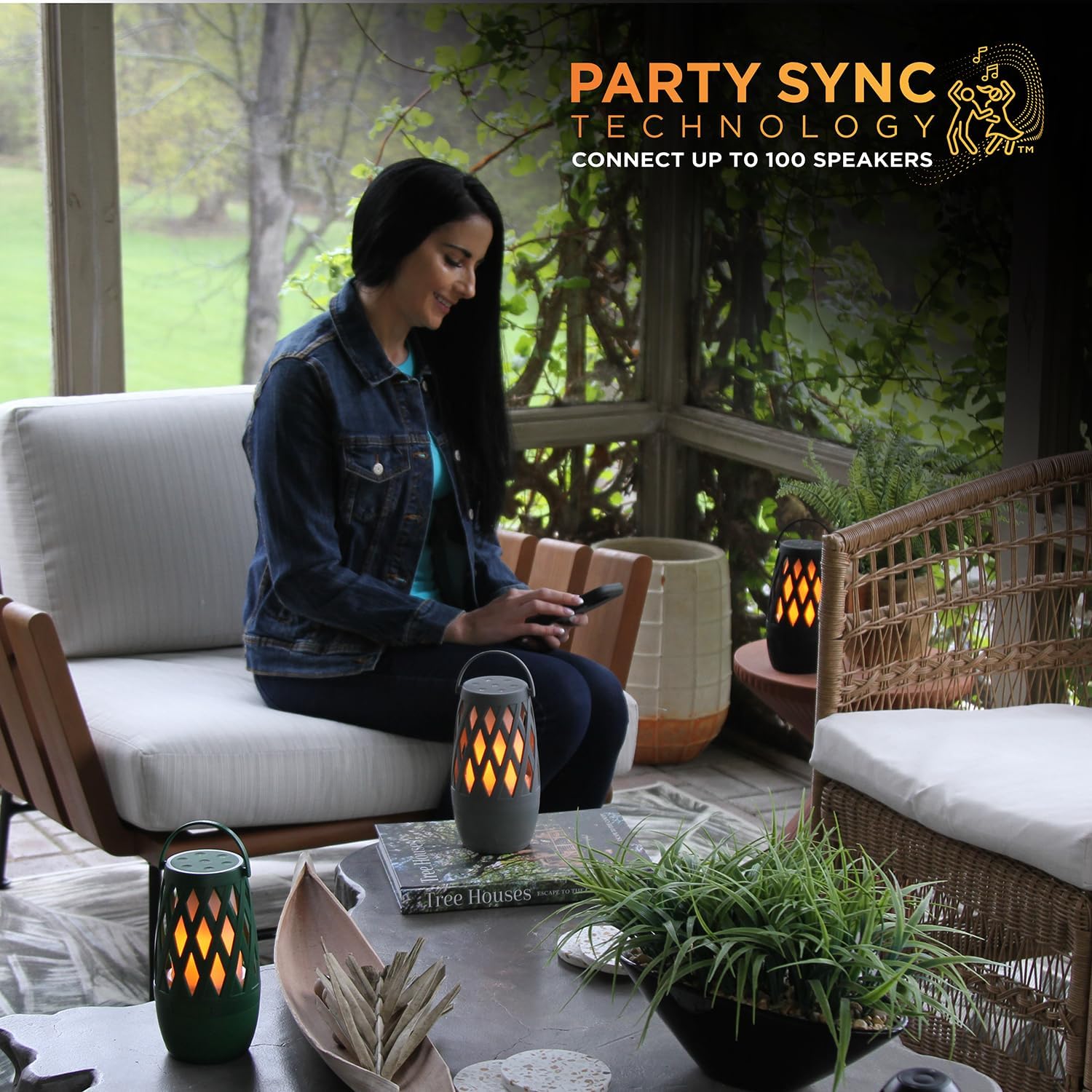
Image: A woman on a patio with multiple TikiTunes Pro speakers, illustrating the Party Sync Technology for connecting up to 100 speakers.
Maintenance
To ensure the longevity and optimal performance of your TikiTunes Pro speaker, follow these maintenance guidelines:
- Cleaning: Use a soft, dry cloth to wipe the exterior of the speaker. Do not use abrasive cleaners or solvents.
- Water Resistance: The TikiTunes Pro has an IPX6 rating, meaning it is resistant to high-pressure water jets. It is not designed for submersion. Ensure the charging port cover is securely closed when exposed to water.
- Storage: Store the speaker in a cool, dry place away from direct sunlight and extreme temperatures when not in use for extended periods.
- Battery Care: For best battery life, avoid fully discharging the battery frequently. Charge the speaker regularly, even if not in use, to maintain battery health.
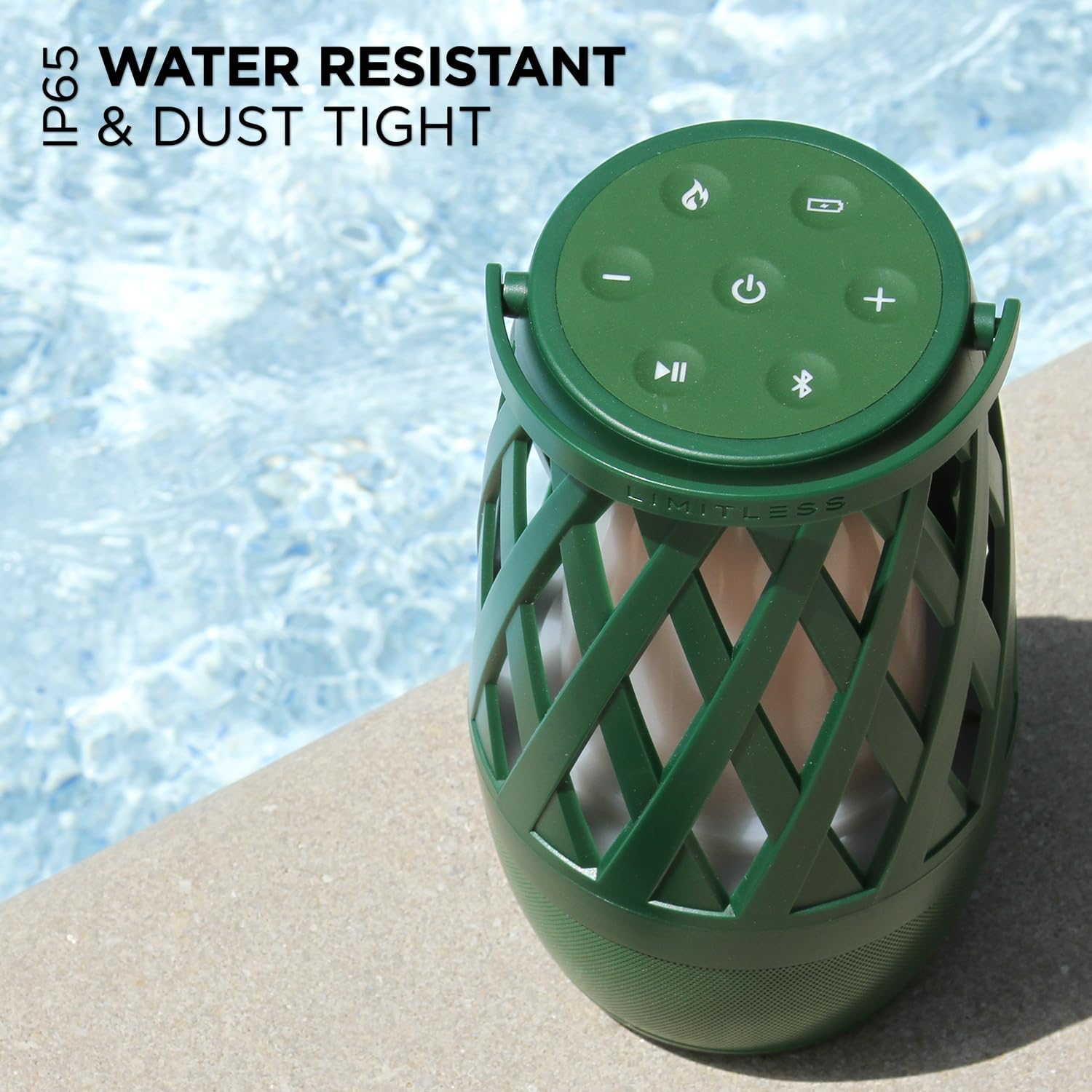
Image: The TikiTunes Pro speaker positioned near a pool, emphasizing its IPX6 water-resistant and dust-tight design.
Troubleshooting
If you encounter issues with your TikiTunes Pro, refer to the following common problems and solutions:
| Problem | Solution |
|---|---|
| Speaker does not power on. | Ensure the battery is charged. Connect the speaker to a power source using the provided USB-C cable. |
| Cannot pair with Bluetooth device. |
|
| No sound or low volume. |
|
| Flame light is not working. | Press the Flame button to cycle through the light modes. Ensure the speaker has sufficient battery charge. |
| PartySync™ mode not connecting. |
|
Specifications
Detailed technical specifications for the Limitless TikiTunes Pro speaker:
| Model Name | YTY-21700-4000mAh-3.7V |
| Item Model Number | TIKITUNES-PRO-028 |
| Brand | Limitless Innovations |
| Speaker Type | Component |
| Special Feature | Portable, LED Flame Light, Multi-Sync |
| Compatible Devices | Smartphone, Tablet, Laptop |
| Connectivity Technology | Bluetooth |
| Wireless Communication Technology | Bluetooth |
| Speaker Maximum Output Power | 10 Watts |
| Power Source | Battery Powered |
| Battery Capacity | 4000 mAh |
| Playtime | Up to 12 hours |
| Water Resistance Rating | IPX6 |
| Product Dimensions | 3.98"D x 3.98"W x 7.4"H |
| Item Weight | 1.48 pounds |
| Included Components | 36” Type-C to USB-A Cable |
| UPC | 850031971325 |

Image: A diagram illustrating the physical dimensions of the TikiTunes Pro speaker: 3.98 inches (depth), 3.98 inches (width), and 7.4 inches (height).
Warranty Information
The Limitless TikiTunes Pro speaker comes with a limited warranty. For specific details regarding warranty coverage, duration, and terms, please refer to the warranty card included with your product or visit the official Limitless Innovations website.
Customer Support
For further assistance, technical support, or inquiries about your Limitless TikiTunes Pro speaker, please visit the official Limitless Innovations website or contact their customer service department.

