
Introduction
This manual provides essential instructions for the operation and maintenance of your Creative Sensemore Air True Wireless In-Ear Headphones. These headphones are designed to deliver a versatile audio experience with advanced features for various listening environments.

Image: Creative Sensemore Air earbuds shown with their charging case.
Key Features:
- Sensemore Mode: Amplifies surrounding sounds for enhanced awareness.
- Ambient Mode: Allows you to hear your surroundings while enjoying audio.
- Active Noise Cancellation (ANC): Reduces external noise for immersive listening.
- Quad Microphones: Ensures clear voice pickup for calls and voice commands.
- Extended Battery Life: Up to 10 hours per charge, with a total of 35 hours using the charging case.
- IPX5 Sweatproof: Designed to withstand sweat and light splashes.
- Wireless Charging: Supports Qi-certified wireless charging for convenience.
- Bluetooth 5.2: Provides stable and efficient wireless connectivity.
- Customizable Touch Controls: Personalize earbud functions via the Creative app.
Setup
1. Charging the Device
Before first use, fully charge the Creative Sensemore Air earbuds and their charging case.
- Via USB-C Cable: Connect the provided USB-C charging cable to the charging port on the case and to a power source.
- Wireless Charging: Place the charging case on a Qi-certified wireless charging pad.
The LED indicators on the front of the charging case will show the charging status. A full charge provides up to 10 hours of playtime for the earbuds and up to 35 hours total with the case. A 10-minute quick charge provides up to 2 hours of playtime.

Image: The charging case showing LED indicators for battery status.
2. Pairing with a Device
- Ensure the earbuds are in the charging case and the case lid is open.
- On your device (smartphone, tablet, etc.), enable Bluetooth and search for available devices.
- Select "Creative Sensemore Air" from the list of detected devices to pair.
- Once paired, the earbuds will automatically connect to your device when removed from the case.
3. Installing the Creative App
For full functionality and customization, download the Creative app from your device's app store. The app allows you to:
- Switch between Sensemore Mode, Ambient Mode, and Active Noise Cancellation.
- Customize touch controls.
- Adjust audio settings with a graphic equalizer.
- Perform firmware upgrades.

Image: Creative app icon for mobile devices.
Operating the Headphones
Noise Control Modes
The Creative Sensemore Air headphones offer three distinct noise control modes to adapt to your environment:
- Sensemore Mode: This proprietary technology enhances ambient sound beyond conventional transparency modes. It focuses on vocals and amplifies surrounding sounds for improved hearing and clearer conversations.
- Ambient Mode: Allows you to hear your surroundings naturally, useful for staying aware in busy environments.
- Active Noise Cancellation (ANC): Blocks out unwanted external noise, providing a more immersive audio experience.
Switch between these modes using the customizable touch controls on the earbuds or through the Creative app.

Image: A person on a bus using the Creative Sensemore Air earbuds, illustrating the noise control features.
Video: An overview of the Creative Sensemore Air True Wireless in-Ear Headphones, demonstrating key features like Sensemore Mode, Ambient Mode, and Active Noise Cancellation.
Call Functionality
Equipped with four microphones, the earbuds provide enhanced voice pickup and call clarity. You can also activate voice assistants like Siri or Google Assistant with ease.

Image: A woman using the earbuds to interact with a voice assistant, highlighting the quad mic feature.
Touch Controls
The earbuds feature intuitive touch controls for managing playback, calls, and noise control modes. These controls can be customized through the Creative app to suit your preferences.

Image: Screenshot of the Creative app showing customizable touch control settings.
Maintenance
Cleaning and Care
To ensure longevity and optimal performance, regularly clean your earbuds and charging case.
- Wipe the earbuds and charging case with a soft, dry, lint-free cloth.
- Remove ear tips and clean them with mild soap and water, then dry thoroughly before reattaching.
- Avoid using abrasive cleaners or solvents.
Water Resistance (IPX5)
The Creative Sensemore Air earbuds are rated IPX5 sweatproof, meaning they are protected against low-pressure water jets from any direction. This makes them suitable for workouts and use in light rain.
Important: The charging case is not water-resistant. Do not expose it to water or moisture.
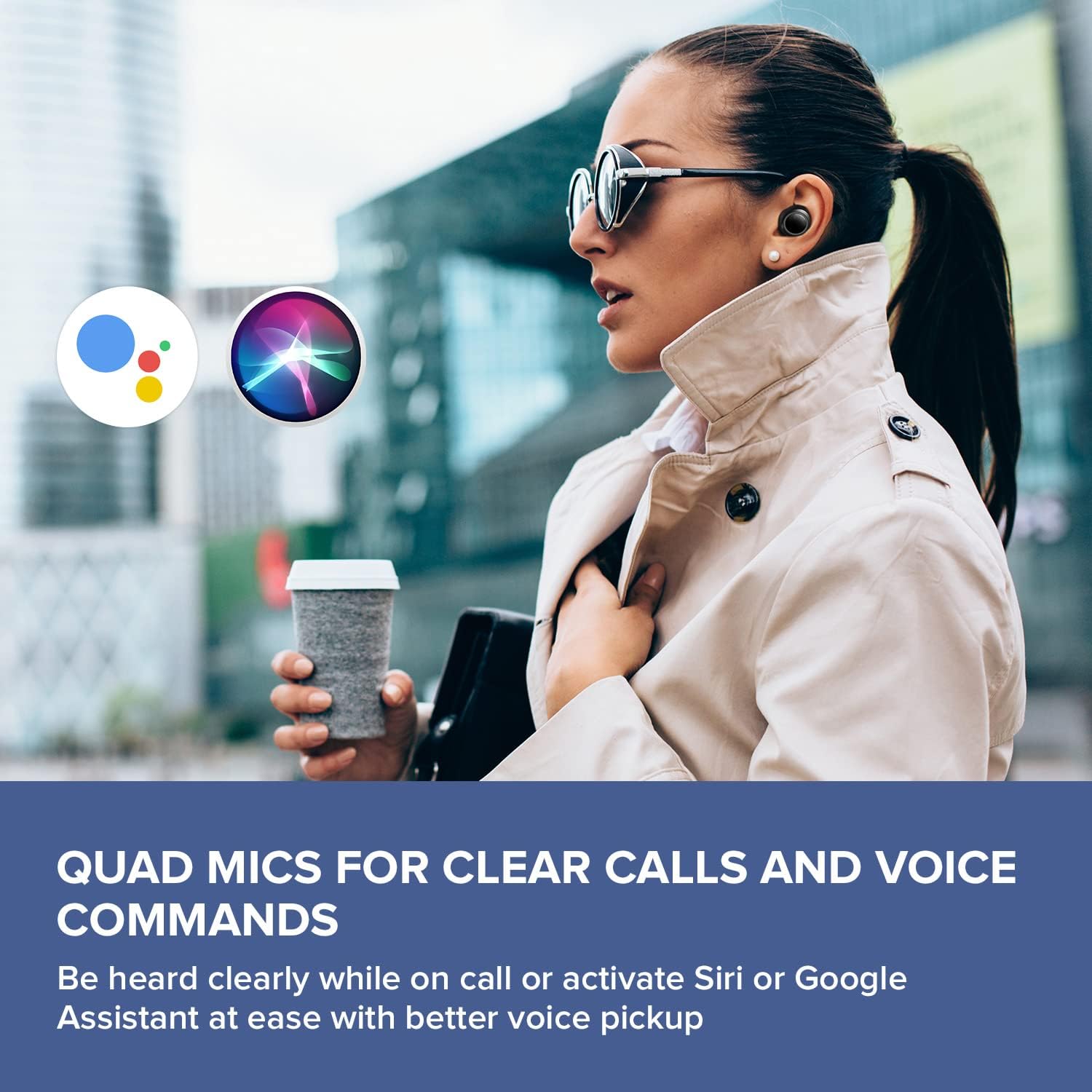
Image: A woman running outdoors, demonstrating the IPX5 sweatproof feature of the earbuds.
Troubleshooting
Common Issues and Solutions
- No Sound/Poor Sound Quality:
- Ensure earbuds are fully charged.
- Check Bluetooth connection and re-pair if necessary.
- Adjust volume on both the earbuds and your connected device.
- Clean ear tips and earbud nozzles to remove any debris.
- Try different sized ear tips for a better seal.
- Earbuds Not Pairing:
- Place earbuds back in the case, close the lid, then open it again to reset.
- Ensure Bluetooth is enabled on your device and within range.
- Forget the device in your phone's Bluetooth settings and attempt to re-pair.
- Charging Issues:
- Verify the USB-C cable is securely connected to both the case and power source.
- If using wireless charging, ensure the case is correctly positioned on the Qi-certified pad.
- Check if the charging contacts on the earbuds and inside the case are clean.
- App Connectivity Problems:
- Ensure the Creative app is updated to the latest version.
- Restart the app or your mobile device.
- Confirm Bluetooth is active and the earbuds are connected to your device.
Specifications
| Feature | Detail |
|---|---|
| Model Name | EF1020 |
| Connectivity | Bluetooth 5.2 |
| Bluetooth Range | 10 Meters |
| Audio Codecs | AAC, SBC |
| Drivers | 6 mm Bio-cellulose Dynamic Drivers |
| Microphones | Quad Mics |
| Noise Control | Sensemore Mode, Ambient Mode, Active Noise Cancellation |
| Total Playtime | Up to 35 Hours (with charging case) |
| Playtime Per Charge | Up to 10 Hours |
| Charging Time | 2 Hours |
| Charging Interface | USB-C, Wireless (Qi-certified) |
| Water Resistance | IPX5 (Earbuds only) |
| Control Method | Touch |
| Item Weight | 1.76 ounces |
| Product Dimensions | 2.7 x 1.9 x 1.3 inches (Charging Case) |
Warranty and Support
Creative products are designed for reliability and performance. For warranty information and customer support, please refer to the official Creative website or the documentation included with your product.
- Product Registration: Register your product online to receive updates and support.
- Technical Support: Visit the Creative support page for FAQs, troubleshooting guides, and contact information.
Note: Warranty terms may vary by region and retailer. Please retain your proof of purchase.


