
Introduction
This user manual provides comprehensive instructions for the PUREMIC Tesla Karaoke Microphone system. It covers setup, operation, maintenance, and troubleshooting to ensure optimal performance and an enjoyable user experience. This wireless microphone system is designed for use with Tesla vehicles (Model Y/3/S/X) and other devices with a 3.5mm AUX input, such as speakers and TVs.
What's in the Box

Image: The complete package contents, showing two white microphones, a grey USB-A receiver, a USB-C charging cable, an AUX cable, a user manual, and a grey portable carrying case.
- Microphone x 2
- Microphone Receiver x 1
- Type-C Cable x 1
- Portable Bag x 1
- User Manual x 1
Product Features
- Crystal Clear Sound Quality: Built-in high-sensitivity professional moving-coil microphone core enhances signal stability and provides clear, distortion-free voice. Features professional anti-howling and anti-jamming technology for reliable wireless UHF connectivity.
- 8 Sound Effects: Offers various sound effects including Standard, Male, Female, Children, Monster, Concert, Living Room, and K.T.V. effects for diverse entertainment.
- Rechargeable Microphone & Receiver: Both the microphones and the receiver have built-in rechargeable batteries. Microphones provide up to 15 hours of playtime, and the receiver offers up to 4 hours of working time.
- Multi-Device & App Compatibility: Connects to cars and speakers via AUX cable. Also compatible with UHF-enabled devices like phones, TVs, laptops, and tablets (receiver requires connection to a speaker).
- Plug and Use, No Pairing Required: Features dual wireless microphones and a small UHF receiver that connects to the AUX IN interface. Offers a transmission range of up to 10 meters, ensuring portability and convenience.
Setup Guide
1. Charging the Devices
Before first use, ensure both microphones and the receiver are fully charged. Use the provided Type-C cable to charge the devices.

Image: An illustration indicating the microphone's 15-hour working time and 4-hour charging time, highlighting its long-lasting battery life.
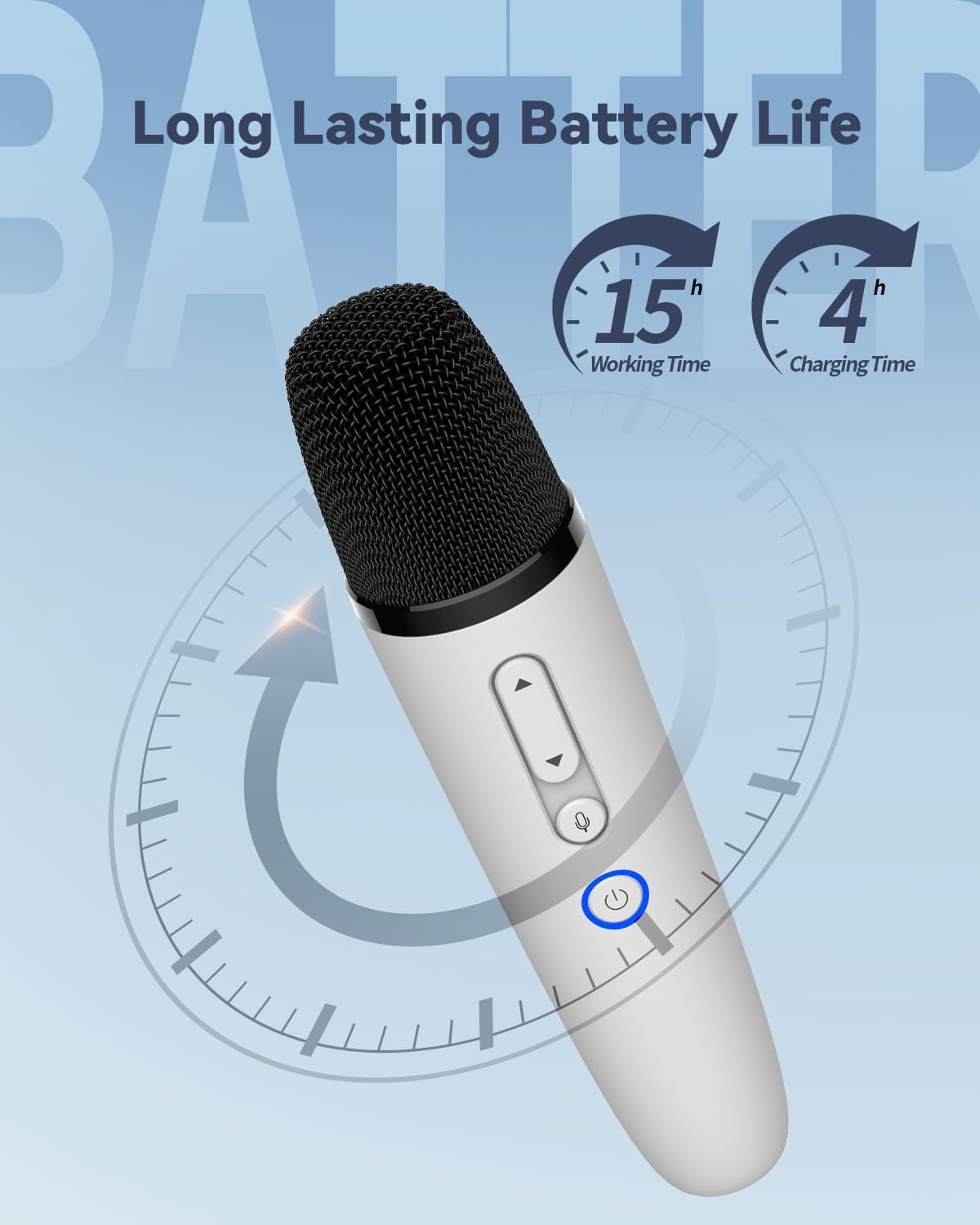
Image: A visual guide to the receiver's light indicators. A slowly flashing green light indicates charging, while alternating blue and green lights indicate the receiver is working. Instructions to press the power button to turn on are also shown.
- Connect the Type-C cable to the charging port on the microphone and the receiver.
- Connect the other end of the cable to a USB power source (e.g., computer, wall adapter).
- The indicator light on the receiver will flash green slowly during charging.
- Once fully charged, the indicator light will turn off or change color (refer to specific light behavior in the manual).
2. Connecting to a Speaker (via AUX-in Port)
This method is suitable for speakers, karaoke machines, or other audio devices with a 3.5mm AUX input.

Image: A step-by-step guide showing how to connect the receiver to a speaker's AUX-in port and power on the receiver by pressing its power button until the blue light illuminates.
- Plug the receiver's 3.5mm AUX cable into the AUX-in port of your speaker or audio device.
- Press and hold the power button on the receiver until the blue light illuminates, indicating it is powered on.
- Turn on the microphone by pressing its power button. The indicator light will turn blue.
- The microphone and receiver are pre-paired and should connect automatically.
3. Connecting to Tesla (via USB-A Receiver)
This method is specifically for Tesla Model Y/3/S/X vehicles.

Image: A couple enjoying karaoke in a Tesla. The image highlights the steps to open the right-side glove box and plug the USB-A receiver into the USB-A port for in-car use.

Image: A visual guide demonstrating how to open the Tesla's right-side glove box and plug in the USB-A receiver for the karaoke microphone system.
- Open the right-side glove box in your Tesla vehicle.
- Locate the USB-A port inside the glove box.
- Plug the USB-A receiver into the USB-A port.
- Turn on the microphone by pressing its power button. The indicator light will turn blue.
- The microphone and receiver are pre-paired and should connect automatically.
- Adjust the microphone input level on your Tesla's screen if necessary to optimize sound.
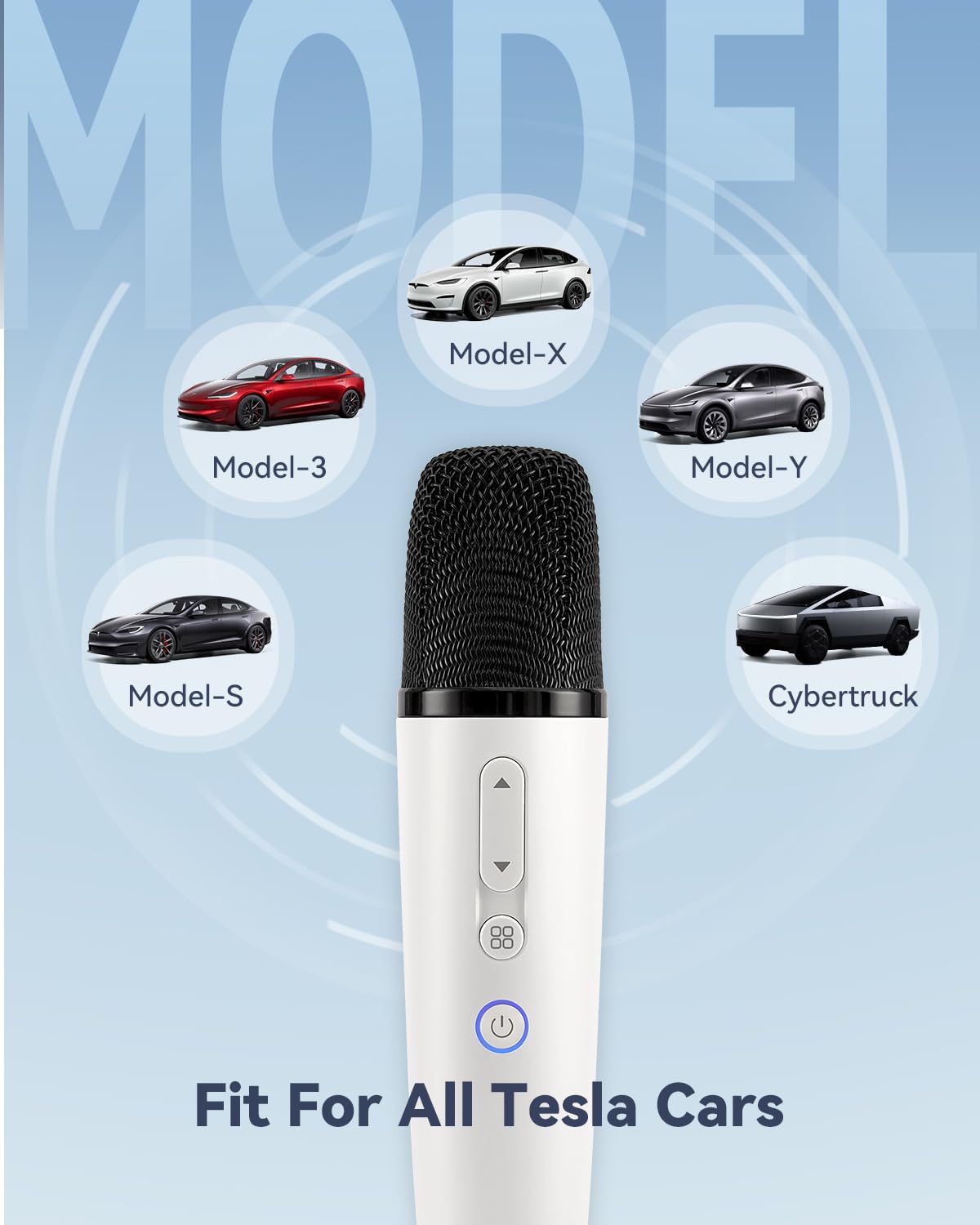
Image: An illustration confirming the microphone's compatibility with all Tesla car models, including Model X, Model 3, Model Y, Model S, and Cybertruck.
Operating Instructions
1. Microphone Controls

Image: A detailed diagram of the microphone, labeling the Volume+ and Volume- buttons, Voice Change Key, Power ON/OFF button, indicator light, and USB-C charging port. Dimensions are also provided.
- Power ON/OFF: Press and hold the power button (circular button with power icon) to turn the microphone on or off. The indicator light will illuminate when on.
- Volume Control: Use the "Volume+" (up arrow) and "Volume-" (down arrow) buttons to adjust the microphone's output volume.
- Voice Change Key: Press the "Voice Change Key" (square button with four dots) to cycle through the available sound effects.
2. Sound Effects
The microphone features 8 distinct sound effects to enhance your karaoke experience:
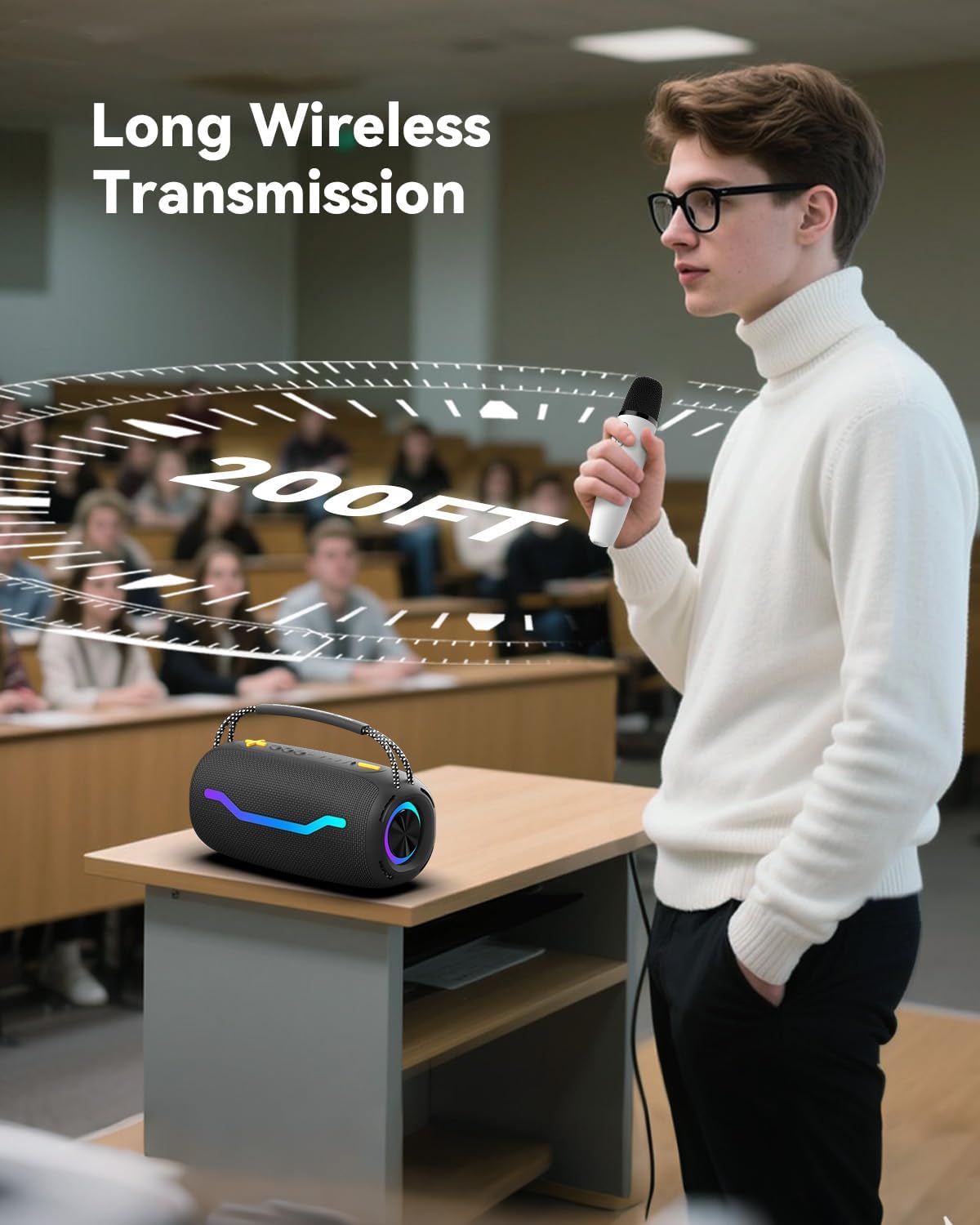
Image: A visual representation of the microphone surrounded by icons and labels for its 8 sound effects: Original, Male, Female, Children, Monster, Concert, Live, and KTV.
- Standard (Original)
- Male Effect
- Female Effect
- Children Effect
- Monster Effect
- Concert Effect
- Living Room Effect (Live)
- K.T.V. Effect
Press the Voice Change Key repeatedly to switch between these effects.
Maintenance
Proper care and maintenance will extend the life of your PUREMIC Tesla Karaoke Microphone system.
- Cleaning: Use a soft, dry cloth to clean the exterior of the microphones and receiver. Do not use liquid cleaners or abrasive materials.
- Storage: When not in use, store the microphones and receiver in the provided portable carrying case to protect them from dust and physical damage.
- Battery Care: To maintain battery health, avoid fully discharging the devices frequently. Recharge them regularly, even if not in constant use.
- Environmental Conditions: Avoid exposing the devices to extreme temperatures, humidity, or direct sunlight.

Image: A visual of the portable bag, highlighting its large capacity and convenient handle for easy storage and transport of the microphone system components.
Troubleshooting
If you encounter issues with your PUREMIC Tesla Karaoke Microphone, please refer to the following common solutions:
| Problem | Possible Cause | Solution |
|---|---|---|
| No sound from microphone. | Microphone or receiver is off; low battery; incorrect connection; volume too low. | Ensure both microphone and receiver are powered on and charged. Verify the receiver is correctly plugged into the audio input (AUX or USB-A). Increase microphone volume on the device and the connected speaker/Tesla system. |
| Static or distorted sound. | Interference; microphone too far from receiver; low battery. | Move closer to the receiver (within 10 meters). Ensure no strong electromagnetic interference sources nearby. Recharge both devices. |
| Microphone not connecting to receiver. | Devices not powered on; out of range; rare pairing issue. | Ensure both devices are powered on. Bring them closer together. If issues persist, power cycle both devices (turn off and on again). The devices are pre-paired and should connect automatically. |
| Receiver light not indicating correctly. | Charging issue; device malfunction. | Ensure the Type-C cable is securely connected and the power source is active. If the issue persists after charging, contact customer support. |
Specifications
| Feature | Detail |
|---|---|
| Brand | PUREMIC |
| Model Name | tesla microphone |
| Connectivity Technology | Auxiliary, UHF |
| Connector Type | 3.5 mm Jack |
| Microphone Form Factor | Handheld |
| Power Source | Battery Powered (1 Lithium Polymer battery included per mic) |
| Working Time (Microphone) | Up to 15 hours |
| Working Time (Receiver) | Up to 4 hours |
| Charging Time | Approx. 4 hours |
| Frequency Range | 657MHz - 662MHz |
| Signal-to-Noise Ratio | 75 dB |
| Polar Pattern | Unidirectional |
| Compatible Devices | Car (Tesla Model Y/3/S/X), Karaoke Machine, Smartphone, Speaker, Television |
| Item Dimensions (L x W x H) | 8.39 x 5.2 x 2.4 inches |
| Item Weight | 1.19 pounds |
| Material | Acrylonitrile Butadiene Styrene |
| Color | White |
Warranty and Support
PUREMIC products are manufactured to high-quality standards and are backed by a limited warranty. For specific warranty details, please refer to the warranty card included in your product packaging or visit the official PUREMIC website.
If you require technical assistance, have questions about product functionality, or need to report an issue, please contact PUREMIC Customer Support:
- Email: [Insert PUREMIC Support Email Here]
- Phone: [Insert PUREMIC Support Phone Number Here]
- Website: Visit the PUREMIC Store on Amazon
Please have your product model number and purchase date available when contacting support.