
1. Product Overview
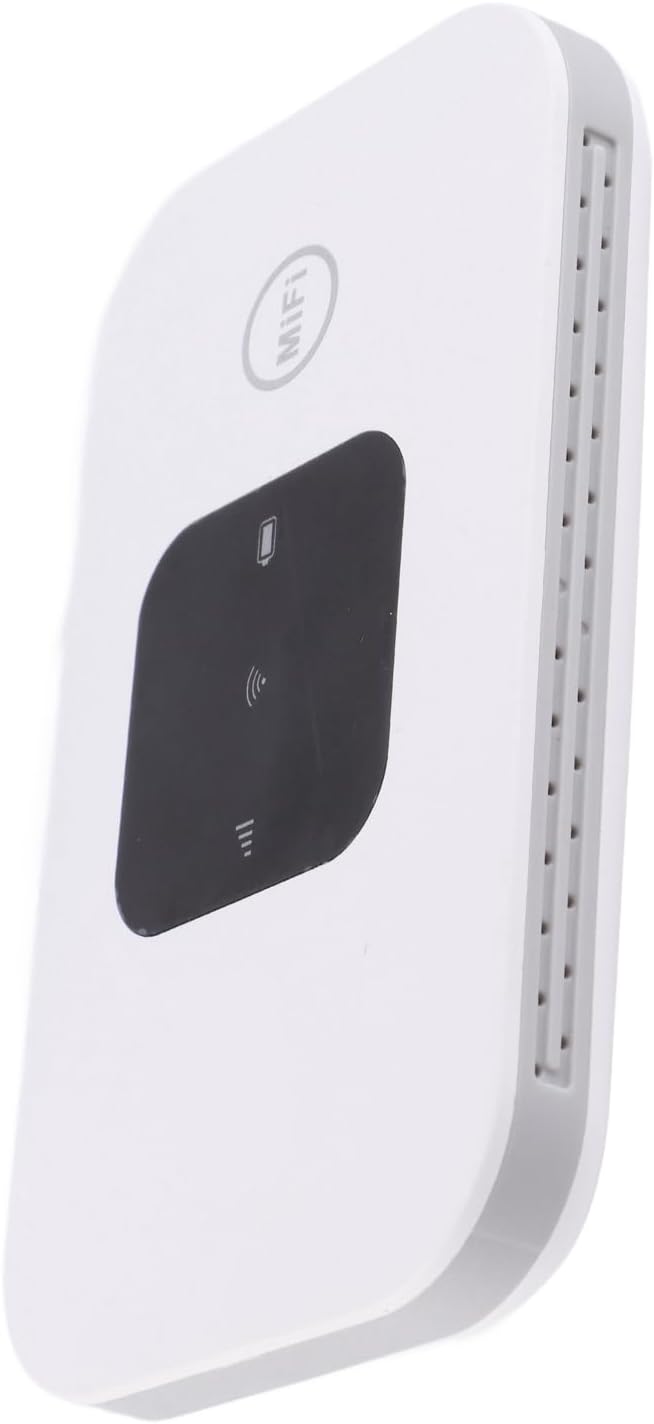
The ASHATA H5577 4G Mobile Hotspot Router provides high-speed 3G/4G internet access, supporting the main frequency bands of most countries and operators. Designed for portability, this ultra-thin and compact device is ideal for car users, business travelers, and outdoor enthusiasts. It allows up to 10 users to connect simultaneously and features a 2100mAh battery for extended standby time. The device includes an LED smart display for easy operation and wide compatibility with various devices such as mobile phones, laptops, desktops, and tablets (SIM card not included).


2. Setup Instructions
Follow these steps to set up your ASHATA H5577 4G Mobile Hotspot Router:
- Insert SIM Card and Battery:
Carefully remove the back cover of the device. Insert your standard SIM card into the designated slot. Take out the battery, tear off the insulation tape if present, and then insert the battery into its compartment. Replace the back cover. - Charge the Device:
Connect the provided USB charging cable to the USB-C port on the router and plug the other end into a compatible USB power adapter (not included) or a computer's USB port. The device will begin charging. - Power On:
Press and hold the power button located on the device until the LED smart display illuminates. The device will start searching for a 4G network.


Watch this video for a visual guide on setting up your ASHATA 4G Mobile Hotspot Router.
3. Operating Instructions
3.1 Connecting to the Network
- Check Network Status:
Once powered on, observe the LED smart display. The signal strength indicator will show the current 4G network status. A stable signal indicates readiness for connection. - Connect Your Devices:
On your mobile phone, laptop, tablet, or other Wi-Fi enabled device, search for available Wi-Fi networks. Select the network name (SSID) displayed on your ASHATA H5577 router's screen or on the label inside the battery compartment. Enter the Wi-Fi password (Key) when prompted. - Multiple Device Support:
The router supports up to 10 users simultaneously, allowing multiple devices to connect and share the high-speed internet connection.

4. Maintenance
- Battery Care: To maximize battery life, avoid extreme temperatures and fully discharge and recharge the battery periodically. The 2100mAh battery provides up to 72 hours of standby time.
- Cleaning: Use a soft, dry cloth to clean the device. Avoid using liquid cleaners or abrasive materials.
- Storage: When not in use for extended periods, store the device in a cool, dry place.
5. Troubleshooting
- No Internet Connection:
- Ensure a valid SIM card is inserted and activated.
- Check the signal strength indicator on the display. If the signal is weak, try moving to an area with better reception.
- Restart the device.
- Verify that your connected device has the correct Wi-Fi password.
- Slow Speed:
- Reduce the number of connected devices.
- Ensure you are within optimal range of the hotspot.
- Check for any network congestion in your area.
- Device Not Powering On:
- Ensure the battery is correctly inserted and charged.
- Connect the device to a power source using the USB cable to check if it charges.
6. Specifications
| Feature | Detail |
|---|---|
| Brand | ASHATA |
| Model Name | H5577 |
| Connectivity Technology | Wi-Fi |
| Wireless Communication Standard | 802.11n |
| Frequency Band Class | Dual-Band |
| Special Feature | WPS |
| Compatible Devices | Laptop, Tablet |
| Item Weight | 3.98 ounces |
| Package Dimensions | 4.29 x 2.87 x 1.5 inches |
7. Warranty and Support
For warranty information and technical support, please refer to the product packaging or contact ASHATA customer service directly. Keep your purchase receipt for warranty claims.