
FOSCAM SD4
FOSCAM SD4 2K 4MP Outdoor Security Camera User Manual
Model: SD4
1. Introduction
This manual provides detailed instructions for the installation, operation, and maintenance of your FOSCAM SD4 2K 4MP Outdoor Security Camera. Please read this manual thoroughly before using the product to ensure proper setup and functionality. Keep this manual for future reference.
2. Package Contents
Verify that all items listed below are included in your package. If any items are missing or damaged, please contact FOSCAM customer support.
- FOSCAM SD4 Camera
- Antenna
- Power Adapter
- Mounting Screws and Anchors
- Quick Start Guide

Image: The FOSCAM SD4 outdoor security camera shown alongside a smartphone displaying its live video feed.
3. Product Overview
The FOSCAM SD4 is a high-performance 2K 4MP outdoor security camera designed for comprehensive surveillance. Key features include 4X optical zoom, 350° pan and 90° tilt capabilities, dual-band 2.4GHz/5GHz WiFi connectivity, advanced AI human/vehicle detection, two-way audio, and robust IP66 weatherproofing.
3.1 Key Features
- 2K 4MP Resolution: Captures clear video at 2560x1440 pixels.
- 4X Optical Zoom: Allows zooming in on details without loss of clarity.
- Pan-Tilt Functionality: Offers 350° horizontal and 90° vertical rotation for wide area coverage.
- Dual-Band WiFi: Supports both 2.4GHz and 5GHz wireless networks for flexible connectivity.
- AI Detection: Intelligent recognition of humans, vehicles, and packages to reduce false alarms.
- Two-Way Audio: Built-in microphone and speaker for communication.
- Night Vision: Provides clear surveillance up to 165 feet in low-light conditions.
- IP66 Weatherproof: Designed to withstand outdoor elements.
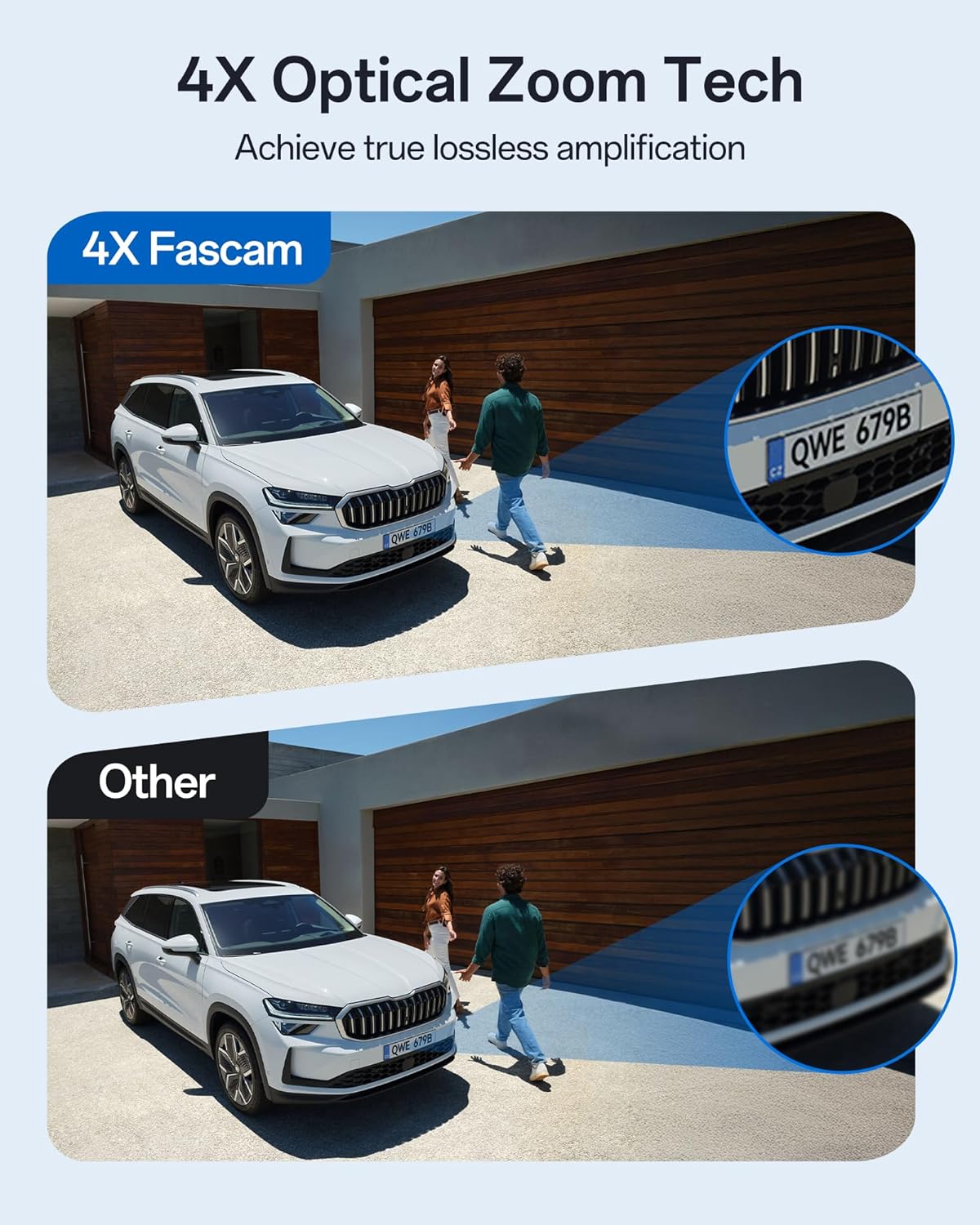
Image: A visual comparison demonstrating the enhanced detail provided by 4X optical zoom on a car's license plate compared to a standard view.
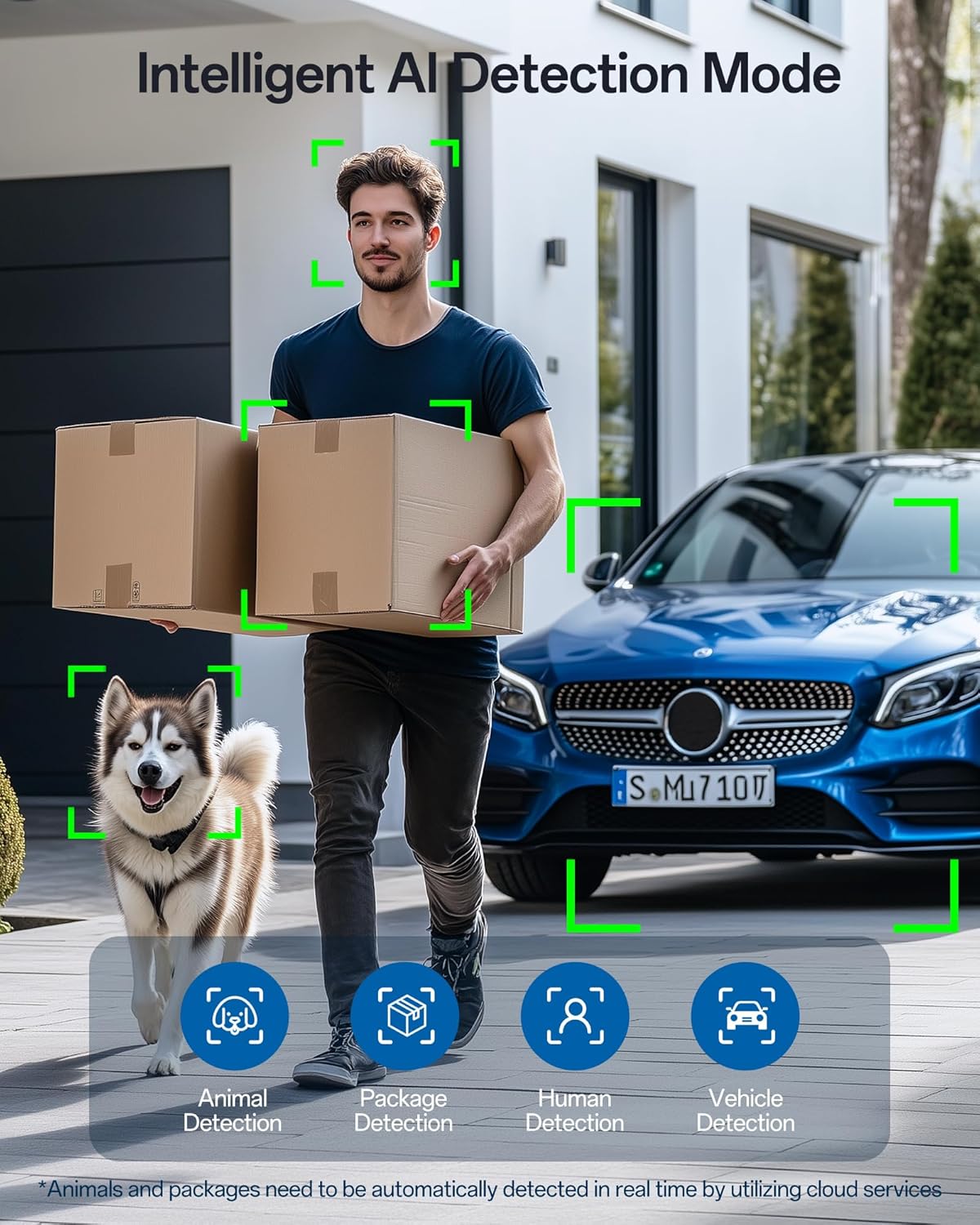
Image: An illustration of the camera's intelligent AI detection capabilities, highlighting human, animal, package, and vehicle recognition.
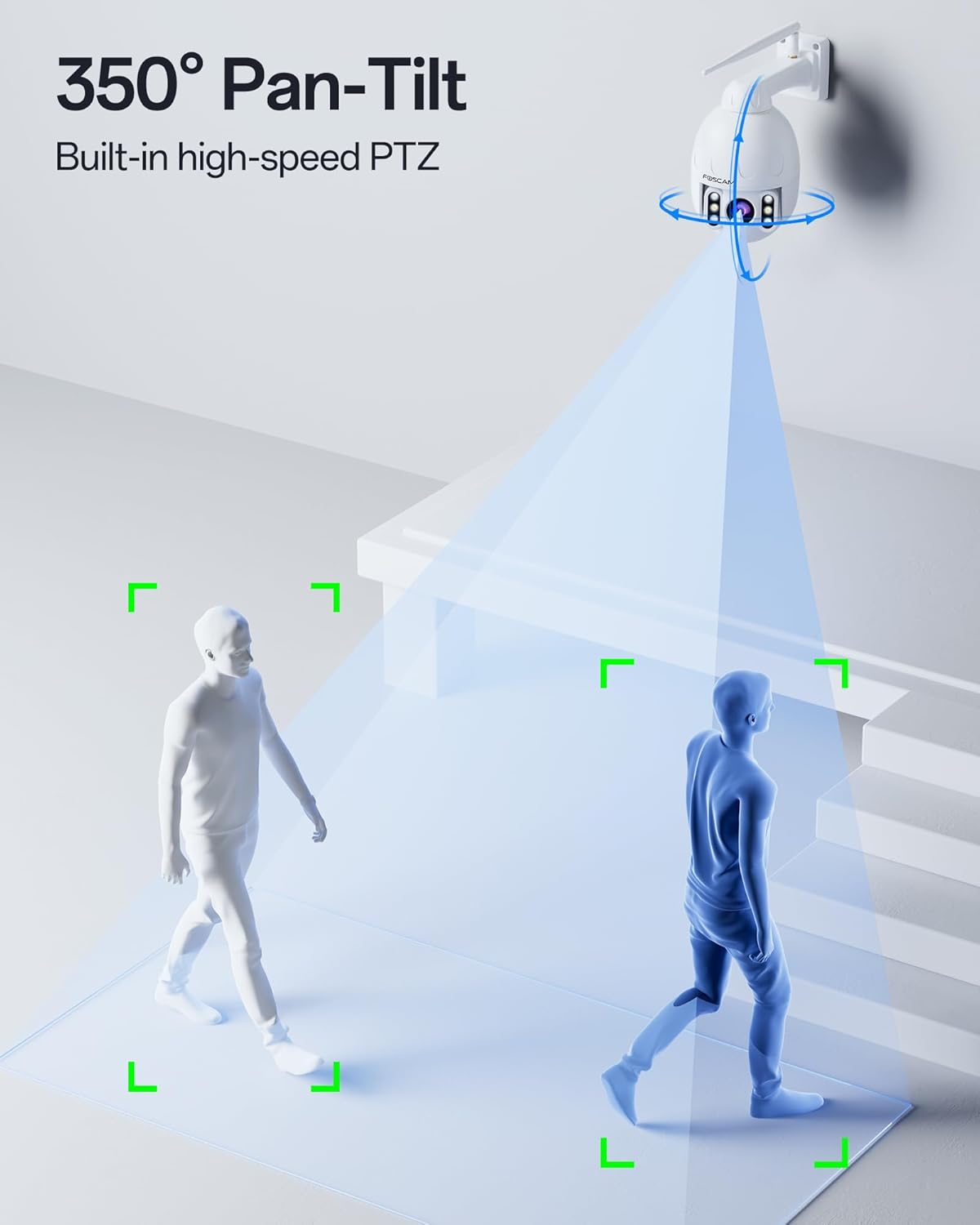
Image: A diagram illustrating the camera's 350-degree horizontal pan and vertical tilt movement range.
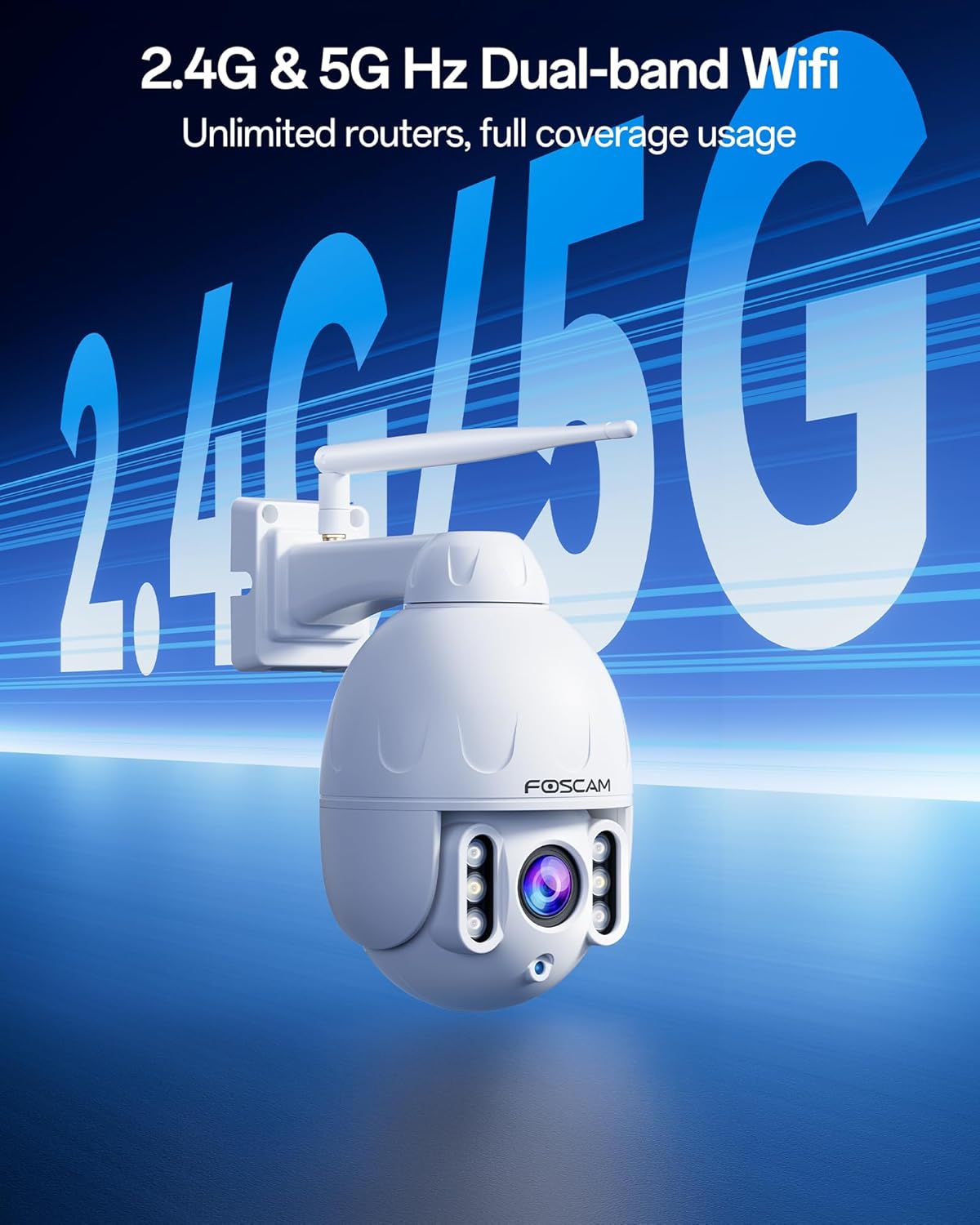
Image: The FOSCAM SD4 camera with visual cues indicating its support for both 2.4GHz and 5GHz dual-band WiFi networks.
4. Setup
4.1 Physical Installation
- Choose a Location: Select an outdoor location that provides the desired viewing angle and is within range of your WiFi network or Ethernet connection. Ensure the mounting surface is sturdy enough to support the camera.
- Install Micro SD Card (Optional): If you plan to use local storage, unscrew the protective cover on the camera body to access the Micro SD card slot. Insert a Micro SD card (up to 256GB, not included) with the contacts facing down. Securely reattach the cover to maintain IP66 weatherproofing.
- Mount the Camera: Use the provided mounting template (if applicable) to mark drill holes. Drill pilot holes, insert wall anchors if necessary, and secure the camera bracket to the wall or ceiling using the provided screws. Attach the camera to the bracket.
- Connect Power: Connect the power adapter to the camera's power input and plug it into a suitable outdoor power outlet.
- Attach Antenna: Screw the antenna firmly onto the designated port on the camera.
4.2 Network Connection
The FOSCAM SD4 supports both wireless (WiFi) and wired (Ethernet) connections.
Wireless (WiFi) Connection:
- The camera supports dual-band 2.4GHz and 5GHz WiFi networks. For initial setup, ensure your smartphone is connected to the same WiFi network you intend to use for the camera.
- During app setup, you will be prompted to select your WiFi network and enter the password.
Wired (Ethernet) Connection:
- For a stable connection, you can connect the camera directly to your router or network switch using an Ethernet cable (not included).
- The camera will automatically obtain an IP address via DHCP.
4.3 Foscam App Setup
- Download the App: Search for "Foscam" in the Apple App Store or Google Play Store and download the official Foscam app.
- Create an Account: Open the app and follow the on-screen instructions to create a new Foscam account or log in if you already have one.
- Add Camera: Tap the "+" icon to add a new device. Select your camera model (SD4) and follow the prompts.
- Scan QR Code: The app will generate a QR code. Position your smartphone approximately 4-8 inches (10-20 cm) in front of the camera lens until you hear a confirmation sound from the camera.
- Complete Setup: Follow the remaining steps in the app to connect the camera to your network and set a password.
5. Operating Instructions
5.1 Live View & Control
- Open the Foscam app and select your SD4 camera from the device list to access the live video feed.
- Use the on-screen controls to pan (move horizontally), tilt (move vertically), and zoom (4X optical zoom) the camera.
5.2 Two-Way Audio
- Tap the microphone icon in the live view interface to speak through the camera's speaker.
- The camera's built-in microphone will capture audio from the surveillance area.
5.3 Motion Detection & Alerts
The FOSCAM SD4 features advanced AI detection to minimize false alarms.
- AI Detection: Configure the camera to detect humans, vehicles, animals, or packages in the app settings.
- Alerts: Set up real-time alerts via push notifications to your phone, email, or FTP upload when motion or sound is detected.
- Siren & Spotlight: Enable the built-in siren and spotlight to automatically activate upon detection, deterring potential intruders.
- Custom Detection Zones: Define specific areas within the camera's view where motion detection should be active or ignored (e.g., public sidewalks).
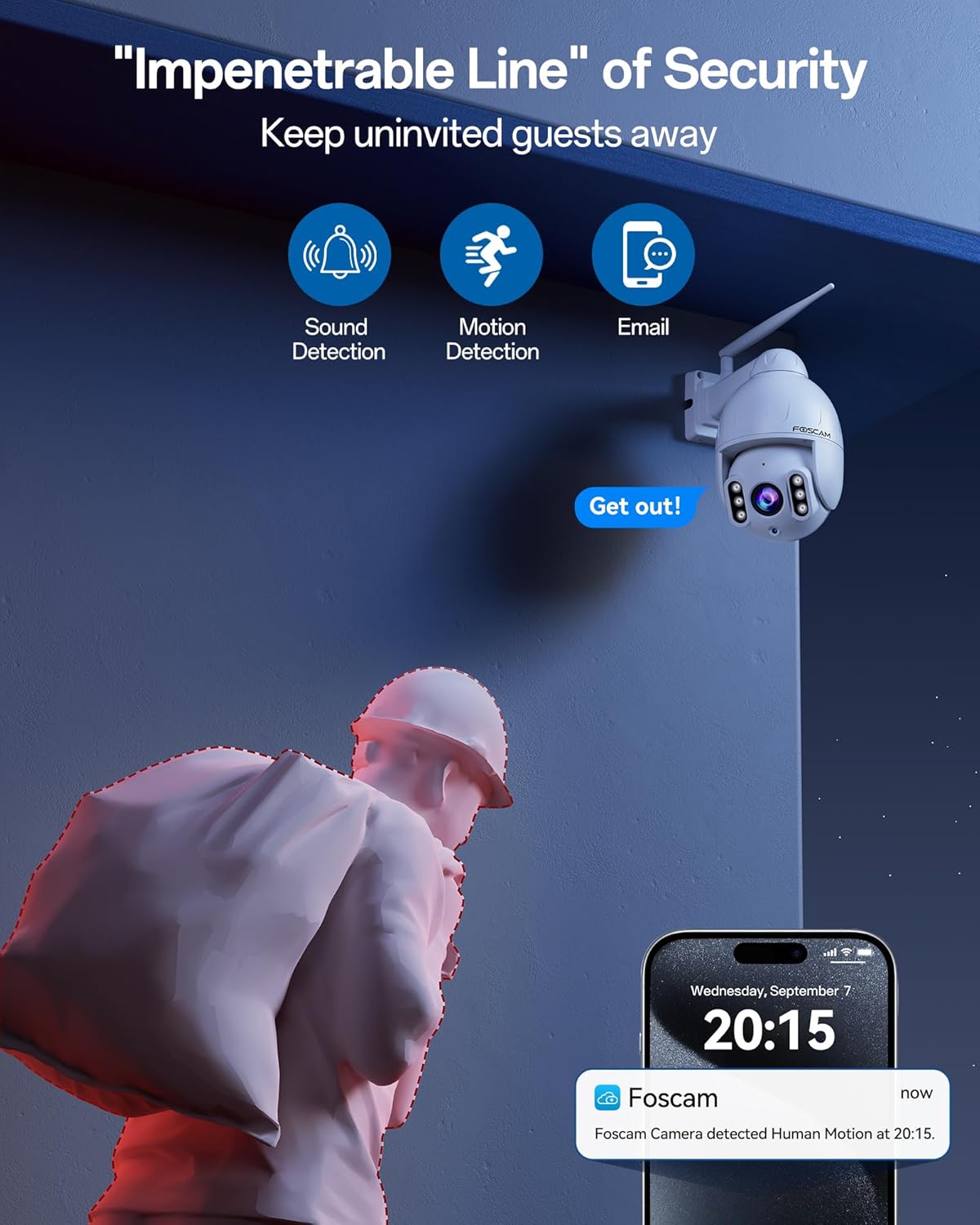
Image: The camera's active deterrence features, including a siren and spotlight, are shown alongside a smartphone displaying a real-time motion detection alert.
5.4 Recording & Storage
Video footage can be stored using several methods:
- Micro SD Card: Records directly to an inserted Micro SD card (up to 256GB).
- Foscam Cloud: Optional cloud storage service for secure off-site recording.
- FTP: Upload recordings to an FTP server.
- Privacy Masking: Configure privacy zones to block out sensitive areas from recording.
5.5 Night Vision
The camera automatically switches to night vision mode in low-light conditions, providing clear grayscale images up to 165 feet. You can also manually control the IR (infrared) LEDs through the app.
5.6 Smart Home Integration
The FOSCAM SD4 is compatible with Amazon Alexa and Google Home, allowing for voice-controlled monitoring. For example, you can say, "Alexa, show me the front yard."
6. Maintenance
- Cleaning: Regularly clean the camera lens with a soft, dry cloth to ensure optimal image clarity. Do not use harsh chemicals or abrasive materials.
- Firmware Updates: Check the Foscam app periodically for available firmware updates. Keeping your camera's firmware up-to-date ensures the latest features and security enhancements.
- Connection Check: Periodically inspect power and network cable connections for any signs of wear or damage, especially in outdoor environments.
7. Troubleshooting
If you encounter issues with your FOSCAM SD4 camera, refer to the following common troubleshooting steps:
- No Power: Ensure the power adapter is securely connected to both the camera and a working power outlet.
- No Network Connection:
- Verify your WiFi network is active and the password entered during setup is correct.
- If using Ethernet, ensure the cable is properly connected to both the camera and your router/switch.
- Restart your router and the camera.
- Poor Image Quality:
- Clean the camera lens.
- Ensure there are no obstructions in the camera's field of view.
- Check your network bandwidth; insufficient bandwidth can affect streaming quality.
- False Motion Alerts: Adjust the motion detection sensitivity settings in the Foscam app. Utilize custom detection zones to exclude areas prone to irrelevant motion (e.g., moving trees).
- Two-Way Audio Issues: Ensure the microphone and speaker volumes are adjusted correctly in the app. Check for any physical obstructions blocking the microphone or speaker.
For further assistance, please visit the FOSCAM support website or contact their customer service.
8. Specifications
The following table outlines the key technical specifications for the FOSCAM SD4 camera:
| Feature | Specification |
|---|---|
| Model Name | SD4 |
| Video Capture Resolution | 2K (2560x1440) |
| Effective Still Resolution | 4 MP |
| Optical Zoom | 4x |
| Pan/Tilt Range | 350 Degrees (Pan), 90 Degrees (Tilt) |
| Connectivity Technology | Wireless (Wi-Fi), Wired (Ethernet) |
| Wireless Communication | Wi-Fi (2.4GHz/5GHz Dual-Band) |
| Night Vision Range | 165 feet |
| International Protection Rating | IP66 |
| Power Source | Corded Electric |
| Controller Type | Amazon Alexa, Foscam APP |
| Storage Options | Micro SD Card (Max 256GB), Foscam Cloud, FTP |
| Dimensions (L x W x H) | 10.05 x 9.45 x 5.52 inches |
| Item Weight | 3.4 pounds |
9. Warranty and Support
FOSCAM is committed to providing reliable products and customer satisfaction.
- Quality Guarantee: The FOSCAM SD4 camera comes with a 180-day quality guarantee.
- Technical Support: FOSCAM offers lifetime technical support for its products.
- Returns: Enjoy 30-day free returns.
For detailed warranty information, technical assistance, or to contact customer support, please visit the official FOSCAM website: www.foscam.com
Related documentsSD4


Ask a question about this manual
Ask about setup, troubleshooting, compatibility, parts, safety, or missing instructions. Manuals+ will review the question and use this page’s manual context to help answer it.