
1. Introduction
Thank you for choosing the Nokia Essential Wireless Earbuds E3110. These earbuds are designed to provide a high-quality audio experience with convenient features such as Bluetooth 5.1 connectivity, Environmental Noise Cancellation (ENC) for clear calls, and intuitive touch controls. This manual will guide you through the setup, operation, and maintenance of your new earbuds.
2. Package Contents
Please check the package contents to ensure all items are present:
- 1 x Nokia E3110 Earbuds (Left and Right)
- 1 x Charging Case
- 1 x USB Charging Cable
- 1 x User Manual

3. Product Overview
The Nokia E3110 earbuds feature a semi in-ear design, weighing approximately 3.2g per earbud for comfortable wear. They are equipped with a 13mm dynamic driver for balanced sound and deep bass. The charging case provides additional battery life and protects the earbuds when not in use.


4. Setup
4.1 Charging the Earbuds and Case
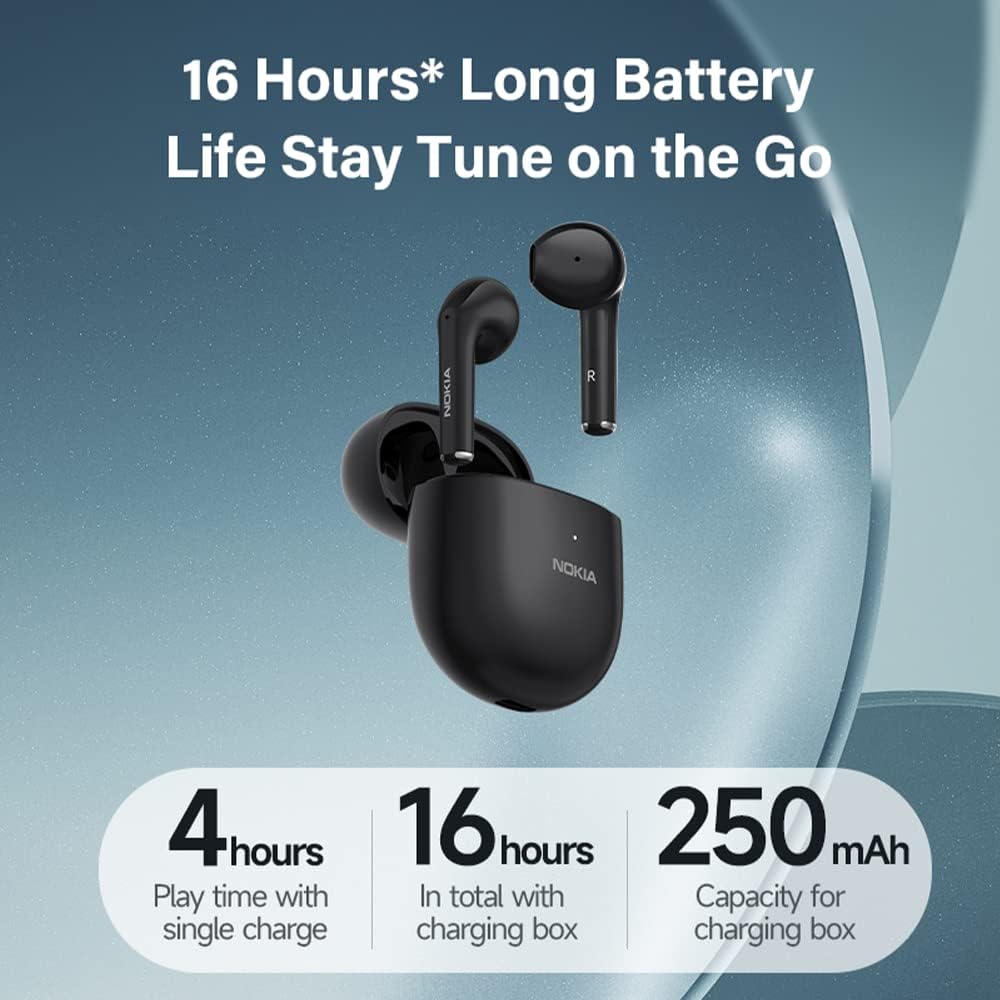
Before first use, fully charge the earbuds and the charging case. Place the earbuds into the charging case. Connect the USB charging cable to the charging port on the case and to a power source. The indicator lights on the case will show the charging status.
- Earbuds provide up to 4 hours of playback on a single charge.
- The 250mAh charging case extends total playback time up to 25 hours.
- A 20-minute charge can provide approximately one hour of music playback.
4.2 Bluetooth Pairing
The Nokia E3110 earbuds utilize Bluetooth 5.1 technology for a stable and fast connection.
- Initial Pairing: Open the charging case. The earbuds will automatically enter pairing mode.
- On your device (smartphone, tablet, etc.), enable Bluetooth and search for available devices.
- Select "Nokia E3110" from the list of found devices to connect.
- Once paired, the earbuds will automatically connect to your device when taken out of the case for subsequent uses.


5. Operating Instructions
5.1 Touch Controls
The Nokia E3110 earbuds feature intuitive touch controls on each earpiece. A light tap allows you to manage music playback, calls, and voice assistant functions.
| Function | Action | Earbud (L/R) |
|---|---|---|
| Play/Pause Music | Single Tap | L/R |
| Next Song | Double Tap | Right |
| Previous Song | Double Tap | Left |
| Volume Up | Triple Tap | Right |
| Volume Down | Triple Tap | Left |
| Answer/End Call | Single Tap | L/R |
| Reject Call | Press and Hold (2s) | L/R |
| Activate Voice Assistant (Siri, Google Assistant) | Press and Hold (2s) | L/R |
5.2 Environmental Noise Cancellation (ENC)
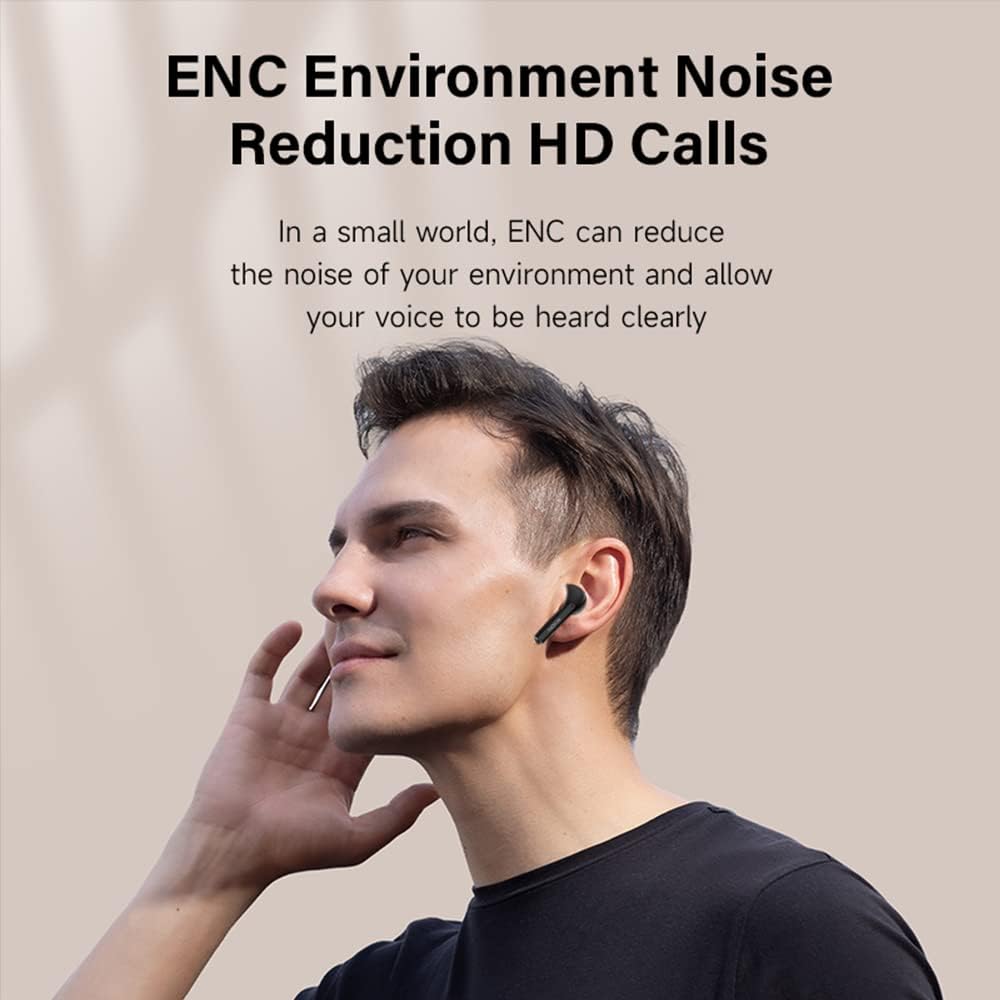
The E3110 earbuds feature ENC technology, which helps reduce ambient noise during calls. This ensures your voice is transmitted clearly to the other party, even in noisy environments.
5.3 Single or Dual Earbud Use
The E3110 earbuds support independent use of either the left or right earbud. You can switch between using one or both earbuds seamlessly, providing flexibility for calls or music listening.
6. Maintenance
6.1 Cleaning
- Regularly clean the earbuds and charging case with a soft, dry, lint-free cloth.
- Do not use abrasive cleaners, solvents, or aerosol sprays.
- Ensure charging contacts on both earbuds and case are clean and free of debris.
6.2 Water Resistance
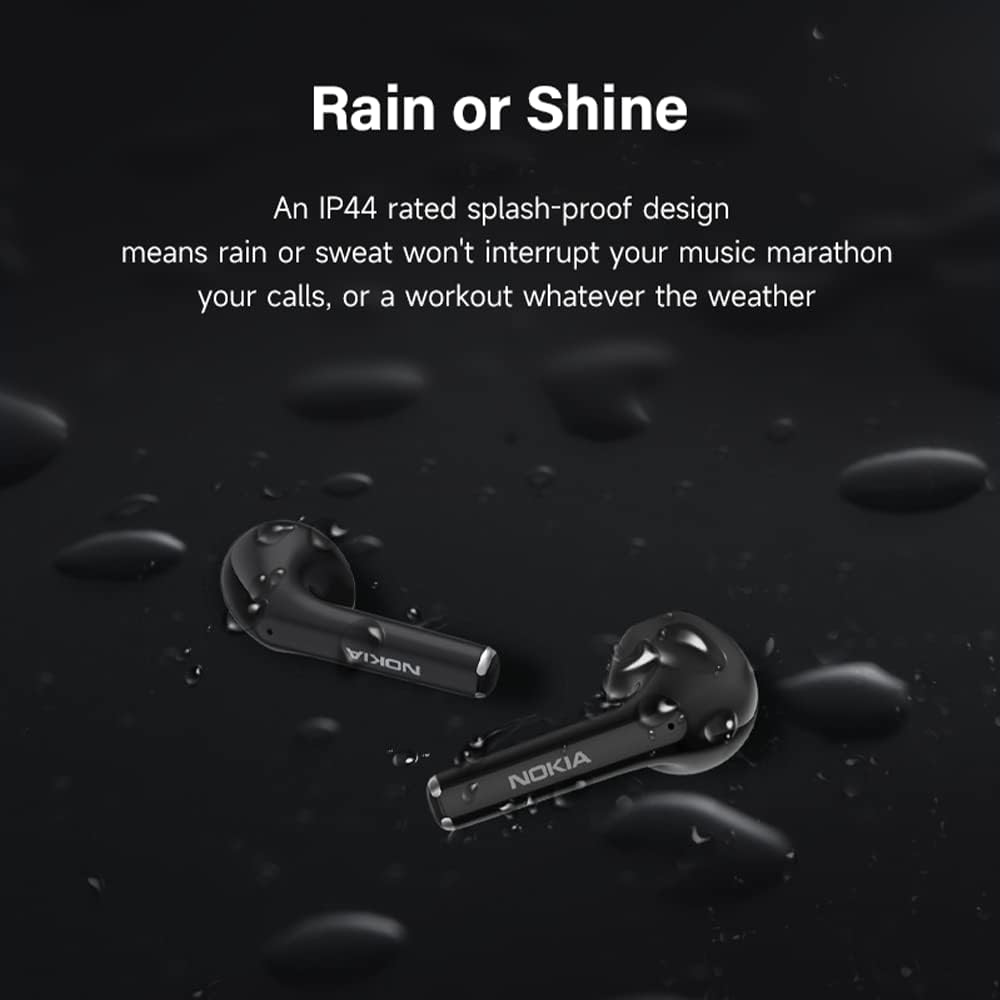
The Nokia E3110 earbuds feature an IP44 splash-proof design, meaning they are resistant to splashes of water and sweat. They are not designed for submersion in water.
6.3 Storage
Store the earbuds in their charging case when not in use to protect them and ensure they remain charged. Avoid storing them in extreme temperatures or high humidity.
7. Troubleshooting
If you encounter issues with your Nokia E3110 earbuds, refer to the following common solutions:
- No Sound/Poor Sound Quality:
- Ensure earbuds are properly paired and connected to your device.
- Check the volume level on both your device and the earbuds.
- Ensure earbuds are clean and free of debris.
- Try resetting the earbuds (refer to manufacturer's specific reset instructions if available, otherwise place back in case and re-pair).
- Pairing Issues:
- Make sure Bluetooth is enabled on your device.
- Ensure earbuds are in pairing mode (open the charging case).
- Forget the device from your phone's Bluetooth settings and try pairing again.
- Ensure earbuds are charged.
- Charging Issues:
- Verify the charging cable and power adapter are working correctly.
- Ensure the charging contacts on the earbuds and inside the case are clean.
- Make sure the earbuds are correctly seated in the charging case.
- Earbuds Not Turning On:
- Ensure the earbuds are sufficiently charged.
- Place them back in the charging case and then remove them again.
8. Specifications
| Feature | Specification |
|---|---|
| Model | E3110 |
| Bluetooth Version | 5.1 |
| Driver Unit | 13mm Dynamic |
| Earbud Weight | Approx. 3.2g (each) |
| Playback Time (Earbuds) | Up to 4 hours |
| Total Playback Time (with Case) | Up to 25 hours |
| Charging Case Capacity | 250mAh |
| Noise Reduction | ENC (Environmental Noise Cancellation) |
| Water Resistance Rating | IP44 (Splash-proof) |
| Control Type | Touch |
| Microphone | Built-In |
| Compatible Devices | Smartphones, Tablets, Laptops, Desktops, Cars |
| Product Dimensions | 11.8 x 11.6 x 4.2 cm |
| Item Weight | 80 g |
9. Warranty and Support
Nokia products are manufactured by Richgo under license. For warranty information and customer support, please refer to the documentation provided with your purchase or visit the official Nokia accessories website. Keep your proof of purchase for warranty claims.


