
1. Introduction
This manual provides detailed instructions for the setup, operation, and maintenance of your BALILA USB Conference Speakerphone. Please read this manual thoroughly before using the product to ensure optimal performance and longevity.

Image: The BALILA USB Conference Speakerphone system, showing the central speaker unit connected to five receivers, and five separate transmitters.
2. What's in the Box
Verify that all items are present in the package:
- Speaker X1
- Transmitter X5
- Receiver X5
- USB-C cable X1
- 1-in-10 charging cable X1
3. Product Overview
Familiarize yourself with the components and their functions.
Speaker Unit
- Mute/Unmute Button: Press to toggle microphone mute status.
- Volume - Button: Decrease speaker volume.
- Volume + Button: Increase speaker volume.
- USB-C Charging Port: For power and data connection to a computer.
- 3.5mm Sockets: Ports for connecting receivers.
Transmitter (TX)
- Mic: Omnidirectional microphone for voice pickup.
- Power Button: Turn the transmitter on/off.
- Power Indicator: Shows power and connection status (blue light on: microphone working, light off: mute).
- USB-C Charging Port: For charging the transmitter.
- Lapel Clip: For attaching the transmitter to clothing.
Receiver (RX)
- 3.5mm Plug: Connects to the speaker unit.
- Power Indicator: Shows power and connection status.
- Power Button: Turn the receiver on/off.
- USB-C Charging Port: For charging the receiver.

Image: Detailed diagram illustrating the various ports, buttons, and indicators on the speaker unit, transmitter, and receiver.
4. Setup Instructions
Follow these steps to set up your BALILA Conference Microphone Kit:
- Connect the Speaker: Connect the main speaker unit to your computer or smartphone using the provided USB-C cable.
- Plug in Receivers: Insert the 3.5mm plugs of the receivers into the corresponding 3.5mm sockets on the speaker unit.
- Power On Transmitters and Receivers: Press the power button on each transmitter and receiver to turn them on. They are pre-paired from the factory and should connect automatically.
The system is plug-and-play, requiring no additional drivers for most operating systems and applications.

Image: A visual guide demonstrating the three main steps for connecting the speaker to a computer, plugging in receivers, and powering on the transmitters and receivers.
5. Operating Instructions
Volume Adjustment
Use the Volume + and Volume - buttons on the speaker unit to adjust the output volume of the speaker. The system supports 15 levels of volume adjustment.
Mute Function
Press the Mute/Unmute button on the speaker unit to mute or unmute all connected microphones. The blue indicator light on the transmitters will be on when the microphone is working and off when muted.

Image: Visual representation of the one-click mute functionality and the extended talk time provided by the built-in battery.
Compatibility
The speakerphone is compatible with various communication platforms including Skype for Business, Zoom, WebEx, GoToMeeting, Google Hangout, Facetime, and Chromebox.
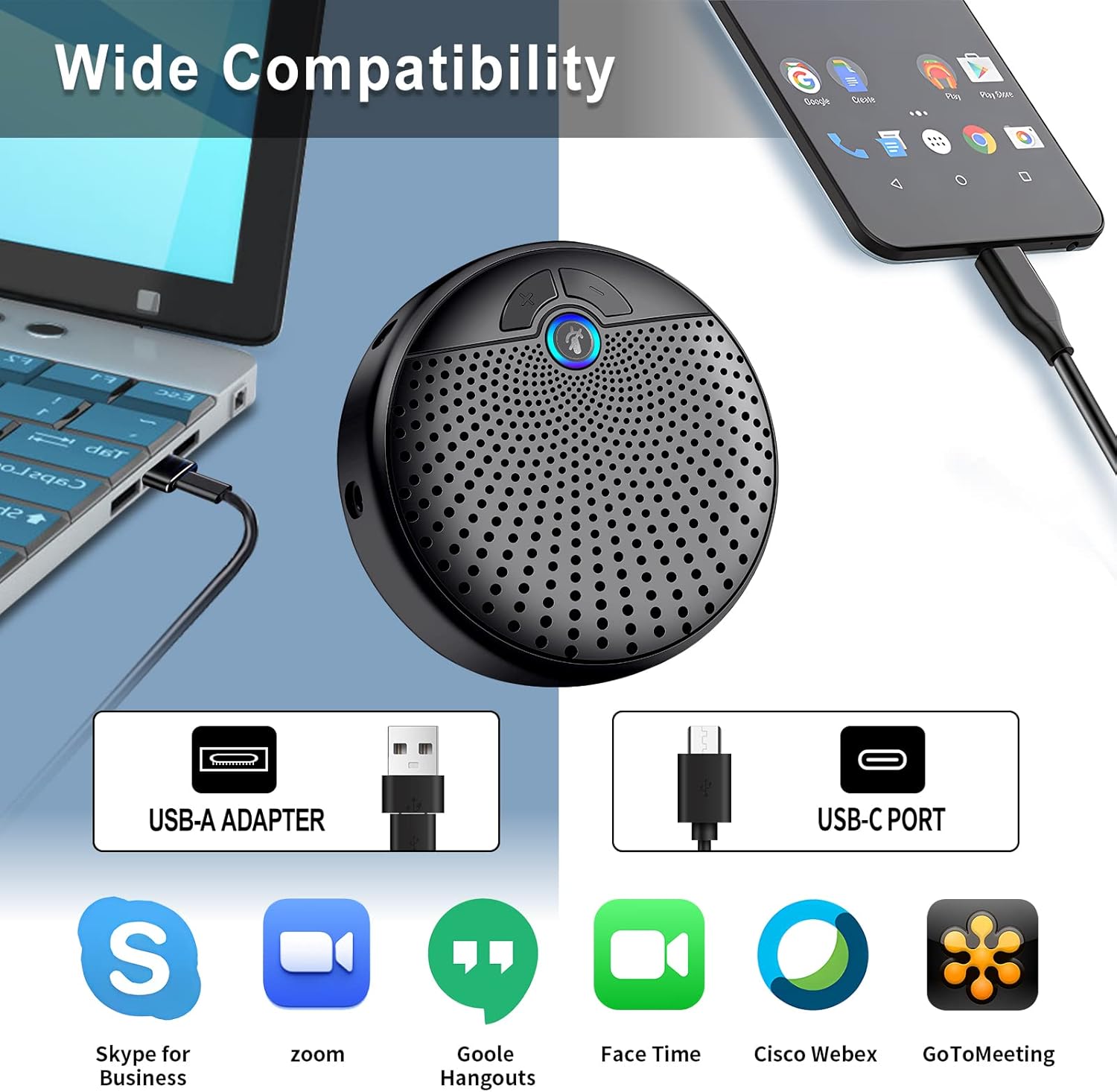
Image: Illustration of the wide compatibility of the speakerphone with various devices via USB-A and USB-C, and popular conferencing software.
6. Key Features
- 360° Voice Pickup: Equipped with 5 omnidirectional microphones, the system ensures clear voice pickup from all directions, suitable for 8-10 attendees in a large meeting room.
- Extended Pickup Range: The conference speakerphone has a working range of up to 20 meters (66 ft), allowing speakers to move freely during presentations.
- Enhanced Noise Cancelling: Advanced noise-canceling technology eliminates background noise such as air conditioning, keyboard clicks, and general ambient sounds, providing a superior audio experience even in noisy environments.
- Plug-and-Play: Connects to computers or smartphones without requiring additional drivers.
- One-Click Mute: A dedicated button on the speaker unit allows for quick muting/unmuting of microphones.
- Multifunctional Use: Ideal for conference calls, online classes, interviews, streaming, gaming, and other home office activities.
Visual Demonstrations of Features

Image: Demonstration of the wide working range, allowing speakers to move up to 20 meters from the speaker unit.
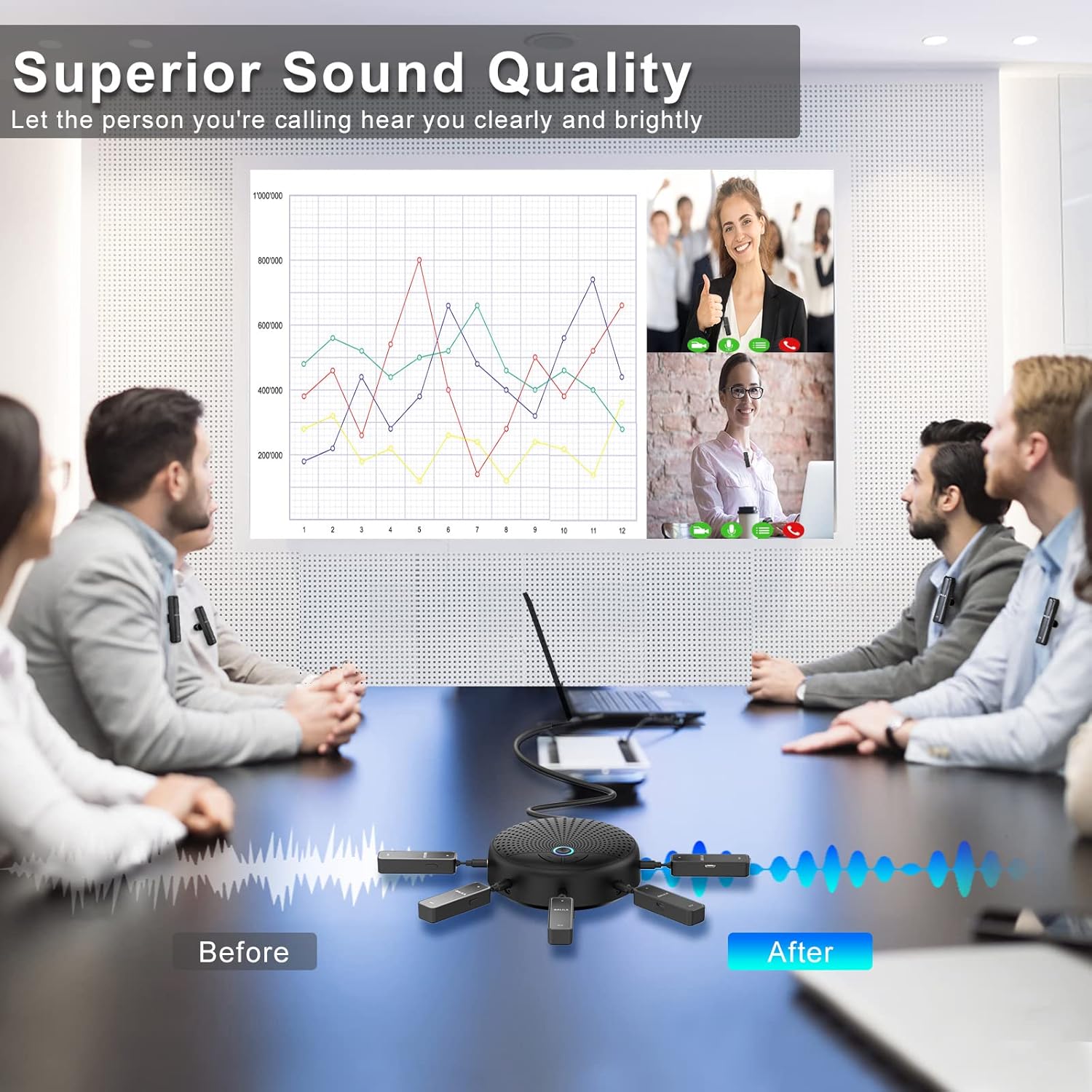
Image: Visual comparison of audio quality before and after noise reduction, highlighting clear sound for remote participants.

Image: Diagram illustrating how smart noise reduction technology filters out unwanted background noise.

Image: An internal view of the speaker unit, emphasizing its 15-level adjustable volume capability.
7. Specifications
| Feature | Detail |
|---|---|
| Model Number | CM-100 |
| Brand | BALILA |
| Product Dimensions | 12 x 10 x 4 cm |
| Item Weight | 450 Grams |
| Colour | Black |
| Material | Metal |
| Power Source | Corded Electric |
| Batteries | 1 Lithium Ion battery required (included) |
| Telephone Type | Corded |
| Answering System Type | Digital |
| Compatible Devices | Laptop, Personal Computer, Smartphone, Tablet |
| Manufacturer | Kingkono |
| First Available | 10 Oct. 2022 |

Image: The product packaging, displaying key specifications and manufacturer details.
8. Troubleshooting
- No Sound from Speaker: Ensure the speaker unit is properly connected to your device and powered on. Check the volume levels on both the speaker and your connected device.
- Microphones Not Picking Up Sound: Verify that the transmitters are powered on and the blue indicator light is active (not muted). Ensure receivers are securely plugged into the speaker unit.
- Background Noise: The speakerphone features enhanced noise-canceling technology. Ensure microphones are positioned correctly and not obstructed.
- Cannot Hear Own Voice from Speaker: The speaker of this microphone system is designed for online calls and conferences. You will not hear your own voice from the speaker; it plays the sound from your video partner or connected device. Your voice is transmitted clearly to the other party.
- Connection Issues: If transmitters and receivers do not connect automatically, ensure they are fully charged and within the 20m working range. Restarting both the speakerphone system and the connected device may resolve minor connection glitches.
9. Maintenance
To ensure the longevity and optimal performance of your BALILA USB Conference Speakerphone, follow these maintenance guidelines:
- Cleaning: Use a soft, dry cloth to clean the surfaces of the speaker unit, transmitters, and receivers. Avoid using liquid cleaners or abrasive materials.
- Storage: Store the device in a cool, dry place away from direct sunlight and extreme temperatures when not in use.
- Battery Care: For optimal battery life, avoid fully discharging the devices frequently. Charge them regularly, especially if storing for extended periods.
- Handling: Handle all components with care to prevent physical damage. Avoid dropping the devices or exposing them to excessive force.
10. Warranty and Support
Your BALILA USB Conference Speakerphone comes with a 15-month limited warranty from the date of purchase. Additionally, BALILA provides lifetime technical support for this product.
Contact Information:
- Pre-sales Customer Service: sales@balila-audio.com
- After-sales Customer Service: vp@balila-audio.com
- Official Website: http://www.balila-audio.com
