1. Introduction
This manual provides essential instructions for the safe and efficient operation, setup, maintenance, and troubleshooting of your Anker SOLIX F2000 Solar Generator. Please read this manual thoroughly before using the product and retain it for future reference.
The Anker SOLIX F2000 is a portable power station designed for reliable energy supply in various scenarios, including home backup, outdoor camping, and RV use. It features LiFePO4 batteries, GaNPrime technology, and a robust design for extended lifespan and performance.
2. Safety Information
Always adhere to the following safety guidelines to prevent injury or damage to the product:
- Do not disassemble, repair, or modify the unit.
- Avoid exposure to fire, heat sources, or direct sunlight for prolonged periods.
- Do not use or store the unit in bathrooms or areas exposed to water.
- Ensure proper ventilation during use and charging to prevent overheating.
- Keep out of reach of children and pets.
- Use only original or certified cables and accessories.
- In case of leakage or abnormal odor, discontinue use immediately and contact customer support.
3. Package Contents
Verify that all items are present in your package:
- Anker 767 Portable Power Station (GaNPrime PowerHouse 2048Wh)
- AC charging cable
- Car charging cable
- Solar charging cable
- 5-port solar charging connector
- 2x Anker SOLIX PS200 Solar Panels (200W)
- 2x 9.84ft / 3m solar charging cable
- Welcome guide
4. Setup
4.1. Power Station Activation
Before first use, activate the power station by plugging it into an AC wall outlet. The screen will light up automatically, indicating successful activation. Fully charge the power station to 100% before initial operation.
4.2. Solar Panel Setup
To charge your power station using solar energy, follow these steps:
- Unfold the Anker SOLIX PS200 Solar Panels and position them with the front facing the sun.
- Adjust the integrated kickstand to one of the four optimized angles (30°, 40°, 50°, or 80°) for maximum sunlight exposure.
- Locate the MC4 ports behind your solar panel.
- Use an extension cable to connect the MC4 ports to the XT-60 solar charging converter.
- Connect the solar charging cable converter to the XT-60 port on your power station.
Multiple solar panels can be connected for up to 1000W of input.
Image: Diagram illustrating the connection steps for setting up the solar panels with the power station.
4.3. Expansion Battery Connection (Sold Separately)
To increase the total capacity of your Anker SOLIX F2000, an expansion battery (sold separately) can be connected:
- Place the Expansion Battery securely on top of the PowerHouse 767.
- Connect the Expansion Battery to the PowerHouse 767 using the included cable.
- Press and hold the power button on the Expansion Battery for 2 seconds to turn it on. A beep will confirm successful connection.
The Expansion Battery icon will appear on the power station screen once successfully connected. The Expansion Battery will charge automatically once the main power station is fully charged.
5. Operating Instructions
5.1. Powering Devices
The Anker SOLIX F2000 offers multiple output ports to power a wide range of devices:
- AC Outlets: 4 AC ports with up to 2400W output. Press the AC OUTLET button to activate.
- RV Port: An exclusive TT-30R RV port for direct RV power.
- USB Ports: 3 USB-C charging ports and 2 USB-A ports. These ports are always active when the unit is on.
- Car Outlets: 2 car socket outputs. Press the CAR SOCKET button to activate.
5.2. Power Saving Mode
Activate Power Saving Mode to prevent wasted energy. When enabled, outputs will automatically turn off once the connected device is fully charged. To ensure stable charging for devices that require continuous power, turn OFF Power Saving Mode.
5.3. Anker App Control
Download the Anker App from the Apple App Store or Google Play Store. Pair your device by pressing and holding the Bluetooth button on the PowerHouse 767 until the light flashes. Use the app to monitor charging time, remaining battery, temperature, and customize power usage remotely.
Image: Screenshot of the Anker App interface showing real-time power monitoring and control options.
5.4. Uninterruptible Power Supply (UPS) Functionality
The Anker SOLIX F2000 provides continuous power with a switchover time of less than 20ms, offering resilient backup for essential devices during power outages.
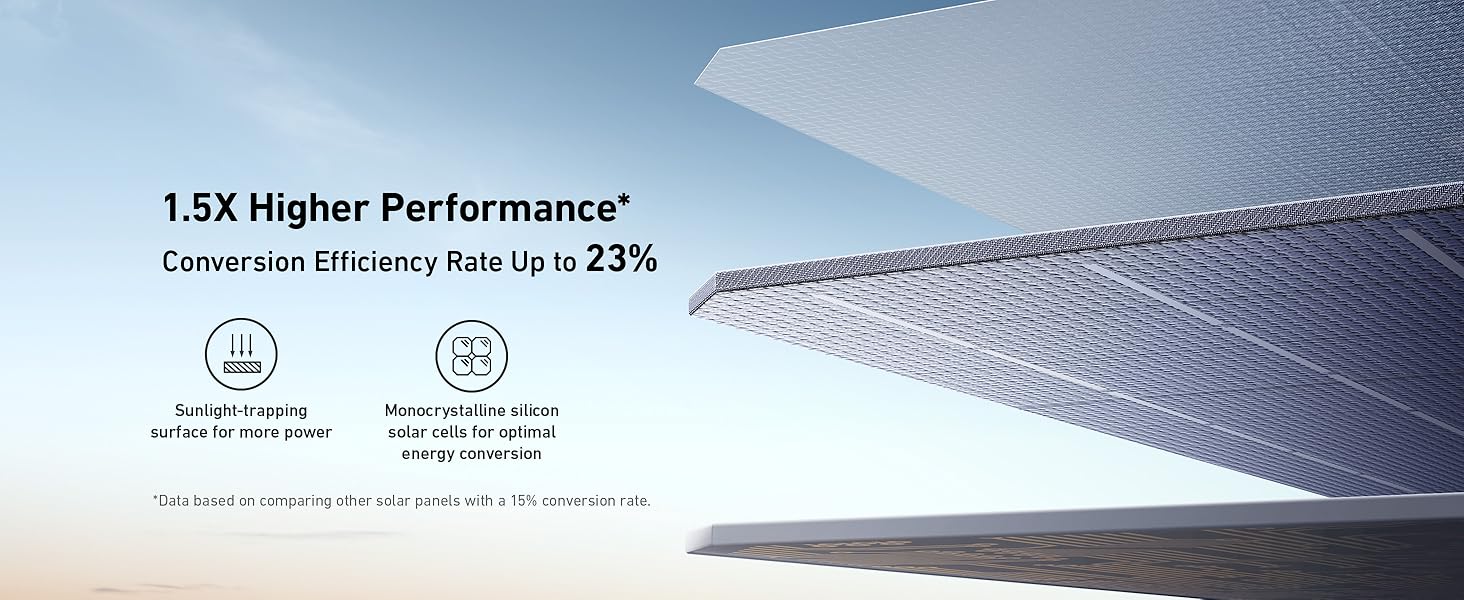
Image: The power station providing continuous power to a computer setup, illustrating its UPS capability.
6. Charging
6.1. AC Charging
Recharge the power station from a standard AC wall outlet using the provided AC charging cable. The HyperFlash technology allows for a rapid recharge, reaching 80% capacity in approximately 1.4 hours.
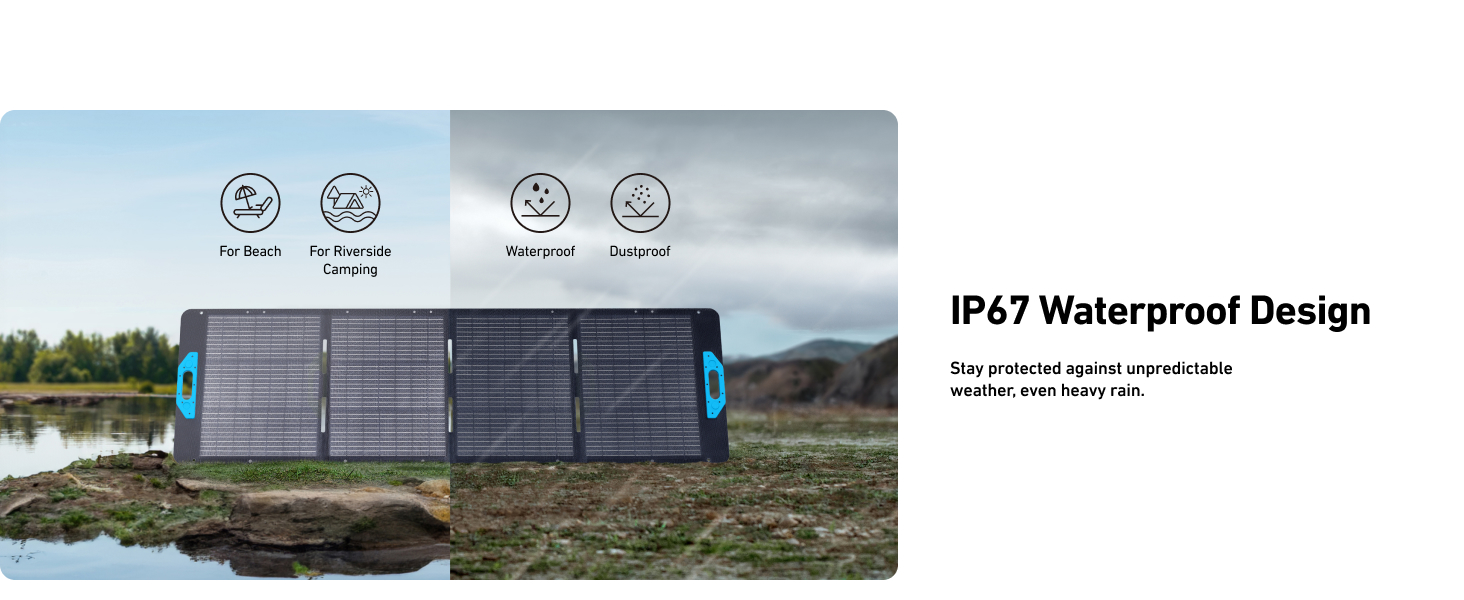
Image: The power station connected to a wall outlet, highlighting its fast recharge capability.
6.2. Solar Charging
Connect the Anker SOLIX PS200 Solar Panels to the power station as described in Section 4.2. The solar panels feature a 23% conversion efficiency rate and IP67 waterproof protection, allowing for efficient charging even in challenging outdoor conditions.
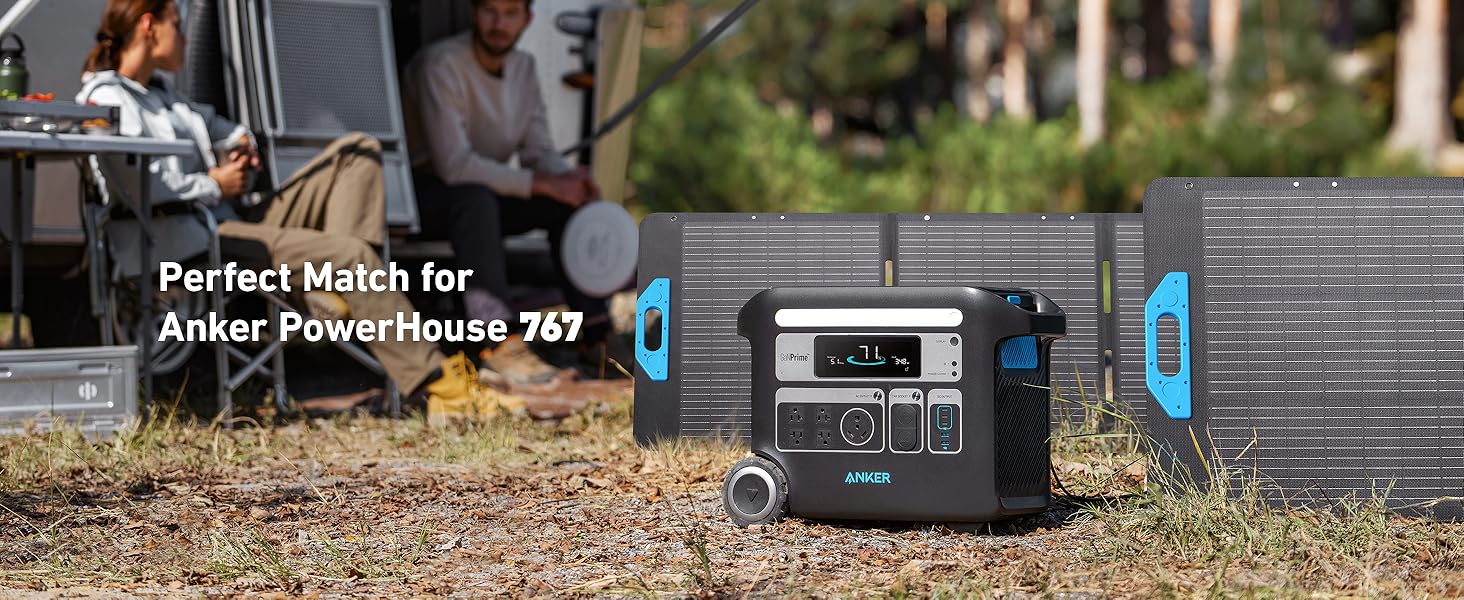
Image: The Anker SOLIX F2000 and solar panels set up outdoors for solar charging.
6.3. Car Charging
Use the provided car charging cable to recharge the power station from your vehicle's 12V car socket. This method is slower than AC or solar charging but provides a convenient option while traveling.
7. Maintenance
7.1. Battery Care
The Anker SOLIX F2000 is built with InfiniPower technology, LiFePO4 batteries, and a smart temperature control system designed for a 10-year lifespan (3,000 charge cycles). To maintain optimal battery health:
- Store the unit in a cool, dry area.
- Check the battery capacity each week.
- If the battery level is below 30%, recharge the power station to 100%.
- Fully charge the power station once every 3 months to prevent deep discharge.
8. Troubleshooting
If you encounter any issues with your Anker SOLIX F2000, refer to the following common troubleshooting steps:
- Unit Not Turning On: Ensure the battery is charged. If completely drained, connect to an AC outlet for activation.
- No Output from AC/DC Ports: Verify that the respective output buttons (AC OUTLET, CAR SOCKET) are pressed and their indicator lights are on. Check if Power Saving Mode is enabled and interfering with continuous power.
- Slow Charging: Ensure all solar panels are fully exposed to direct sunlight without any shading. Check cable connections. For AC charging, ensure the wall outlet is functioning correctly.
- Overload Protection: If the unit shuts down due to overload, disconnect some devices and restart the power station. The maximum output is 2400W.
- App Connectivity Issues: Ensure Bluetooth is enabled on your phone and the power station. Try restarting both the app and the power station.
For persistent issues, contact Anker customer support.
9. Specifications
| Feature | Specification |
|---|---|
| Brand | Anker |
| Model | SOLIX F2000 (PowerHouse 767) |
| Battery Capacity | 2048Wh (LiFePO4) |
| AC Output | 2400W (Total) |
| Solar Panel Input | Up to 1000W (with multiple panels) |
| Solar Panel Efficiency | Up to 23% |
| Solar Panel Waterproof Rating | IP67 |
| AC Recharge Time (0-80%) | 1.4 hours (HyperFlash) |
| UPS Switchover Time | <20ms |
| Lifespan | 10 years (3,000 charge cycles) |
| Dimensions (L x W x H) | 20.67" x 9.84" x 15.55" |
| Weight | 87.3 lbs |
10. Warranty and Support
The Anker SOLIX F2000 comes with a superior 5-year full-device warranty, ensuring a guaranteed and worry-free experience. For technical assistance, troubleshooting, or warranty claims, please contact Anker customer service through their official website or the Anker App.


