
Paingone B0BHDJSD4H
Paingone Plus Automatic TENS Pen User Manual
Model: B0BHDJSD4H | Brand: Paingone
Introduction
The Paingone Plus is an automatic Transcutaneous Electrical Nerve Stimulation (TENS) device designed for fast and effective temporary relief of sore and aching muscles. This compact and portable pen-shaped device delivers targeted electrical impulses to stimulate nerves, promoting the body's natural pain relief mechanisms. It is drug-free and requires no wires, pads, or gels, making it convenient for on-the-go use.

Image: The Paingone Plus device shown with its product box, highlighting its compact design.
Safety Information
Please read all safety warnings and instructions carefully before using the Paingone Plus device. Failure to do so may result in injury or damage to the device.
- Do not use if you have a pacemaker or other implanted medical device.
- Do not use if you are pregnant or suspect you might be pregnant.
- Do not use on or near the eyes, mouth, carotid sinus (front of the neck), or over the heart.
- Do not use on broken skin, open wounds, or areas with skin conditions.
- Consult a healthcare professional before use if you have any pre-existing medical conditions, especially epilepsy, heart disease, or recent surgery.
- Keep out of reach of children.
- This device is for temporary pain relief of sore and aching muscles only. It is not intended to diagnose, treat, cure, or prevent any disease or health condition.
For detailed legal disclaimers, refer to the product's official documentation or the manufacturer's website.
Product Overview
The Paingone Plus is designed for ease of use and portability. It consists of a main body, an activating button, and a contact tip.
- Contact Tip: The small, conductive tip at the end of the pen that makes contact with the skin.
- Activating Button: Located at the top of the device, this button initiates the electrical impulses when pressed.
- Battery Compartment: Houses the single AAA battery that powers the device.

Image: A hand holding the Paingone Plus, demonstrating its easy-to-hold design and single button activation.
Setup
The Paingone Plus requires one AAA battery (included). Ensure the battery is properly installed before first use.
- Locate the battery compartment at the rear of the device.
- Twist or slide open the battery compartment cover.
- Insert one AAA battery, ensuring the positive (+) and negative (-) terminals are correctly aligned.
- Close the battery compartment cover securely.
- Important: The included battery may have a protective plastic wrapper. Remove this wrapper before inserting the battery into the device.
Video: Instructions on how to remove the protective wrapper from the battery before inserting it into the Paingone Plus device.
Operating Instructions
The Paingone Plus is designed for simple, one-button operation. It can be used on various parts of the body where you experience pain, such as hands, feet, knees, shoulders, and legs.
- Ensure the skin in the application area is clean and dry.
- Place the contact tip of the Paingone Plus directly onto the area where you feel pain.
- Press and hold the activating button firmly. You will feel a series of controlled therapeutic impulses.
- Maintain contact and continue holding the button for 30 to 60 seconds.
- After the desired duration, release the activating button and remove the device from your skin.
- Repeat as often as needed throughout the day.

Image: Visual guide illustrating the four simple steps to use the Paingone Plus for pain relief.
Video: Demonstrates the application of the Paingone Plus device and explains how it stimulates natural pain relief.
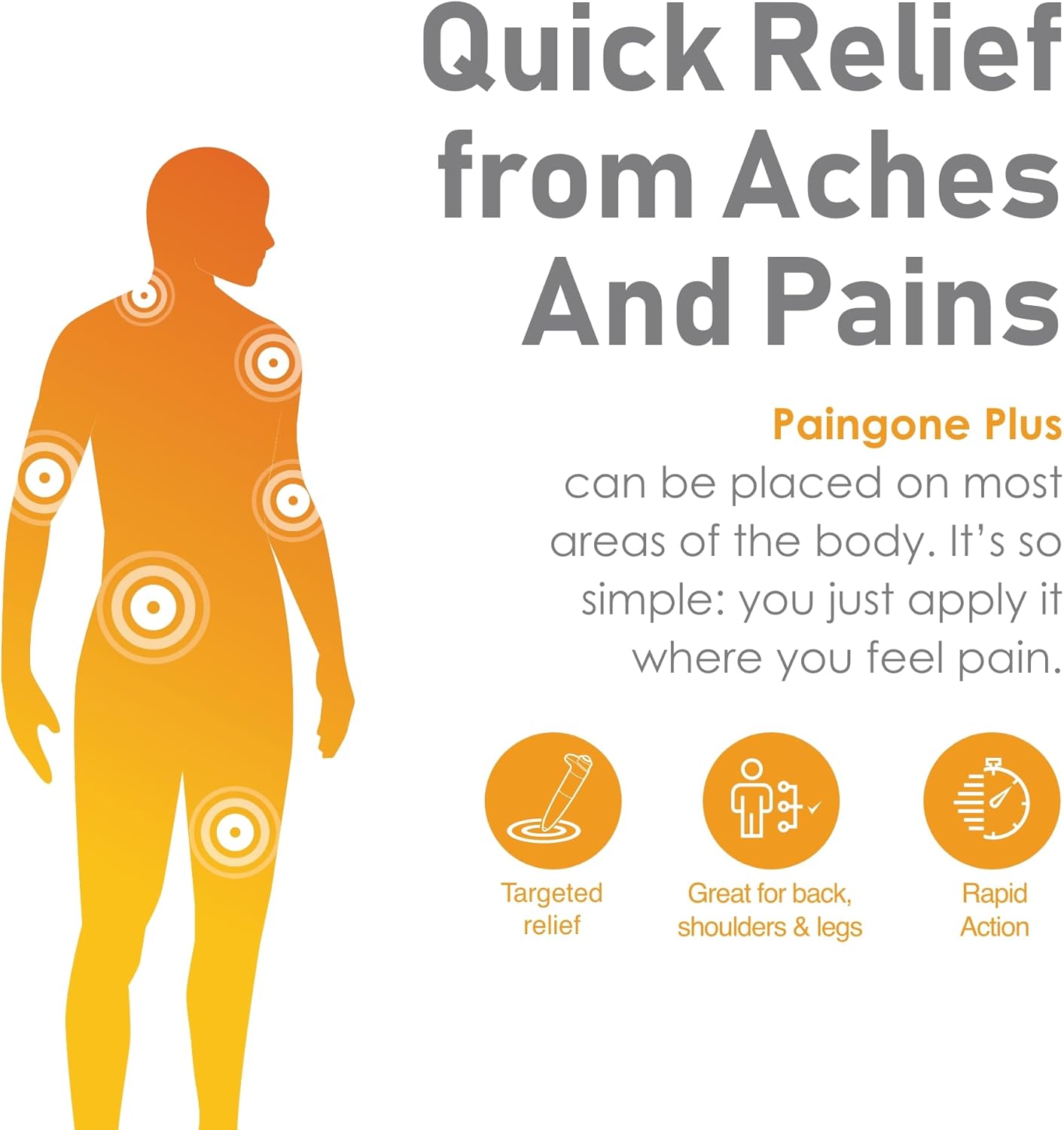
Image: A diagram showing various body parts where the Paingone Plus can be effectively applied for quick relief from aches and pains.
Maintenance and Care
Proper care will ensure the longevity and effectiveness of your Paingone Plus device.
- Clean the contact tip with a soft, damp cloth after each use. Do not use abrasive cleaners or immerse the device in water.
- Store the device in a cool, dry place, away from direct sunlight and extreme temperatures.
- If the device will not be used for an extended period, remove the battery to prevent leakage.
- Do not attempt to disassemble or repair the device yourself. Contact customer support if it malfunctions.
Troubleshooting
If you experience issues with your Paingone Plus, try the following solutions:
| Problem | Possible Cause | Solution |
|---|---|---|
| Device does not activate or feels weak. | Battery is low or incorrectly installed. Protective wrapper still on battery. Poor skin contact. | Check battery installation and ensure protective wrapper is removed. Replace battery if necessary. Ensure firm contact with skin. |
| Sensation is uncomfortable. | Device may be applied to a sensitive area or too much pressure is applied. | Adjust pressure or move to a less sensitive area. Ensure skin is clean and dry. |
| No relief after use. | Individual response varies. Incorrect application area. | Ensure you are applying the device directly to the area of pain. Consistent use may be required. Consult a healthcare professional if pain persists. |
Specifications
- Model: B0BHDJSD4H
- Power Source: 1 x AAA battery (included)
- Battery Life: More than 800 applications per battery
- Product Dimensions: 7.25 x 3.75 x 2 inches
- Weight: 8.15 ounces
- Manufacturer: Paingone
- Country of Origin: China
Warranty and Support
Paingone products are manufactured to high quality standards. For information regarding warranty coverage, product registration, or technical support, please refer to the official Paingone website or contact their customer service directly. Keep your proof of purchase for warranty claims.
Note: Statements regarding dietary supplements have not been evaluated by the FDA and are not intended to diagnose, treat, cure, or prevent any disease or health condition. This device is a Class II Medical Device.
Ask a question about this manual
Ask about setup, troubleshooting, compatibility, parts, safety, or missing instructions. Manuals+ will review the question and use this page’s manual context to help answer it.