
Aroepurt P414-SJ-106
Aroepurt P414-SJ-106 Protective Case User Manual
For Cwowdefu F80w 5G 8-inch Tablet (2022 Model)
1. Introduction
Thank you for choosing the Aroepurt P414-SJ-106 Protective Case. This manual provides essential information for the proper installation, use, and maintenance of your new tablet case. This case is specifically designed to fit the Cwowdefu F80w 5G 8-inch Tablet (2022 Model), offering protection and enhanced functionality.
2. Product Features
- Unobstructed Access: All tablet hardware, including webcam, flash, fingerprint reader, and speakers, remains fully accessible and functional.
- Enhanced Protection: Features a flip cover and thickened silicone protection ring for comprehensive, lightweight defense against daily wear and tear.
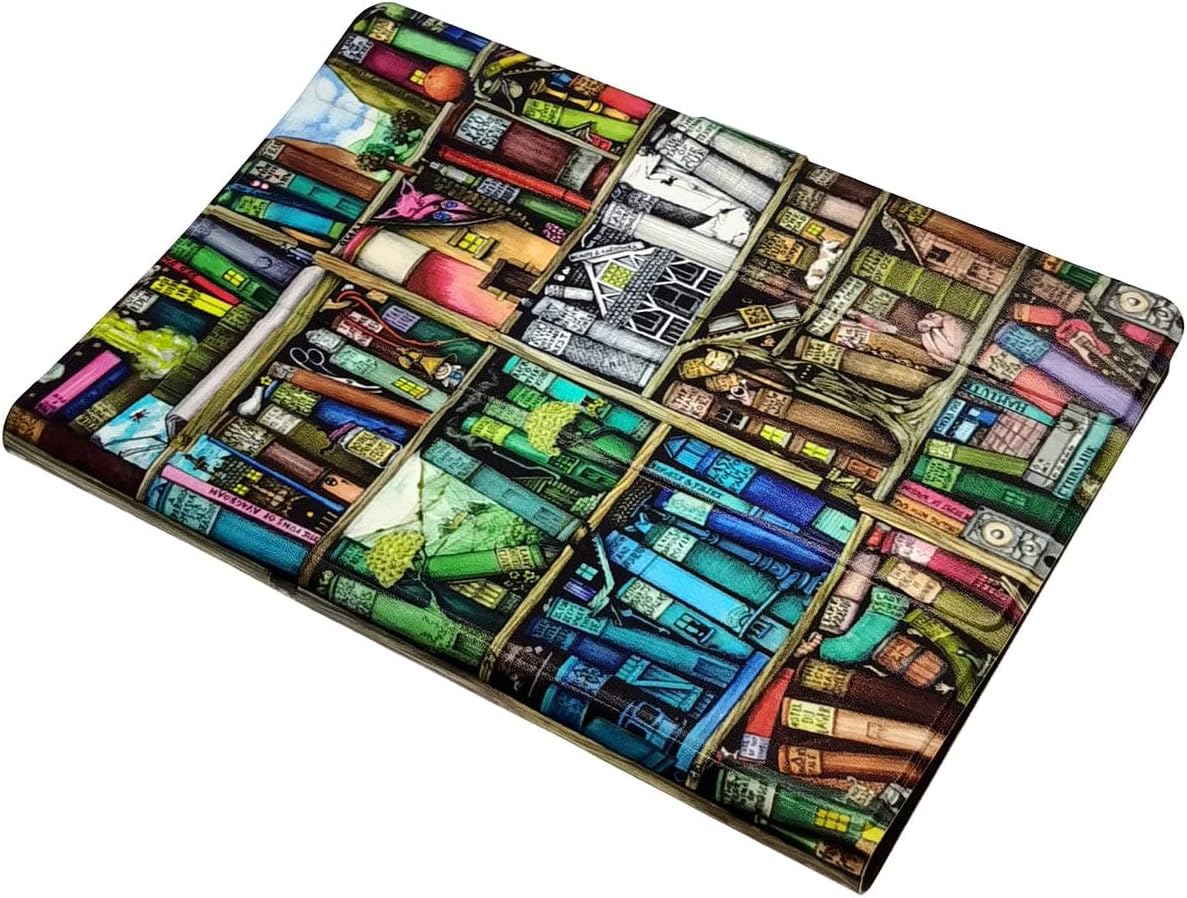
- Durable Design: Exquisite inkjet pattern maintains its vibrant appearance over time without fading.
- Integrated Stand Function: The case can be folded to prop up the tablet for hands-free viewing.
- Note: This case does not include a keyboard slot.
3. Setup and Installation
Follow these steps to correctly install your Cwowdefu F80w 5G 8-inch Tablet into the Aroepurt protective case:
- Ensure your tablet is clean and free of dust or debris.
- Gently align the tablet with the silicone frame of the case.
- Press the tablet firmly into the case, starting from one corner and working your way around, ensuring all edges are securely seated within the silicone protection ring.
- Verify that all ports, buttons, camera, and speakers are correctly aligned with the case's cutouts and remain fully accessible.

4. Operating the Stand Function
The Aroepurt protective case features a built-in stand for convenient hands-free viewing. To activate the stand function:
- Open the flip cover of the case.
- Fold the front cover backward, aligning it with the grooves or design on the back of the case.
- Adjust the angle to your preferred viewing position. The case is designed to hold the tablet securely in an upright orientation.

5. Maintenance and Care
To ensure the longevity and appearance of your Aroepurt protective case, please follow these care instructions:
- Cleaning: Wipe the case with a soft, damp cloth. Avoid using harsh chemicals, abrasive cleaners, or solvents, as these may damage the polyurethane material or the printed design.
- Storage: Store the case in a cool, dry place away from direct sunlight and extreme temperatures when not in use.
- Avoid Sharp Objects: Keep the case away from sharp objects to prevent scratches or punctures.
6. Troubleshooting
If you encounter any issues with your case, consider the following:
- Tablet Not Fitting: Ensure you have the correct tablet model (Cwowdefu F80w 5G 8-inch Tablet, 2022 Model). Re-check the installation steps to ensure the tablet is properly seated.
- Ports Blocked: Verify that the tablet is correctly aligned within the case. Slight adjustments may be needed to ensure full access to all ports and buttons.
7. Specifications
| Feature | Detail |
|---|---|
| Brand | Aroepurt |
| Product Type | Flip Case |
| Model Number | P414-SJ-106 |
| Special Features | Integrated Stand |
| Material | Polyurethane |
| Compatible Tablet Models | Cwowdefu F80w 5G 8-inch Tablet (2022 Model) |
| Dimensions (L x W x H) | 30 x 20 x 1 centimeters |
8. Warranty and Support
For warranty information or technical support, please refer to the documentation provided with your purchase or contact the retailer/manufacturer directly. Keep your proof of purchase for any warranty claims.
Ask a question about this manual
Ask about setup, troubleshooting, compatibility, parts, safety, or missing instructions. Manuals+ will review the question and use this page’s manual context to help answer it.