
1. Introduction
The Retevis RT22P is a compact, rechargeable FRS two-way radio designed for reliable communication. This manual provides essential information for the safe and efficient use of your RT22P radios, including setup, operation, maintenance, and technical specifications.
2. Package Contents
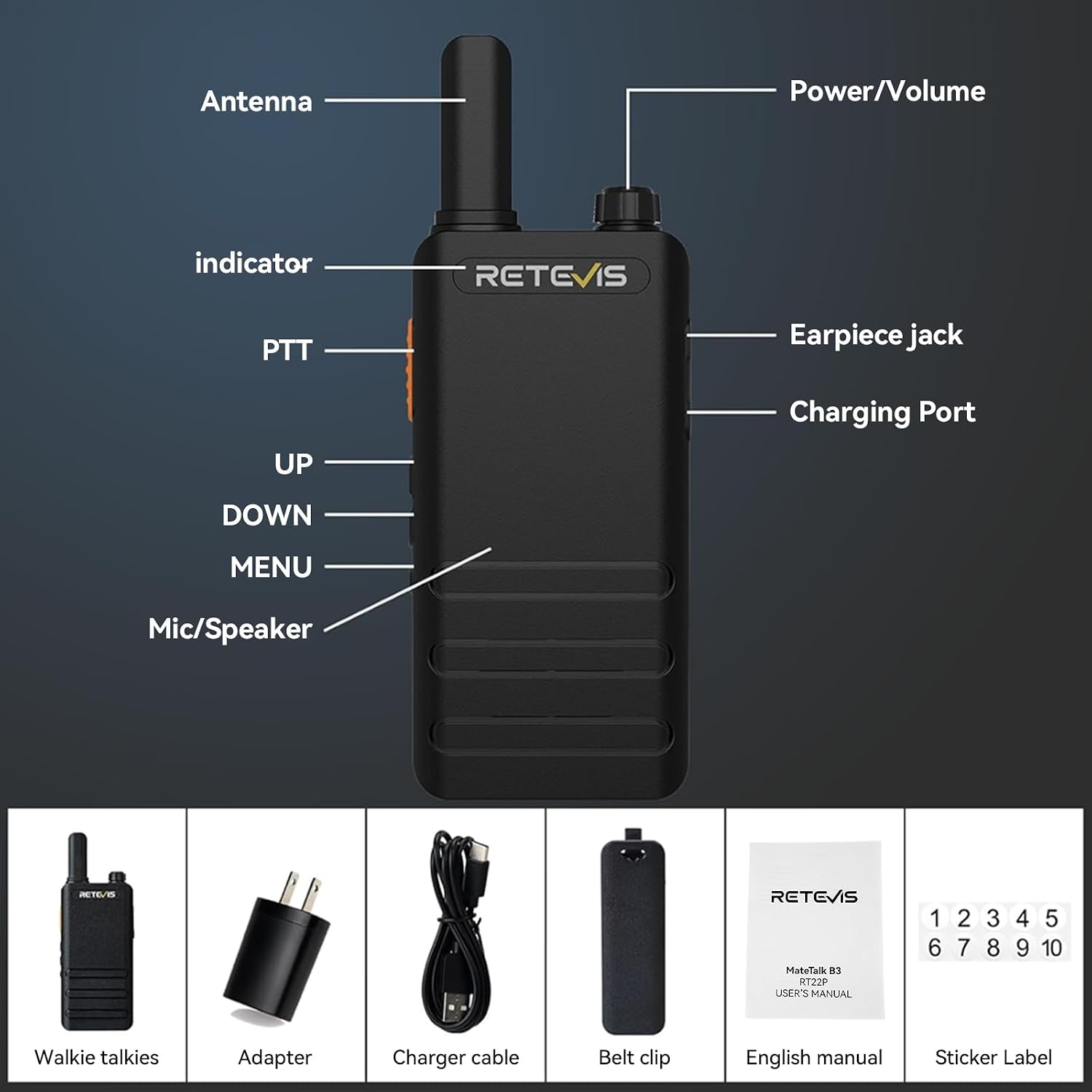
Verify that all items are present in your package:
- Retevis RT22P Walkie Talkie (with included battery) x 4
- USB-C Charger Cable & Adapter x 4
- Stick Label x 4
- Back Clip x 4
- English Manual x 2
3. Product Overview
Familiarize yourself with the components of your Retevis RT22P radio:

- Antenna: For transmitting and receiving signals.
- Power/Volume Knob: Rotate to turn the radio on/off and adjust volume.
- PTT (Push-to-Talk) Button: Press and hold to transmit, release to receive.
- UP/DOWN Buttons: Used for channel selection and menu navigation.
- MENU Button: Accesses radio settings.
- Mic/Speaker: Integrated microphone and speaker for communication.
- Earpiece Jack: 3.5 mm single pin for connecting an external earpiece.
- Charging Port: USB-C port for battery charging.
- Indicator: LED light indicating radio status (e.g., transmitting, receiving, charging).
- Sticker Label: Area for numbering or identifying individual radios.
4. Setup
4.1 Charging the Battery
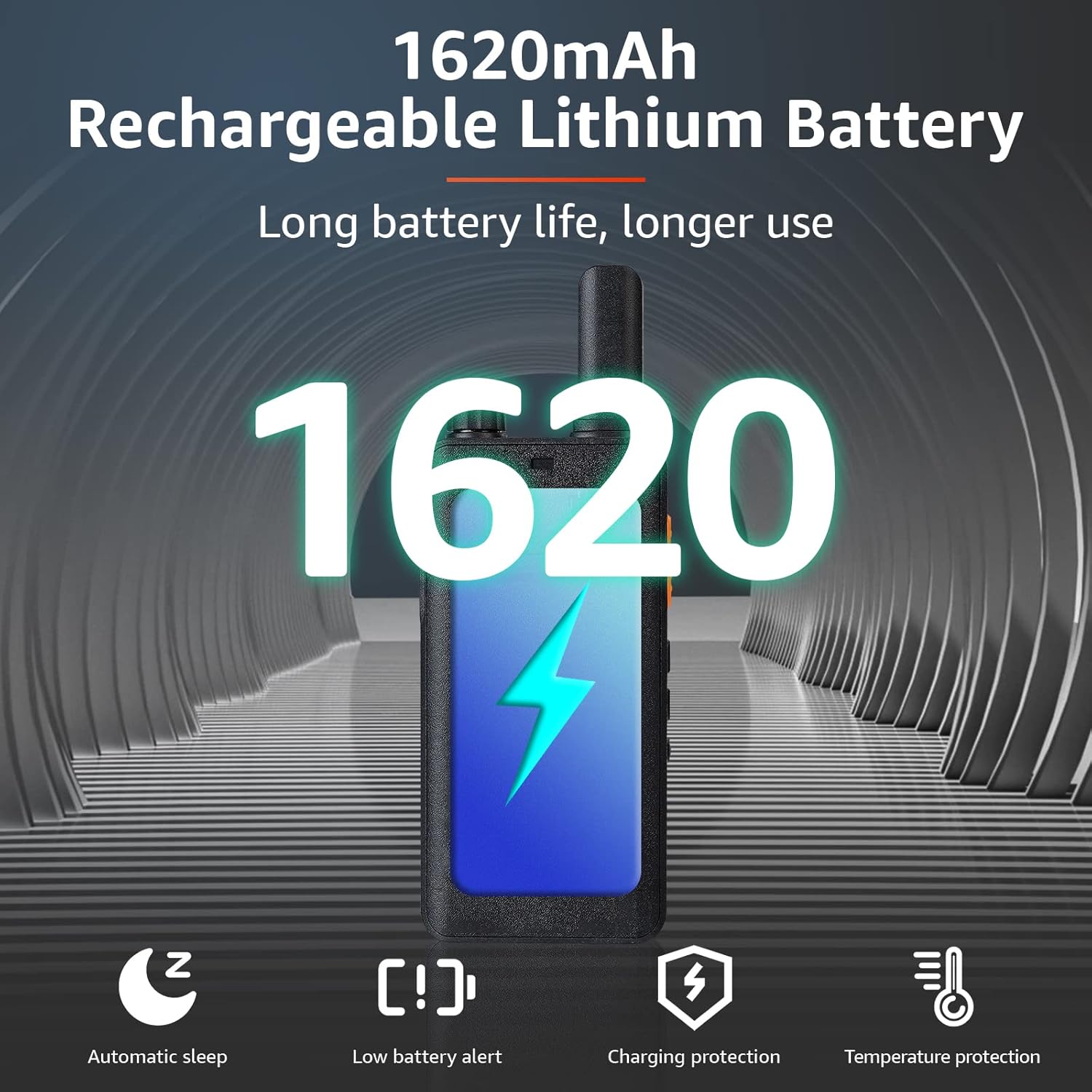
The RT22P radios are equipped with a 1620 mAh Lithium-Ion battery. Before first use, fully charge the battery.
- Connect the USB-C charging cable to the radio's charging port.
- Connect the other end of the cable to the provided USB-C adapter or a compatible USB power source (e.g., computer, power bank).
- The indicator light will show charging status. A full charge typically takes 1.5 to 2 hours.

4.2 Attaching the Belt Clip
Align the belt clip with the designated slots on the back of the radio and slide it into place until it clicks securely.
4.3 Powering On/Off
Rotate the Power/Volume knob clockwise to turn the radio on. Rotate it counter-clockwise until a click is heard to turn the radio off.
5. Operating Instructions
5.1 Adjusting Volume
After powering on, rotate the Power/Volume knob to increase or decrease the listening volume.
5.2 Channel Selection
Use the UP/DOWN buttons to select one of the 16 available channels. Ensure all radios intended for communication are set to the same channel and CTCSS/DCS code for clear communication.
5.3 Push-to-Talk (PTT)
To transmit your voice, press and hold the PTT button. Speak clearly into the microphone. Release the PTT button to stop transmitting and listen for a response.
5.4 VOX Function (Hands-free)
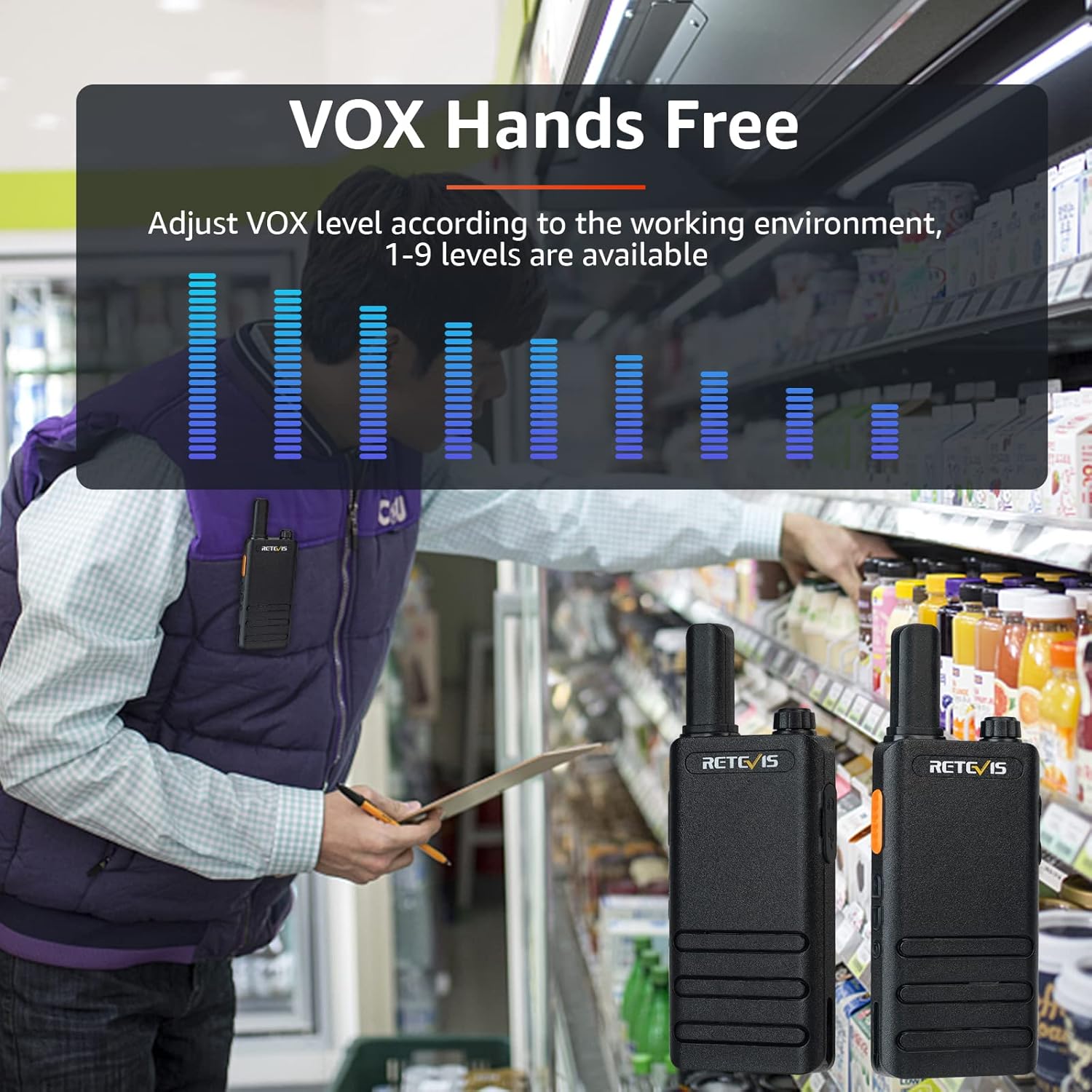
The VOX function allows for voice-activated transmission without pressing the PTT button. This feature is useful when your hands are occupied.
- To activate/deactivate VOX, refer to the detailed instructions in the full English Manual (included in the package).
- VOX sensitivity can be adjusted (levels 1-9) to suit your environment. Higher levels require softer voices to activate transmission.
5.5 Squelch Function
The Squelch function helps to suppress background noise when no signal is being received. The RT22P features 0-9 levels of squelch. Adjusting the squelch level can improve clarity by filtering out weak signals or static.

5.6 Emergency Alarm
To activate the local and remote emergency alarm, press and hold the DOWN button for 2 seconds. This feature can be used to signal for assistance in urgent situations.
6. Maintenance
Proper maintenance ensures the longevity and optimal performance of your RT22P radios.
- Cleaning: Use a soft, damp cloth to clean the radio's exterior. Avoid harsh chemicals or abrasive cleaners.
- Battery Care:
- Do not expose batteries to extreme temperatures.
- Charge batteries fully before long periods of storage.
- Avoid overcharging or completely draining the battery frequently.
- Handling: The RT22P is designed to be durable, but avoid dropping the radio or subjecting it to severe impacts.

7. Troubleshooting
| Problem | Possible Cause | Solution |
|---|---|---|
| No power | Battery depleted or not properly installed. | Charge the battery. Ensure the battery is correctly seated. |
| Cannot transmit or receive | Incorrect channel or CTCSS/DCS code. Out of range. | Verify all radios are on the same channel and code. Move closer to the other radio. |
| Poor audio quality / Static | Weak signal, interference, or squelch level too low. | Move to an area with better signal. Adjust squelch level. Check for obstructions. |
| VOX not activating | VOX sensitivity too low or VOX is off. | Increase VOX sensitivity. Ensure VOX is enabled. |
8. Specifications
| Feature | Detail |
|---|---|
| Model Number | RT22P |
| Brand | Retevis |
| Frequency Range | FRS |
| Number of Channels | 16 |
| Battery Capacity | 1620 mAh Lithium Ion |
| Charging Port | USB-C |
| Talking Range Maximum | 5 Kilometer (approx. 3.1 miles) |
| Voltage | 3.7 Volts (DC) |
| Water Resistance Level | Not Water Resistant |
| Item Weight | Approximately 1.7 pounds (for the pack of 4) |
| Product Dimensions | 8.15 x 6.93 x 1.81 inches |
9. Warranty and Support
Retevis provides a 2-year warranty for the radio body and a 1-year warranty for accessories. A 30-day return policy is also offered.
For warranty claims or technical support, please contact Retevis directly through Amazon. They aim to respond within 12 hours.
Beyond the warranty period, maintenance services are available, with buyers responsible for associated costs.


