
Introduction
Thank you for choosing the T'NB SHINY2 Bluetooth 5.1 TWS Wireless Earbuds. These earbuds are designed for comfort and high-quality audio, featuring Bluetooth 5.1 connectivity, up to 20 hours of listening time with the charging case, intuitive touch controls, and a built-in microphone for clear calls. This manual will guide you through the setup, operation, and maintenance of your new earbuds.

Image: Close-up view of the T'NB SHINY2 wireless earbuds, highlighting their sleek design.
Setup
1. Charging the Earbuds and Case
Before first use, fully charge the earbuds and the charging case. Connect the supplied USB-C cable to the charging port on the case and to a compatible USB power source. The LED indicator on the case will show the charging status and battery level.
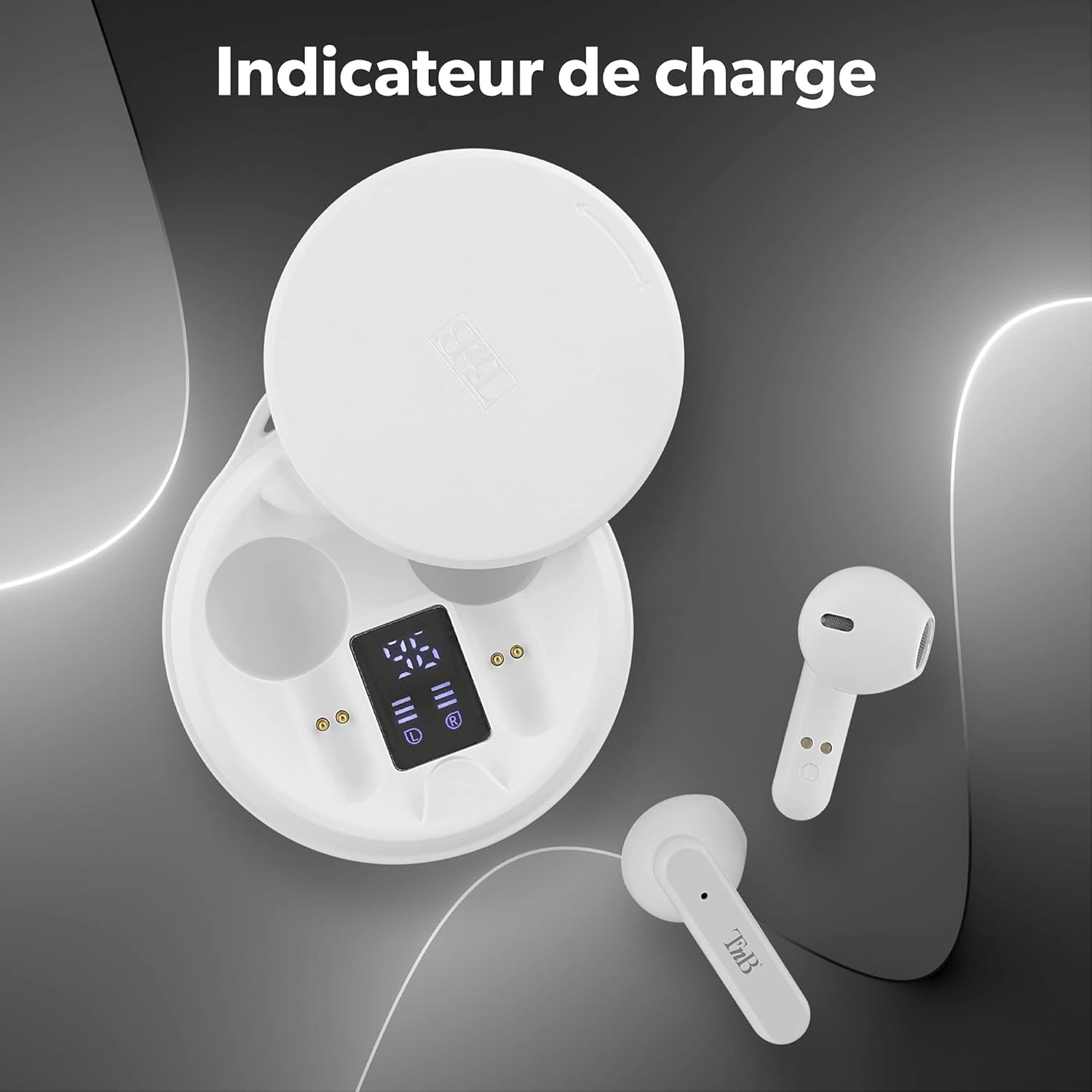
Image: The T'NB SHINY2 charging case open, displaying the LED battery level indicator for both the case and individual earbuds.
The earbuds will automatically charge when placed inside the charging case. A full charge provides up to 20 hours of total listening time with the case.

Image: Two T'NB SHINY2 earbuds shown with an icon indicating 20 hours of maximum playing time.
2. Pairing with Your Device
- Ensure the earbuds are charged.
- Open the charging case. The earbuds will automatically enter pairing mode.
- On your smartphone or Bluetooth-enabled device, go to Bluetooth settings and search for available devices.
- Select "SHINY2" from the list. Once connected, you will hear a confirmation tone.
The earbuds feature Bluetooth 5.1 for a stable and efficient wireless connection.
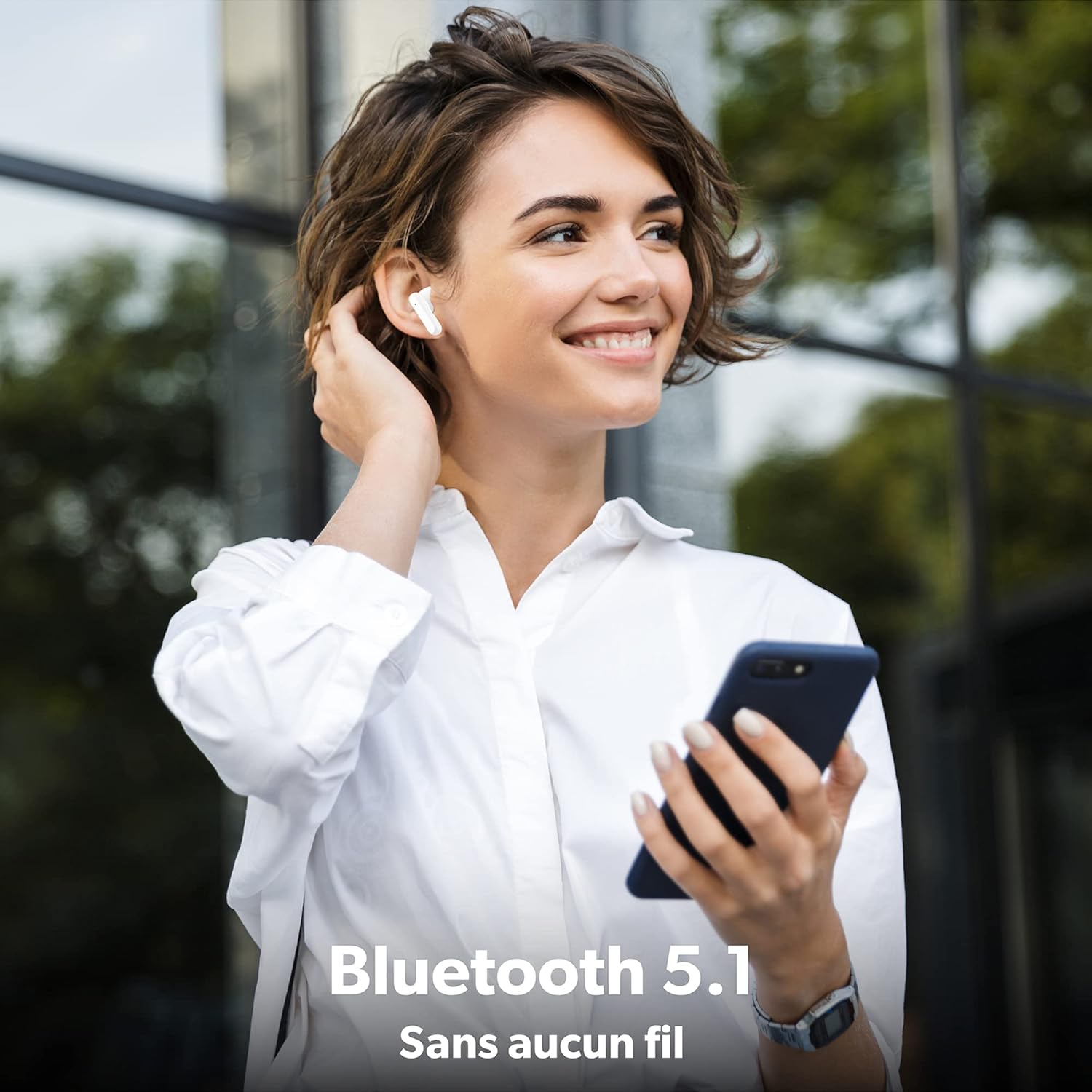
Image: A woman wearing a T'NB SHINY2 earbud, holding a smartphone, illustrating the wireless Bluetooth 5.1 connection.
After initial pairing, the earbuds will automatically connect to the last paired device when removed from the case.

Image: T'NB SHINY2 earbuds positioned next to a smartphone, symbolizing their automatic pairing capability.
Operating Instructions
Power On/Off
- Power On: The earbuds power on automatically when removed from the charging case.
- Power Off: Place the earbuds back into the charging case to power them off and begin charging.
Touch Controls
The SHINY2 earbuds feature intuitive touch controls on each earbud. Functions include:
- Play/Pause: Single tap on either earbud.
- Next Track: Double tap the right earbud.
- Previous Track: Double tap the left earbud.
- Volume Up: Triple tap the right earbud.
- Volume Down: Triple tap the left earbud.
- Answer/End Call: Single tap on either earbud during an incoming call or active call.
- Reject Call: Press and hold either earbud for 2 seconds during an incoming call.
- Activate Voice Assistant: Press and hold either earbud for 3 seconds.

Image: T'NB SHINY2 earbuds with graphical representations of touch controls for play, volume, and track selection.
Making Calls
The built-in omnidirectional microphone allows for clear hands-free communication. Use the touch controls to manage your calls.

Image: A woman smiling and waving while on a phone call, wearing T'NB SHINY2 earbuds, demonstrating the integrated microphone for clear calls.
Wearing the Earbuds
The SHINY2 earbuds feature a semi-in-ear ergonomic design for a comfortable and secure fit, suitable for various activities including sports and travel.

Image: A man wearing a T'NB SHINY2 earbud, highlighting the ergonomic semi-in-ear design for comfortable wear.
Maintenance
Cleaning
- Regularly clean the earbuds and charging case with a soft, dry, lint-free cloth.
- Do not use abrasive cleaners, alcohol, or chemical solvents.
- Keep the charging contacts on both the earbuds and the case clean to ensure proper charging.
Storage
- When not in use, store the earbuds in their charging case to protect them and keep them charged.
- Avoid exposing the earbuds to extreme temperatures, humidity, or dust.
Troubleshooting
- Earbuds not pairing: Ensure both earbuds are charged. Place them back in the case, close it, then open it again to re-enter pairing mode. Check your device's Bluetooth settings and try re-pairing.
- No sound from one earbud: Ensure both earbuds are charged and properly paired. Try resetting the earbuds by placing them in the case and then taking them out again.
- Charging issues: Clean the charging contacts on both the earbuds and the case. Ensure the USB-C cable is securely connected to a working power source.
- Low volume: Adjust the volume on both your connected device and using the earbud touch controls.
- Intermittent connection: Ensure you are within the 10-meter Bluetooth range and there are no significant obstructions between the earbuds and your device.
Specifications
| Feature | Detail |
|---|---|
| Model Name | EBSHINYWH2 |
| Brand | T'nB |
| Connectivity Technology | Wireless (Bluetooth 5.1) |
| Headphone Form Factor | In-Ear (Semi-in-ear) |
| Microphone Format | Built-in, Omnidirectional |
| Battery Life | Up to 20 hours (with charging case) |
| Earbud Battery Capacity | 25 mAh (Lithium-ion) |
| Case Battery Capacity | 300 mAh (Lithium-ion) |
| Charging Interface | USB Type C |
| Wireless Range | Up to 10 meters |
| Impedance | 32 Ohm |
| Sensitivity | 95 dB |
| Material | Silicone or Rubber |
| Color | White |
| Package Dimensions | 14.6 x 7.8 x 3.8 cm |
| Weight | 120 g |
Warranty and Support
For warranty information or technical support, please refer to the documentation included with your purchase or contact T'nB customer service. Keep your proof of purchase for warranty claims.


