Introduction
This comprehensive guide provides essential information for mastering your new Apple iPhone 14. The iPhone 14 features an updated design, enhanced cameras, and advanced security measures. It incorporates new primary and front TrueDepth sensors, an Ultra Wide camera for diverse photographic perspectives, and an upgraded picture pipeline known as the Photonic Engine, all contributing to stunning still photographs and video.
Powered by the A15 Bionic CPU, the iPhone 14 delivers exceptional performance, even with demanding applications. The A15 Bionic processor's graphics processing unit (GPU) is split among five cores. The device is available in two screen sizes: 6.1 inches and 6.7 inches. Notable new features include accident detection and the industry's first satellite-based emergency SOS capability, alongside robust durability features. This manual will guide you through the fundamental aspects of the iPhone 14 and its proper usage.
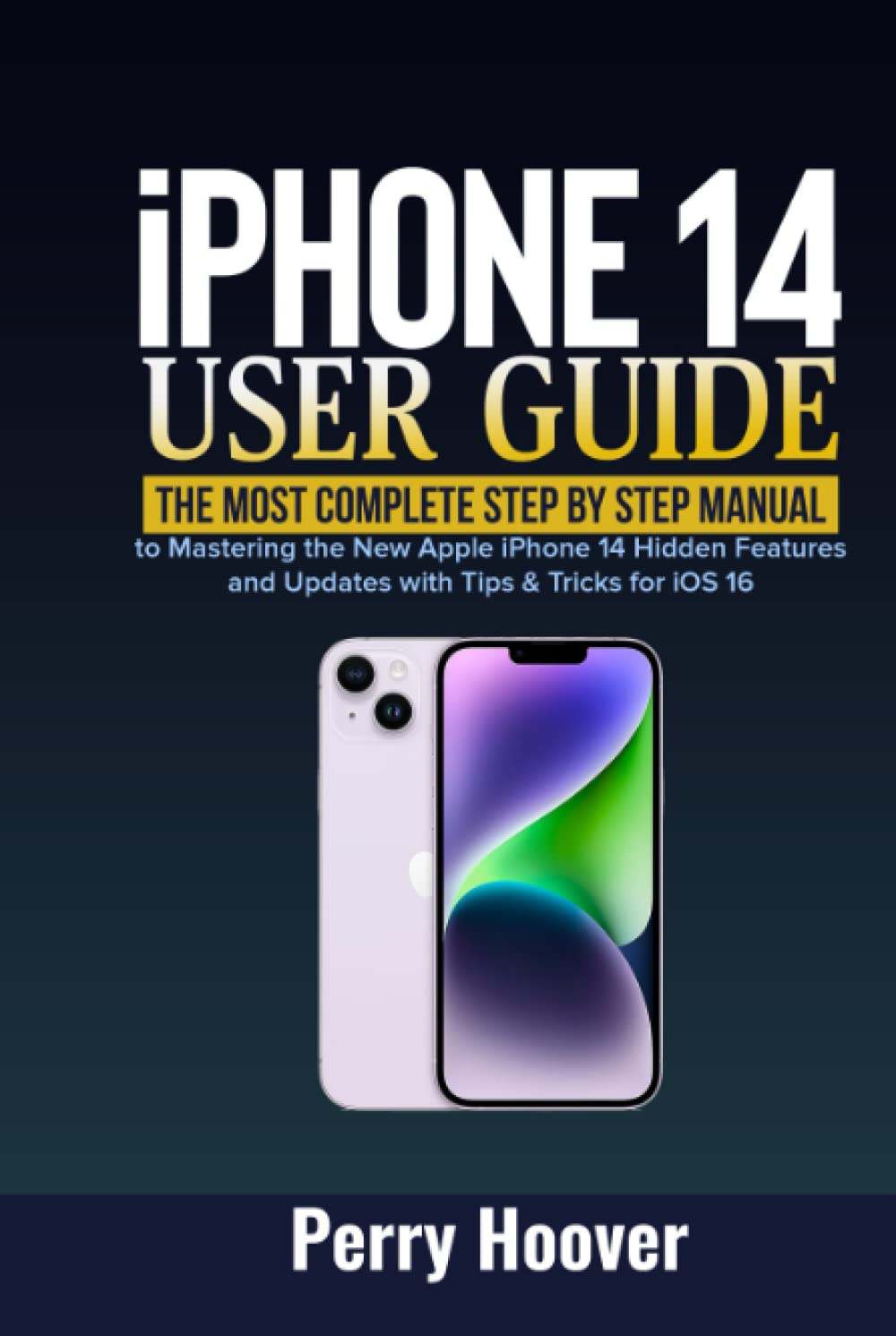
Image: Front cover of the "iPhone 14 User Guide" book. It displays the title "iPhone 14 User Guide: The Most Complete Step by Step Manual to Mastering the New Apple iPhone 14 Hidden Features and Updates with Tips & Tricks for iOS 16" and an illustration of two iPhone 14 devices, one in purple and one in white.

Image: Back cover of the "iPhone 14 User Guide" book. It features a detailed list of topics covered within the guide, including various functionalities and tips, along with the ISBN-13 barcode (979-8355810238).
Setup and Initial Configuration
This section covers the initial setup and configuration steps for your iPhone 14.
- How to activate a mobile phone service
- How to configure iCloud and Apple ID
- How to set up accounts for mail, contacts, and calendar
- How to set a Live Photo as your device's wallpaper
- How to set up Screen Time for yourself
- How to set up Screen Time for a family member
Core Functionalities and Operation
Learn how to navigate and utilize the primary features of your iPhone 14.
- iPhone 14 fundamentals
- iPhone 14 design and functionality
- Ways to access the internet
- Locate settings
- How to do rapid actions
- How to transmit objects with AirDrop
- How to capture a snapshot or screencast
- How to annotate documents and images
- How to get details about your iPhone
- How to alter the brightness and color balance of the display
- How to enlarge the display
- How to alter your iPhone's name
- How to modify the date and time
- How to modify the language and locale
- How to alter the Start Menu
- How to modify and utilize Control Center
- How to alter or lock the display's orientation
- How to use the Maps
- How to Measure with your iPhone 14
- Messages functionalities
- How to check Stocks
- Translate functionalities
- iPhone 14 fitness+
- How to pick an exercise
- How to locate a coach
Emergency and Satellite Features
Understand the critical emergency and satellite communication capabilities of your iPhone 14.
- Connecting to a satellite
- How to text satellite-based emergency services
- How to determine satellite availability for SOS
Camera and Media Features
Explore the advanced camera and media functionalities of your device.
- How to utilize the new TrueDepth camera at the front
- Instructions for using the new Action mode
- How to use the Ultra Wide-Angle camera
- How to use the enhanced True Tone flash
Health and Home Functionalities
Discover how your iPhone 14 integrates with health and smart home ecosystems.
- Health functionalities
- Home functionalities
Device Management and Maintenance
Guidelines for maintaining your iPhone 14 and performing essential device management tasks.
- How to restart, update, reset, and restore
- How to force restart iPhone
Specifications
Key technical specifications of the iPhone 14 User Guide book.
| ASIN | B0BGN97WM1 |
| Publisher | Independently published |
| Publication Date | October 2, 2022 |
| Language | English |
| Print Length | 232 pages |
| ISBN-13 | 979-8355810238 |
| Item Weight | 14.6 ounces |
| Dimensions | 6 x 0.72 x 9 inches |
Tips and Tricks
This section provides additional tips and tricks to enhance your iPhone 14 experience.
- iPhone 14 Tips and Tricks (general category)
- How to view your Screen Time summary


