
1. Introduction
Thank you for choosing the ODK L-Shaped Corner Desk. This manual provides essential information for the safe assembly, operation, and maintenance of your new desk. Please read these instructions carefully before beginning assembly and retain them for future reference.
2. Safety Information
- Always assemble the desk on a soft, clean surface to prevent scratches.
- Ensure all screws and fasteners are securely tightened before use. Periodically check and re-tighten as necessary.
- Do not overload the desk or monitor stand. Refer to specifications for weight limits.
- Keep small parts and packaging materials away from children and pets to prevent choking hazards.
- Avoid placing hot items directly on the desk surface without protection.
- If any parts are missing or damaged, do not proceed with assembly. Contact customer support immediately.
3. Package Contents
Before assembly, verify that all components are present and undamaged. The package includes:
- Desk panels (L-shaped tabletop sections)
- Metal frame components
- Monitor stand
- Storage bag with iron hook
- All necessary assembly tools and hardware (screws, Allen wrench, etc.)
- Instruction manual
4. Setup and Assembly
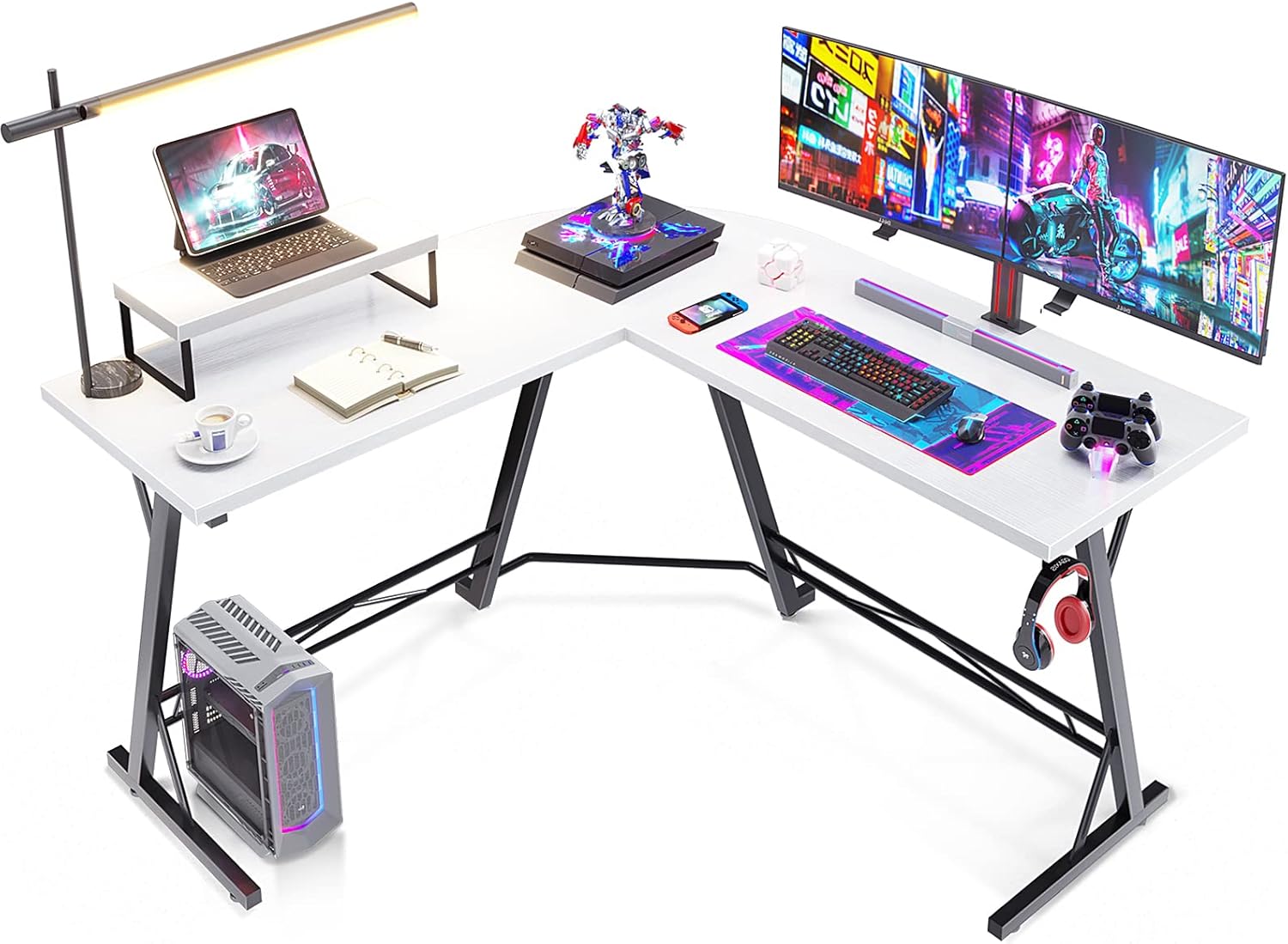
The ODK L-Shaped Corner Desk is designed for straightforward assembly, typically completed within 30 minutes. All required tools are included.
- Unpack Components: Carefully remove all parts from the packaging and lay them out on a clean, soft surface to prevent damage.
- Assemble Frame: Follow the included diagram to connect the metal frame components using the provided screws and tools. Ensure all connections are firm but do not overtighten initially.
- Attach Desk Panels: Secure the L-shaped desk panels to the assembled frame. Align screw holes carefully.
- Install Monitor Stand: Place the monitor stand on the desired section of the desk. It is designed to be movable for flexible placement.
- Attach Storage Hook: The iron hook for the storage bag can be mounted on either the left or right side of the desk, according to your preference.
- Final Tightening: Once all components are in place, systematically tighten all screws to ensure the desk is stable and secure.
5. Operating and Usage
The ODK L-Shaped Corner Desk offers a versatile and durable workspace.
- Space-Saving Design: The L-shaped configuration allows for efficient use of corner spaces, maximizing your work or gaming area.
- Flexible Monitor Stand: The included monitor stand can be freely moved along the desk surface to suit your ergonomic needs and monitor setup.
- Reversible Storage Hook: The iron hook, designed to hold the storage bag or headphones, can be installed on either the left or right side of the desk for convenient access.
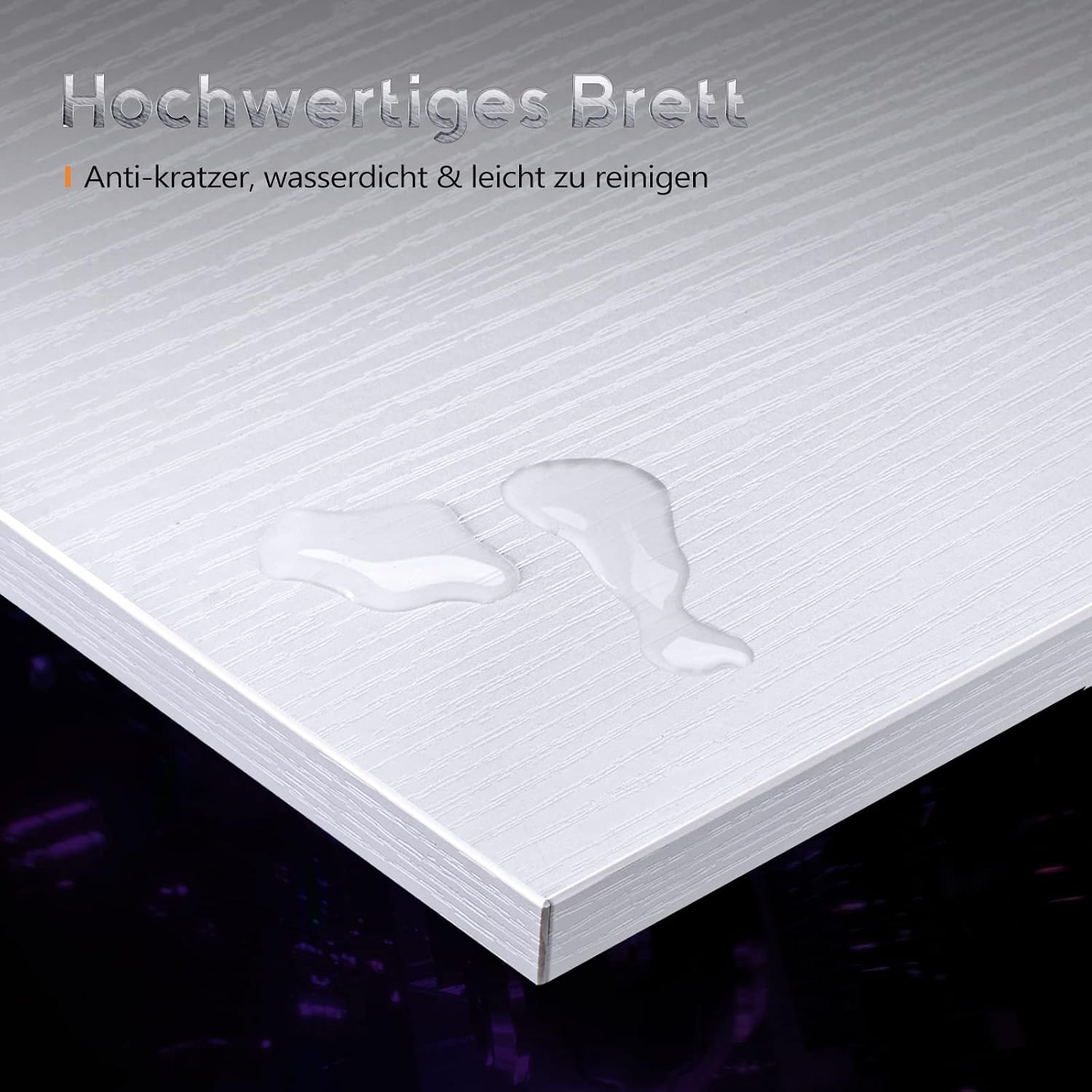
- Durable Surface: The engineered wood tabletop is waterproof, scratch-resistant, and heat-resistant, providing a robust surface for daily use.

6. Maintenance
To ensure the longevity and appearance of your ODK L-Shaped Corner Desk, follow these maintenance guidelines:
- Cleaning: Wipe the desk surface with a soft, damp cloth. For stubborn marks, use a mild detergent and dry thoroughly. Avoid abrasive cleaners or harsh chemicals.
- Spills: Due to its waterproof surface, spills can be easily wiped away. Clean spills promptly to prevent potential damage.
- Stability Check: Periodically check all screws and connections to ensure they remain tight. Re-tighten if any looseness or wobbling is detected. The desk features adjustable feet to compensate for uneven floors.
- Protection: While the surface is scratch-resistant, using coasters for drinks and pads for heavy or sharp objects is recommended to maintain its pristine condition.
7. Troubleshooting
If you encounter any issues with your ODK L-Shaped Corner Desk, refer to the following common solutions:
- Desk is Wobbly:
a. Ensure all screws are fully tightened. Refer to the assembly instructions.
b. Check if the floor is uneven. Adjust the leveling feet at the bottom of the desk legs until stability is achieved. - Parts Missing or Damaged:
a. Carefully re-check all packaging materials. Small parts can sometimes be overlooked.
b. If parts are genuinely missing or damaged, contact ODK customer support with your purchase details and a description of the issue. - Difficulty Assembling:
a. Review the assembly instructions step-by-step. Ensure each component is oriented correctly.
b. Do not force parts together. If a part does not fit, re-examine the instructions for proper alignment.
8. Specifications
| Feature | Detail |
|---|---|
| Brand | ODK |
| Model Number | ZJZ-1846 |
| Dimensions (L x W x H) | 130 cm x 122 cm x 75 cm |
| Shape | L-shaped |
| Material | Engineered Wood |
| Color | White |
| Product Weight | 15.5 kg |
| Special Features | Scratch-resistant, Waterproof surface, Movable monitor stand, Reversible headphone/storage hook |
| Assembly Required | Yes |
| UPC | 850045085681 |

9. Warranty and Support
ODK is committed to providing reliable support for its products. If you have any questions regarding your L-Shaped Corner Desk, require assistance with assembly, or need to report a defect, please contact our customer service team.
Our customer support is available to assist you and aims to respond to inquiries within 24 hours.
For warranty information and to contact support, please refer to the contact details provided with your purchase or visit the official ODK website.


