
Introduction
Thank you for choosing the AONIMI 10000mAh Portable Power Bank. This device is designed to provide reliable and convenient power for your mobile devices on the go. Its compact and ultra-slim design makes it highly portable, while its dual USB outputs and USB-C input ensure broad compatibility and efficient charging.
This manual provides essential information on how to safely and effectively use your power bank, including setup, operation, maintenance, and troubleshooting.
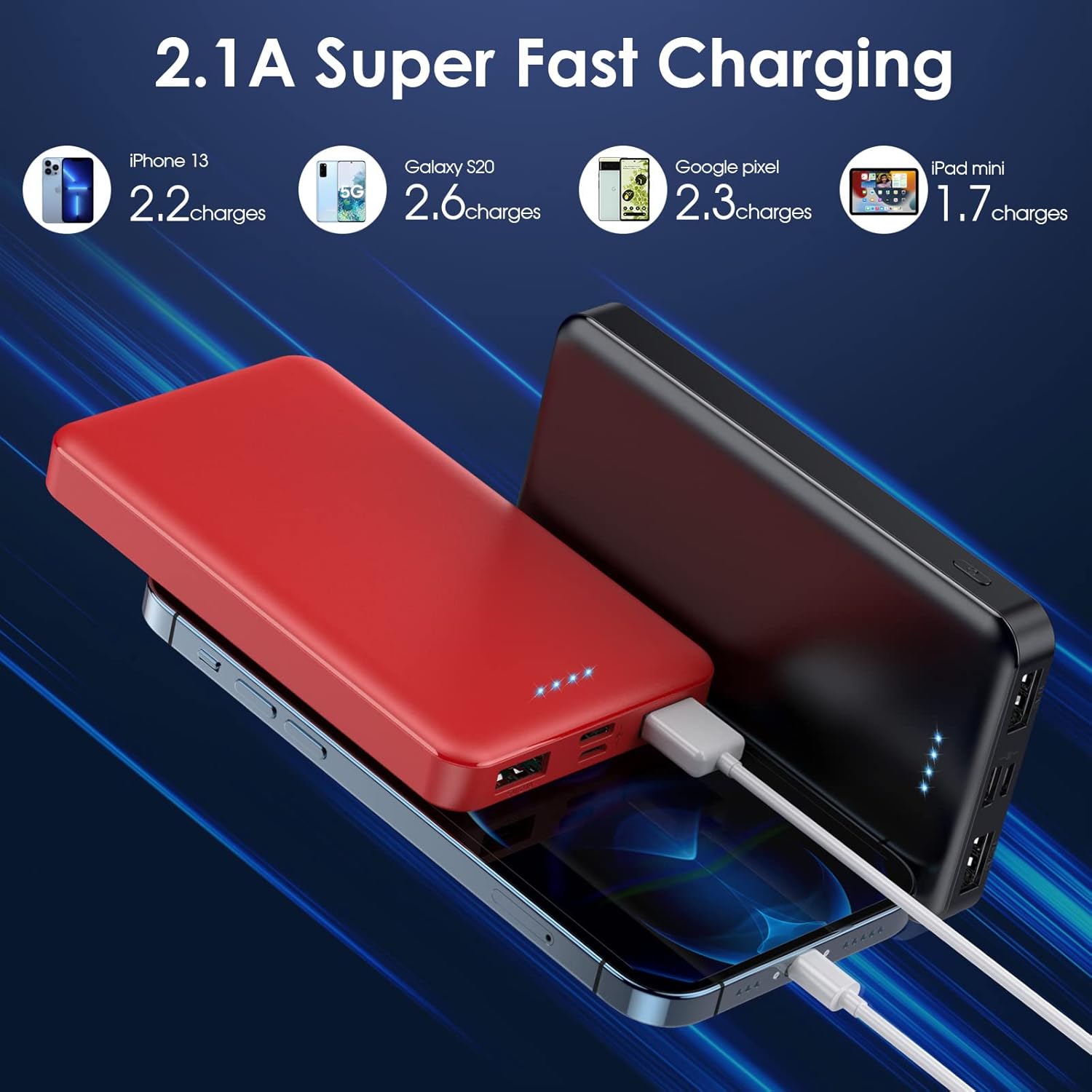
Image: Two AONIMI 10000mAh portable power banks, one red and one black, showcasing their compact design.
Package Contents
Please check the package for the following items:
- AONIMI 10000mAh Portable Power Bank (x2, typically one black, one red)
- Micro USB Cable (x2)
- User Manual (x1)

Image: A visual representation of the power bank's packing list, including two power banks (red and black), two Micro USB cables, and a user manual.
Product Overview
The AONIMI 10000mAh Power Bank features a high-quality Li-polymer electric core for reliable performance. It includes multiple ports and LED indicators for ease of use.

Image: A diagram illustrating the dimensions (12cm x 6.8cm x 1cm) and port layout of the power bank, including Micro USB input, USB-C input, dual 2.1A USB outputs, and a power on/off button. It also shows the 4 LED indicators and their corresponding capacity levels.
Key Features:
- Capacity: 10000mAh
- Inputs: Micro USB (5V/2.1A), USB-C (5V/2.1A)
- Outputs: Dual USB-A (5V/2.1A each)
- Indicators: 4 LED lights for power status
- Safety: Built-in smart protection system against overcharge, overvoltage, overcurrent, short circuit, and over-discharge.
Setup and Initial Use
Charging the Power Bank:
- Connect the provided Micro USB cable to the Micro USB input port on the power bank. Alternatively, use a USB-C cable (not included) with the USB-C input port.
- Connect the other end of the cable to a USB wall charger (5V/2.1A recommended) or a computer's USB port.
- The LED indicators will light up to show the charging progress. A full charge is indicated when all four LEDs are solid.
- Initial charging may take 6-8 hours.
Note: Ensure the power bank is fully charged before its first use for optimal performance.
Operating Instructions
Charging Your Devices:
- Connect your device's charging cable to one of the two USB-A output ports on the power bank.
- Connect the other end of the cable to your mobile phone, tablet, or other USB-charged electronic device.
- The power bank will automatically begin charging your device. If it does not, press the power button once to activate charging.
- The LED indicators will show the remaining power level of the power bank during discharge.
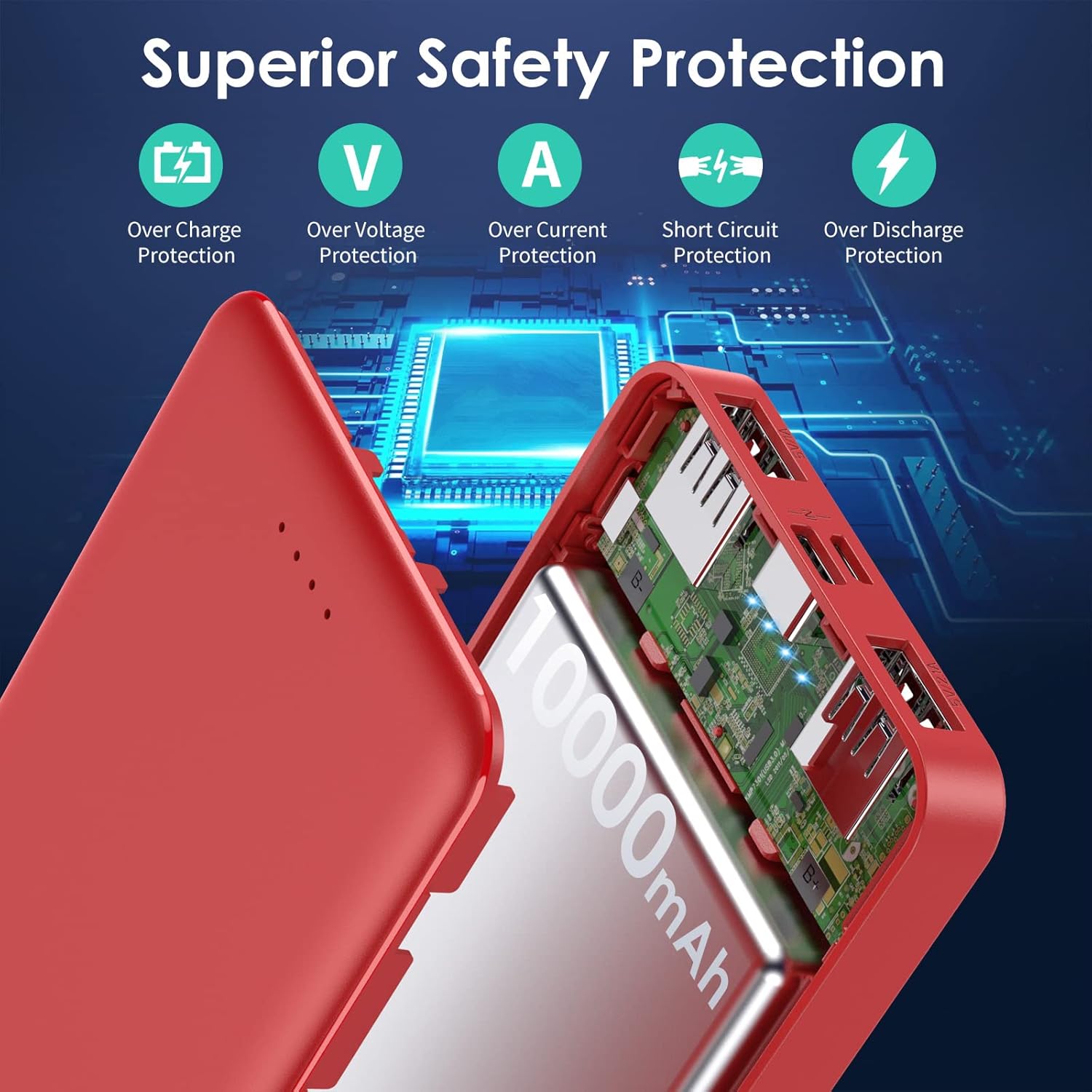
Image: Two AONIMI power banks (red and black) simultaneously charging a smartphone and another mobile device, demonstrating the dual USB output capability.
LED Indicator Guide:
- 4 Solid LEDs: 76% - 100% capacity remaining
- 3 Solid LEDs: 51% - 75% capacity remaining
- 2 Solid LEDs: 26% - 50% capacity remaining
- 1 Solid LED: 0% - 25% capacity remaining
- Flashing LEDs: Indicates charging or low power.
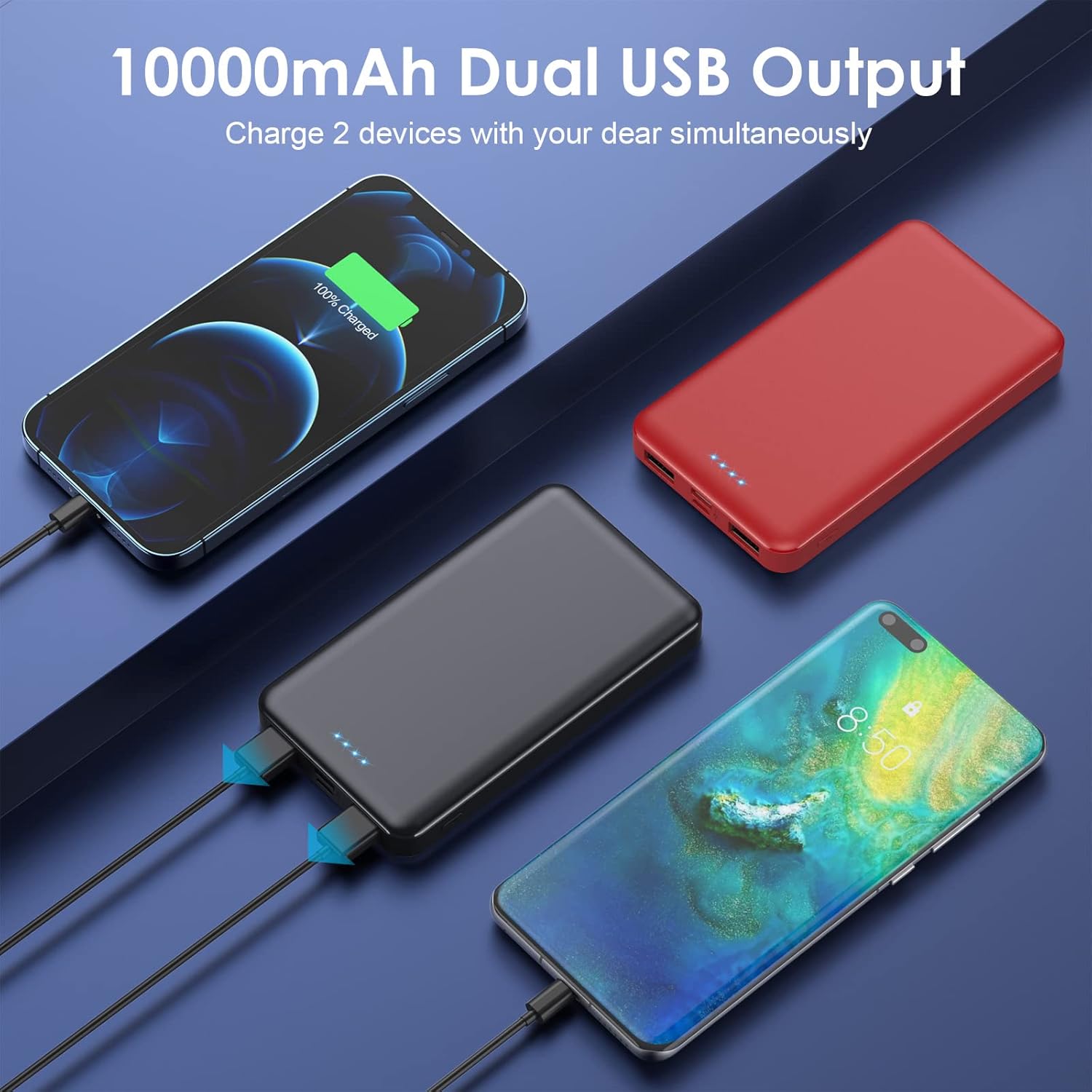
Image: An illustration highlighting the superior safety protection features of the AONIMI power bank, including icons for overcharge, overvoltage, overcurrent, short circuit, and over-discharge protection.
Maintenance
- Store the power bank in a cool, dry place away from direct sunlight and extreme temperatures.
- Avoid dropping, hitting, or disassembling the device.
- Keep the power bank away from water and other liquids.
- Clean the exterior with a soft, dry cloth. Do not use harsh chemicals or abrasive materials.
- For optimal battery life, fully charge the power bank at least once every three months if not in regular use.
Troubleshooting
Power Bank Not Charging:
- Ensure the charging cable is securely connected to both the power bank's input port and the power source.
- Verify that the wall adapter or USB port is functional. Try a different cable or power source.
- Check if the power bank's input ports (Micro USB or USB-C) are clean and free of debris.
Device Not Charging from Power Bank:
- Confirm that your device's charging cable is properly connected to one of the power bank's USB output ports and your device.
- Press the power button on the power bank to ensure it is activated.
- Check the power bank's LED indicators to ensure it has sufficient charge.
- Try a different USB output port or a different charging cable.
- Ensure your device is compatible with 5V/2.1A charging.
Slow Charging:
- Ensure you are using a 5V/2.1A wall adapter to charge the power bank. Lower amperage adapters will result in slower charging times.
- When charging devices, ensure your device's cable is not damaged and supports the 2.1A output.
LED Indicators Malfunctioning (e.g., flashing intermittently when off, not showing full charge):
- Attempt to fully discharge the power bank and then fully recharge it. This can sometimes recalibrate the battery management system.
- If the issue persists, contact customer support for further assistance.
Specifications
| Feature | Detail |
|---|---|
| Model Number | HX60S9 |
| Battery Capacity | 10000mAh |
| Battery Type | Lithium Polymer |
| Micro USB Input | 5V/2.1A |
| USB-C Input | 5V/2.1A |
| USB-A Output 1 | 5V/2.1A |
| USB-A Output 2 | 5V/2.1A |
| Product Dimensions | 4 x 2 x 0.5 inches (12cm x 6.8cm x 1cm) |
| Item Weight | 13.7 ounces |
| Special Features | Fast Charging, LED Indicator, Portable, Multiple Protections |
Warranty and Support
AONIMI provides a 24-month warranty policy for this product. This warranty covers manufacturing defects and ensures reliable performance.
For any questions, technical assistance, or warranty claims, please contact AONIMI customer service. Our friendly customer service team is available to provide support.
Please refer to the contact information provided on the product packaging or the official AONIMI website for the most up-to-date support channels.