
SSK FDU061
SSK Dual Drive USB C Flash Drive User Manual
Model: FDU061
Product Overview
The SSK 64GB USB C Flash Drive is a versatile 2-in-1 memory stick featuring both USB-A 3.2 and USB-C connectors. This design allows for seamless data transfer and storage across a wide range of devices, including smartphones, tablets, Mac computers, and laptops. Its robust metal casing ensures durability and efficient heat dissipation, while the innovative 360° rotating design protects the connectors.
Key features include high-speed data transfer with read speeds up to 200MB/s, a sturdy zinc alloy shell, and broad compatibility with various operating systems and devices.
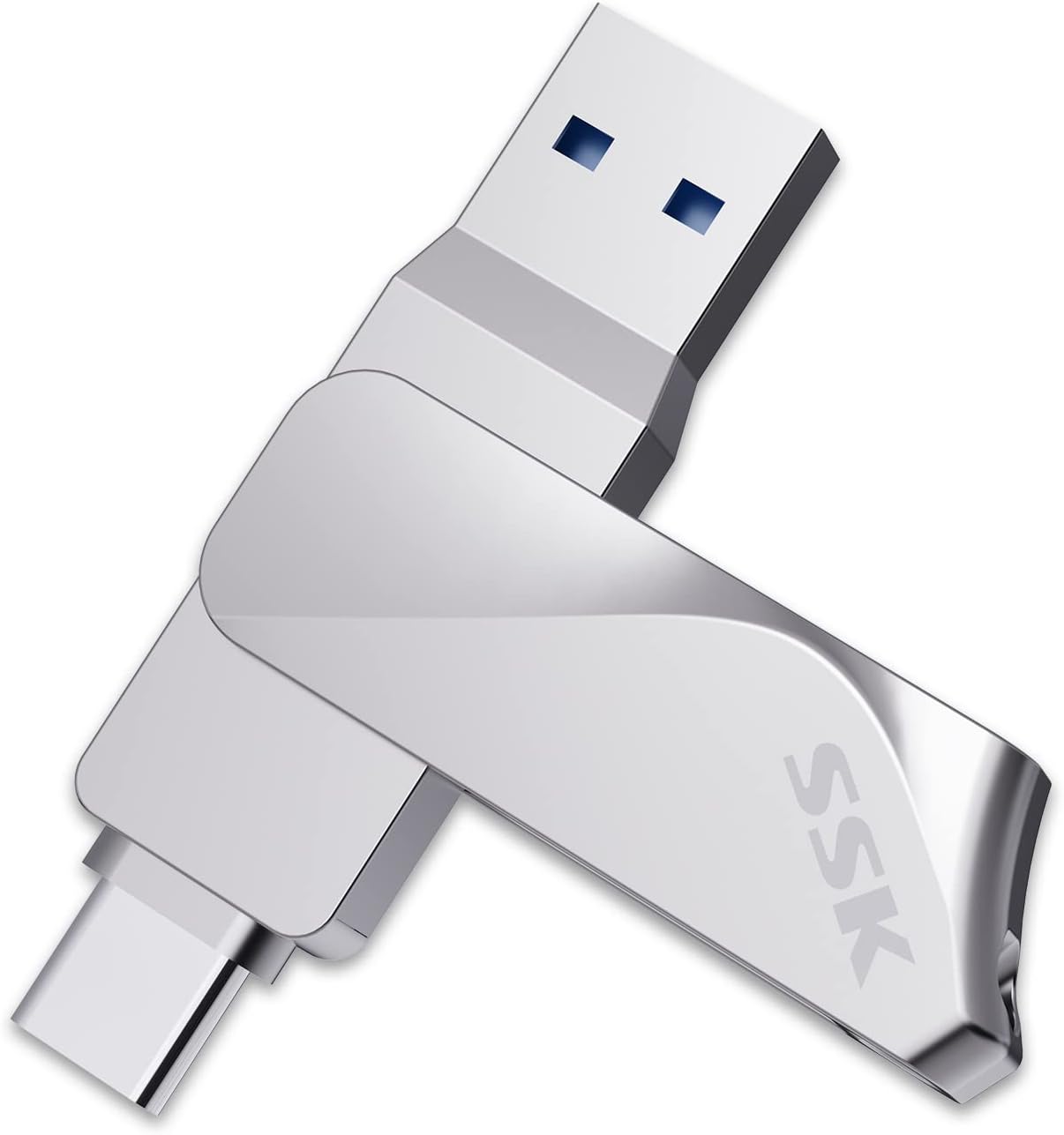
Image: The SSK Dual Drive USB C Flash Drive, showcasing its silver metal casing and dual USB-A and USB-C connectors.
Setup and Initial Use
The SSK Dual Drive USB C Flash Drive is designed for plug-and-play functionality, requiring no special drivers or software installation for most compatible devices.
Connecting to Devices:
- USB-A Connection: For devices with a standard USB-A port (e.g., most laptops, desktop computers, smart TVs, car audio systems), simply insert the USB-A connector into the available port.
- USB-C Connection: For devices with a USB-C port (e.g., Android phones, tablets, MacBooks, iPad Pro), insert the USB-C connector into the device's port. Ensure your mobile device supports OTG (On-The-Go) functionality for direct connection.
The drive comes pre-formatted with EXFAT, which is compatible with most operating systems including Windows, Android, Linux, and Mac OS.

Image: Visual representation of device compatibility, including tablets, smartphones, MacBooks via Type-C, and PCs, Smart TVs, and Macs via USB-A.
Operating Instructions
Data Transfer:
- Connect the flash drive to your desired device (computer, phone, tablet).
- Once recognized, the drive will appear as a removable storage device.
- Drag and drop files or folders to and from the flash drive to transfer data.
The drive supports high-speed data transfer. Read speeds can reach up to 200MB/s, significantly faster than standard USB 3.0 drives. Write speeds will vary based on factors such as file size, number of files, and device conditions.

Image: A comparison of data transfer speeds, illustrating higher read and write performance when connected to a USB 3.2/USB C 3.1 port versus a USB 2.0 port.
Safe Removal:
Always safely eject the flash drive from your computer or device before physically removing it to prevent data corruption. This can typically be done by right-clicking the drive icon and selecting "Eject" or "Safely Remove Hardware."
Mobile Device Usage (OTG):
For compatible Android phones and tablets, the drive can directly expand storage capacity, allowing you to read, share, and play media files directly from the drive without needing a computer.
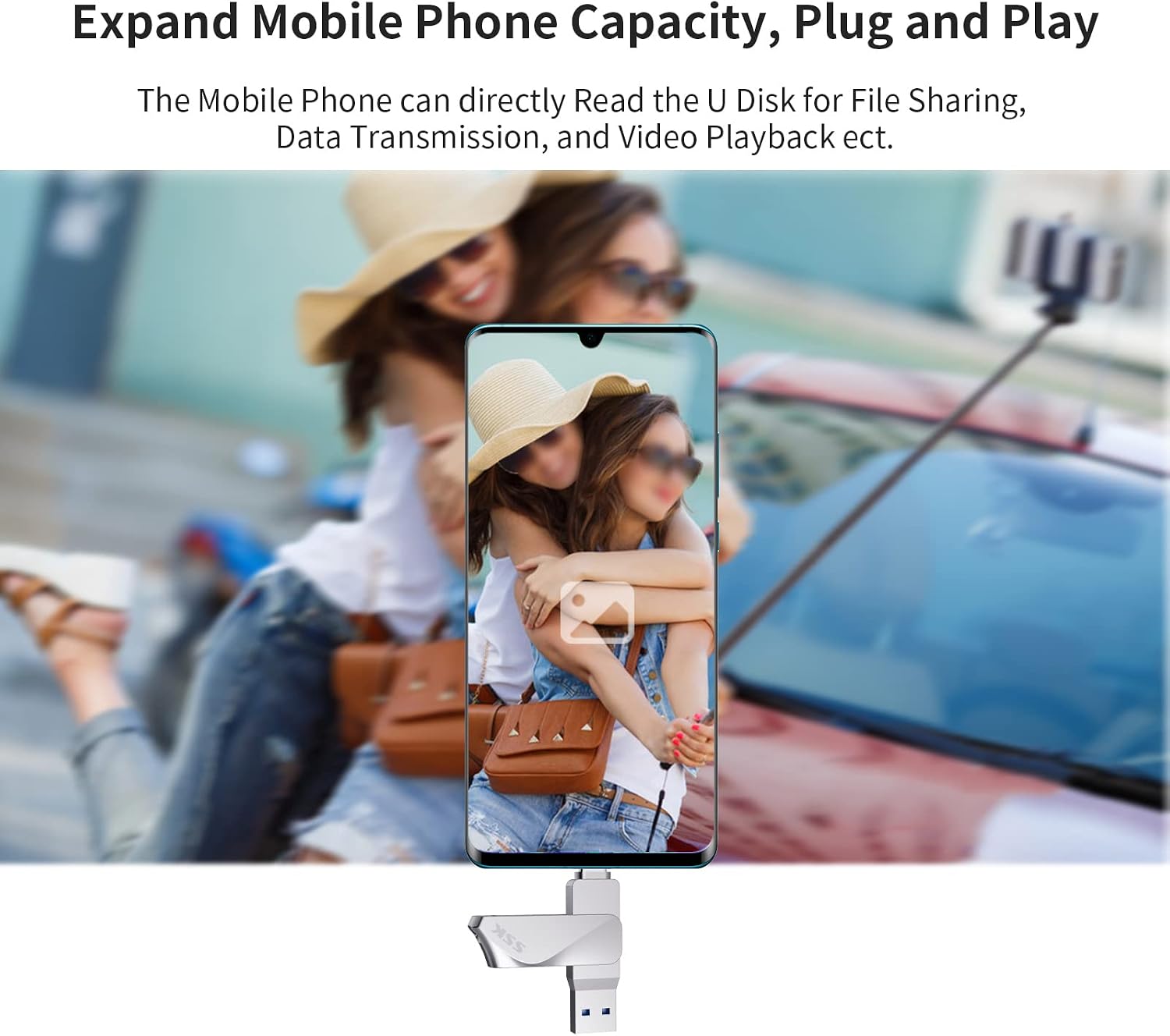
Image: A smartphone with the SSK flash drive connected, demonstrating how the drive can expand mobile phone capacity for file sharing, data transmission, and video playback.
Product Demonstration Video:
Video: This video demonstrates the SSK USB C Flash Drive's 360-degree swivel design, its connection to various devices like laptops and smartphones, and the high-speed data transfer process.
Maintenance and Care
To ensure the longevity and optimal performance of your SSK Dual Drive USB C Flash Drive, follow these care guidelines:
- Physical Protection: The all-metal casing made of premium zinc alloy provides excellent shockproof and heat dissipation properties. While durable, avoid excessive force or dropping the drive.
- Connector Care: Utilize the 360° swivel design to protect the USB-A and USB-C connectors when not in use. Keep the connectors free from dust, dirt, and moisture.
- Storage: When not in use, store the drive in a clean, dry environment. The convenient keyring hole design allows you to attach it to a keychain for easy and secure transport, reducing the risk of misplacement.

Image: The 360° rotating design of the SSK flash drive, which helps protect both the Type-C and USB 3.2 dual ports.

Image: The compact and light design of the SSK flash drive, highlighting its lanyard buckle for easy carrying.
Troubleshooting
| Issue | Possible Cause / Solution |
|---|---|
| Drive not recognized by device. |
|
| Displayed capacity is less than advertised. | This is normal. Computer operating systems calculate storage using a binary system (1GB = 1024MB), while flash drive manufacturers use a decimal system (1GB = 1000MB). For a 64GB drive, Windows typically displays around 58GB. MacOS usually shows the full 64GB. |
| Slow data transfer speeds. |
|
| Data corruption after removal. | Always safely eject the drive from your operating system before physical removal. This ensures all write operations are completed. |
| Not compatible with Micro-USB or Lightning. | This drive features USB-A and USB-C connectors only. Micro-USB and Lightning connections are not supported directly. |
Specifications
| Feature | Detail |
|---|---|
| Model Name | FDU061/64GB |
| Memory Storage Capacity | 64 GB |
| Read Speed | Up to 200 MB/s |
| Write Speed | Up to 100 MB/s (varies by usage) |
| Connectivity Technology | USB |
| Hardware Interface | USB 3.2 Gen 2, USB Type C, USB Type A |
| Color | Silver |
| Product Dimensions (LxWxH) | 2.4 x 0.5 x 0.55 inches (approx. 0.39"D x 0.59"W x 2.56"H) |
| Item Weight | 1.13 ounces |
| Flash Memory Type | USB |
| Manufacturer | SSK Corporation |
| Special Feature | Portable, Lightweight, 360° Rotating Design |
Warranty and Support
For detailed warranty information and customer support, please refer to the official SSK website or contact their customer service directly.
Additional resources:
- User Guide (PDF): Download User Guide
- SSK Official Store: Visit SSK Store on Amazon
Optional protection plans for photo and data recovery may be available for purchase separately. Please check product listing for details.
Related documentsFDU061


Ask a question about this manual
Ask about setup, troubleshooting, compatibility, parts, safety, or missing instructions. Manuals+ will review the question and use this page’s manual context to help answer it.