
SDRGEEK ATS-25 MAX
SDRGEEK Si4732 ATS-25MAX Full Band Radio Receiver User Manual
Model: ATS-25 MAX
Brand: SDRGEEK
Introduction
This manual provides comprehensive instructions for the operation and maintenance of your SDRGEEK Si4732 ATS-25MAX Full Band Radio Receiver. This device is designed for enthusiasts and professionals seeking a versatile radio experience across various frequency bands.
The ATS-25MAX features a 2.4-inch color touch screen, a robust 4000mAh battery, and supports FM, LW, MW, and SW SSB DSP reception. It includes advanced functions such as radio search, direct frequency input, and HAM band shortcut channels.
Key Features
- New Version 5.2b Max: Enhanced with scanning function, backlight adjustment, and shutdown options, offering more powerful functions and menus.
- Large Capacity 4000mAh Battery: Provides extended usage time, ideal for portable use during travel, camping, or outdoor activities.
- FM AM Mode Reception: Requires a dedicated active antenna for shortwave (0-30MHz) for optimal FM and AM reception.
- Radio Search Function: Supports broadcast search and direct frequency input via numeric keyboard, including HAM band shortcut channels.
- Adjustable Bandwidth: AM bandwidth: 1-6K; SSB bandwidth: 0.5-4.0K.
- 2.4-inch Color Touch Screen: Provides clear data display and intuitive control.
- Durable Construction: Shortwave radio shell made of aluminum alloy for strength and wear resistance.
Specifications
| Feature | Detail |
|---|---|
| Product Dimensions | 5 x 4 x 2 inches (12.7 x 10.16 x 5.08 cm) |
| Item Weight | 13.1 ounces (371.4 grams) |
| Model Number | ATS-25 MAX |
| Batteries | 1 Lithium Ion battery (included) |
| Connectivity Technology | USB |
| Tuner Technology | SSB |
| Power Source | Battery Powered |
| Radio Bands Supported | FM, LW, MW, SW (including HAM bands) |
| Color | Black |
| Manufacturer | SDRGEEK |
| Country of Origin | China |
Setup
1. Initial Charging
Before first use, fully charge the ATS-25MAX radio. Connect the included USB cable to the Type-C charging port on the device and plug the other end into a standard USB power adapter (not included) or a computer USB port.

Image: The ATS-25MAX radio connected via its USB-C port to a wall charger, illustrating the charging process. The image also shows a 3000mAh battery icon, indicating its capacity.
The charging indicator LED will illuminate during charging and turn off when the battery is fully charged. The radio is equipped with a 4000mAh battery for extended operation.
2. Antenna Connection
For optimal reception, especially for shortwave and FM/AM modes, connect the telescopic antenna or an external antenna to the BNC connector on the radio. Ensure the antenna switch on the back is set correctly for FM or MW/SW reception.

Image: A detailed view of the ATS-25MAX radio's rear panel, highlighting the BNC antenna interface, the 3.5mm audio jack (phone head), and the USB Type-C charging port. Also shown is a knob for band selection (SSB, LW, MW, FM/SW).
The radio comes with a telescopic antenna. For enhanced performance, particularly for weaker signals, consider using a high-quality external antenna.
Operating Instructions
1. Power On/Off
Press and hold the power button (usually located on the side or rear) to turn the radio on or off. The 2.4-inch color touch screen will illuminate upon startup.
2. Navigating the Touch Screen Interface
The ATS-25MAX features a responsive touch screen for intuitive control. Use the included touchscreen pen or your finger to interact with the menus and settings.

Image: A close-up of the ATS-25MAX radio's 2.4-inch color touch screen, showing a hand interacting with the display using a stylus. The screen displays frequency (90.50 MHz), time, and other radio parameters, emphasizing its clear data readability.
The main screen displays current frequency, signal strength (RSSI), signal-to-noise ratio (SNR), volume, and various mode indicators. Buttons for HAM, BAND, FREQ, MODE, BFO, STEP, BANDW, and NEXT are accessible via touch.
3. Tuning and Frequency Selection
- Tuning Knob: Rotate the large tuning knob on the right side of the radio to adjust the frequency. The encoder requires two clicks for a 1 kHz frequency change, preventing accidental large shifts.
- Direct Frequency Input: Tap the "FREQ" button on the touch screen to bring up a numeric keypad, allowing you to directly enter a desired frequency.
- Band Selection: Use the "BAND" button to cycle through available frequency bands (FM, LW, MW, SW, HAM bands).
- Scanning Function: Utilize the newly added scanning function (Version 5.2b Max) to automatically search for active stations within the current band.

Image: The ATS-25MAX radio from a front-angle view, with its telescopic antenna fully extended. The 2.4-inch touch screen displays a frequency of 27.215 MHz, along with signal strength and other operational parameters. The large tuning knob is prominent on the right side.
4. Mode Selection (AM/SSB)
Tap the "MODE" button to switch between different reception modes, including AM (Amplitude Modulation) and SSB (Single Sideband - LSB/USB). Adjust the bandwidth using the "BANDW" button for optimal clarity in each mode.
- AM Bandwidth: 1-6K
- SSB Bandwidth: 0.5-4.0K
5. Volume and Audio Output
Adjust the volume using the "VOL" button on the touch screen. For private listening, connect 3.5mm headphones to the "phone head" audio jack on the rear of the device.
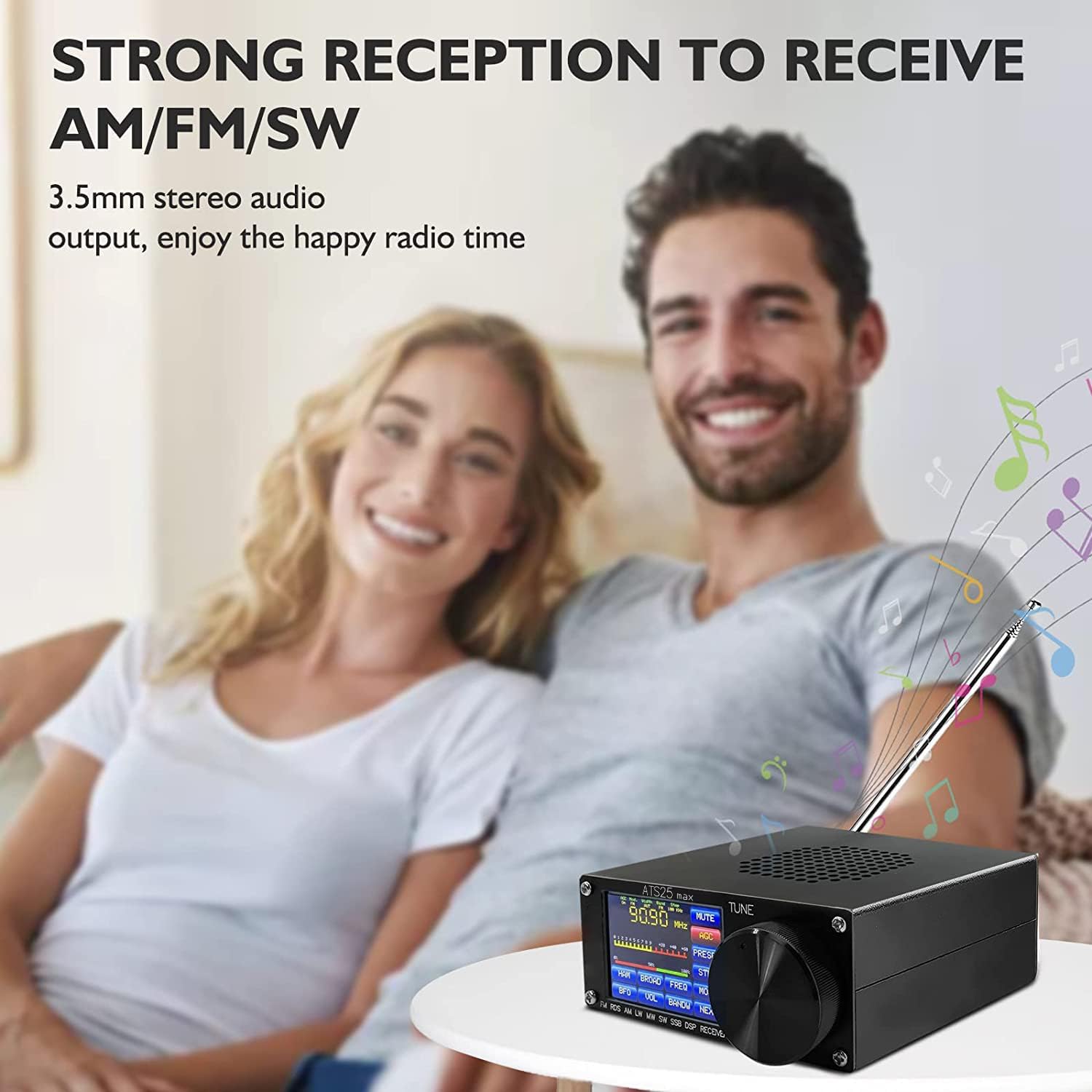
Image: A lifestyle shot showing a couple enjoying the ATS-25MAX radio, emphasizing its strong reception for AM, FM, and SW bands and its 3.5mm stereo audio output for an enjoyable listening experience.
Maintenance
1. Battery Care
- To prolong battery life, avoid fully discharging the battery frequently.
- Store the radio in a cool, dry place when not in use for extended periods.
- Recharge the battery periodically if stored for a long time to prevent deep discharge.
2. Cleaning
- Wipe the radio's exterior with a soft, dry cloth.
- Do not use liquid cleaners or abrasive materials, as they may damage the finish or internal components.
- Keep the touch screen clean to ensure optimal responsiveness.
3. General Care
- Protect the device from extreme temperatures, direct sunlight, and moisture.
- Avoid dropping the radio or subjecting it to strong impacts.
- Ensure the telescopic antenna is fully retracted when not in use to prevent damage.
Troubleshooting
| Problem | Possible Cause | Solution |
|---|---|---|
| No power / Radio does not turn on. | Battery is discharged. | Charge the battery fully using the USB-C port. |
| Poor reception or weak signals. | Antenna not extended or connected properly; incorrect antenna switch setting; weak signal in area. | Extend the telescopic antenna fully. Ensure external antenna is securely connected. Check the antenna switch on the back (FM vs. MW/SW). Try moving to a location with better signal. Consider using a larger external antenna. |
| No audio from speaker/headphones. | Volume too low; headphones not fully inserted; radio muted. | Increase volume. Ensure headphones are fully plugged in. Check if the radio is muted via the touch screen. |
| Touch screen unresponsive or glitchy. | Temporary software glitch. | Perform a soft reset by turning the radio off and then on again. Ensure the screen is clean. |
| Difficulty tuning to specific frequencies. | Incorrect mode selected; step size too large. | Verify the correct mode (AM/SSB) is selected for the desired frequency. Adjust the tuning step size ("STEP" button) for finer tuning. |
What's in the Box
The ATS-25MAX package includes the following components:
- 1 x Si4732 ATS-25MAX Radio Receiver
- 1 x USB Cable (Type-C)
- 1 x Telescopic Antenna
- 1 x Touchscreen Pen
- 1 x Owner's Manual (this document)

Image: An overhead view of the ATS-25MAX radio and its included accessories: the radio unit, a USB cable, a telescopic antenna, and a touchscreen pen, laid out on a surface.
Warranty and Support
For warranty information and technical support, please refer to the official SDRGEEK website or contact their customer service. Keep your purchase receipt as proof of purchase for warranty claims.
You can also find additional resources and FAQs by visiting the SDRGEEK Store on Amazon.
A PDF version of the Certificate of Compliance is available here.
Related documentsATS-25 MAX

Ask a question about this manual
Ask about setup, troubleshooting, compatibility, parts, safety, or missing instructions. Manuals+ will review the question and use this page’s manual context to help answer it.