
1. Introduction
This manual provides detailed instructions for the Edifier WH500 Wireless On-Ear Headphones. Please read this guide thoroughly to ensure proper use, optimal performance, and longevity of your device.
2. Package Contents
The Edifier WH500 package includes:
- Edifier WH500 Wireless On-Ear Headphones
- Charging Cable
3. Product Overview
The Edifier WH500 headphones are designed for comfort and high-quality audio. They feature a lightweight, foldable design and intuitive physical controls. The headphones are equipped with 30mm dynamic drivers for clear sound and enhanced bass.

A front-angle view of the black Edifier WH500 wireless on-ear headphones, showcasing their sleek design and earcups.

This image highlights the ergonomic design of the WH500 headphones, emphasizing their foldable nature for portability, comfortable fit, 85dB hearing protection, and lightweight construction at 172 grams.
4. Setup
4.1. Charging the Headphones
Before first use, fully charge the headphones. Connect the included charging cable to the headphone's charging port and a USB power source. A full charge takes approximately 2 hours and provides up to 40 hours of music playtime. A quick 10-minute charge can provide up to 6 hours of playback.
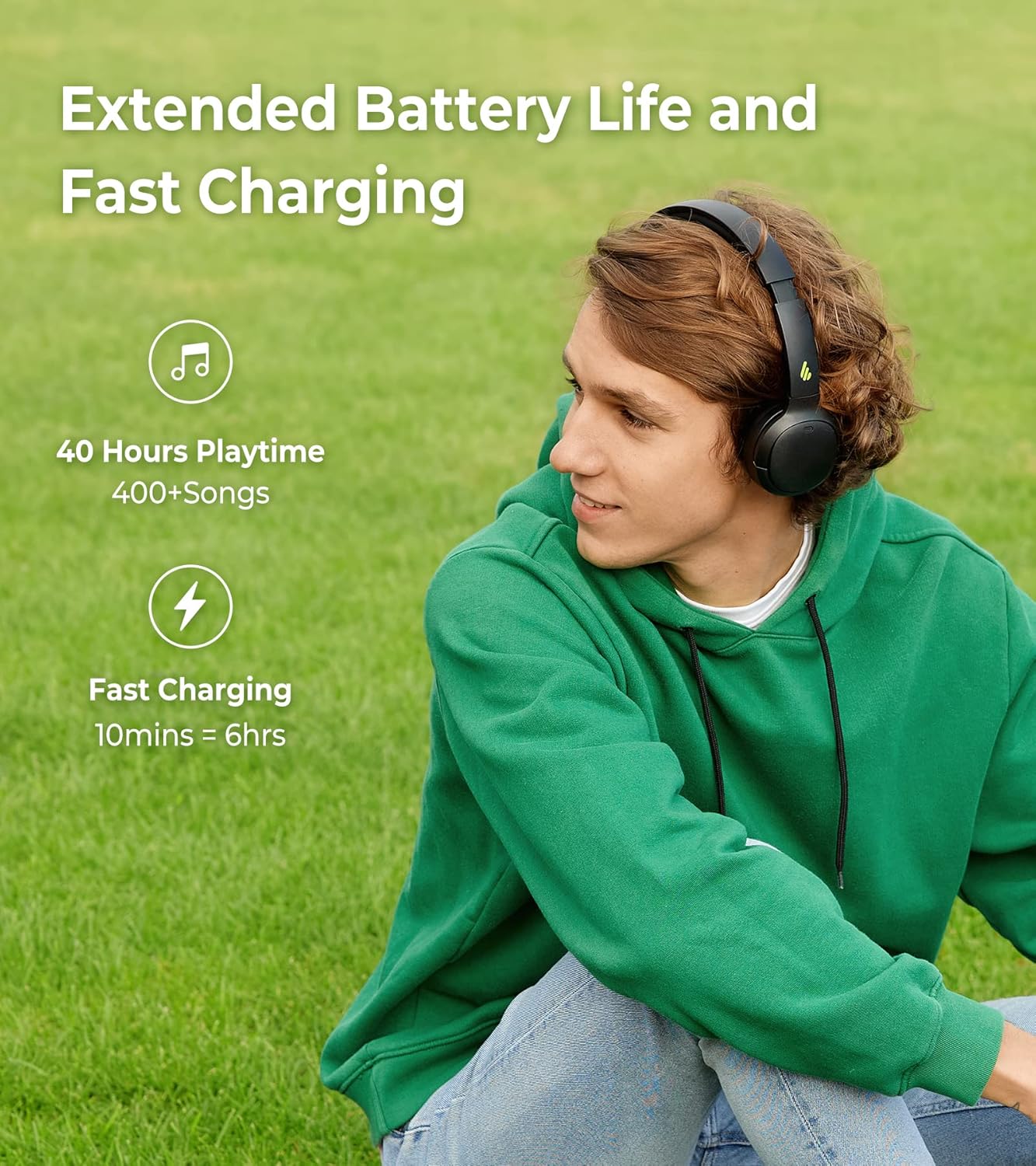
A visual representation of the Edifier WH500's extended battery life, offering 40 hours of playtime, and its fast charging capability, providing 6 hours of use from a 10-minute charge.
4.2. Bluetooth Pairing
To connect your Edifier WH500 headphones to a device:
- Ensure the headphones are powered off.
- Press and hold the power button until the indicator light flashes rapidly, indicating pairing mode.
- On your device (smartphone, tablet, laptop), enable Bluetooth and search for 'EDIFIER WH500' in the list of available devices.
- Select 'EDIFIER WH500' to connect. The indicator light will turn solid blue once connected.
The headphones support dual device connections, allowing seamless switching between two paired devices.

This image demonstrates the Edifier WH500's Bluetooth 5.2 dual connection feature, allowing the headphones to be simultaneously paired with a laptop and a smartphone for convenient switching.
5. Operating Instructions
5.1. Basic Controls
The Edifier WH500 headphones feature physical buttons for easy control:
- Power Button: Press and hold to power on/off. Short press to play/pause music or answer/end calls.
- Volume Up Button: Short press to increase volume.
- Volume Down Button: Short press to decrease volume.
- Multi-function Button (e.g., Power Button): Double press for next track, triple press for previous track.
5.2. Edifier Connect App Features
Enhance your listening experience by downloading the Edifier Connect app. The app allows for:
- Customizable EQ Settings: Adjust audio frequencies to your preference or choose from preset sound effects.
- Hearing Protection: Activate an 85dB safe volume limit to protect your hearing.
- Shutdown Timer: Set a timer for the headphones to automatically power off.

Screenshots of the Edifier Connect app interface, illustrating how users can customize equalizer settings to fine-tune their audio experience.

An app screenshot displaying the 'Hearing Protection' feature with an 85dB icon, indicating the option to manage safe volume levels for listening.

An app screenshot displaying the 'Shutdown timer' feature, allowing users to set automatic power-off intervals for the headphones.
5.3. Call Functionality
The integrated microphone with call noise cancellation ensures clear communication during phone calls. Use the power button to answer or end calls.

A visual emphasizing the call noise cancellation feature of the Edifier WH500 headphones, promising clear audio during phone conversations.
6. Maintenance
To ensure the longevity of your Edifier WH500 headphones:
- Clean the earcups and headband regularly with a soft, dry cloth.
- Avoid exposing the headphones to extreme temperatures, humidity, or direct sunlight.
- Store the headphones in a cool, dry place when not in use, preferably in their folded position to protect them.
7. Troubleshooting
If you encounter issues with your Edifier WH500 headphones, refer to the following common solutions:
- No Power: Ensure the headphones are fully charged.
- Cannot Pair: Make sure the headphones are in pairing mode (rapidly flashing indicator light) and within range of your device. Turn off and on Bluetooth on your device.
- No Sound: Check the volume levels on both the headphones and your connected device. Ensure the headphones are properly paired.
- Poor Sound Quality: Move closer to your connected device to reduce interference. Ensure there are no obstructions between the headphones and the device. Try adjusting EQ settings in the Edifier Connect app.
8. Specifications
Detailed technical specifications for the Edifier WH500 Wireless On-Ear Headphones:
| Feature | Specification |
|---|---|
| Brand | Edifier |
| Model | WH500 |
| Connectivity Technology | Wireless (Bluetooth 5.2) |
| Ear Placement | On Ear |
| Driver Size | 30mm |
| Battery Life | 40 Hours |
| Charging Time | 2 Hours (10 min fast charge for 6 hrs) |
| Item Weight | 172 Grams |
| Control Type | Physical buttons, App |
| Frequency Range | 20Hz-20KHz |
| Impedance | 16 Ohm |
| Noise Control | None (for listening) |
| Headphones Jack | No Jack |
| Included Components | Headphone, Charging Cable |
9. Warranty and Support
For warranty information and technical support, please refer to the official Edifier website or contact Edifier customer service. Keep your proof of purchase for warranty claims.


