
Introduction
This manual provides detailed instructions for the safe installation, operation, and maintenance of your WINGBO 52-Inch Flush Mount DC Ceiling Fan, Model SYCF5202. Please read all instructions carefully before beginning installation and retain this manual for future reference.
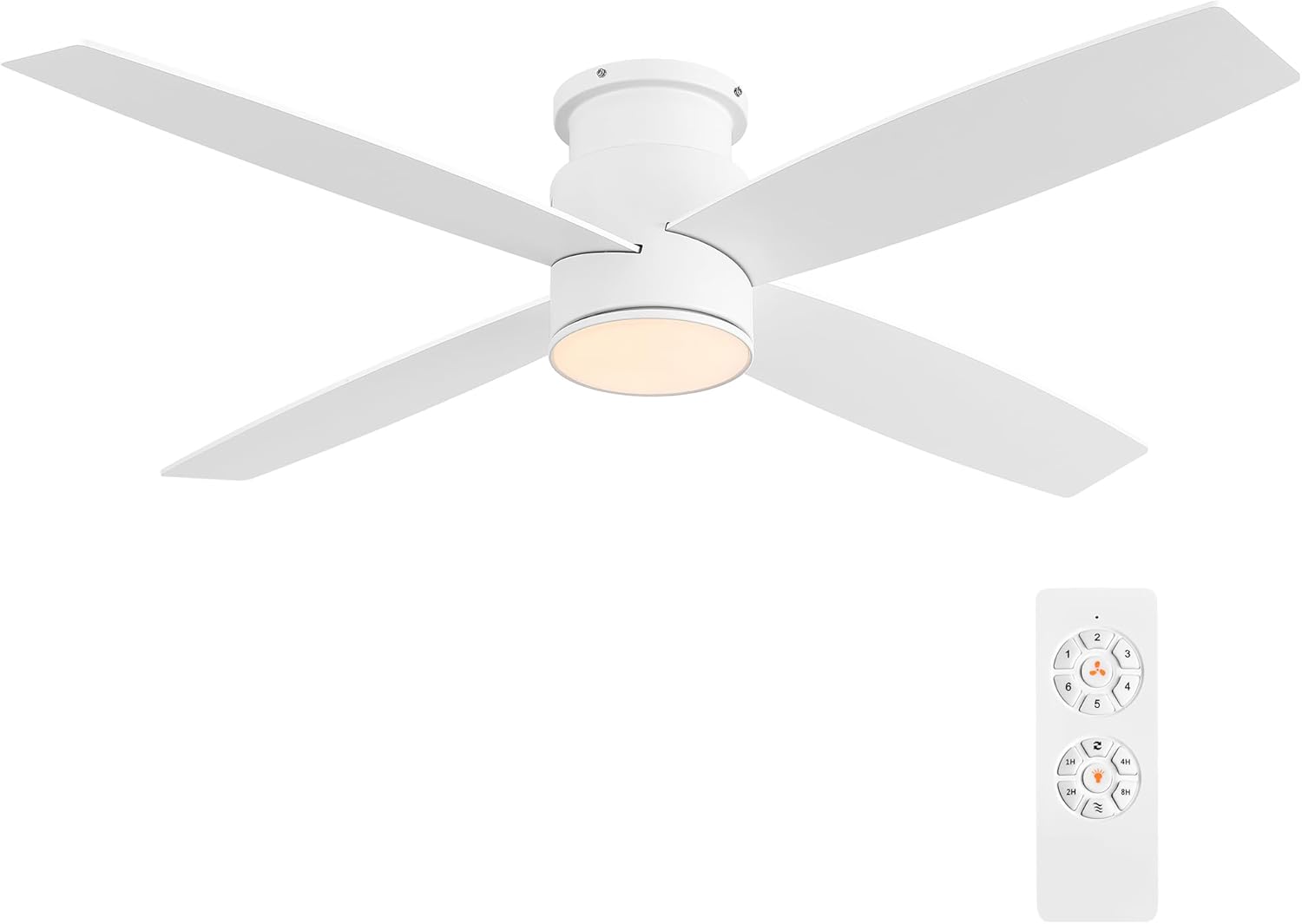
Image: The WINGBO 52-inch flush mount DC ceiling fan in white, shown with its remote control.
Safety Information
- Always disconnect power at the circuit breaker before installation or servicing.
- Ensure all electrical connections comply with local codes and ordinances.
- Consult a qualified electrician if you are unfamiliar with electrical wiring.
- Mount the fan to a ceiling outlet box marked "Acceptable for Fan Support of 35 lbs (15.9 kg) or less."
- Do not bend blade holders during installation or cleaning.
- Keep hands clear of fan blades when operating.
Setup and Installation
Package Contents
Verify that all components listed below are present before beginning installation:
- Fan Motor Assembly
- Fan Blades (4)
- Light Kit
- Remote Control with Wall Mount
- Mounting Hardware
Mounting Options and Room Suitability
This fan features a flush mount design, ideal for rooms with low ceilings (less than 9 feet). The fan height from ceiling to blades is approximately 7.5 inches, and from ceiling to the bottom of the light is 9.3 inches.

Image: Diagram showing the fan's dimensions (52-inch diameter, 10.24-inch height) and indicating suitability for rooms between 12'x12' and 18'x18'.
The recommended room size for optimal performance is between 12'x12' and 18'x18'.
Blade Installation
The fan includes four reversible plywood blades, offering two aesthetic options: White finish on one side and Oak finish on the other. Choose the side that best complements your room's decor before attaching the blades to the motor assembly.

Image: Illustration of the reversible fan blades, showing 'Side A' with a white finish and 'Side B' with an oak finish.
Wiring and Final Assembly
Follow the detailed wiring diagrams provided in the separate installation guide. Ensure all connections are secure and properly insulated. After wiring, attach the light kit and secure the canopy to the ceiling.
Operating Instructions
Remote Control Functions
The fan is operated using the included remote control. Familiarize yourself with the button layout and functions:

Image: A diagram illustrating the remote control with labels for Fan Control (6 speeds), Follow/Reverse, Light Control, and Nature Mode.
- Fan Control: Buttons 1-6 adjust the fan speed from low (1) to high (6).
- Follow/Reverse: Changes the direction of blade rotation for summer or winter modes.
- Light Control: Turns the light on/off and cycles through color temperatures.
- Nature Mode: Simulates natural breeze by varying fan speed.
- Timer: Sets the fan to turn off automatically after 1, 2, 4, or 8 hours.
Fan Speed and Reversible Function
The fan features a 6-speed DC motor, providing quiet and efficient airflow. The reversible function allows you to optimize air circulation for different seasons:
- Summer Mode (Downdraft): Blades rotate counter-clockwise, forcing air downwards to create a cooling effect.
- Winter Mode (Updraft): Blades rotate clockwise, drawing air upwards to circulate warm air evenly.

Image: Visual representation of the fan's reversible function, showing downdraft for summer mode and updraft for winter mode.
LED Light Kit Operation
The integrated 24-watt LED module offers three color temperature options:
- Warm Light: 3000K
- Natural Light: 4500K
- Day Light: 6000K
Cycle through these options using the light control button on the remote. The fan does not retain the last selected color temperature upon power cycling; it will cycle through the options each time the light is turned on.

Image: Three distinct light settings are displayed: Warm Light (3000K), Natural Light (4500K), and Day Light (6000K).
Timer Function
Use the timer buttons on the remote control to set the fan to automatically turn off after a specified duration (1, 2, 4, or 8 hours). This feature is useful for nighttime operation.

Image: A person sleeping peacefully with an overlay showing timer options (1H, 2H, 4H, 8H) for the ceiling fan.
Maintenance
Cleaning
To maintain the appearance and performance of your fan, clean it periodically:
- Before cleaning, ensure the power is turned off at the circuit breaker.
- Use a soft, damp cloth to wipe down the motor housing and blades. Avoid using abrasive cleaners or solvents, as these can damage the finish.
- The fan blades are made of high-quality compressed plywood, designed for durability. Handle them gently during cleaning.

Image: A close-up view of the fan blades, highlighting their premium quality construction from compressed plywood.
Troubleshooting
If you experience issues with your fan, refer to the following common problems and solutions:
| Problem | Possible Cause | Solution |
|---|---|---|
| Fan does not start | No power to the fan; Loose wire connections; Remote control battery low. | Check circuit breaker; Verify all wiring connections are secure; Replace remote control batteries. |
| Fan is noisy | Loose screws on motor housing or blades; Unbalanced blades; Motor issue. | Tighten all screws; Ensure blades are balanced (balancing kit not included); If noise persists, contact customer support. |
| Light changes color every time it's turned on/off | This is a design feature. | The light module is designed to cycle through color temperatures (3000K, 4500K, 6000K) with each power cycle. This behavior is normal and cannot be changed to a default setting. |
| Light is too intense / intensity cannot be changed | The LED light kit does not have a dimming function. | The integrated LED module provides a fixed brightness. Dimming is not supported by this model. |
| Loud beeping sound when turning on the light | This is an audible confirmation from the fan's receiver. | The beeping sound indicates that the fan's receiver has registered the remote command. This is a standard operational sound and cannot be disabled. |
Specifications
| Feature | Detail |
|---|---|
| Brand | WINGBO |
| Model Name | SYCF5202 |
| Electric Fan Design | Ceiling Fan |
| Color | White |
| Size | 52 Inches |
| Product Dimensions | 52"D x 52"W x 10"H |
| Item Weight | 15.72 pounds (7.14 Kilograms) |
| Power Source | DC |
| Number of Blades | 4 |
| Number of Power Levels | 6 |
| Control Method | Remote |
| Special Feature | LED Light (24 watts, 3000K/4500K/6000K) |
| Indoor/Outdoor Usage | Indoor (Dry Location) |
| Recommended Room Type | Bedroom, Living Room (12'x12' to 18'x18') |
| Efficiency | More efficient than traditional fans |
| UPC | 786661544717 |
Warranty and Support
For warranty information, please refer to the documentation included with your purchase or contact the retailer where the product was acquired. For technical support or assistance with parts, please contact WINGBO customer service directly through their official website or the contact information provided with your product packaging.
Usage Examples

Image: A collage showing the WINGBO ceiling fan installed in a living room, a bedroom, and a covered outdoor area, demonstrating its versatility.


