
1. Introduction
The NVAHVA A68 Translation Earbuds are designed to provide a seamless audio experience with advanced real-time translation capabilities. These earbuds feature an invisible, lightweight design for comfort, especially for side sleepers, and support various translation modes, meeting recording, and call translation. This manual will guide you through the setup, operation, and maintenance of your device.
2. Package Contents
Please verify that all items listed below are included in your package:
- 2 x Earbuds
- 1 x Charging Case
- 1 x Type-C Charging Cable
- 3 x Pairs of Eartips (S/M/L)
- 1 x User Manual
- 1 x App Code Card
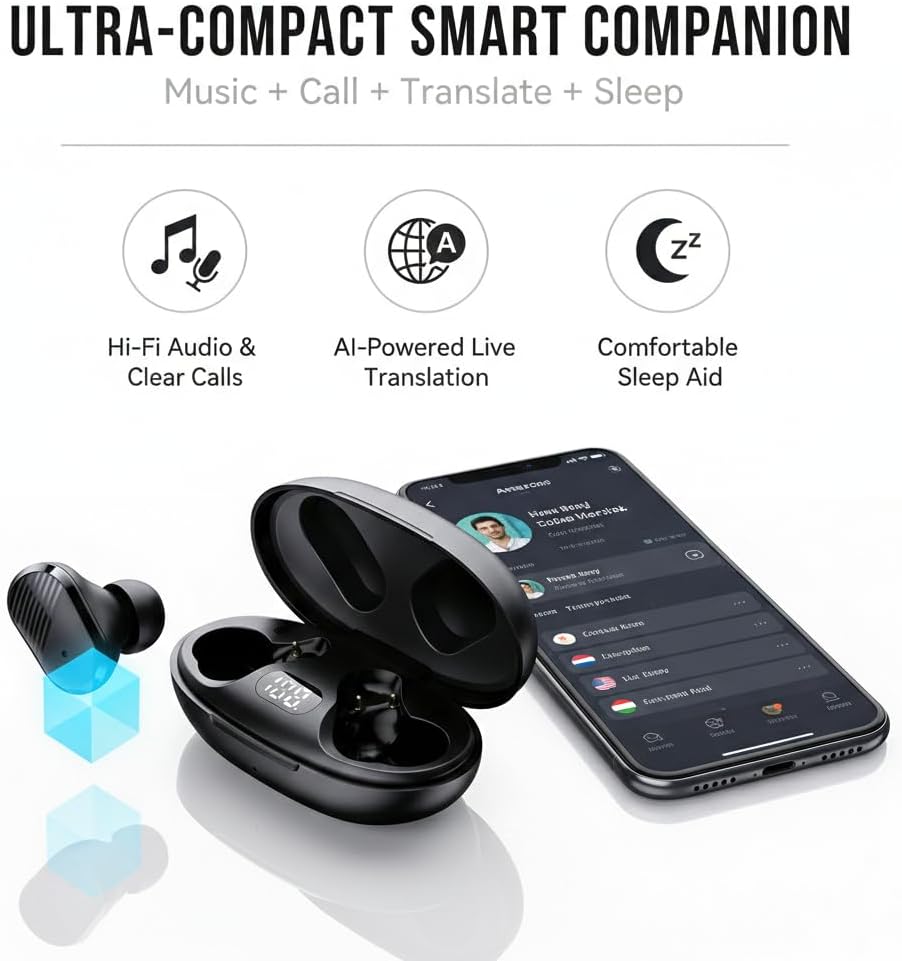
Image: NVAHVA A68 Earbuds, charging case, and accessories.
3. Product Overview
The NVAHVA A68 earbuds are designed for versatility, offering high-fidelity audio, AI-powered translation, and a comfortable fit for extended wear, including during sleep.

Image: Overview of the NVAHVA A68 as an ultra-compact smart companion.
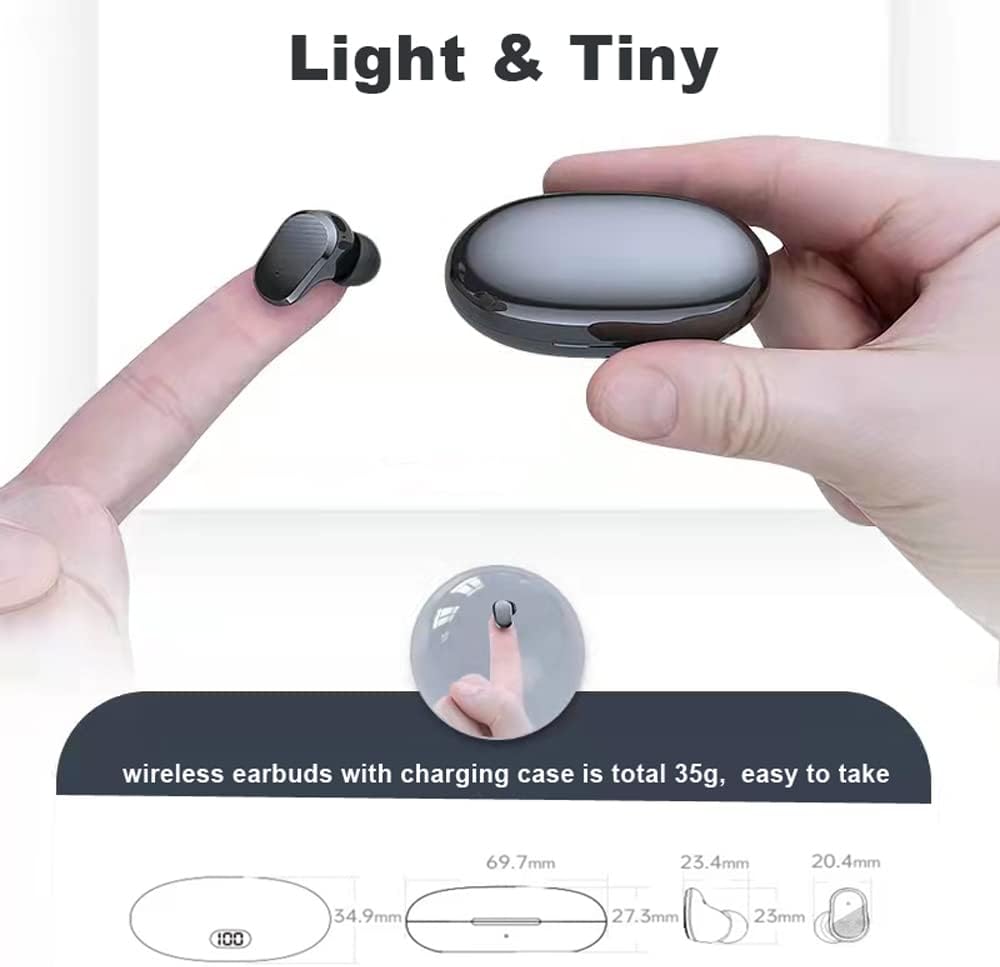
Image: The lightweight and compact design of the earbuds and charging case.
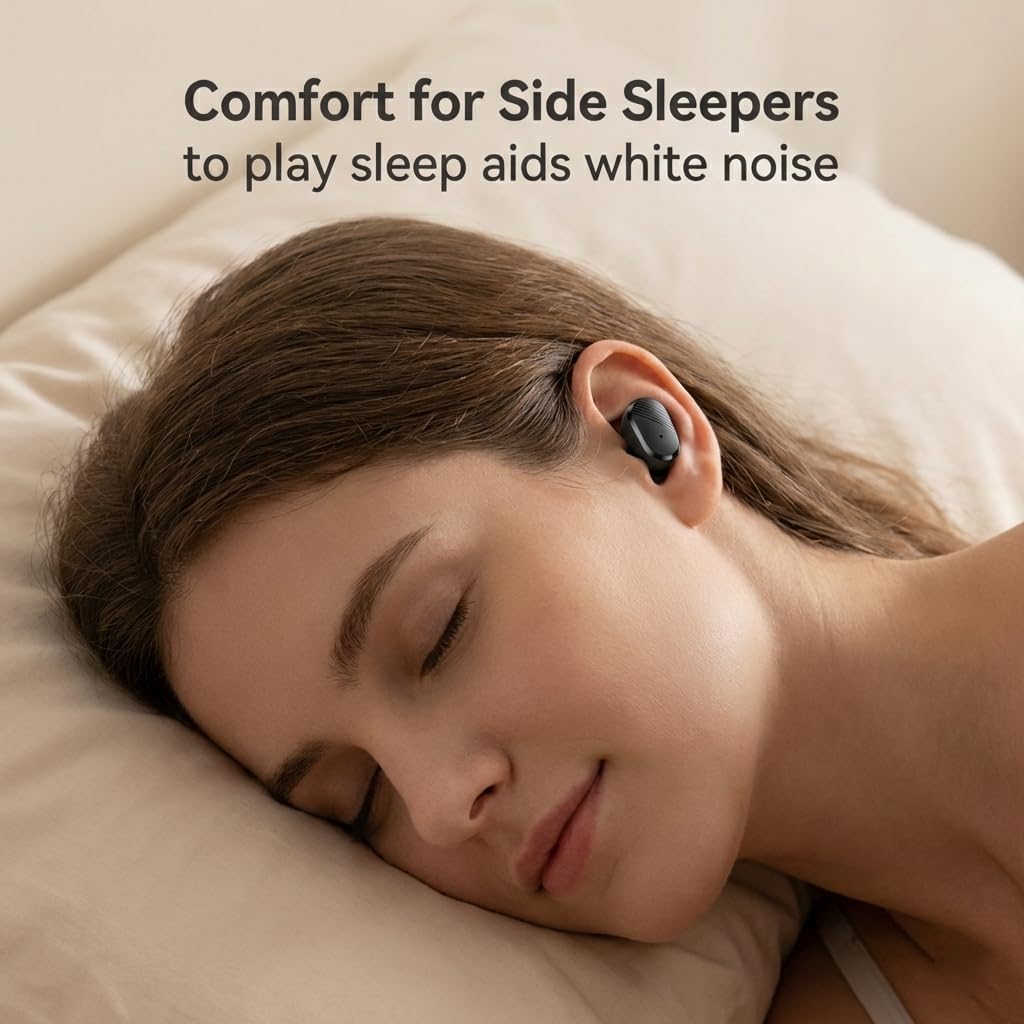
Image: Earbuds designed for comfort, even for side sleepers.
Video: An overview of the NVAHVA A68 Invisible Wireless Earbuds, showcasing their small size and features.
4. Setup Guide
4.1 Charging the Earbuds and Case
Before first use, fully charge the earbuds and charging case. Connect the provided Type-C charging cable to the charging case and a USB power source. The digital display on the case will indicate the charging status. A full charge takes approximately 2 hours. The earbuds provide 4-6 hours of continuous use, with the charging case extending total usage to 20-24 hours.
4.2 App Download and Installation
To utilize the full translation features, download the companion application:
- Open a QR code scanning function on your smartphone (e.g., your phone's browser or a dedicated QR scanner app).
- Scan the QR code found on the included App Code Card or in the physical user manual. This will direct you to the app download page.
- Select the appropriate download link for your mobile phone system (Android or Apple).
- Follow the on-screen prompts to download and install the application. You may need to grant permission for installation from external sources.
- Once installed, open the 'AI Cool' app.
Video: Step-by-step guide on downloading and installing the NVAHVA AI Translation Earbuds application.
4.3 Bluetooth Connection
To connect your earbuds to your smartphone:
- Ensure the earbuds are charged and removed from the charging case to enter pairing mode.
- On your smartphone, go to 'Settings' and enable 'Bluetooth'.
- In the Bluetooth device list, select the NVAHVA A68 (or similar name like 'AIWA' or 'TWS') to pair.
- Open the 'AI Cool' app. On the home screen, click 'Add Device'.
- You may be prompted to enter a binding code. This code is typically found on the cover of the AI Cool user guide. If not available, contact customer support. For built-in devices, a binding code may not be required.
- Once connected, you can begin using the app's features.
5. Operating Instructions
5.1 Basic Touch Controls
The earbuds feature touch-sensitive controls for various functions:
- Play/Pause: Touch once
- Answer/Hang up Call: Touch once
- Activate Voice Assistant: Hold button for approximately 2 seconds
- Reject Call: Hold button for approximately 2 seconds
- Next/Previous Track: Knock L/R earbud 3 times
- Volume Up/Down: Knock L/R earbud twice

Image: NVAHVA A68 Earbuds touch control functions.
5.2 Translation Modes
The AI Cool app offers several translation modes:
- Simul Mode (Face-to-Face): For natural conversations where both parties wear an earbud and speak simultaneously. The earbuds provide real-time interpretation.
- Speaker Mode (Earbud + Mobile): One person wears an earbud, and the other speaks into the smartphone. The app translates and plays the audio through the earbud, facilitating quick interactions.
- Listen Mode (Two Earphone Mode): Both individuals wear earbuds, and the device recognizes and translates short sentences, enabling smooth and natural conversations.

Image: Face-to-face simultaneous translation mode.

Image: Earbud + Mobile mode for two-way conversation.

Image: Two Earphone Mode for free talk translation.
5.3 AI Meeting Assistant
The built-in Meeting Recorder feature provides real-time transcription and AI summarizing, ideal for international conferences and academic settings.

Image: Meeting Recorder function for transcription and summarizing.
5.4 Call Translation
The earbuds support audio and video call translation on third-party applications like WhatsApp and Zoom, facilitating communication for remote teams and international connections. Note that this feature may require additional charges.

Image: Audio and video call translation in action.
5.5 Offline Translation
For situations without internet access, Offline Translation packs are available for a one-time purchase ($9.99 lifetime buyout). These packs ensure translation functionality in remote areas or during travel. Supported languages include Chinese, English, German, Japanese, Korean, Hindi, Thai, Spanish, French, and Russian.
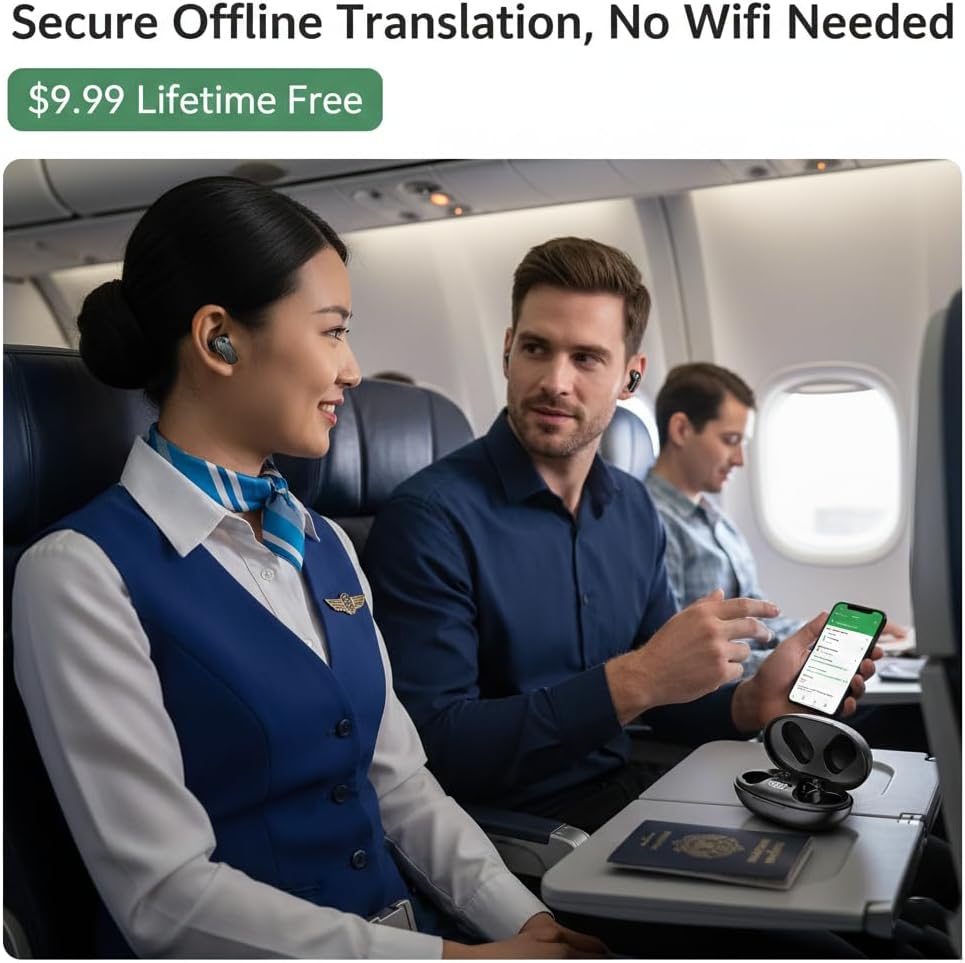
Image: Using offline translation during air travel.
6. Maintenance
To ensure the longevity and optimal performance of your NVAHVA A68 earbuds:
- Cleaning: Regularly clean the earbuds and charging case with a soft, dry cloth. Avoid using harsh chemicals or abrasive materials.
- Eartips: Clean the eartips with a damp cloth and mild soap if necessary. Ensure they are completely dry before reattaching.
- Storage: Store the earbuds in their charging case when not in use to protect them from dust and damage. Keep them in a cool, dry place away from direct sunlight and extreme temperatures.
- Water Resistance: The earbuds are water-resistant. However, they are not waterproof. Avoid submerging them in water or exposing them to heavy rain. Dry them thoroughly if they get wet.
7. Troubleshooting
If you encounter issues with your NVAHVA A68 earbuds, refer to the following common solutions:
| Issue | Possible Solution |
|---|---|
| Earbuds not pairing/connecting to phone |
|
| No sound or low volume |
|
| Translation not working or incorrect |
|
| App voice prompts are in a foreign language |
|
| Earbuds falling out or uncomfortable |
|
8. Specifications
| Feature | Detail |
|---|---|
| Model Name | A68 |
| Brand | NVAHVA |
| Connectivity Technology | Wireless (Bluetooth 5.3) |
| Bluetooth Range | 10 Meters |
| Noise Control | Sound Isolation |
| Headphones Jack | USB-C (for charging case) |
| Battery Life (Earbuds) | 5 Hours (continuous AI translation/music) |
| Total Battery Life (with Case) | 20-24 Hours |
| Charging Time | 2 Hours |
| Control Method | Touch, Voice |
| Material | Acrylonitrile Butadiene Styrene (ABS) |
| Item Weight (Earbuds) | 34 Grams (total for both earbuds and case) |
| Water Resistance Level | Water Resistant |
| Audio Driver Type | Dynamic Driver |
| Audio Driver Size | 10 Millimeters |
| Impedance | 32 Ohms |
| Earpiece Shape | Bud |
| Special Features | Lightweight, Noise Isolation, Surround Sound, Sweatproof, Real-time Translation |
9. Safety Information
Please read and follow these safety guidelines to prevent injury or damage to your device:
- Do not expose earbuds or charging case to extreme temperatures, direct sunlight, or high humidity.
- Avoid dropping, hitting, or disassembling the device.
- Keep out of reach of children and pets.
- Do not use the device while driving or in situations where you need to be aware of your surroundings.
- Prolonged exposure to loud sounds may cause hearing damage. Adjust volume to a moderate level.
- Use only the provided charging cable and a certified power adapter.
10. Warranty and Support
For warranty information, please refer to the documentation provided at the time of purchase or contact your retailer. If you require technical assistance or have questions not covered in this manual, please contact the seller or manufacturer directly for support.