
1. Introduction
The Müller-Licht Mobina 27700056 Push LED Orientation Light is a versatile, USB-rechargeable, and easy-to-install lighting solution designed to provide illumination exactly where needed. It features touch-activated operation, a selectable timer function (3 or 15 minutes auto-off), and a flat, modern design suitable for various indoor applications such as children's rooms, hallways, or cellars. This manual provides essential instructions for the safe and efficient use of your new LED light.
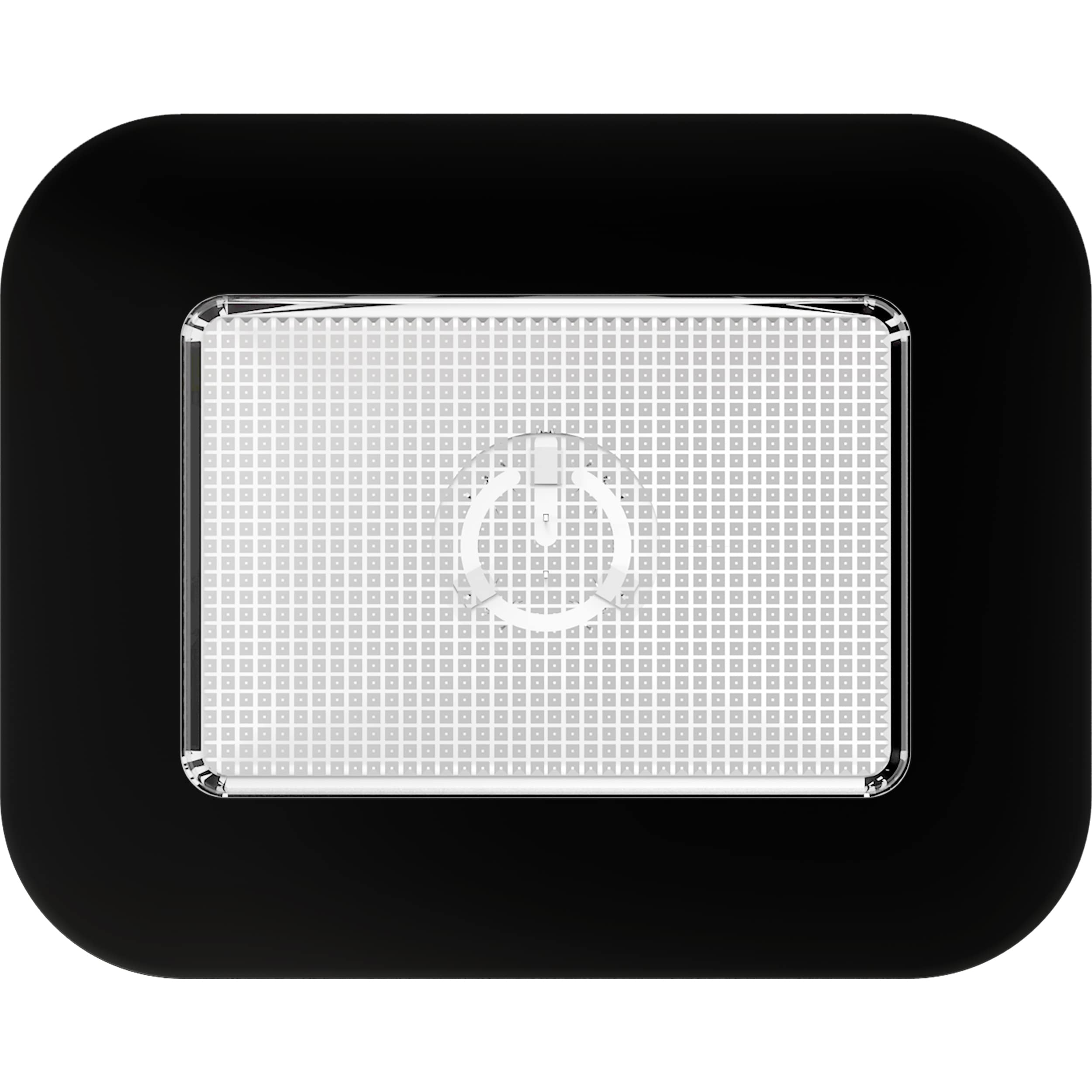
Image 1: Müller-Licht Mobina Push LED Orientation Light
2. Safety Instructions
- Read all instructions carefully before use.
- Keep this manual for future reference.
- This product is intended for indoor use only (IP20 rating). Do not expose to water or high humidity.
- Do not attempt to disassemble or modify the device. This may void the warranty and pose a safety risk.
- Use only the provided USB cable for charging.
- Keep out of reach of children.
- Do not stare directly into the LED light source.
- Dispose of batteries and electronic waste according to local regulations.
3. Package Contents
Please check that all items are present in the package:
- 1x Mobina Push 10 LED Orientation Light (Black)
- 1x Micro USB Cable (15 cm)
- Mounting material (e.g., self-adhesive metal plate)
- User Manual
4. Setup
4.1 Initial Charging
Before first use, fully charge the Mobina Push light. Connect the supplied micro USB cable to the charging port on the device and the other end to a standard USB power source (e.g., computer USB port, USB wall adapter). The charging indicator light will show the charging status (e.g., red for charging, green for fully charged). A full charge may take approximately 5 hours.
4.2 Mounting Options
The Mobina Push light offers flexible mounting options:
- Self-Adhesive: Use the provided self-adhesive metal plate. Clean the desired surface thoroughly, peel off the protective film from the adhesive side of the metal plate, and firmly press it onto the surface. The light has an integrated magnet and will attach to the metal plate.
- Magnetic: The light has a built-in magnet, allowing it to be directly attached to any metallic surface without the need for the adhesive plate.
- Screw Mounting: The light may also have small keyhole slots on the back for screw mounting (screws not included).
Ensure the mounting surface is clean, dry, and capable of supporting the light's weight (58g).
5. Operating Instructions
5.1 Power On/Off
- Locate the main switch on the side of the light.
- Set the switch to the "ON" position.
- To turn the light on, gently press the touch surface of the lamp. The light will illuminate continuously.
- To turn the light off, press the touch surface again.
5.2 Timer Function
The Mobina Push features a practical timer function to conserve energy. On the side of the lamp, next to the main ON/OFF switch, there is a switch to select the desired auto-off duration:
- Select "3 min": The light will automatically turn off after 3 minutes of illumination.
- Select "15 min": The light will automatically turn off after 15 minutes of illumination.
- Select "ON" (or continuous mode): The light will remain on until manually turned off by pressing the touch surface.
Adjust the timer setting according to your needs to optimize battery life.
6. Maintenance
- Cleaning: Wipe the light with a soft, dry cloth. Do not use abrasive cleaners or solvents.
- Battery Care: To prolong battery life, avoid fully discharging the battery frequently. Recharge when the light dims or stops working. If storing for an extended period, charge the battery every 3-6 months.
7. Troubleshooting
| Problem | Possible Cause | Solution |
|---|---|---|
| Light does not turn on. | Battery is discharged. | Charge the light using the USB cable. |
| Light turns off too quickly. | Timer function is active (3 or 15 min). | Adjust the timer switch to the "ON" (continuous) position if longer illumination is desired. |
| Light does not respond to touch. | Main switch is in "OFF" position or battery is low. | Ensure the main switch is in "ON" position. Charge the battery. |
| Light falls off mounting surface. | Adhesive not strong enough or surface not clean. | Clean surface thoroughly before applying adhesive. Ensure the surface is smooth and non-porous. Consider screw mounting if available and suitable. |
8. Specifications
- Brand: MÜLLER LICHT
- Model Number: 27700056
- Dimensions (L x W x H): 9.7 x 7.6 x 1.8 cm
- Weight: 58 g
- Power: 0.6 W
- Voltage: 3.7 Volts
- Light Type: LED
- Color Temperature: 4000 K (Neutral White)
- Luminous Flux: 50 lm
- Battery: 1 Lithium-ion (included)
- Charging: Micro USB
- IP Rating: IP20 (Indoor use only)
- Material: Acrylonitrile Butadiene Styrene (ABS)
- Color: Black
- Special Features: Push-button operation, Wireless, Touch control, Timer function
9. Warranty and Support
Müller-Licht products are manufactured with quality in mind. For warranty information or technical support, please refer to the contact details provided on the product packaging or the official Müller-Licht website. Please retain your proof of purchase for warranty claims.
Note: Information regarding spare parts availability and software updates is not available for this product.


