
Keychron K3 Max
Keychron K5 Ultra-Slim Mechanical Keyboard User Manual
Model: K5 (K3 Max)
Introduction
The Keychron K5 is a full-size, ultra-slim mechanical keyboard designed for both Mac and Windows operating systems. It features 104 keys, white LED backlighting, and low-profile Gateron mechanical switches. The K5 offers versatile connectivity options, including Bluetooth 5.1 for wireless use with up to three devices and a USB Type-C connection for wired mode. Its ergonomic design, with an 18mm thin aluminum body and a slight incline, aims to provide a comfortable typing experience and reduce finger fatigue.
Setup
Package Contents
- Keychron K5 Ultra-Slim Mechanical Keyboard
- USB Type-C Cable
- Keycap Puller
- Extra keycaps for Mac and Windows operating systems
Initial Connection
The Keychron K5 supports both wireless (Bluetooth) and wired (USB Type-C) connections.

Image: The Keychron K5 keyboard highlighting its dual connectivity modes: Wireless (Bluetooth) and Wired (USB Type-C).
Bluetooth Connection
- Ensure the keyboard is charged or connected via USB for initial setup.
- Locate the mode switch on the side or back of the keyboard and set it to BT (Bluetooth).
- Press and hold the Fn + 1 (or Fn + 2, Fn + 3) key combination for 4 seconds until the indicator light above the number keys flashes rapidly. This indicates the keyboard is in pairing mode.
- On your device (computer, smartphone, tablet), open Bluetooth settings and search for available devices.
- Select "Keychron K5" from the list of found devices to complete the pairing process.
- Repeat for up to three devices using Fn + 1, Fn + 2, and Fn + 3.
Wired Connection
- Connect the provided USB Type-C cable to the keyboard's port.
- Connect the other end of the USB cable to an available USB port on your computer.
- Locate the mode switch on the side or back of the keyboard and set it to Cable. The keyboard will automatically be recognized by your system.
Operating System Compatibility
The Keychron K5 is designed to be fully compatible with both Mac and Windows operating systems. It includes extra keycaps to match the specific layouts of each OS.
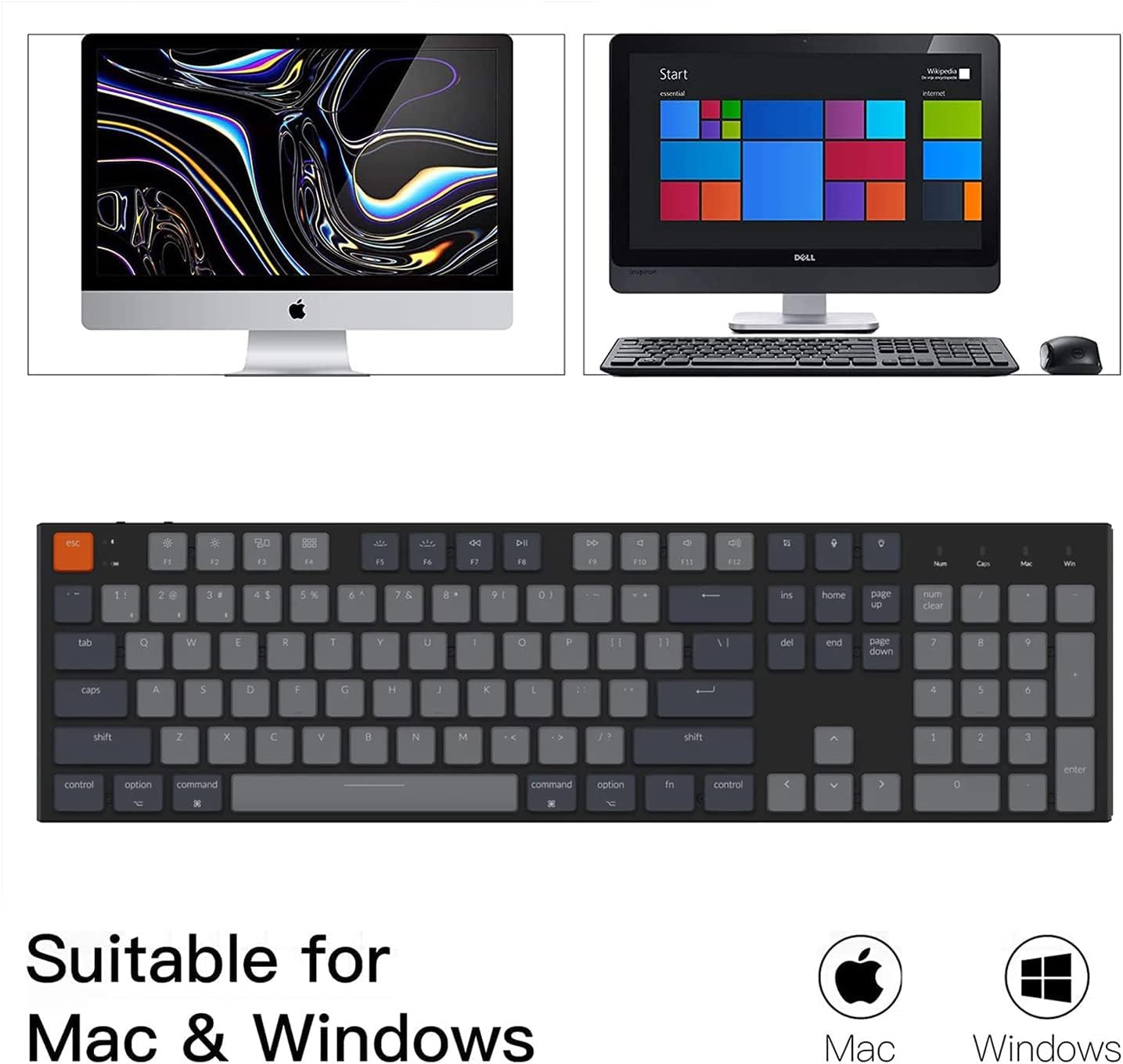
Image: The Keychron K5 keyboard demonstrating its compatibility with both Mac and Windows operating systems.
To switch between Mac and Windows layouts, use the dedicated OS switch located on the side or back of the keyboard. Ensure the correct keycaps are installed for your preferred operating system.

Image: A close-up view of the Keychron K5 keyboard, showing the indicators for Num Lock and Caps Lock, along with the Mac and Windows layout indicators.
Operating Instructions
Key Functions
The Keychron K5 features a full 104-key layout, including a number pad, and dedicated multimedia and function keys. Some keys have dual functions depending on the operating system selected.
- Multimedia Keys: Access media controls (play/pause, volume, track skip) via the function row (F1-F12) in combination with the Fn key, or directly if the function row is set to multimedia mode.
- Screenshot Key: A dedicated key for capturing screenshots.
- Siri (Cortana) Key: Activates voice assistant.
- Screen Lock Key: Locks your computer screen.
- Num Lock: Functions for Windows only.
Backlight Control
The Keychron K5 features white LED backlighting. Use the dedicated backlight key (often located near the function row or navigation cluster) to cycle through different backlight effects and brightness levels. The specific key combination may vary, but typically involves the Fn key plus an arrow key or a dedicated light bulb icon key.

Image: A close-up view of the Keychron K5 keyboard demonstrating its white LED backlighting.
Device Switching (Bluetooth)
When connected to multiple devices via Bluetooth, you can easily switch between them:
- Press Fn + 1 to switch to the first paired device.
- Press Fn + 2 to switch to the second paired device.
- Press Fn + 3 to switch to the third paired device.
Mechanical Switches
The Keychron K5 utilizes low-profile Gateron mechanical brown switches, known for their tactile responsiveness and durability. These switches are designed for a comfortable typing experience with reduced travel distance and actuation force.

Image: Detailed specifications for the Gateron Low Profile Mechanical Brown Switch, including actuation force, pre-travel, total travel, behavior, and lifespan.
Gateron Low Profile Mechanical Brown Switch Specifications:
- Actuation Force: 55 ± 15gf
- Pre-travel: 1.5 ± 0.5mm
- Total Travel: 2.75 ± 0.25mm
- Behavior: Tactile
- Life Span: 50 million times
Maintenance
Proper care and maintenance will extend the lifespan of your Keychron K5 keyboard.
- Cleaning: Use a soft, lint-free cloth to wipe down the keyboard surface. For deeper cleaning, use compressed air to remove dust and debris from between the keycaps. For stubborn grime, a slightly damp cloth with mild soap solution can be used, ensuring no liquid enters the keyboard.
- Keycap Removal: Use the provided keycap puller to safely remove keycaps for cleaning or replacement. Avoid pulling keycaps directly by hand to prevent damage to the switch stems.
- Battery Care: For optimal battery life, avoid fully discharging the keyboard frequently. If storing for an extended period, charge the battery to around 50% and store in a cool, dry place.
- Storage: Store the keyboard in a dry environment away from extreme temperatures and direct sunlight.
Troubleshooting
This section addresses common issues you might encounter with your Keychron K5 keyboard.
| Problem | Possible Solution |
|---|---|
| Keyboard not connecting via Bluetooth. |
|
| Keyboard frequently disconnects or goes to sleep too quickly in Bluetooth mode. |
|
| Keys are not responding or typing incorrectly. |
|
| Backlight is not working or is dim. |
|
| Keyboard feels completely unresponsive after a firmware update attempt. |
|
Specifications
| Feature | Detail |
|---|---|
| Product Dimensions | 12.99 x 6.69 x 1.57 inches |
| Item Weight | 2.7 pounds |
| Manufacturer | Keychron |
| Model Number | K3 Max (Marketed as K5) |
| Batteries | 1 Lithium Ion battery (included) |
| Connectivity Technology | Bluetooth 5.1, USB Type-C |
| Keyboard Description | Gaming, Mechanical |
| Recommended Uses | Everyday Use, Office, Light Gaming |
| Special Features | Ergonomic, Backlit (White LED), Ultra-slim, Full Size Layout |
| Switch Type | Low Profile Gateron Brown Switch |
| Number of Keys | 104 |
| Compatible Devices | Mac, Windows, Gaming Console, Smartphone, Laptop, iPad |
| First Available Date | September 6, 2022 |
Warranty and Support
For warranty information and technical support, please refer to the official Keychron website or contact Keychron customer service directly. Keep your purchase receipt as proof of purchase for any warranty claims.
Keychron Official Website: www.keychron.com
Related documentsK3 Max


Ask a question about this manual
Ask about setup, troubleshooting, compatibility, parts, safety, or missing instructions. Manuals+ will review the question and use this page’s manual context to help answer it.