
UPBRIGHT JYX JYX-883 JYX-N883 Power Supply
UpBright 5V AC/DC Adapter User Manual
For JYX JYX-883, JYX-N883, JYX-882, JYX-V15 Wireless Voice Amplifier Microphone PA System Speakers
1. Introduction
This user manual provides essential information for the safe and effective use of your UpBright 5V AC/DC Adapter. This power supply is designed to provide reliable power and charging capabilities for compatible JYX wireless voice amplifier microphones and PA system speakers. Please read this manual thoroughly before use and retain it for future reference.
2. Safety Information
To ensure safe operation and prevent damage, please observe the following safety precautions:
- Use the adapter only with compatible devices as specified.
- Do not expose the adapter to water, moisture, or extreme temperatures.
- Avoid dropping or subjecting the adapter to severe impact.
- Do not attempt to disassemble or modify the adapter. Refer all servicing to qualified personnel.
- Ensure the wall outlet voltage matches the adapter's input specifications (100-240VAC).
- Unplug the adapter from the wall outlet when not in use for extended periods.
- Keep out of reach of children.
3. Package Contents
Verify that all items are present in your package:
- 1 x UpBright 5V AC/DC Adapter
- 1 x Type-C USB Charging Cable
4. Product Overview
The UpBright 5V AC/DC Adapter is a compact and efficient power solution. It features a standard US plug and comes with a detachable Type-C USB cable for versatile connectivity.

Image: The UpBright 5V AC/DC Adapter shown with its accompanying Type-C USB charging cable. The adapter is black with regulatory markings, and the cable has a standard USB-A connector on one end and a USB-C connector on the other.
This adapter is designed to be compatible with various JYX models, providing the necessary 5V DC output for their operation and charging.
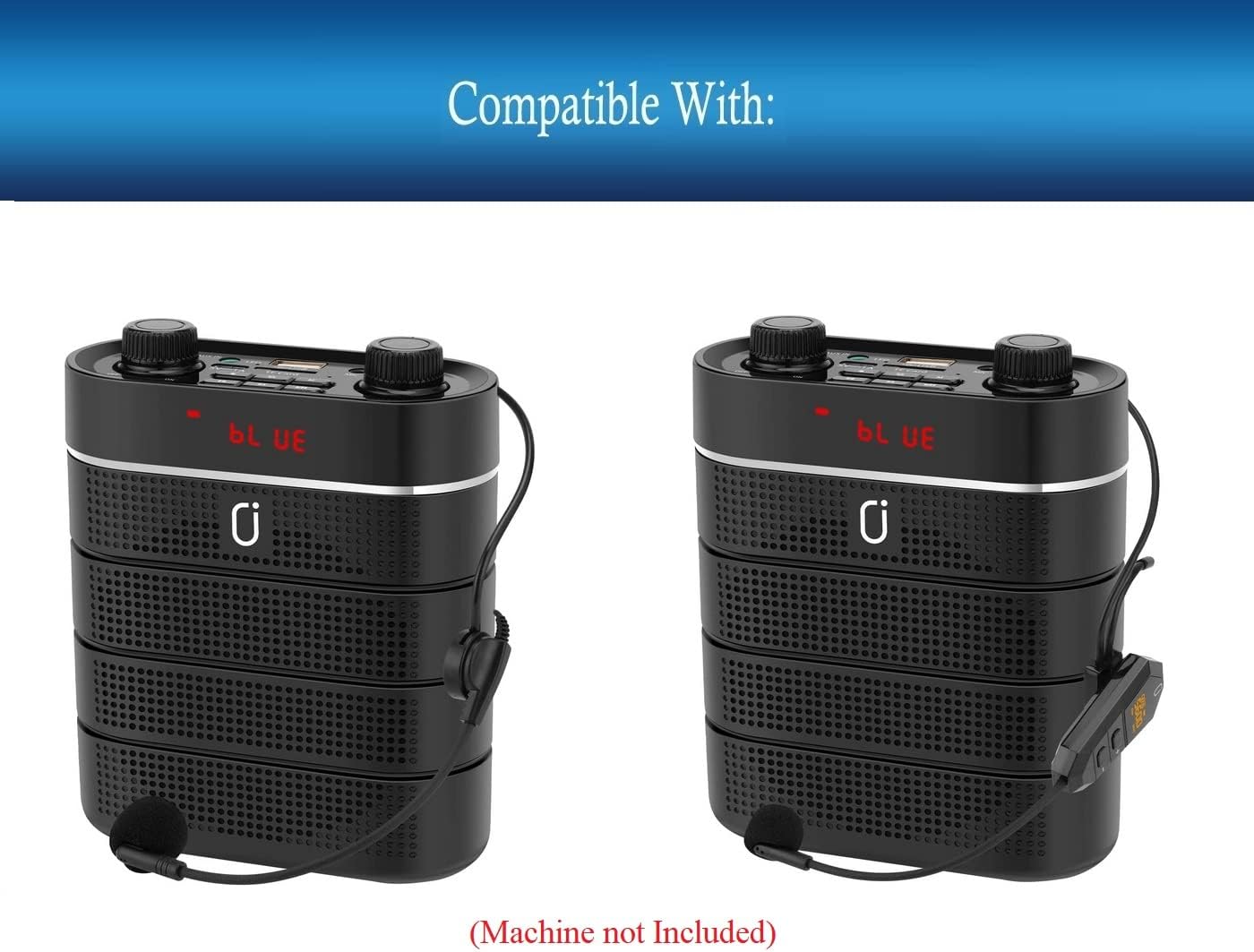
Image: Two JYX PA System Speakers (models JYX-883 and JYX-N883) are displayed, illustrating the type of devices compatible with this power adapter. The speakers are black with control knobs on top.
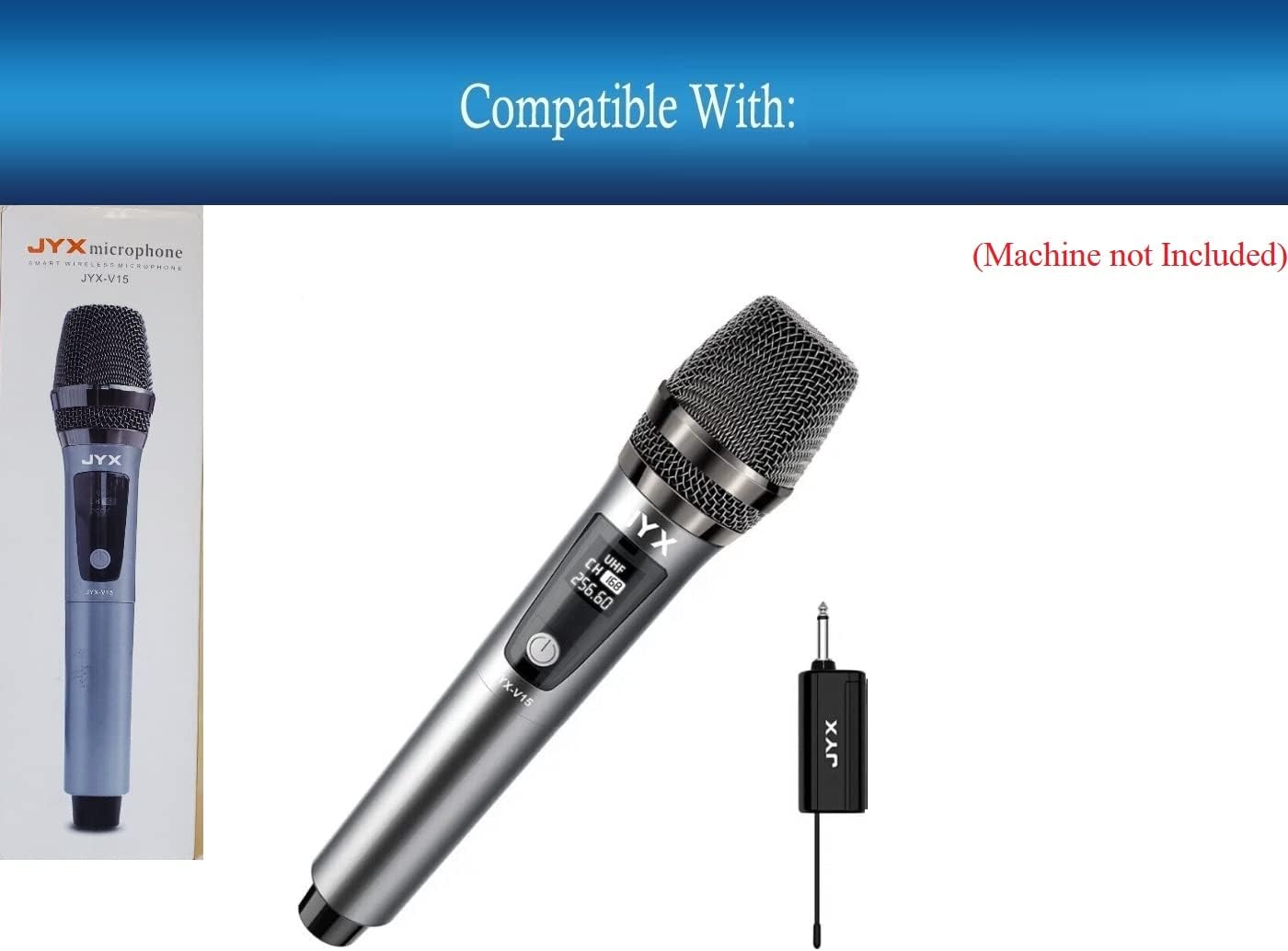
Image: A JYX-V15 wireless microphone and its receiver are shown, indicating another compatible device for the UpBright power adapter. The microphone is silver and black, and the receiver is a small black rectangular unit.
The adapter features multiple protection mechanisms to ensure the safety of your devices.

Image: A detailed close-up of the UpBright AC/DC adapter's label, showing input (100-240V) and output (5V) specifications, model number (PSA03F-050Q1), and various safety certifications (UL Listed, CE, etc.).
5. Setup
Follow these steps to set up your UpBright 5V AC/DC Adapter:
- Connect the Cable: Insert the USB-A end of the Type-C USB charging cable into the USB port on the UpBright 5V AC/DC Adapter.
- Connect to Device: Insert the Type-C end of the USB cable into the charging/power port of your compatible JYX wireless voice amplifier, microphone, or PA system speaker.
- Plug into Outlet: Plug the UpBright 5V AC/DC Adapter directly into a standard wall electrical outlet.
Ensure all connections are secure before use.

Image: The UpBright 5V AC/DC adapter and the Type-C USB cable are shown separately, illustrating the two main components of the product. The adapter is a black rectangular block, and the cable is black with USB-A and USB-C connectors.
6. Operating Instructions
Once connected, the UpBright 5V AC/DC Adapter will provide power to your compatible JYX device and initiate charging if the device has a rechargeable battery.
- Power Supply: The adapter delivers a stable 5V DC output, suitable for continuous operation of your JYX device.
- Charging Function: When connected to a JYX device with a rechargeable battery, the adapter will charge the battery. Refer to your JYX device's manual for specific charging indicators.
- Global Compatibility: The adapter supports a wide input voltage range (100-240VAC), making it suitable for international use with appropriate plug adapters (not included, unless specified).

Image: This image displays examples of international plug adapters (AU, EU, UK) that may be required for use in different regions, along with a representation of a UpBright Limited Warranty Certificate, highlighting the product's global usability and warranty coverage.
7. Maintenance
Proper care will extend the life of your UpBright adapter:
- Cleaning: Disconnect the adapter from the power source and device before cleaning. Use a soft, dry cloth to wipe the surface. Do not use liquid cleaners or aerosols.
- Storage: Store the adapter and cable in a cool, dry place away from direct sunlight and extreme temperatures.
- Cable Care: Avoid bending or kinking the cable excessively, especially near the connectors, to prevent internal wire damage.
8. Troubleshooting
If you encounter issues with your UpBright 5V AC/DC Adapter, refer to the following common problems and solutions:
- No Power/Charging:
- Ensure the adapter is securely plugged into a working wall outlet.
- Verify that the Type-C USB cable is firmly connected to both the adapter and your JYX device.
- Check if the JYX device itself is functioning correctly with its original power source (if applicable).
- Test the wall outlet with another device to confirm it has power.
- Adapter Overheating:
- It is normal for the adapter to feel slightly warm during operation. However, if it becomes excessively hot, immediately unplug it from the wall and the device.
- Ensure adequate ventilation around the adapter. Do not cover it.
- If overheating persists, discontinue use and contact customer support.
- Device Not Recognized/Charging Slowly:
- Confirm that your JYX device model is listed as compatible with this adapter.
- Ensure the Type-C USB cable is not damaged. Try a different compatible Type-C cable if available.
If these steps do not resolve the issue, please contact UpBright customer support.
9. Specifications
| Feature | Specification |
|---|---|
| Brand | UPBRIGHT |
| Model Number | JYX JYX-883 JYX-N883 Power Supply (Compatible with JYX-883, JYX-N883, JYX-882, JYX-V15) |
| Input Voltage | 100-240VAC, 50/60Hz |
| Output Voltage | 5VDC |
| Power Source Type | Corded Electric |
| Connectivity Technology | USB (Type-C) |
| Protection Features | OVP (Over Voltage Protection), OCP (Over Current Protection), SCP (Short Circuit Protection) |
| Product Dimensions | Approximately 4 x 2 x 2 inches |
| Manufacturer | UpBright |
10. Warranty and Support
Your UpBright 5V AC/DC Adapter comes with the following warranty:
- 30 Days Refund: If you are not satisfied with the product, you may be eligible for a refund within 30 days of purchase.
- 24 Months Exchange: The product is covered by a 24-month exchange warranty for manufacturing defects.
For warranty claims, technical assistance, or any other inquiries, please contact UpBright customer support through the retailer's platform or the official UpBright website. Please have your purchase details and product model information ready when contacting support.
Related documentsJYX JYX-883 JYX-N883 Power Supply

Ask a question about this manual
Ask about setup, troubleshooting, compatibility, parts, safety, or missing instructions. Manuals+ will review the question and use this page’s manual context to help answer it.