
Introduction
Thank you for choosing the Monster GM01 Gaming USB-C Wired Earbuds. These earbuds are designed to provide a clear and immersive audio experience for gaming and daily use, featuring a built-in microphone and convenient in-line controls. This manual will guide you through the setup, operation, and maintenance of your new earbuds.
Setup
Follow these steps to set up your Monster GM01 earbuds:
- Select Ear Tips: The package includes three sizes of ear tips (small, medium, large). Choose the size that provides the most comfortable and secure fit for your ears. A proper fit enhances sound quality and noise isolation.
- Install Ear Tips: Gently push the selected ear tips onto the earbud nozzles until they are securely attached.
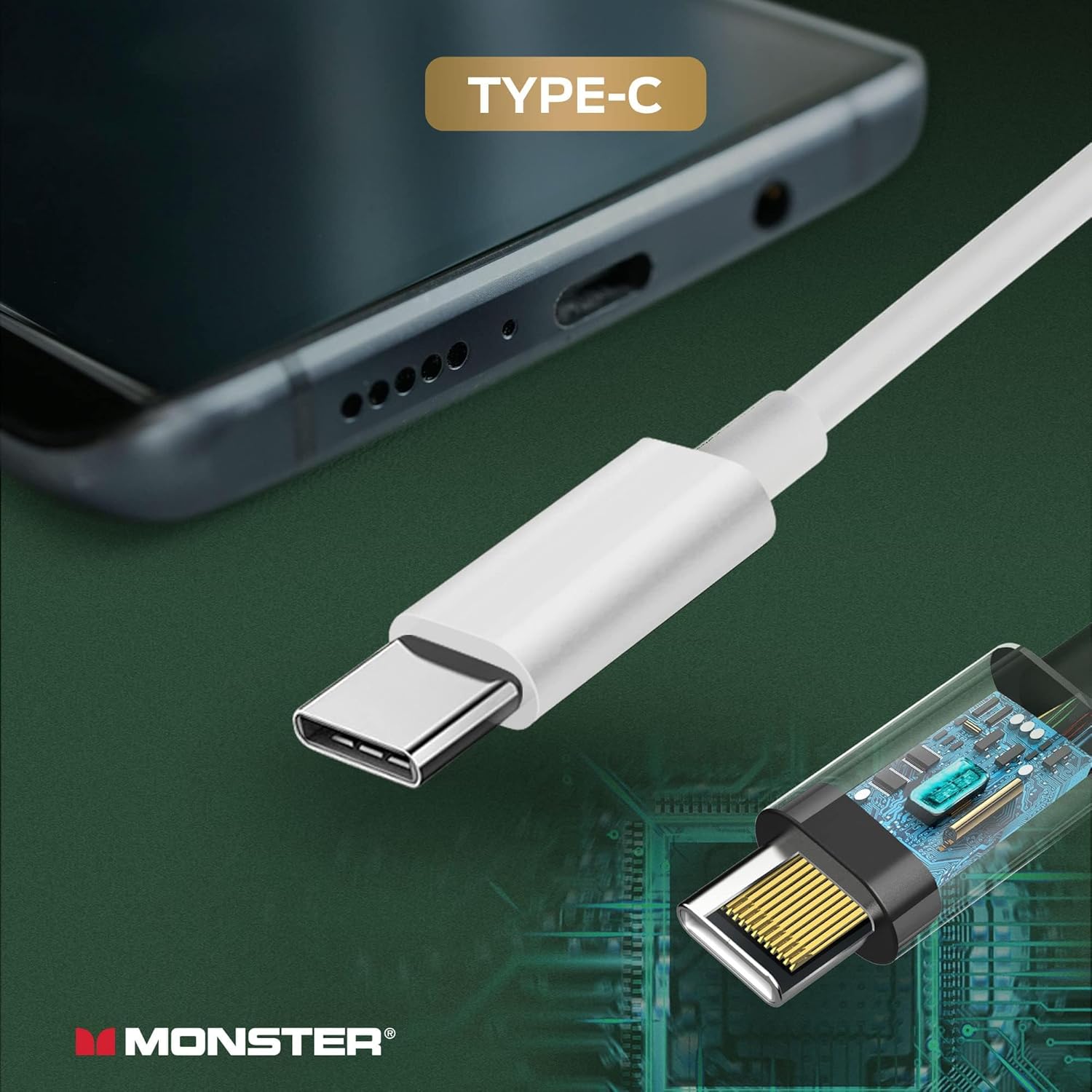
- Connect to Device: Insert the USB-C connector of the earbuds into the USB Type-C port of your compatible smartphone, tablet, or laptop. The earbuds are designed for plug-and-play functionality.

Operating Instructions
The Monster GM01 earbuds feature an in-line remote for easy control of audio and calls:
- Volume Control: Use the '+' button to increase volume and the '-' button to decrease volume.
- Play/Pause: Press the multi-function button once to play or pause audio.
- Next Song: Quickly double-click the multi-function button to skip to the next song.
- Previous Song: Quickly triple-click the multi-function button to go to the previous song.
- Answer/Hang Up Call: Press the multi-function button once to answer an incoming call or end an ongoing call.
- Built-in Microphone: The integrated microphone allows for clear communication during calls and in-game chat.
Note: Operation may vary slightly depending on the connected device's operating system and specific applications.


Maintenance
To ensure the longevity and optimal performance of your earbuds, follow these maintenance guidelines:
- Cleaning: Regularly clean the ear tips and the earbud surfaces with a soft, dry cloth. For ear tips, you may use a slightly damp cloth with mild soap, ensuring they are completely dry before reattaching.
- Storage: When not in use, store the earbuds in a clean, dry place, away from extreme temperatures and direct sunlight. Avoid tangling the cable.
- Avoid Moisture: Do not expose the earbuds to water or excessive moisture. If they get wet, dry them thoroughly before use.
- Handle with Care: Avoid pulling on the cable to disconnect the earbuds. Always grasp the USB-C connector firmly.
Troubleshooting
If you encounter issues with your Monster GM01 earbuds, refer to the following common solutions:
- No Sound:
- Ensure the earbuds are fully plugged into the USB-C port.
- Check the volume level on your device and on the in-line control.
- Test the earbuds with another compatible device to rule out device-specific issues.
- Verify that the audio output setting on your device is configured to the connected USB-C audio device.
- Microphone Not Working:
- Ensure the microphone is not obstructed.
- Check your device's privacy settings to ensure the application has permission to access the microphone.
- Test the microphone with a different application or device.
- Poor Sound Quality:
- Ensure the ear tips are correctly sized and seated firmly in your ears to create a good seal.
- Clean the ear tips and earbud nozzles to remove any debris.
- Avoid extreme volume levels, which can distort audio.
Specifications
| Feature | Specification |
|---|---|
| Brand | Monster |
| Model Name | GM01 |
| Model Number | 2MNEB1721W0L2 |
| Color | WHITE |
| Ear Placement | In Ear |
| Form Factor | In Ear |
| Impedance | 32 Ohms |
| Frequency Range | 20 Hz - 20,000 Hz |
| Control Type | Volume Control |
| Connectivity Technology | Wired (USB-C) |
| Item Weight | 0.04 Kilograms (1.41 ounces) |
| Compatible Devices | USB-C port devices (smartphones, tablets, laptops) |
| Material | Plastic |


