
1. Introduction
Thank you for choosing the Shenzhi Tech Wireless Lavalier Microphone. This compact and versatile microphone system is designed for seamless audio recording with your iPhone or iPad, offering plug-and-play convenience, intelligent noise reduction, and wide compatibility. This manual provides detailed instructions on how to set up, operate, and maintain your microphone to ensure optimal performance.

Image showing the Shenzhi Tech Wireless Lavalier Microphone components: two microphone transmitters with foam windscreens and one Lightning receiver.
2. Package Contents
Please check the package contents upon unboxing to ensure all items are present:
- Wireless Lavalier Microphone Transmitter (x2)
- Lightning Receiver (x1)
- Charging Cable (x1)
- User Manual (x1)
3. Product Features
- Plug and Play Automatic Pairing: No need for additional apps or Bluetooth connections. Simply turn on the microphone and plug the receiver into your device for automatic pairing.
- Intelligent Noise Reduction: Equipped with a built-in noise reduction chip, the microphone effectively identifies and isolates the original sound, ensuring clear recordings even in noisy environments.
- 360° Surround Sound: Captures audio from all directions for comprehensive sound recording.
- 20m Wireless Transmission: Offers a stable wireless connection up to 20 meters (65 feet) without barriers, providing flexibility during recording.
- Wide Compatibility: Supports various devices with Lightning ports, including iPhones and iPads.
- Long Battery Life: The built-in rechargeable battery provides 5 to 8 hours of operation after approximately 1 hour of charging.
- Mini Portable and Durable Design: Compact and lightweight, making it easy to carry and robust for daily use.

An illustration of the microphone highlighting its internal intelligent noise reduction chip, indicating clear sound quality.
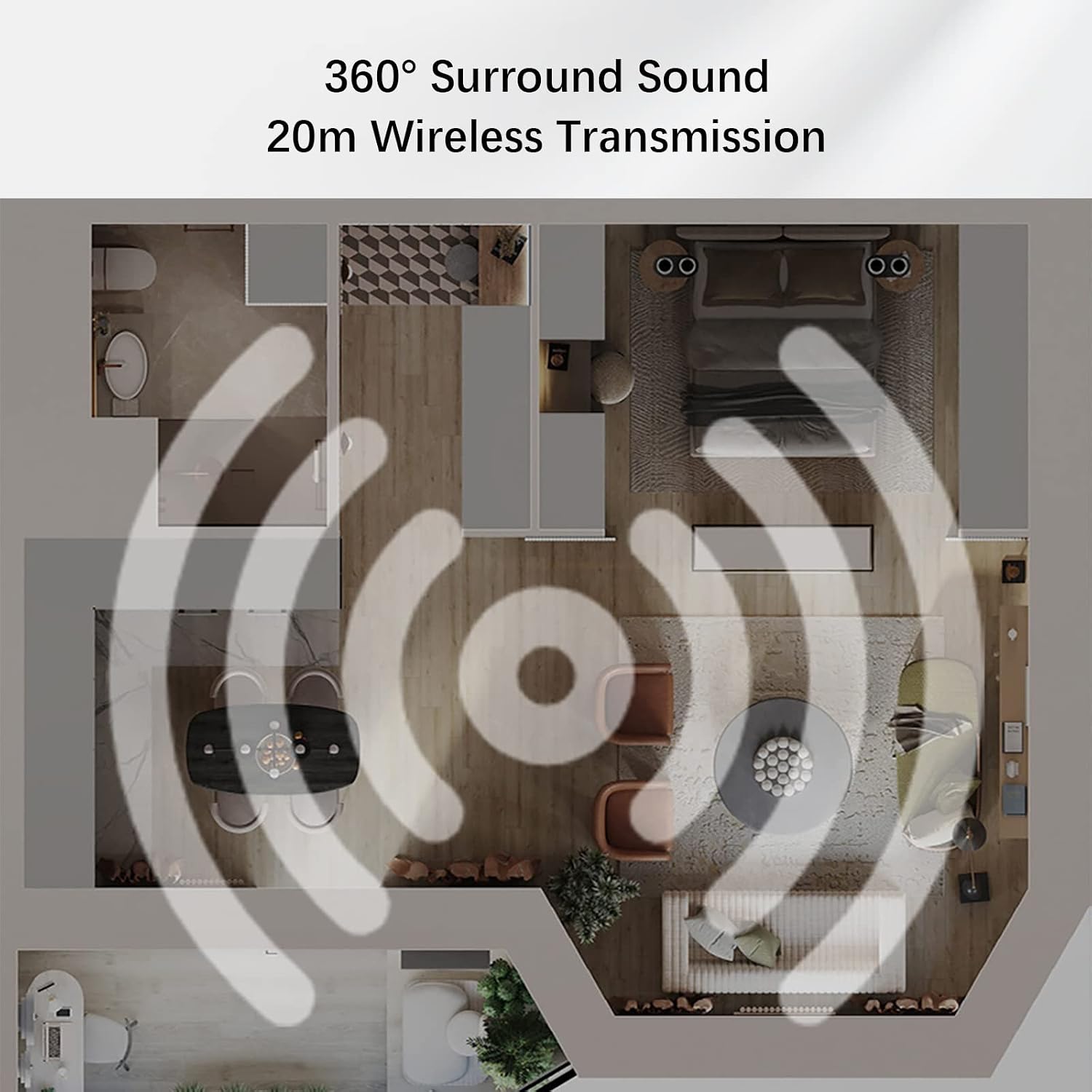
An overhead floor plan diagram showing wireless signal transmission from a central point, illustrating 360-degree surround sound and 20-meter wireless range.

A hand holding the compact Shenzhi Tech Wireless Lavalier Microphone, emphasizing its mini portable and durable design.
4. Setup
The Shenzhi Tech Wireless Lavalier Microphone features a simple plug-and-play setup:
- Step 1: Turn on the Microphone. Press and hold the power button on the microphone transmitter until the indicator light illuminates, signifying it is powered on.
- Step 2: Plug the Receiver into Your Device. Insert the Lightning receiver into the Lightning port of your iPhone or iPad. The microphone and receiver will automatically pair within a few seconds. The indicator light on the microphone will turn solid green once successfully paired.
You are now ready to begin recording audio.

Diagram illustrating the two-step setup process: Step 1 shows turning on the microphone, and Step 2 shows plugging the receiver into a smartphone.
5. Operating Instructions
Once the microphone and receiver are paired, you can use the microphone with any application that records audio, such as your device's camera app, voice recorder, or live streaming platforms.
- Wearing the Microphone: Clip the microphone transmitter securely to your collar or clothing, ensuring it is positioned to capture your voice clearly.
- Recording: Open your desired recording or streaming application. The system will automatically recognize the external microphone. Begin recording or streaming as usual.
- Monitoring: Some applications may allow for real-time audio monitoring. Refer to your application's settings for this feature.
- Charging: When the battery is low, the indicator light on the microphone may flash. Connect the microphone to a power source using the provided charging cable. The indicator light will show charging status and turn off when fully charged.
- Power Off: To turn off the microphone, press and hold the power button until the indicator light turns off. Unplug the receiver from your device when not in use.

A person using the Shenzhi Tech Wireless Lavalier Microphone, clipped to their collar, while recording video with a smartphone mounted on a tripod.
6. Compatibility
The Shenzhi Tech Wireless Lavalier Microphone (MIC-Lightning 2) is designed for wide compatibility with Apple devices featuring a Lightning port. This includes various models of iPhone and iPad.
It is suitable for use with a broad range of applications, including but not limited to:
- YouTube
- TikTok
- Facebook Live
- Instagram Live
- Other live streaming platforms
- Video recording applications
- Gaming
- Online teaching platforms

An image displaying the microphone alongside various mobile devices (iPhones, iPads, Android phones) and application icons (TikTok, YouTube, gaming apps), demonstrating wide compatibility.
7. Usage Scenarios
This wireless lavalier microphone is ideal for a variety of audio recording and live broadcasting needs:
- Live Streaming: Enhance audio quality for your live broadcasts on social media platforms.
- Interviews: Capture clear dialogue during interviews, whether indoors or outdoors.
- Vlogging & Short Videos: Improve the sound of your vlogs and short video content for platforms like TikTok and YouTube.
- Online Teaching: Ensure your voice is heard clearly during online lectures and virtual classes.
- Gaming: Communicate effectively with teammates or stream your gameplay with high-quality audio.
- K Song Recording: Record your singing with enhanced clarity.

A collage of four images depicting different usage scenarios: live streaming, interviews, vlogging/short video creation, and online teaching, all featuring the microphone.
8. Maintenance
To ensure the longevity and optimal performance of your Shenzhi Tech Wireless Lavalier Microphone, follow these maintenance guidelines:
- Cleaning: Use a soft, dry cloth to wipe the microphone and receiver. Do not use liquid cleaners or solvents.
- Storage: Store the microphone in a cool, dry place away from direct sunlight and extreme temperatures.
- Battery Care: Avoid fully discharging the battery frequently. Charge the device regularly, even if not in use for extended periods, to maintain battery health.
- Handle with Care: Avoid dropping the device or subjecting it to strong impacts.
- Protect from Moisture: Keep the microphone and receiver away from water and high humidity to prevent damage to internal components.
9. Troubleshooting
If you encounter issues with your microphone, please refer to the following common troubleshooting steps:
- No Sound/Microphone Not Detected:
- Ensure the microphone transmitter is powered on and fully charged.
- Verify the receiver is securely plugged into your device's Lightning port.
- Check if the microphone and receiver are paired (solid green indicator light on microphone). If not, power cycle both devices.
- Restart your iPhone or iPad.
- Ensure the recording application has permission to access the microphone in your device's settings.
- Poor Sound Quality/Noise:
- Ensure the microphone is clipped correctly and not obstructed.
- Move closer to the microphone if you are too far away.
- Check for strong electromagnetic interference sources nearby.
- Ensure the microphone is fully charged. Low battery can affect performance.
- Intermittent Connection:
- Ensure you are within the 20-meter wireless range.
- Minimize physical obstructions between the microphone and receiver.
- Avoid environments with excessive wireless interference.
- Microphone Not Charging:
- Ensure the charging cable is properly connected to both the microphone and a working power source.
- Try a different charging cable or power adapter.
If the issue persists after trying these steps, please contact Shenzhi Tech customer support for further assistance.
10. Specifications
| Feature | Detail |
|---|---|
| Model Number | K9/K35 |
| Product Dimensions | 8.1 x 3.1 x 12.1 cm; 18 g |
| Batteries | 1 Lithium Ion battery required (included) |
| Connectivity Technology | Wireless (Infrared) |
| Connector Type | Lightning |
| Special Features | Clip-on design |
| Compatible Devices | Smartphone (iPhone, iPad) |
| Polar Pattern | Omnidirectional |
| Audio Sensitivity | 90 dB |
| Wireless Range | Up to 20 meters (65 feet) barrier-free |
| Battery Life | 5 to 8 hours (approx.) |
11. Warranty and Support
Shenzhi Tech is committed to providing high-quality products and customer satisfaction. For any product-related inquiries, technical support, or warranty claims, please contact Shenzhi Tech customer service through the retailer where you purchased the product or visit the official Shenzhi Tech website for contact information.
Please retain your proof of purchase for warranty purposes.

