
1. Product Overview
The eufy Security eufyCam 3 Protective Silicone Skin is designed to provide enhanced protection and camouflage for your eufyCam 3 security cameras. This 2-pack of silicone covers ensures a snug and secure fit, safeguarding your camera from environmental elements such as UV rays and rain, while also allowing it to blend seamlessly into its surroundings.

Figure 1: eufyCam 3 cameras with and without protective skins.
2. Package Contents
- 2 x eufyCam 3 Silicone Protective Skins (Black)
3. Installation Guide
The silicone skin is designed for quick and easy installation and removal.
- Prepare your eufyCam 3: Ensure your eufyCam 3 camera is clean and free from dust or debris before applying the skin.
- Align the skin: Gently slide the silicone skin over your eufyCam 3. Ensure the cutouts on the skin align with the camera's lens, solar panel, and mounting points.
- Secure the fit: Adjust the skin to ensure a snug and secure fit around the entire camera body. The flexible silicone material allows for easy manipulation to achieve the correct positioning.
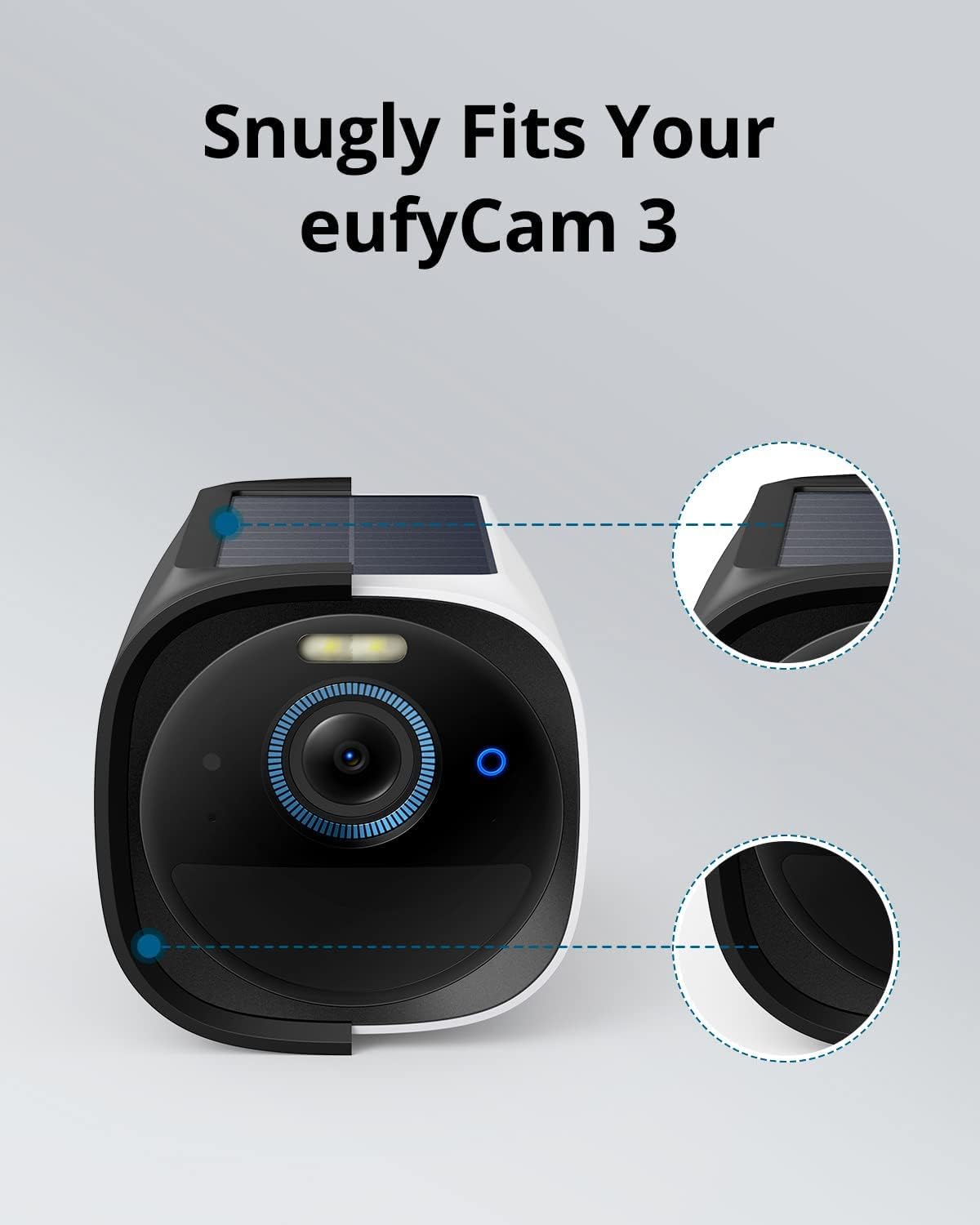
Figure 2: The silicone skin provides a snug fit for the eufyCam 3.
4. Operating Instructions
Once installed, the eufyCam 3 Protective Silicone Skin operates passively by providing continuous protection to your camera.
- UV Protection: The skin shields your eufyCam 3 from harmful UV rays, preventing material degradation and maintaining the camera's aesthetic and functional integrity over time.
- Rain Protection: The water-resistant silicone material offers an additional layer of defense against rain and moisture, ensuring your camera continues to function optimally in various weather conditions.
- Camouflage: The black color of the skin helps the camera blend into darker environments, making it less conspicuous and enhancing discreet surveillance.
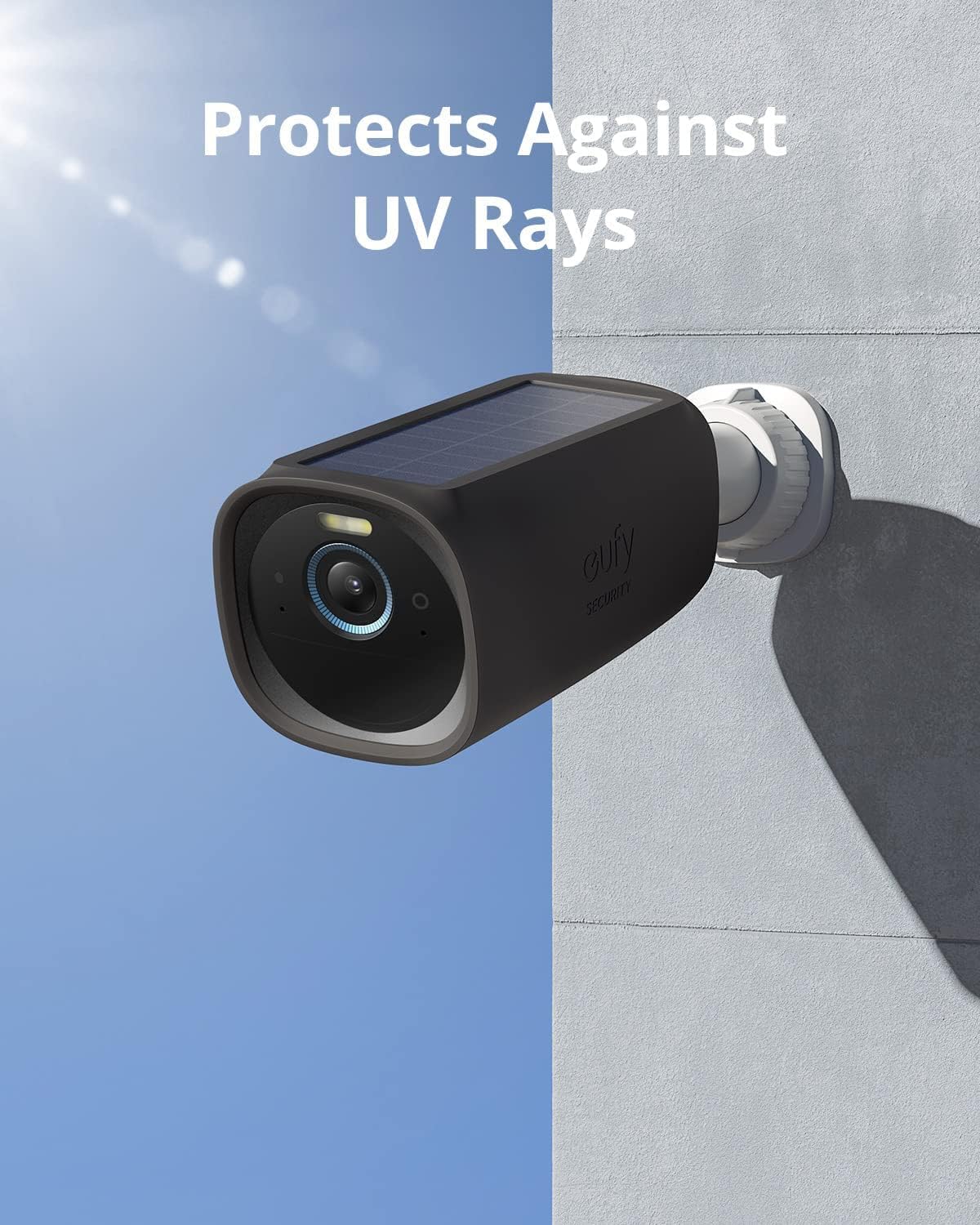
Figure 3: The skin protects against UV rays.

Figure 4: The skin provides waterproof protection.

Figure 5: The black skin helps the camera blend into its environment.
5. Maintenance
To ensure the longevity and effectiveness of your eufyCam 3 Protective Silicone Skin, follow these simple maintenance guidelines:
- Cleaning: Periodically wipe the silicone skin with a soft, damp cloth to remove any accumulated dust or dirt. Avoid using harsh chemicals or abrasive cleaners, as these may damage the material.
- Inspection: Regularly inspect the skin for any signs of wear, tear, or damage. While durable, extreme conditions or physical impact could affect its integrity.
- Storage: If removing the skin for an extended period, store it in a clean, dry place away from direct sunlight and extreme temperatures.
6. Troubleshooting
If you encounter any issues with your eufyCam 3 Protective Silicone Skin, consider the following:
- Skin does not fit snugly: Ensure you have the correct model of silicone skin for your eufyCam 3. Gently adjust the skin to ensure all edges are properly seated around the camera.
- Reduced solar charging efficiency: Verify that the solar panel cutout on the skin is perfectly aligned and not obstructing any part of the camera's solar panel.
- Damage to the skin: If the skin is torn or significantly damaged, it may compromise its protective capabilities. Consider replacing the skin to ensure optimal protection for your camera.
7. Specifications
| Feature | Detail |
|---|---|
| Brand | eufy security |
| Model Name | eufyCam 3 Skin |
| Compatible Devices | eufyCam 3 |
| Material | Silicone |
| Color | Black |
| Water Resistance Level | Water Resistant |
| Product Dimensions (D x W x H) | 13.5D x 6.6W x 6.8H centimeters |
| Unit Count | 2 Count |
| GTIN / UPC | 194644107987 |
8. Warranty and Support
For warranty information and technical support, please refer to the official eufy Security website or contact their customer service directly. Keep your purchase receipt for warranty claims.
Online Support: Visit the eufy Security Support Page for FAQs, troubleshooting guides, and contact options.
