
Introduction
Thank you for choosing Boean B10 Wireless Earbuds. This manual provides essential instructions for setting up, operating, and maintaining your earbuds to ensure optimal performance and longevity. Please read this manual thoroughly before use and retain it for future reference.
Product Overview
The Boean B10 earbuds are designed for a superior audio experience with advanced features and a comfortable fit.
Key Features:
- Stereo Spatial Sound: Equipped with 6mm speaker drivers for deep bass and immersive 3D sound.
- Bluetooth 5.3: Ensures a fast, stable, and efficient wireless connection.
- Physical Button Control: Provides accurate control for various functions, avoiding accidental touches.
- IPX8 Waterproof: Resistant to sweat, rain, and submersion up to 1.2 meters for 30 minutes.
- Extended Playtime: Up to 10 hours on a single charge, and up to 46 hours total with the charging case.
- Lightweight Design: Mini compact and concealed for comfortable, burden-free listening.
Package Contents:
- Boean B10 Wireless Earbuds (Left and Right)
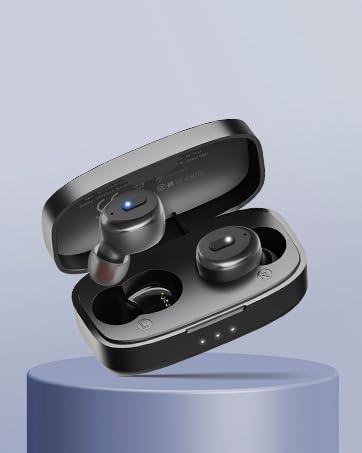
- Charging Case
- USB-C Charging Cable
- Multiple Sizes of Silicone Ear Tips
- User Manual
Setup
1. Charging the Earbuds and Case
Before first use, fully charge the earbuds and the charging case.

The charging case supports both wired USB-C and wireless charging methods. Earbuds provide up to 10 hours of playtime, with the case extending total playtime to 46 hours.
- Wired Charging: Connect the provided USB-C cable to the charging port on the case and to a USB power adapter (not included). The indicator lights on the case will show charging status.
- Wireless Charging: Place the charging case on a compatible wireless charging pad. Ensure the case is centered on the pad for efficient charging.
- Earbud Charging: Place the earbuds into the charging case. They will automatically begin charging. The charging time for the case is approximately 2 hours.

The charging case can be recharged using the included USB-C cable or a compatible wireless charging pad.
2. Pairing with Your Device
The earbuds feature one-step pairing for convenience.
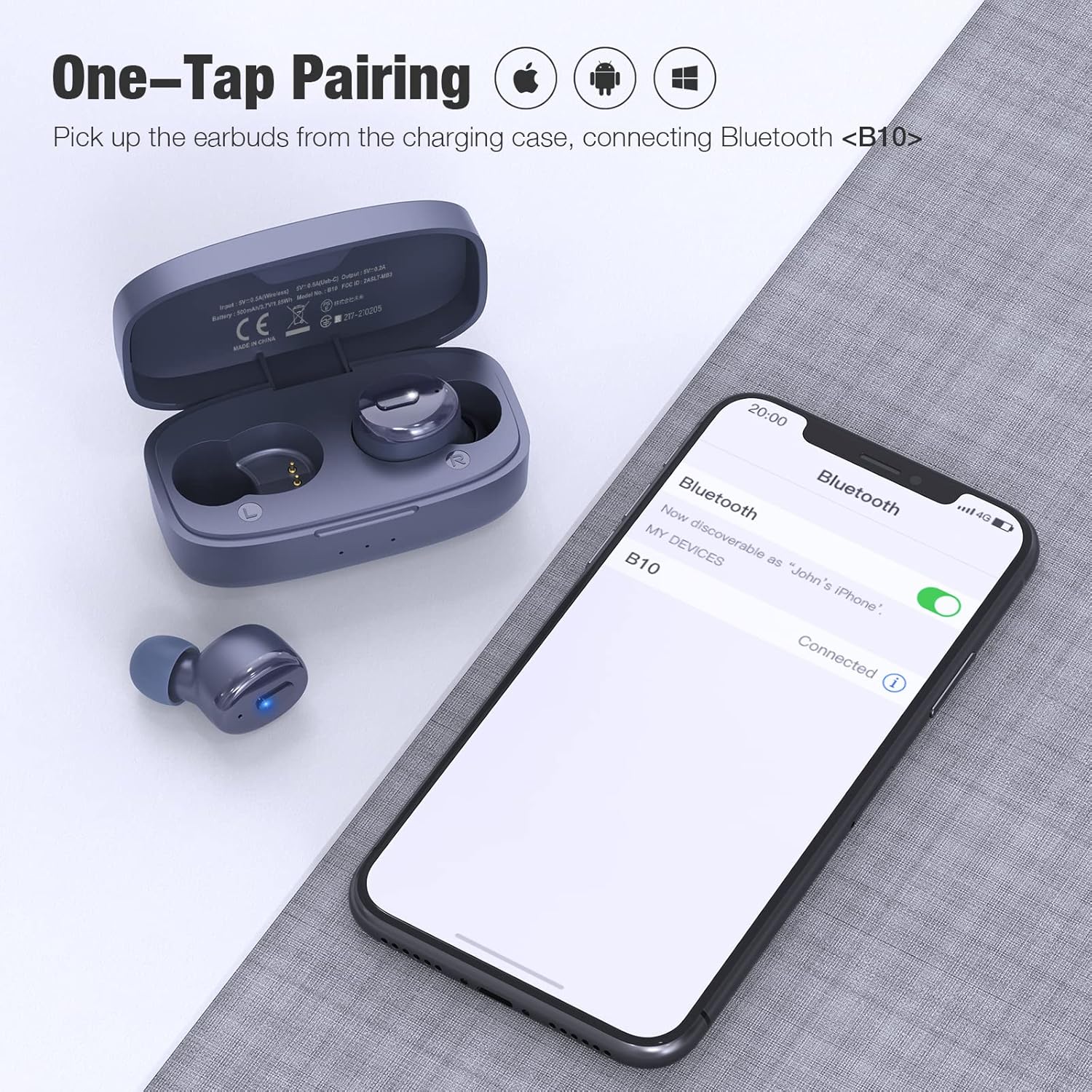
One-step pairing allows for quick connection. Simply remove the earbuds from the charging case, and they will enter pairing mode, appearing as 'B10' on your device's Bluetooth list.
- Ensure your device's Bluetooth is turned on.
- Open the charging case and remove both earbuds. They will automatically power on and enter pairing mode.
- On your device, search for Bluetooth devices and select "B10" from the list.
- Once connected, you will hear a confirmation tone, and the earbuds will be ready for use.

Equipped with Bluetooth 5.3 technology for a stable and efficient wireless connection.
3. Wearing the Earbuds
Proper fit is crucial for comfort and sound quality.

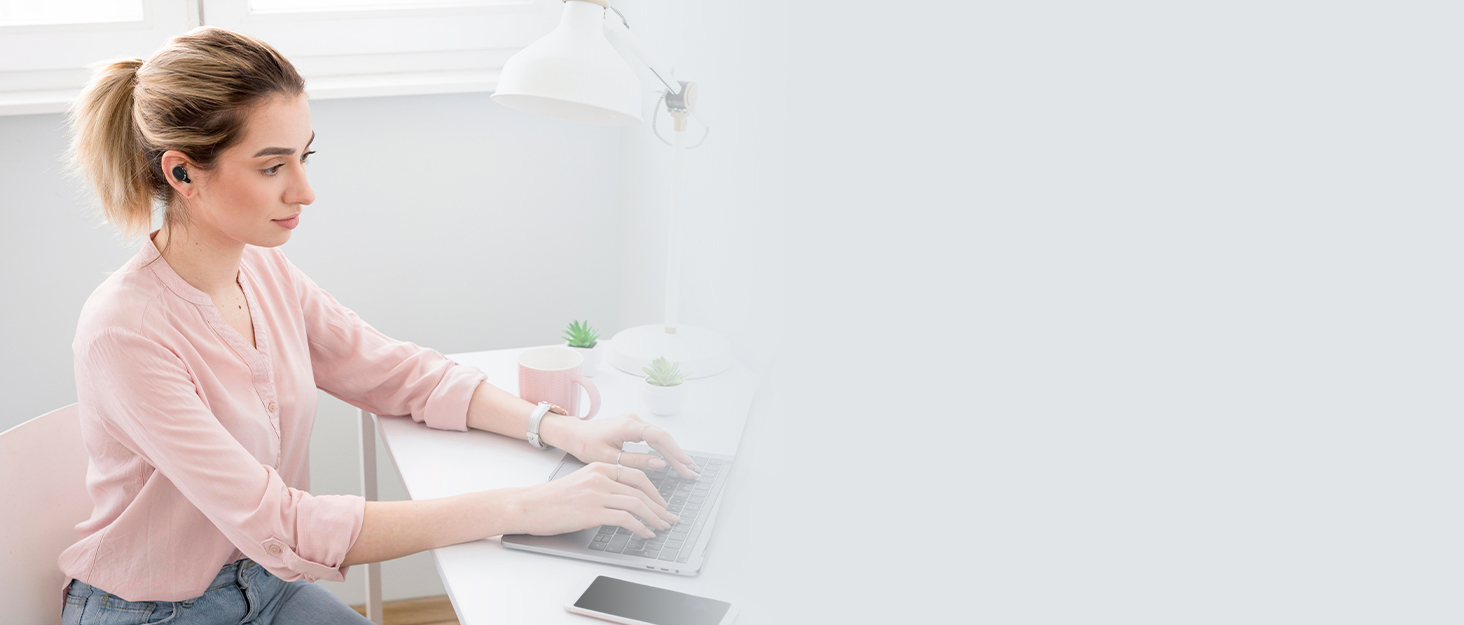
The ergonomic design ensures a secure and comfortable fit for extended wear.
- Choose the ear tips that best fit your ear canal from the included selection. A good seal enhances bass and noise isolation.
- Insert the earbud gently into your ear.
- Rotate the earbud slightly until it feels secure and comfortable. The indicator light should face downwards.

Select the ear tips that provide the most comfortable and secure fit for optimal sound and noise isolation.
Insert the earbud gently into your ear and rotate slightly to ensure a snug and stable fit.
Operating Instructions
Button Controls:
The Boean B10 earbuds feature physical buttons for precise control. Refer to the diagram below for specific functions:

The physical button on each earbud allows for precise control over music playback, call management, and activating your device's voice assistant.
| Action | Left Earbud | Right Earbud |
|---|---|---|
| Play/Pause | 1x Press | 1x Press |
| Previous Song | 2x Press | N/A |
| Next Song | N/A | 2x Press |
| Volume Down | Hold | N/A |
| Volume Up | N/A | Hold |
| Answer/End Call | 1x Press | 1x Press |
| Reject/Cancel Call | Hold | Hold |
| Activate Voice Assistant (Siri/Google Assistant) | 3x Press | 3x Press |

The Boean B10 earbuds utilize physical buttons for reliable and precise control, avoiding accidental touches.
Power On/Off:
- Power On: Remove earbuds from the charging case. They will power on automatically.
- Power Off: Place earbuds back into the charging case. They will power off automatically and begin charging.
Single Earbud Mode:
Either earbud can be used independently. Simply remove one earbud from the case, and it will connect to your device. The other earbud can remain in the case or be used later for stereo mode.
Maintenance
Cleaning:
- Regularly clean the earbuds and charging case with a soft, dry, lint-free cloth.
- Remove ear tips and clean them with mild soap and water, then dry thoroughly before reattaching.
- Use a cotton swab or a small, soft brush to gently clean the charging contacts on both the earbuds and the case.
- Avoid using abrasive materials, alcohol, or chemical cleaners.
Water Resistance (IPX8):

With an IPX8 waterproof rating, these earbuds are resistant to sweat, rain, and can withstand submersion up to 1.2 meters for 30 minutes.
The IPX8 rating ensures the earbuds are protected against water ingress during workouts or in rainy conditions.
The earbuds are IPX8 waterproof, making them suitable for workouts and use in light rain. However, they are not designed for swimming or prolonged submersion. Ensure the earbuds are dry before placing them back in the charging case to prevent damage.
Storage:
When not in use, store the earbuds in their charging case to protect them from dust, damage, and to keep them charged. Store the case in a cool, dry place away from extreme temperatures.
Troubleshooting
If you encounter any issues with your Boean B10 earbuds, please refer to the following common solutions:
- No Sound/Low Volume:
- Ensure earbuds are properly paired and connected to your device.
- Check the volume levels on both your device and the earbuds.
- Clean any debris from the earbud speakers and ensure ear tips are correctly seated.
- Earbuds Not Pairing:
- Ensure both earbuds are removed from the charging case.
- Turn off Bluetooth on your device, then turn it back on.
- Forget "B10" from your device's Bluetooth list and attempt to pair again.
- Ensure earbuds and charging case have sufficient battery.
- Charging Issues:
- Ensure the charging cable is securely connected to both the case and the power source.
- Verify the power source is active.
- Clean the charging contacts on the earbuds and inside the case.
- If using wireless charging, ensure the case is correctly positioned on the charging pad.
- Intermittent Connection:
- Ensure you are within the Bluetooth range (up to 10 meters) of your device.
- Avoid obstacles between the earbuds and your device that may interfere with the signal.
- Minimize interference from other wireless devices.
If these steps do not resolve the issue, please contact customer support.
Specifications
| Feature | Detail |
|---|---|
| Model Name | B10 |
| Connectivity Technology | Bluetooth 5.3 |
| Wireless Communication Technology | Bluetooth |
| Included Components | Charging Case |
| Water Resistance Level | IPX8 Waterproof |
| Control Method | Push Button |
| Battery Life (Earbuds) | Up to 10 Hours (at 50% volume) |
| Battery Life (Total with Case) | Up to 46 Hours |
| Calling Time | Up to 6 Hours |
| Charging Time | 2 Hours (Case) |
| Audio Driver Type | Dynamic Driver |
| Audio Driver Size | 6 Millimeters |
| Bluetooth Range | 10 Meters |
| Earpiece Shape | In-Ear |
| Noise Control Features | Passive Noise Control, Sound Isolation |
| Special Features | Fast Charging, Microphone Included, Waterproof |
| Product Dimensions | 1.04 x 0.99 x 0.64 inches |
| Item Weight | 3.52 ounces |

Features a 6mm dynamic speaker driver for powerful deep bass and clear audio.
Safety Information
- Hearing Protection: Avoid listening at high volume levels for extended periods to prevent hearing damage.
- Driving Safety: Do not use earbuds while driving or cycling in situations where it could distract you or pose a hazard.
- Choking Hazard: Keep earbuds and small parts away from children and pets.
- Battery Care: Do not attempt to replace the battery yourself. Do not expose the product to extreme temperatures, direct sunlight, or fire.
- Disposal: Dispose of the product and its battery according to local regulations. Do not dispose of with household waste.
Warranty and Support
Boean B10 Wireless Earbuds come with a standard manufacturer's warranty. Please refer to the warranty card included in your product packaging or visit the official Boean website for detailed warranty terms and conditions.
For technical support, troubleshooting assistance, or any other inquiries, please contact Boean customer service through the contact information provided with your purchase or on the official Boean website.


