
Philco 099323103
User Manual
Philco 32" HD LED TV (Model: PTV32A21DFH)
Model Number: 099323103
Introduction
This manual provides comprehensive instructions for the installation, operation, maintenance, and troubleshooting of your Philco 32-inch HD LED TV, model PTV32A21DFH. Please read this manual thoroughly before operating your television and retain it for future reference.
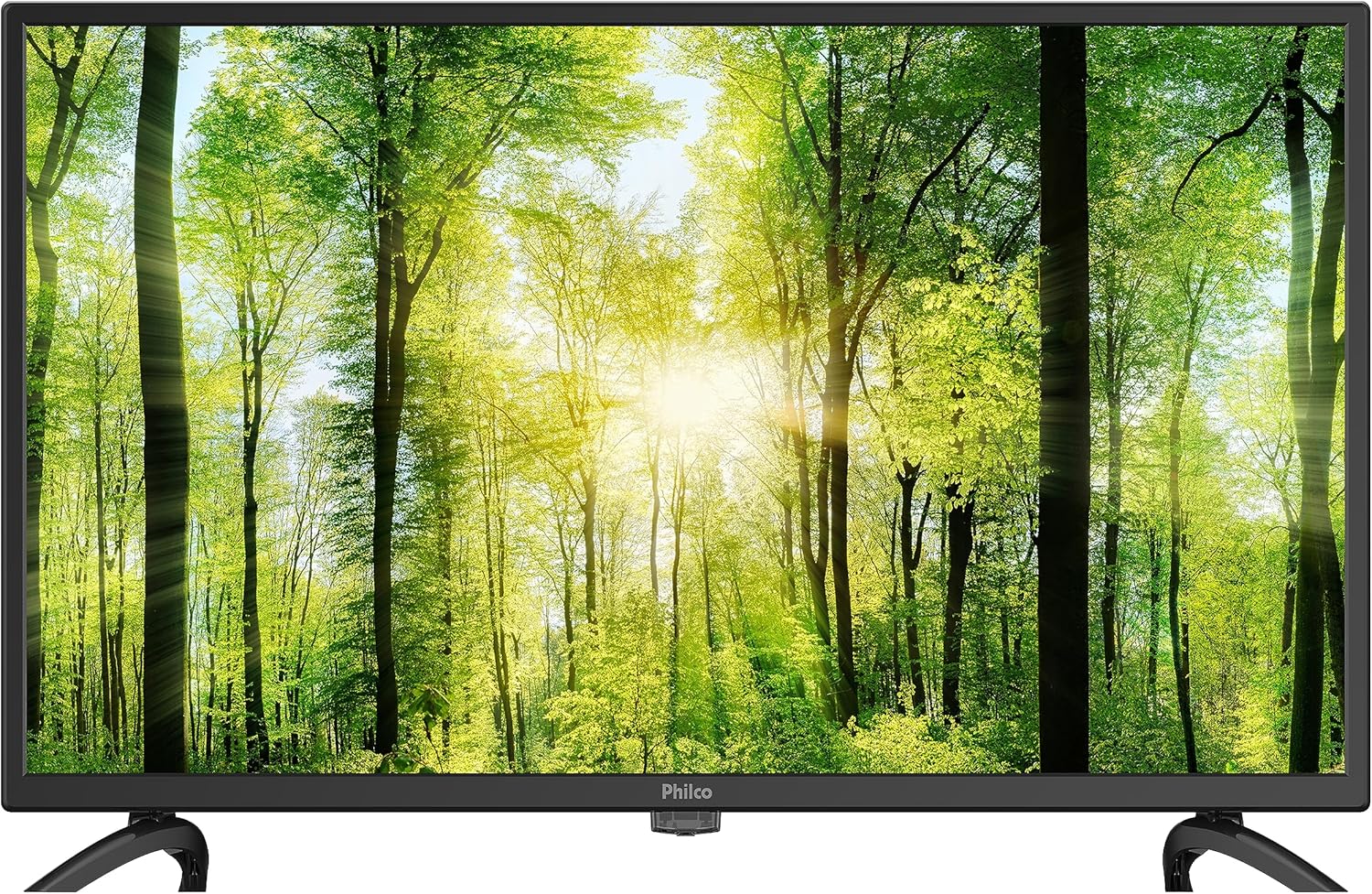
Image: Front view of the Philco 32-inch HD LED TV, showcasing its slim bezel and the Philco logo at the bottom center.
Important Safety Information
To ensure safe operation and prevent damage, observe the following precautions:
- Do not expose the TV to rain or moisture.
- Do not block ventilation openings. Ensure adequate space around the TV for proper airflow.
- Protect the power cord from being walked on or pinched.
- Unplug the TV during lightning storms or when unused for long periods.
- Refer all servicing to qualified service personnel.
- Do not open the TV cabinet. High voltage is present inside.
What's in the Box
Verify that all components are present:
- Philco 32" HD LED TV
- TV Stand (2 pieces)
- Remote Control
- Power Cord
- User Manual (this document)
Setup
1. Attaching the Stand
- Carefully place the TV face down on a soft, clean surface to prevent screen damage.
- Align each stand piece with the corresponding slots on the bottom of the TV.
- Secure the stands using the provided screws. Ensure they are firmly attached.

Image: The Philco 32-inch HD LED TV resting on its two-piece stand, ready for placement.
2. Connecting Devices
The TV features multiple input ports for various devices.

Image: Rear view of the Philco TV, highlighting the various input ports including HDMI, USB, and AV inputs.
- HDMI: Connect Blu-ray players, game consoles, or set-top boxes. The TV has multiple HDMI ports.
- USB: Insert USB drives for media playback.
- Antenna/Cable: Connect an antenna or cable TV signal for broadcast channels.
- AV In: For older devices using composite video and stereo audio cables.
3. Power Connection
Plug the power cord into the TV's power input, then into a wall outlet. Ensure the voltage matches the TV's requirements (127V or 220V).
Operating Instructions
Power On/Off
- Press the POWER button on the remote control or on the TV to turn it on or off.
Input Source Selection
- Press the SOURCE or INPUT button on the remote control.
- Use the arrow keys to navigate and select the desired input (e.g., HDMI1, USB, AV, TV).
- Press OK or ENTER to confirm your selection.
Basic Settings
- Volume: Use the VOL +/- buttons.
- Channel: Use the CH +/- buttons for TV channels.
- Menu: Press the MENU button to access picture, sound, and system settings.
- Navigation: Use arrow keys to navigate menu options and OK to select.
Maintenance
Cleaning the TV
- Always unplug the TV before cleaning.
- Use a soft, dry cloth to wipe the screen and cabinet.
- For stubborn marks, lightly dampen the cloth with water or a mild, non-abrasive screen cleaner. Do not spray cleaner directly onto the screen.
- Avoid using abrasive cleaners, waxes, or solvents.
General Care
- Keep the TV away from direct sunlight and heat sources.
- Ensure proper ventilation to prevent overheating.
- Do not place heavy objects on top of the TV.
Troubleshooting
| Problem | Possible Cause | Solution |
|---|---|---|
| No Power | Power cord not connected; Power outlet not working. | Check power cord connection; Test outlet with another device. |
| No Picture, But Sound | Incorrect input source selected; Loose video cable. | Press SOURCE/INPUT button to select correct input; Check video cable connections. |
| No Sound, But Picture | Volume too low or muted; Audio cable loose. | Increase volume or unmute; Check audio cable connections. |
| Remote Control Not Working | Batteries dead or incorrectly inserted; Obstruction between remote and TV. | Replace batteries; Ensure clear line of sight to TV's IR sensor. |
Specifications
| Feature | Detail |
|---|---|
| Model Name | PTV32A21DFH (099323103) |
| Screen Size | 32 Inches (82 cm diagonal) |
| Display Technology | LED |
| Resolution | 720p HD |
| Aspect Ratio | 16:9 |
| Connectivity | HDMI, USB |
| Voltage | 127 Volts, 220 Volts |
| Wattage | 38.2 Watt-hours |
| Item Weight | 7.08 pounds (3.22 Kilograms) |
| Product Dimensions (L x W x H) | 70.87 x 186.22 x 287.4 inches |
| Manufacturer | AOOEPU |
| First Available | August 17, 2023 |
Warranty and Support
For warranty information and technical support, please refer to the warranty card included with your product or visit the official Philco website. Keep your purchase receipt as proof of purchase for warranty claims.
For further assistance, you may contact Philco customer service through their official channels.