
Ralcam H408B-S1.5M
Ralcam Two-Way Articulating Borescope User Manual
Model: H408B-S1.5M
Brand: Ralcam
Introduction
The Ralcam Two-Way Articulating Borescope is an advanced industrial inspection camera designed for detailed visual examination of hard-to-reach areas. Equipped with a high-definition display, adjustable LED lighting, and a flexible articulating probe, it provides clear and precise imagery for various applications, including automotive mechanics, aircraft maintenance, plumbing, and home inspections. This manual provides comprehensive instructions for setting up, operating, and maintaining your borescope to ensure optimal performance and longevity.
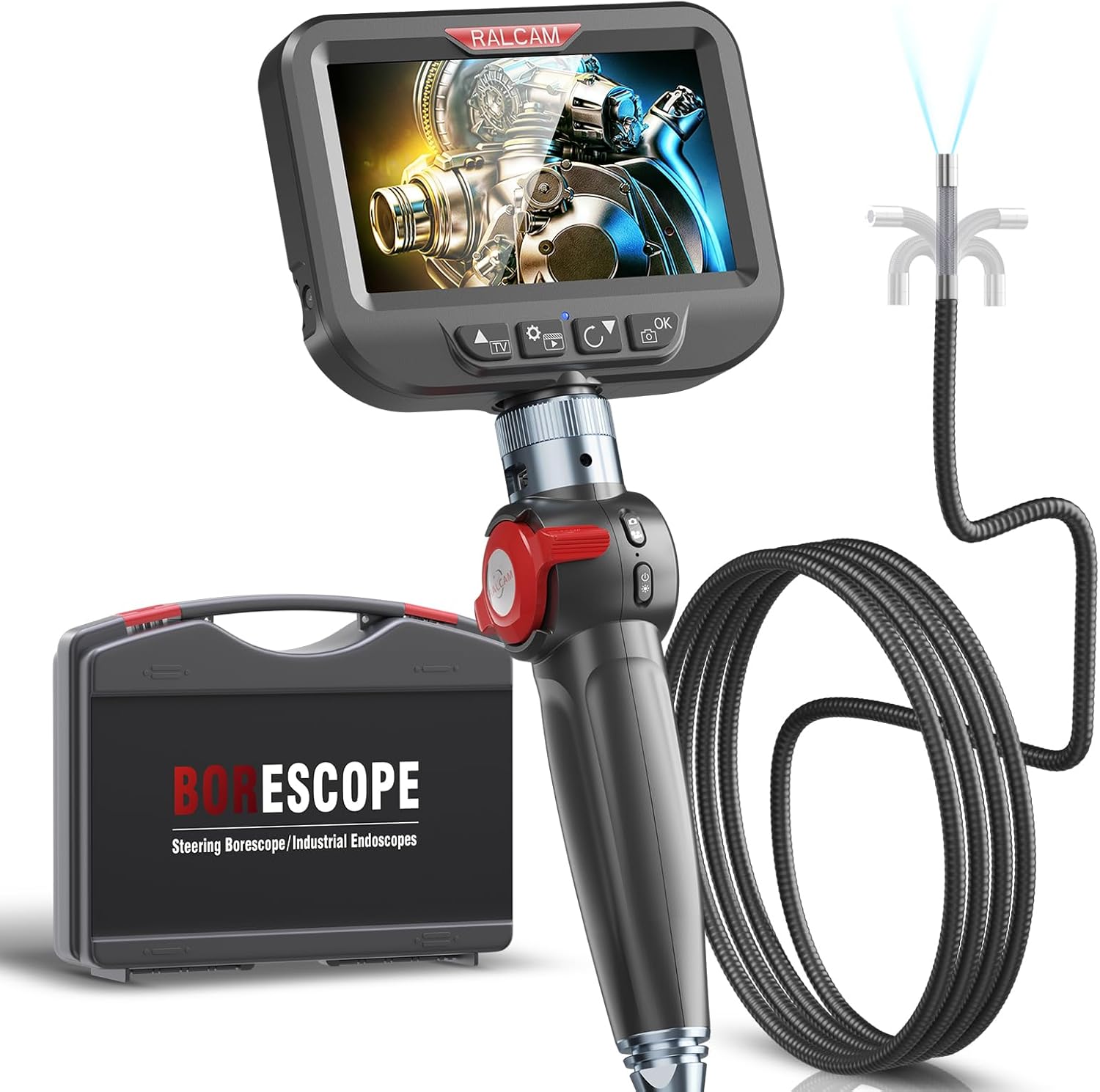
Figure 1: Ralcam Two-Way Articulating Borescope and its protective carrying case.
Safety Information
- Warning: Do not attempt to disassemble or modify the device. Unauthorized modifications can lead to electric shock, fire, or damage to the product.
- Caution: Keep the borescope away from extreme temperatures. The device features intelligent high-temperature protection and will automatically power off if the temperature exceeds 95°C (203°F) to prevent damage.
- Ensure the probe is clean and free of debris before and after each use to maintain optimal image clarity and prevent damage to the lens.
- While the probe is IP67 waterproof and oil-proof, the main unit (display and handle) is not. Avoid exposing the main unit to liquids.
- Use only the provided USB-C cable for charging to prevent battery damage.
- Store the borescope in its protective case when not in use to prevent physical damage.

Figure 2: The borescope's intelligent high-temperature protection system. The device will automatically shut down if the temperature exceeds 95°C.
Product Overview and Components
The Ralcam Two-Way Articulating Borescope consists of the main display unit, the articulating probe with an integrated camera and LED lights, and a semi-rigid cable. Key features include:
- 4.3-Inch HD IPS Screen: Provides clear, high-definition images and videos (1920x1080P).
- Two-Way 180° Articulating Probe: Allows the camera tip to bend and rotate for precise navigation.
- 8.5mm Camera Lens: Compact size for accessing narrow spaces.
- 10 Adjustable LED Lights: Ensures optimal illumination in dark environments.
- Semi-rigid Cable: Offers a balance of flexibility and rigidity for easy maneuvering.
- 2600mAh Rechargeable Battery: Provides extended operating time.
- 16GB Memory Card: Included for storing photos and videos.
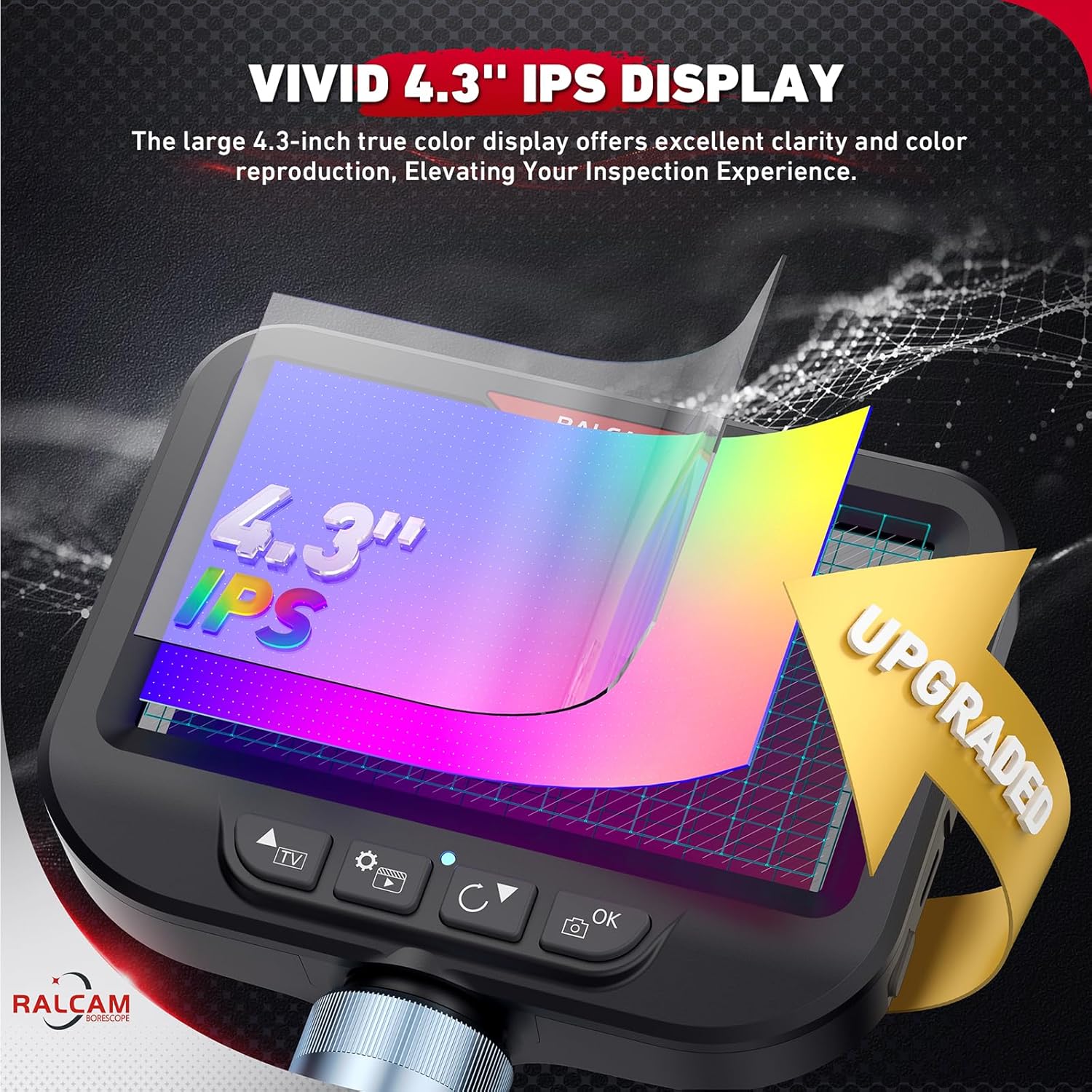
Figure 3: The vivid 4.3-inch IPS display provides excellent clarity and color reproduction.

Figure 4: The 2.0 megapixel HD camera lens features 10 adjustable LED lights for clear viewing in dark conditions.
Setup
- Charge the Device: Before first use, fully charge the borescope using the provided USB-C cable. The charging port is located on the main unit. A full charge typically takes a few hours.
- Insert Memory Card: The borescope comes with a 16GB memory card pre-installed. Ensure it is properly seated in the designated slot.
- Attach Probe: Securely connect the semi-rigid articulating probe to the main display unit. Ensure a firm connection to prevent dislodgement during operation.
- Power On: Press and hold the power button for 2 seconds to turn on the device. The indicator light will turn green.
- Connect to Smartphone (Optional): While the borescope has its own display, you can connect it to an Android or iOS smartphone for an alternative viewing experience.
- Download the "finder borescope" app from your device's app store (iOS App Store or Android Google Play).
- Connect your smartphone to the borescope using the appropriate USB cable (USB-A to USB-C for iPhone 15, or other compatible cables for Android).
- Open the "finder borescope" app. The app should automatically recognize and display the camera feed.

Figure 5: The borescope supports USB-C for charging and data transfer to a PC.
Operating Instructions
- Probe Insertion: Carefully insert the semi-rigid probe into the area you wish to inspect. The cable's design allows it to stand up easily, combining flexibility and durability for hard-to-reach places.
- Articulating Control: Use the 180° two-way articulation wheel control on the handle to precisely steer the camera tip. This allows you to navigate around obstacles and view objects from various angles without needing to rotate the entire cable.
- Adjusting LED Lights: The borescope features 10 adjustable LED lights. Use the dedicated buttons on the main unit to cycle through different brightness levels to achieve optimal illumination for your inspection area.
- Capturing Images/Videos:
- Press the Photo button to capture still images.
- Press the Video button to start recording video. Press it again to stop recording.
- All captured media is saved to the installed 16GB memory card.
- Viewing Media: You can review captured photos and videos directly on the 4.3-inch HD IPS screen. Alternatively, connect the borescope to a PC via USB-C cable to view and manage files.

Figure 6: The 180° wheel control allows the flexible cable to navigate narrow spaces with ease.
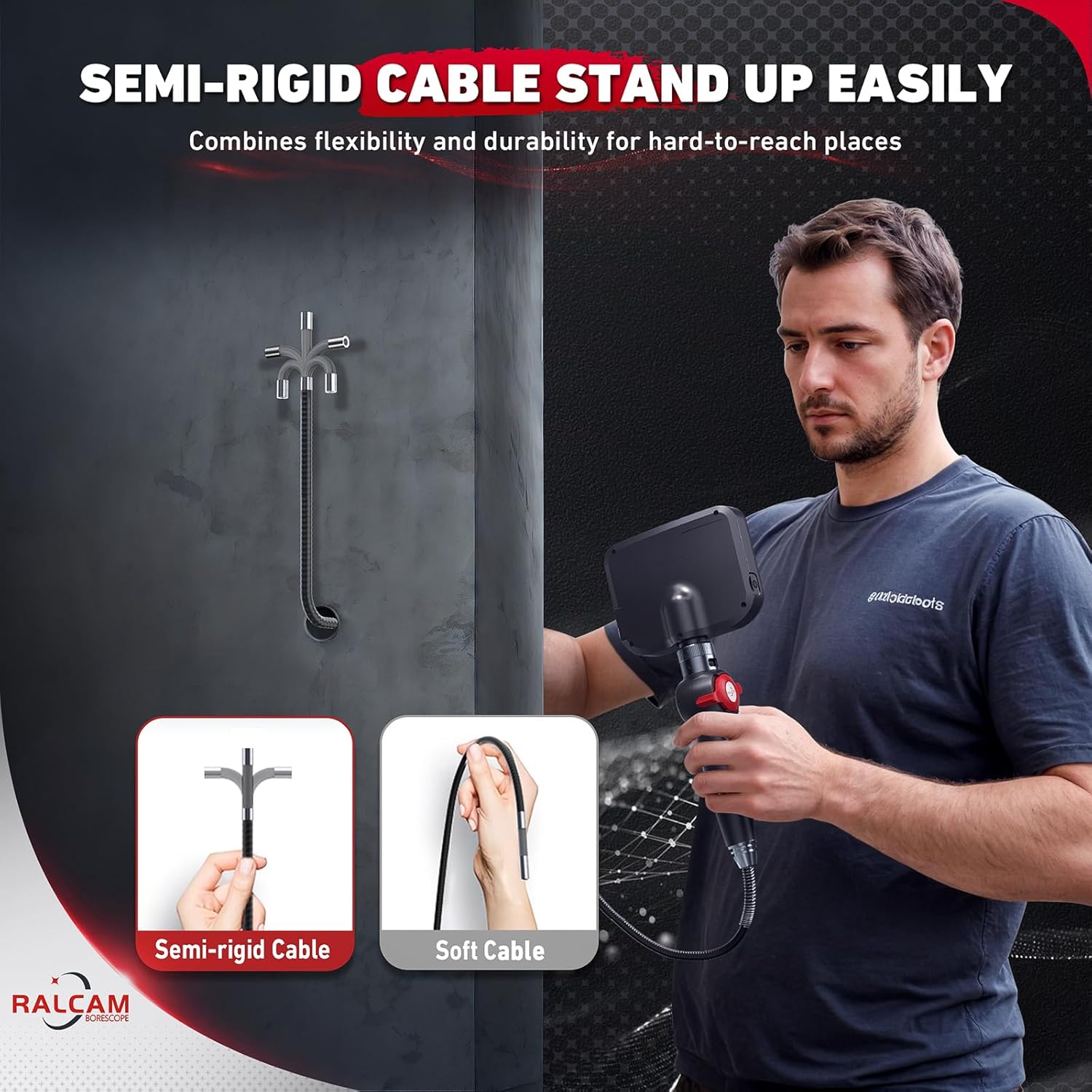
Figure 7: The semi-rigid cable combines flexibility and durability, allowing it to stand up easily for precise positioning.
Video 1: Demonstration of the Ralcam Articulating Borescope's flexible probe and clear imaging capabilities in an engine bay.
Maintenance
- Cleaning the Probe: After each use, especially in dirty or oily environments, gently wipe the probe and camera lens with a soft, damp cloth. The probe is IP67 waterproof, allowing for rinsing under water if necessary. Ensure it is completely dry before storage.
- Battery Care: To prolong battery life, avoid fully discharging the battery frequently. Recharge the device when the battery level is low. If storing for an extended period, charge the battery to about 50-70% and recharge every few months.
- Storage: Always store the borescope in its original protective carrying case. This protects the delicate probe and display from impacts, dust, and moisture.
- Software Updates: Periodically check the "finder borescope" app for any available software or firmware updates to ensure optimal performance and compatibility.

Figure 8: The borescope probe is IP67 waterproof and oil-proof, making it suitable for various challenging environments.
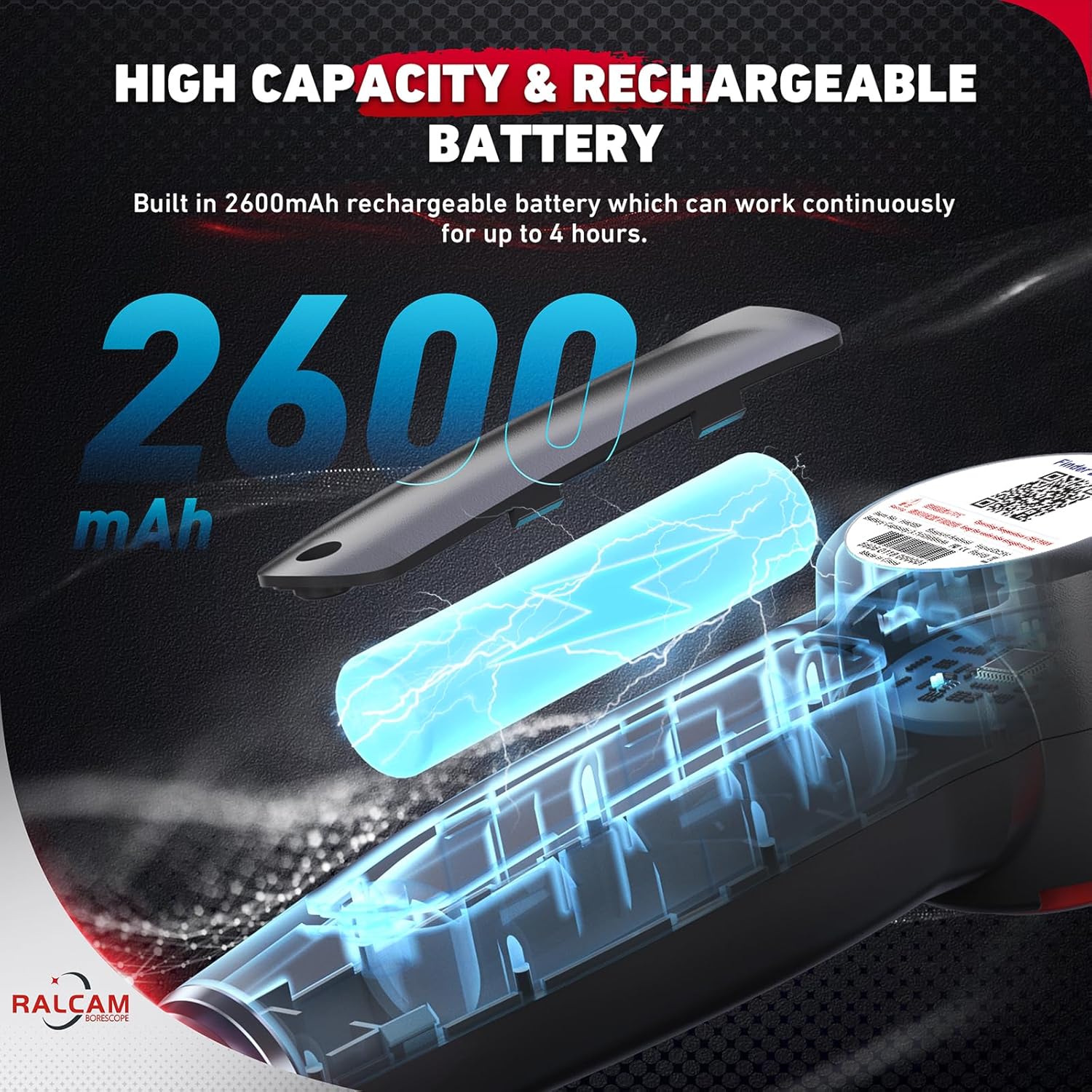
Figure 9: The built-in 2600mAh rechargeable battery provides continuous operation for up to 4 hours.
Troubleshooting
| Problem | Possible Cause | Solution |
|---|---|---|
| Device won't turn on. | Low battery; Power button not pressed correctly. | Charge the device fully. Press and hold the power button for 2 seconds. |
| No image on screen. | Probe not securely connected; Device not powered on; App not open (if using smartphone). | Ensure probe is firmly connected. Power on the device. Open the "finder borescope" app and ensure connection. |
| Image is blurry/dark. | Camera lens dirty; Insufficient lighting. | Clean the camera lens. Adjust LED brightness using the dedicated buttons. |
| Probe articulation not working. | Articulation wheel not engaged or damaged. | Ensure the articulation wheel is properly engaged. If still not working, contact customer support. |
| Device shuts down unexpectedly. | Overheating (Intelligent High Temperature Protection); Low battery. | Allow the device to cool down. Ensure proper ventilation. Recharge the battery. |
Specifications
- Model: H408B-S1.5M
- Product Dimensions: 16.65 x 8.82 x 3.5 inches
- Item Weight: 3.65 pounds
- Lens Diameter: 8.5mm / 0.33 inches
- Cable Length: 5.0FT (Semi-rigid)
- Display: 4.3-inch HD IPS Screen
- Video Resolution: 1920 x 1080P
- Camera Pixels: 2.0 Megapixels
- Articulation: Two-Way 180°
- Lighting: 10 Adjustable LED Lights
- Battery: 2600mAh Lithium Polymer (rechargeable)
- Waterproof Rating: IP67 (probe only)
- Memory: 16GB TF card (included)
- Power Source: Battery Powered
- Material: Metal
- Color: Black
Warranty and Support
Ralcam products are designed for durability and performance. For specific warranty details and terms, please refer to the warranty card included in your product packaging or visit the official Ralcam website. For technical support, troubleshooting assistance, or inquiries regarding parts and service, please contact Ralcam customer service through the contact information provided on the product packaging or their official website. Please have your model number (H408B-S1.5M) and purchase date ready when contacting support.
Protection plans are available for purchase separately to extend coverage beyond the standard warranty. These plans offer additional peace of mind for your investment.
Ask a question about this manual
Ask about setup, troubleshooting, compatibility, parts, safety, or missing instructions. Manuals+ will review the question and use this page’s manual context to help answer it.