
BIGTREETECH KINGPRINTER-1040000036
BIGTREETECH 7-inch HDMI Touch Screen Display User Manual
Model: KINGPRINTER-1040000036
1. Product Overview
The BIGTREETECH 7-inch HDMI Touch Screen Display is a versatile monitor designed for various applications, including compatibility with Sovol-SV08, Raspberry Pi 4B/3B, Banana Pi, and Windows 10/8/7 PCs. It features a 1024x600 resolution IPS panel with a 160° wide viewing angle, offering excellent image quality and responsive touch control.
This manual provides detailed instructions for setting up, operating, and maintaining your display, ensuring optimal performance and longevity.
Key Features:
- 7-inch IPS Capacitive Touch Screen
- 1024x600 Resolution
- 160° Wide Viewing Angle
- HDMI Input for broad compatibility
- Support for 5-point touch
- Adjustable Brightness and Display Direction
- Built-in Audio Decoding Circuit with 3.5mm Headphone Jack
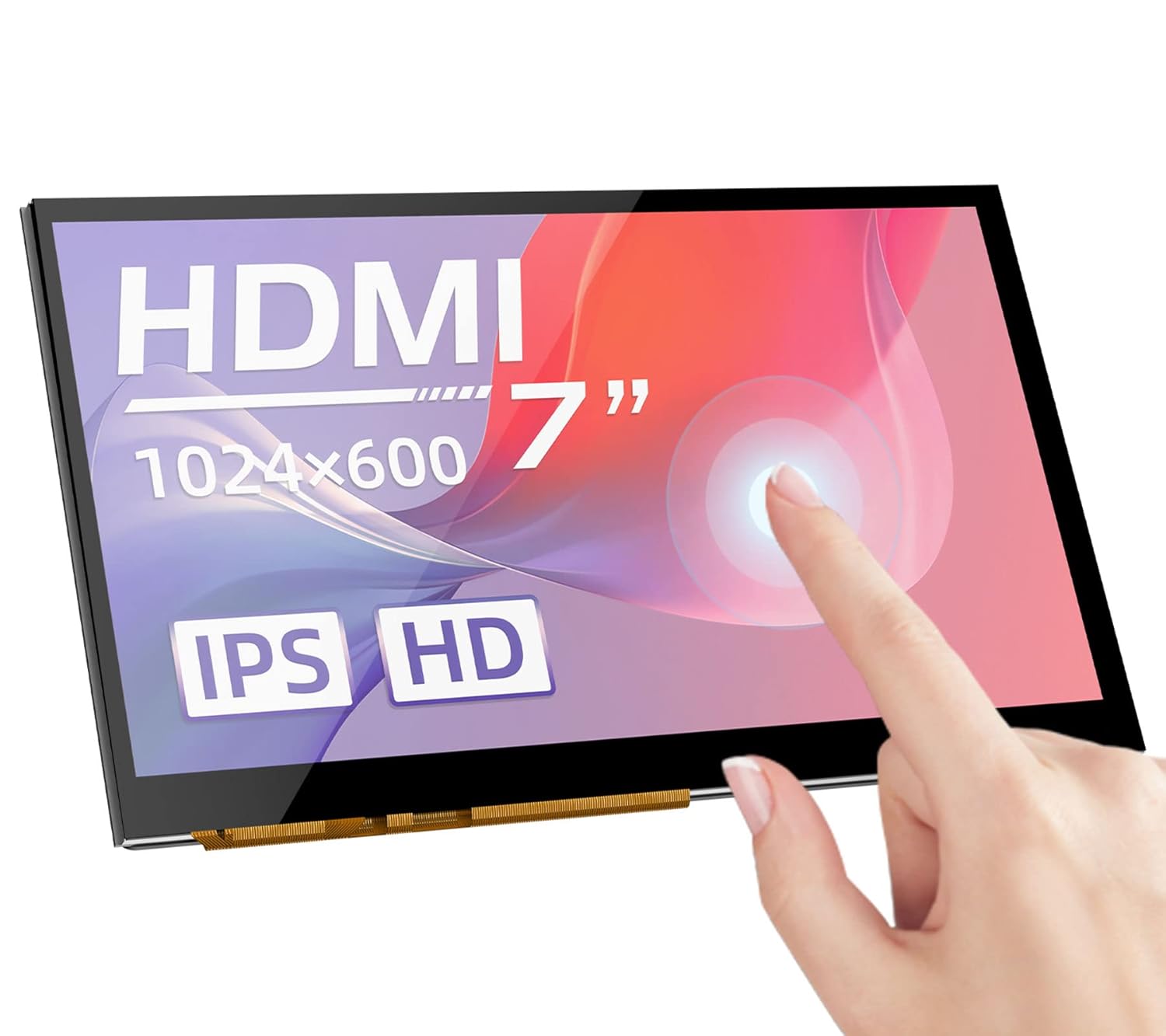
Figure 1: Front view of the BIGTREETECH 7-inch HDMI Touch Screen Display.
2. Setup and Connections
Follow these steps to connect your BIGTREETECH HDMI7 display to your desired device.
2.1 Connecting to Display Output Device
- Using Type-C Data Cable: Connect the HDMI7 display to your display output device (e.g., Sovol-SV08, Raspberry Pi, PC, or other HDMI-compatible devices) using the provided Type-C data cable.
- When connecting to a PC, the PC will typically load the necessary drivers automatically. Once drivers are loaded, the touch functionality will be recognized.
- Using HDMI Cable: Alternatively, connect the HDMI7 display to your display output device using an HDMI cable. The LCD should display content normally within 5 seconds after connection.
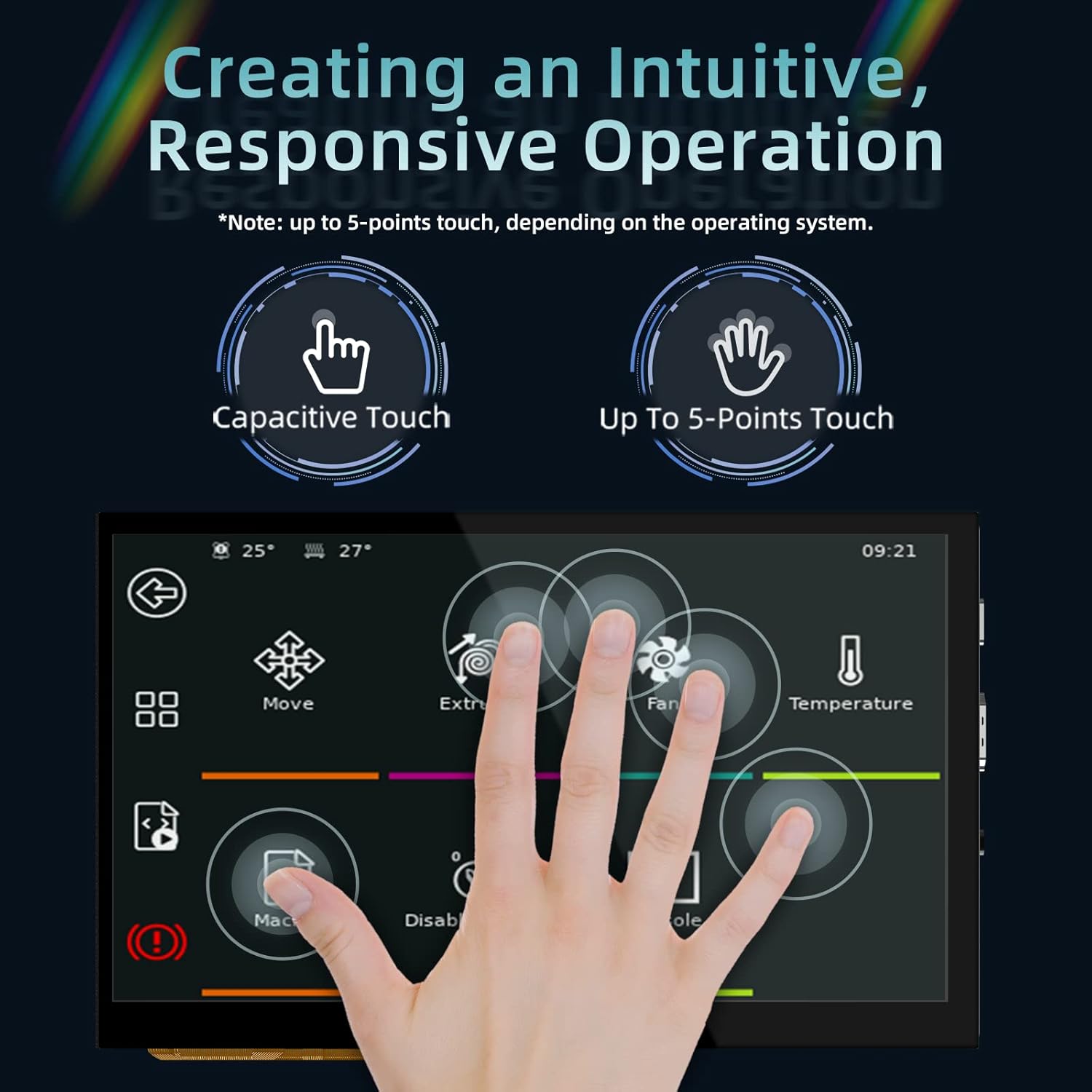
Figure 2: Rear view of the display showing connection ports (HDMI, Type-C, Audio Out).
3. Operating Instructions
3.1 Power Indicator and Status
When the motherboard is powered on:
- The power indicator, D11 (Power) red light, will illuminate, indicating normal power supply.
- The working status indicator, D12 (Status) green light, will flash, indicating that the screen is operating normally.
3.2 Audio Output
To enable audio output, plug a 3.5mm earphone or speaker into the AUDIO interface on the display.

Figure 3: Illustration of connecting a 3.5mm audio device to the display.
3.3 Screen Brightness Adjustment
The BIGTREETECH HDMI7 V1.0 supports brightness adjustment:
- Increase brightness using the Ks1 button.
- Decrease brightness using the Ks3 button.
3.4 Display Direction Adjustment
The BIGTREETECH HDMI7 V1.0 allows for horizontal display direction adjustment:
- Adjust the display direction using the Ks2 button.
3.5 Touch Screen Functionality
The display features a responsive capacitive touch screen that supports up to 5-point multi-touch, depending on the operating system of the connected device. This allows for intuitive interaction with your applications.

Figure 4: Demonstrating the responsive multi-touch capability of the display.
4. Maintenance
Proper maintenance ensures the longevity and optimal performance of your display.
- Cleaning: Use a soft, lint-free cloth slightly dampened with water or a screen-safe cleaner to wipe the display surface. Avoid abrasive materials or harsh chemicals.
- Storage: When not in use for extended periods, store the display in a cool, dry place away from direct sunlight and extreme temperatures.
- Handling: Always handle the display by its edges. Avoid applying excessive pressure to the screen surface.
- Ventilation: Ensure proper ventilation around the display to prevent overheating, especially during prolonged operation.
5. Troubleshooting
If you encounter issues with your display, refer to the following troubleshooting tips:
5.1 No Display/Black Screen
- Check Power: Ensure the D11 (Power) red indicator light is on. If not, verify the power input (DC 5V) connection.
- Check Signal Cable: Confirm that the HDMI or Type-C cable is securely connected to both the display and the output device. Try a different cable if available.
- Output Device Settings: Verify that your connected device (PC, Raspberry Pi, etc.) is configured to output video to the correct HDMI port and at a compatible resolution (1024x600).
- Restart Devices: Power cycle both the display and the connected output device.
5.2 Touch Functionality Not Working
- USB Connection: For touch functionality, ensure the Type-C data cable is connected, as it carries the touch data.
- Driver Installation: If connecting to a PC, confirm that the touch screen drivers have been successfully loaded. This usually happens automatically, but manual installation might be required in some cases.
- Operating System Support: Verify that your operating system supports touch input for external displays.
- Calibration: Some operating systems may require touch screen calibration. Refer to your OS settings.
5.3 No Audio Output
- Audio Cable: Ensure your 3.5mm earphone/speaker is correctly plugged into the AUDIO interface.
- Volume Settings: Check the volume settings on your connected output device.
- Audio Source: Confirm that the output device is sending audio through the HDMI/Type-C connection.
6. Specifications
| Parameter | Value |
|---|---|
| Product Dimension | 100 x 165mm |
| Power Input | DC 5V |
| Logic Voltage | DC 3.3V |
| Screen Size | 7-inch IPS Display |
| Screen Resolution | 1024x600 |
| Screen Viewing Angle | 160° |
| Item Model Number | KINGPRINTER-1040000036 |
| Manufacturer | BIGTREETECH |
| First Available Date | August 27, 2022 |

Figure 5: High-definition IPS display panel for excellent image quality.

Figure 6: The display offers a wide 160° viewing angle for clear images from various perspectives.
7. Warranty and Support
For warranty information and technical support, please contact BIGTREETECH directly or refer to their official website. Keep your purchase receipt as proof of purchase.
Manufacturer: BIGTREETECH
For further assistance, visit the BIGTREETECH Store on Amazon.
Related documentsKINGPRINTER-1040000036


Ask a question about this manual
Ask about setup, troubleshooting, compatibility, parts, safety, or missing instructions. Manuals+ will review the question and use this page’s manual context to help answer it.