Introduction
The FiveHome Kids Sleep Training Alarm Clock is designed to help children develop healthy sleep habits by visually indicating when it's time to sleep and wake up. This multifunctional device combines an alarm clock, sleep trainer, sound machine, and night light into one compact unit, providing a comprehensive solution for a child's bedroom.
Important Note: This device requires continuous power connection via the provided cable for operation.
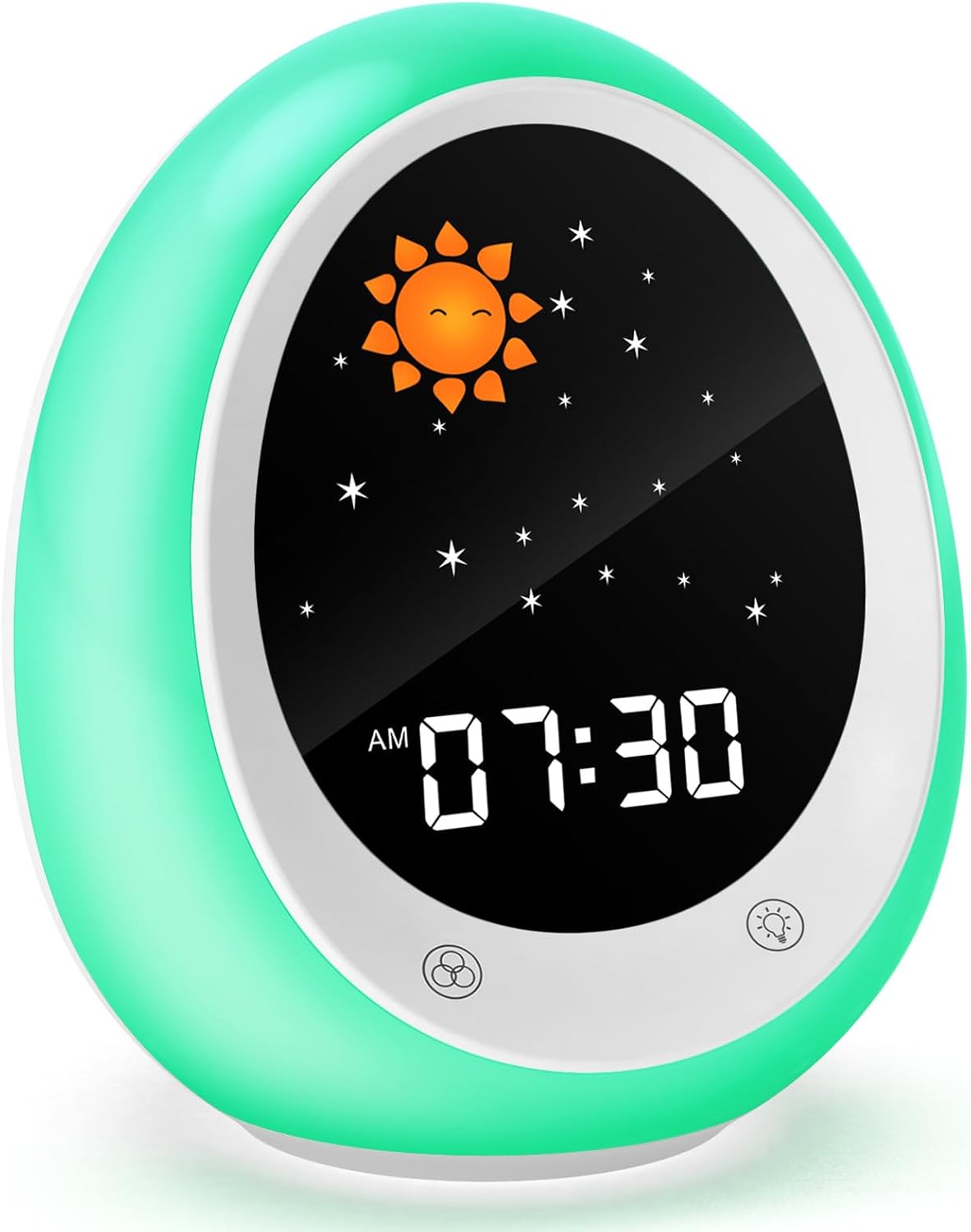
Image: The FiveHome Kids Sleep Training Alarm Clock, showcasing its design and digital display.
Product Features
- Kids Sleep Trainer: Utilizes green and red light indicators to teach children when it's acceptable to wake up (green light) and when it's time to go to bed (red light).
- 17 Soothing Sleep Sounds: Includes a variety of natural sounds (rain, ocean waves, streams, birdsong, campfire) and calming music to aid in relaxation and sleep.
- Timer Function: Can be set for various activities such as homework, meal times, playtime, or naps, helping children understand time management.
- 11 Colorful Night Lights: Offers 6 individual colors, 3 mixed colors, 1 breathing light mode, and 1 dynamic light mode.
- Adjustable Brightness: Features 3 levels of warm light brightness for the night light and 3 levels of backlight brightness for the display.
- Multifunction Design: Combines sleep training, white noise, colorful night lights, snooze, and timer functions.
- Snooze Function: Allows for an additional 9 minutes of rest after the alarm sounds.
- Cute Egg Shape Design: Aesthetically pleasing and child-friendly design.
Package Contents
- 1 x FiveHome Kids Alarm Clock
- 1 x Power Adapter
- 1 x Type-C Charging Cable
- 1 x Product Manual

Image: The product packaging, showing the alarm clock box.
Setup Guide
- Unpack the Device: Carefully remove the alarm clock, power adapter, and Type-C cable from the packaging.
- Connect Power: Insert the Type-C cable into the clock's charging port and connect the other end to the power adapter. Plug the adapter into a standard wall outlet. The clock must remain plugged in for continuous operation.

Image: The FiveHome alarm clock connected to power on a nightstand.
- Initial Power On: The display will light up once power is connected.
- Set Time: Refer to the "Operating Instructions" section for detailed steps on setting the current time.
Operating Instructions
This section details how to use the various functions of your FiveHome Kids Sleep Training Alarm Clock. Please refer to the diagram below for button identification.

Image: A detailed diagram showing the buttons and display indicators on the alarm clock.
1. Setting the Time and Date
- Press the TIME / TIMER button to enter time setting mode.
- Use the +/- buttons to adjust the hour, then press TIME / TIMER again to confirm and move to minutes.
- Repeat for minutes. Continue pressing TIME / TIMER to set the year, month, and day.
- Press the WAKE / SLEEP button to exit setting mode.
2. Sleep Training Function (OK to Wake / Time to Sleep)
This feature uses color changes to signal sleep and wake times.
- Setting Wake Time:
- Press the WAKE / SLEEP button.
- Use +/- to set the desired wake-up hour and minutes.
- When the set wake-up time arrives, the clock will display a sun icon and glow green, indicating it's "OK to Wake".
- Setting Sleep Time:
- Press and hold the WAKE / SLEEP button until the sleep setting appears.
- Use +/- to set the desired bedtime hour and minutes.
- At the set bedtime, the clock will display a moon icon and glow red, indicating "Time to Sleep".

Image: The sleep training clock illustrating the green "OK to Wake" and red "Time to Sleep" indicators.

Image: A child sleeping peacefully with the FiveHome alarm clock in sleep mode, showing the moon icon.
3. Alarm Settings
The clock supports two alarm modes: light only or light and sound.
- Press the ALARM button to activate or deactivate the alarm.
- To set the alarm time, press and hold the ALARM button. Use +/- to adjust the hour and minutes.
- To select alarm sound, press the MUSIC SETTING button. Use +/- to cycle through available alarm melodies.
- To adjust alarm volume, press the TIME / VOLUME SETTING button. Use +/- to set the desired volume level (U0 for silent, light-only alarm).
- Snooze Function: When the alarm sounds, press any button (except the power button) to activate snooze for 9 minutes. The alarm will sound again after 9 minutes.

Image: Illustration of the two alarm modes (light only or light and sound) and the snooze function.
4. Night Light and Brightness Control
The clock offers a variety of light colors and adjustable brightness for both the night light and the display backlight.
- Night Light Colors: Press the NIGHT LIGHT button to cycle through 11 different light colors and modes (6 individual, 3 mixed, breathing, dynamic).
- Night Light Brightness: Press and hold the NIGHT LIGHT button to adjust the warm light brightness (3 levels).
- Display Backlight Brightness: Press the BACKLIGHT button to cycle through 3 levels of display backlight brightness.

Image: Visual representation of the 11 available light colors and 3 brightness settings for the night light.
5. Sound Machine (White Noise)
Access 17 soothing sounds to create a calming environment.
- Press the SOUND MACHINE button to turn on/off the sound machine.
- Use the MUSIC SETTING buttons to cycle through the 17 available sounds.
- Adjust the volume using the TIME / VOLUME SETTING buttons.
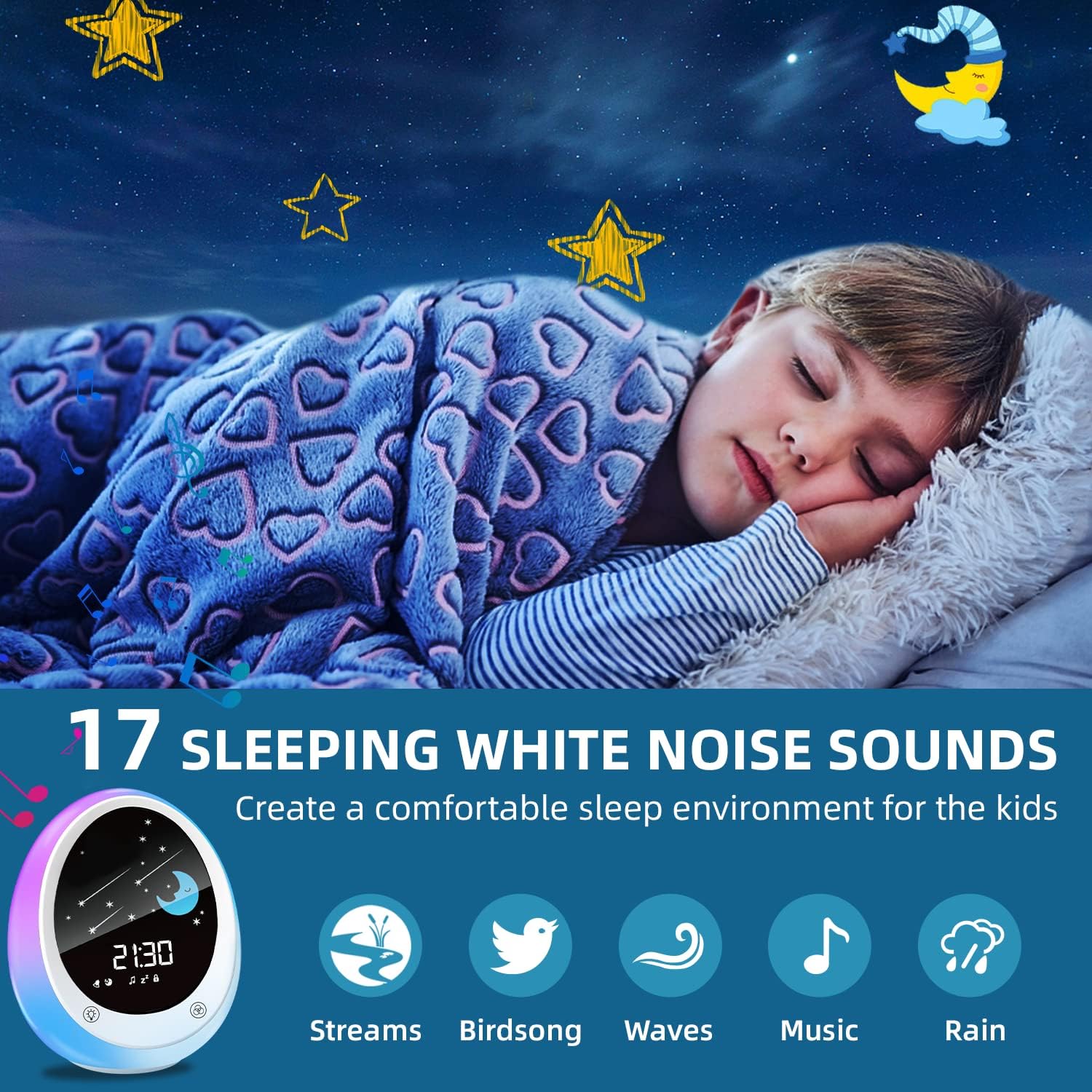
Image: A child sleeping, illustrating the use of the 17 sleeping white noise sounds to create a comfortable sleep environment.
6. Timer Function
Set a countdown timer for various activities.
- Press the TIMER / TIME button to activate the timer.
- Use +/- to set the desired countdown duration in hours and minutes.
- The timer will count down, and an alert will sound when it reaches zero.

Image: A child studying at a desk with the alarm clock displaying a countdown timer, demonstrating its use for timed activities.
7. Child Lock
To prevent accidental changes by children, activate the child lock function.
- Press and hold the CHILD LOCK button (indicated by a lock icon) to activate or deactivate the child lock.
- When activated, most buttons will be unresponsive until unlocked.
Maintenance
- Cleaning: Wipe the surface of the alarm clock with a soft, dry cloth. Do not use abrasive cleaners or solvents.
- Storage: If storing for an extended period, disconnect the power cable and store the device in a cool, dry place.
- Power: Always ensure the device is connected to a stable power source.
Troubleshooting
| Problem | Possible Cause | Solution |
|---|---|---|
| Clock does not turn on. | Not plugged in or power issue. | Ensure the power adapter is securely connected to the clock and a working wall outlet. This device requires continuous power. |
| Alarm does not sound. | Alarm not set, volume too low (U0), or light-only mode selected. | Verify alarm time is set correctly. Check alarm volume (ensure it's not U0). Confirm alarm mode is set to sound or light and sound. |
| Buttons are unresponsive. | Child lock is activated. | Deactivate the child lock by pressing and holding the CHILD LOCK button. |
| Sleep training light not changing. | Sleep/wake times not set or incorrect. | Review and reset the "OK to Wake" and "Time to Sleep" settings as per the operating instructions. |
Specifications
| Brand | FiveHome |
| Model Number | A600 |
| Color | Green |
| Product Dimensions (L x W x H) | 8 x 3.81 x 12 cm (3.15 x 1.5 x 4.72 inches) |
| Item Weight | 480 grams (1.06 lbs) |
| Material | Acrylonitrile Butadiene Styrene (ABS) |
| Power Source | Corded Electric |
| Display Type | Digital |
| Special Features | Alarm, Loud Alarm, Timer, Day Alarm, Snooze |
| Age Range (Description) | Child |
| Room Type | Children's Room, Bedroom |
| Shape | Oval |
| Indoor/Outdoor Use | Indoor |
Warranty and Support
For any issues with your FiveHome product, please contact our customer service team. We aim to provide a solution within 24 hours.
Please refer to the contact information provided in your product packaging or on the official FiveHome website for the most up-to-date support details.
Note: Specific warranty terms and conditions may vary by region. Keep your purchase receipt for warranty claims.
Additional Information
No official seller videos were found for this product in the provided data.


