
Introduction
This manual provides detailed instructions for the setup, operation, and maintenance of your cimetech Type C Wireless Mouse. Please read this manual thoroughly before using the product to ensure optimal performance and longevity.
Package Contents
- 1 x cimetech Type C Wireless Mouse
- 1 x Instruction Manual
Product Overview
The cimetech Type C Wireless Mouse is designed for comfort and efficiency, featuring silent clicks, adjustable DPI, and broad compatibility.

Image: The cimetech Type C Wireless Mouse, a sleek black device with a scroll wheel and a Type-C receiver shown separately.

Image: Diagram illustrating the components of the cimetech Type C Wireless Mouse, including the Power Switch, Type-C Receiver storage, Battery Slot, Left-click button, Right-click button, Roller Button (scroll wheel), and DPI Key.
Key Components:
- Left-click Button: Standard primary mouse function.
- Right-click Button: Standard secondary mouse function.
- Roller Button (Scroll Wheel): For vertical scrolling and middle-click functionality.
- DPI Key: Adjusts the mouse cursor sensitivity.
- Power Switch: Turns the mouse ON or OFF.
- Battery Slot: Compartment for the AA battery.
- Type-C Receiver: The wireless dongle that connects to your device. Stored within the mouse's battery compartment.
Setup Instructions
- Install Battery:
Open the battery compartment cover located on the underside of the mouse. Insert one AA battery, ensuring correct polarity (+/-). Close the battery compartment cover.
Image: The underside of the mouse showing the battery compartment and receiver storage.
- Locate and Connect Receiver:
The Nano Type-C receiver is stored inside the mouse's battery compartment. Carefully remove it. Plug the Type-C receiver into an available Type-C port on your computer or laptop. If your device only has USB-A ports, use the included USB-A adapter receiver by plugging the Type-C receiver into it, then plugging the adapter into your device's USB-A port.
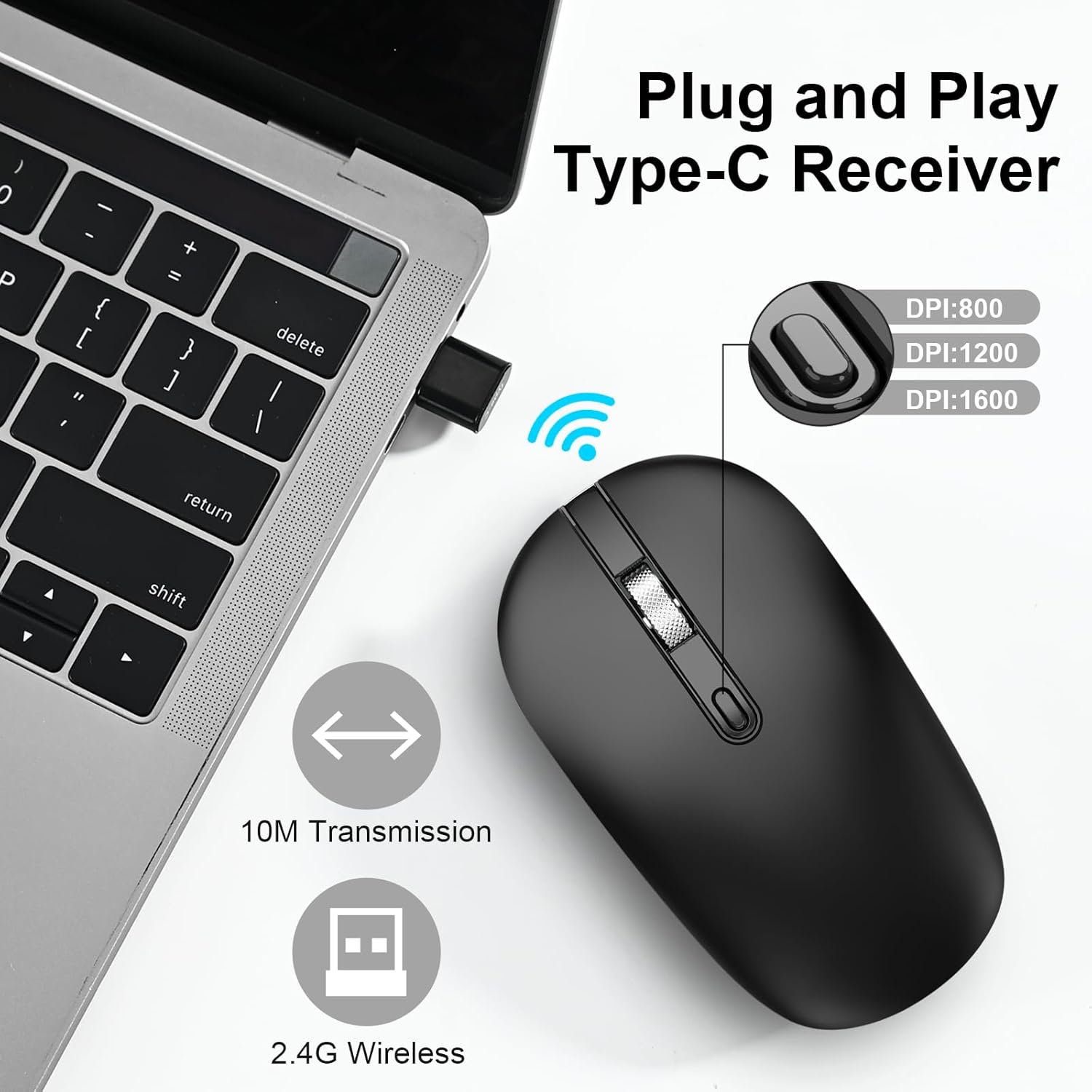
Image: A Type-C receiver plugged into a laptop, with an illustration of the mouse and text indicating 2.4G Wireless, 10M Transmission, and DPI settings (800, 1200, 1600).
- Power On Mouse:
Slide the Power Switch on the underside of the mouse to the "ON" position.
- Automatic Connection:
The mouse will automatically connect to your device. No additional drivers are typically required for most operating systems.
Operating Instructions
Basic Functions
- Left-click: Press the left button to select items or activate functions.
- Right-click: Press the right button to open context menus.
- Scroll Wheel: Roll the wheel up or down to scroll through documents or web pages. Press the scroll wheel for middle-click functionality (if supported by your application).
DPI Adjustment
The mouse features adjustable DPI (Dots Per Inch) settings to control cursor sensitivity. Press the DPI Key (located behind the scroll wheel) to cycle through the available DPI levels:
- 1000 DPI: Standard sensitivity.
- 1200 DPI: Medium sensitivity.
- 1600 DPI: High sensitivity, for faster cursor movement.
Image: Illustration showing the DPI button and the three adjustable DPI levels (800/1200/1600) as depicted in the graphic.
Power Saving Mode
To conserve battery life, the mouse will automatically enter a sleep mode after a period of inactivity. To wake the mouse, simply click any button or move the mouse.

Image: Graphic representing the energy-saving feature with a battery icon and a circular progress bar.
Noiseless Operation
The mouse is designed with silent click buttons to minimize noise, allowing for a quiet working environment.
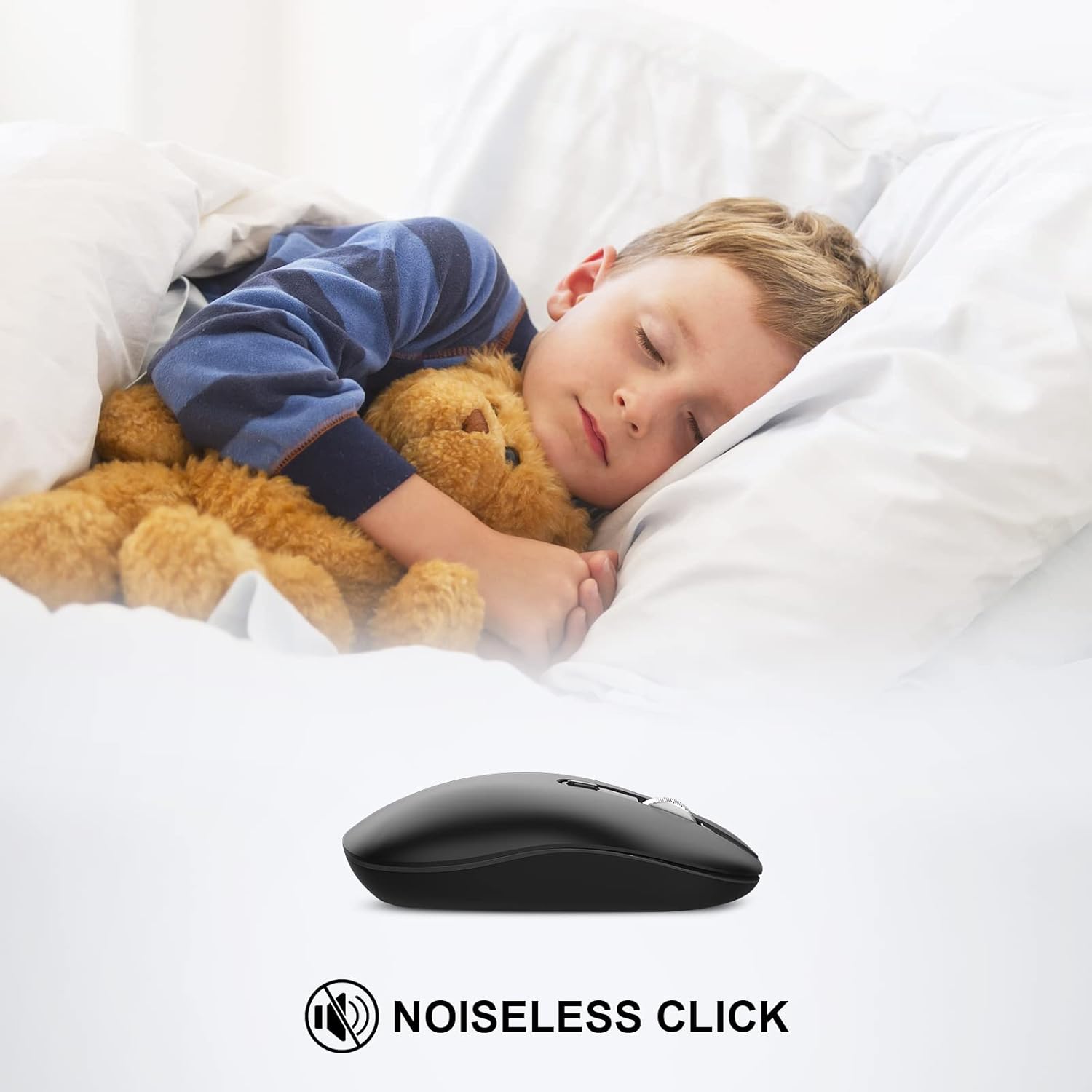
Image: A child sleeping peacefully next to the mouse, illustrating its noiseless click feature.
Compatibility
The cimetech Type C Wireless Mouse is compatible with a wide range of operating systems and devices:
- Windows XP, Vista, 7, 8, 8.1, 10
- Linux
- Mac OS
- Desktops, Laptops, PCs, Macbooks, Chromebooks, Computers

Image: Icons representing various operating systems and device types (Laptop, Desktop, Tablet, Mac OS, Android, Linux, Windows) to illustrate wide compatibility.
Maintenance
- Cleaning: Use a soft, dry cloth to clean the mouse. Avoid using liquid cleaners or abrasive materials.
- Battery Replacement: When the mouse performance degrades or stops responding, replace the AA battery. Ensure the power switch is OFF before replacing the battery.
- Receiver Storage: When not in use or during travel, store the Type-C receiver in its designated slot within the mouse's battery compartment to prevent loss.
Troubleshooting
Specifications
- Brand: cimetech
- Model Number: TM013-TYPE-C
- Connectivity Technology: 2.4G Wireless (Type-C Receiver, USB-A Adapter included)
- Movement Detection Technology: Optical
- DPI Settings: 1000/1200/1600 (Adjustable)
- Special Features: Portable, Slim, Soundless, Wireless
- Color: Black
- Item Weight: 1.76 ounces
- Batteries: 1 AA battery required
- Package Dimensions: 4.57 x 2.6 x 1.38 inches
Warranty and Support
For warranty information or technical support, please refer to the contact details provided with your purchase documentation or visit the official cimetech website. Keep your purchase receipt as proof of purchase.