1. Introduction
This manual provides essential information for the safe and efficient operation, installation, and maintenance of your Voltas 1.5 Ton 5 Star Window Air Conditioner, Model WAC 185V Vertis Elite A. Please read this manual thoroughly before using the appliance and retain it for future reference.

Figure 1.1: Voltas 1.5 Ton 5 Star Window AC (WAC 185V Vertis Elite A)
This image shows the front view of the Voltas 1.5 Ton 5 Star Window AC unit, highlighting its compact design and control panel.
2. Safety Information
Adherence to the following safety precautions is crucial to prevent injury and property damage. Always follow local electrical codes and safety standards.
- Ensure the AC unit is installed by a qualified technician.
- Do not operate the AC with wet hands or when standing in water.
- Do not insert objects into the air inlet or outlet.
- Disconnect power before cleaning or performing maintenance.
- Keep children and pets away from the unit during operation.
- Do not attempt to repair the unit yourself. Contact authorized service personnel.
- Ensure proper grounding to prevent electrical shock.
3. Product Components
The standard package for your Voltas Window AC includes the following items:
- 1 x AC unit
- 1 x Remote Control
Inspect all components upon unboxing to ensure they are present and undamaged. If any items are missing or damaged, contact Voltas customer support immediately.
4. Specifications
| Feature | Detail |
|---|---|
| Brand | Voltas |
| Model Number | 4011478 |
| Energy Efficiency Rating | 5 Star |
| Capacity | 1.5 Tons |
| Annual Energy Consumption | 1114.62 kWh per year (ISSER Value: 3.51) |
| Noise Level (IDU) | 56 dB |
| Installation Type | Window |
| Form Factor | Window |
| Special Features | Dust Filter, 2-in-1 Adjustable Mode, Glow light button, Auto swing, Anti-Rust Coating, LED Display, Self Diagnosis, Sleep Mode, Turbo Mode, Easily Removable Panel, Ultra Silent, Ice wash, Filter Clean Indicator |
| Colour | White |
| Control Console | Remote Control |
| Voltage | 230 Volts (Stabilizer free operation within 170 - 265V range) |
| Wattage | 5050 Watts (Maximum cooling capacity: 5450W) |
| Refrigerant Gas | R32 (Environmentally friendly) |
| Condenser Coil | 100% Copper |
| Material | Plastic |
| Item Dimensions (DxWxH) | 77.5 x 66 x 43 Centimeters |
| Item Weight | 48 Kg |
| Ambient Temperature Range | Up to 50 degree Celsius |

Figure 4.1: Voltas Window AC Dimensions (Depth: 77.5 cm, Width: 66 cm, Height: 43 cm)
This image illustrates the physical dimensions of the Voltas Window AC unit, showing its depth, width, and height for installation planning.

Figure 4.2: Energy Efficiency Guide
This image displays the energy efficiency label, indicating the 5-star rating and an annual energy consumption of 1114.62 units per year for the Voltas AC.
5. Setup and Installation
Proper installation is critical for the performance and longevity of your AC unit. It is strongly recommended to have the unit installed by a certified professional.
5.1 Site Selection
- Choose a window that can securely support the weight of the unit (approximately 48 kg).
- Ensure adequate clearance around the unit for proper airflow and maintenance.
- The location should allow for proper drainage of condensed water.
5.2 Electrical Requirements
- The unit operates on 230 Volts. Ensure the electrical supply matches this requirement.
- The AC features stabilizer-free operation within a 170 - 265 voltage range.
- A dedicated circuit is recommended to prevent overloading.
5.3 Installation Steps (Professional Installation Recommended)
- Prepare the window opening to fit the unit's dimensions (77.5 cm D x 66 cm W x 43 cm H).
- Securely mount the support brackets or frame in the window.
- Carefully lift and slide the AC unit into the prepared opening, ensuring it is level or slightly tilted outwards for drainage.
- Seal any gaps around the unit to prevent air leakage and improve efficiency.
- Connect the power cord to a suitable grounded electrical outlet.
6. Operating Instructions
Your Voltas Window AC is designed for user-friendly operation with various modes and features to enhance your comfort.
6.1 Remote Control Functions
The remote control allows you to manage all functions of the AC unit. Familiarize yourself with the buttons and their corresponding actions.
- Power Button: Turns the unit On/Off.
- Mode Selection: Cycle through cooling, fan, and other available modes.
- Temperature Adjustment: Increase or decrease the desired temperature.
- Fan Speed: Adjust the fan speed (Low, Medium, High, Auto).
- Swing Function: Activates or deactivates the auto swing feature for even air distribution.
- Sleep Mode: Optimizes temperature and fan speed for comfortable sleep and energy saving.
- Turbo Mode: Provides rapid cooling for quick temperature reduction.
- Glow Light Button: Illuminates the remote control for use in low light conditions.
6.2 Operating Modes and Features
- 2-in-1 Adjustable Mode: This feature allows the AC to operate in different capacities, adapting to varying cooling needs and saving energy.
- High Ambient Cooling: The unit is designed to cool effectively even when outdoor temperatures reach up to 50°C.
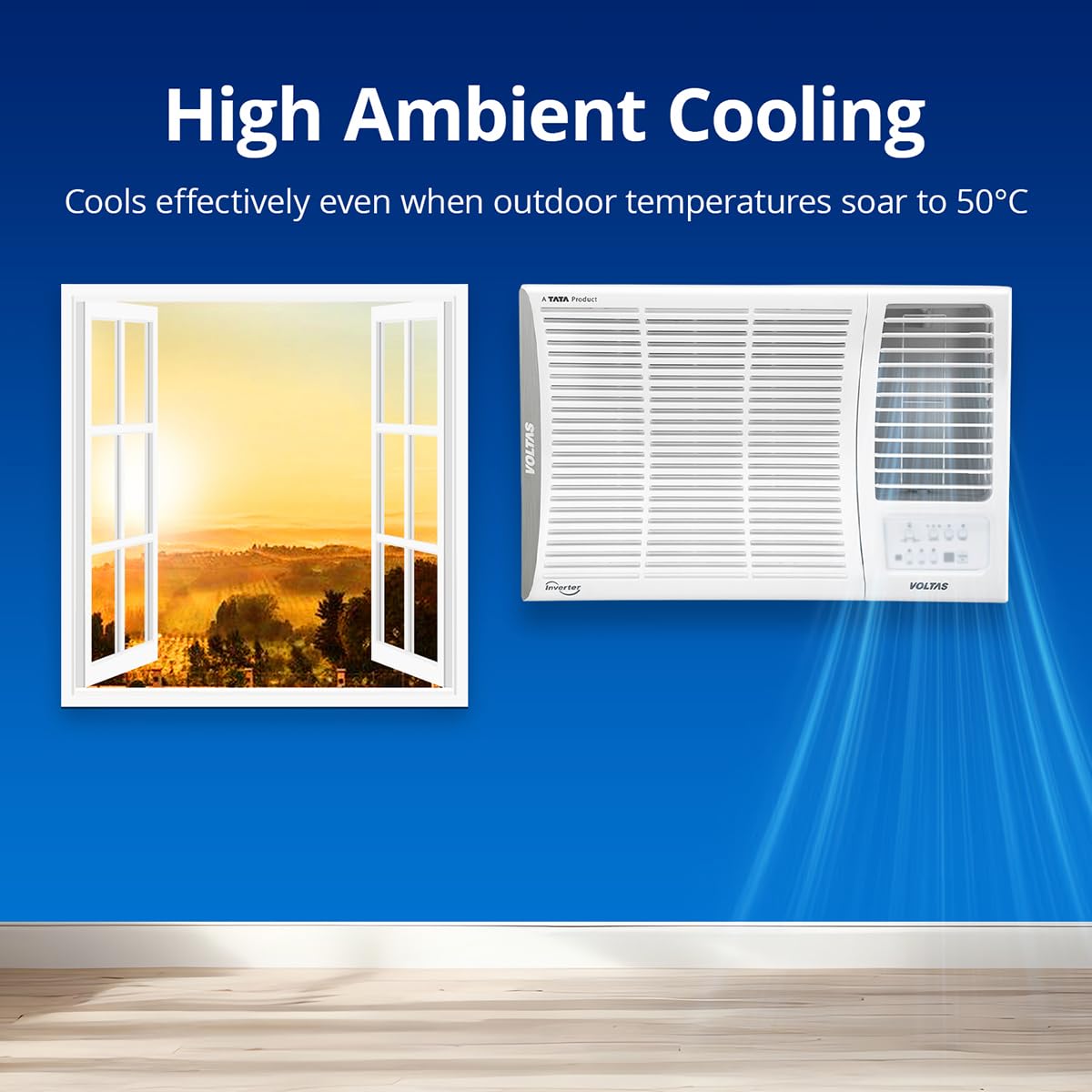
Figure 6.1: High Ambient Cooling Capability
This image illustrates the Voltas AC's ability to provide effective cooling even in high outdoor temperatures, up to 50°C.
- Active Dehumidifier: Reduces excess moisture in the air, providing a more comfortable and less sticky environment.
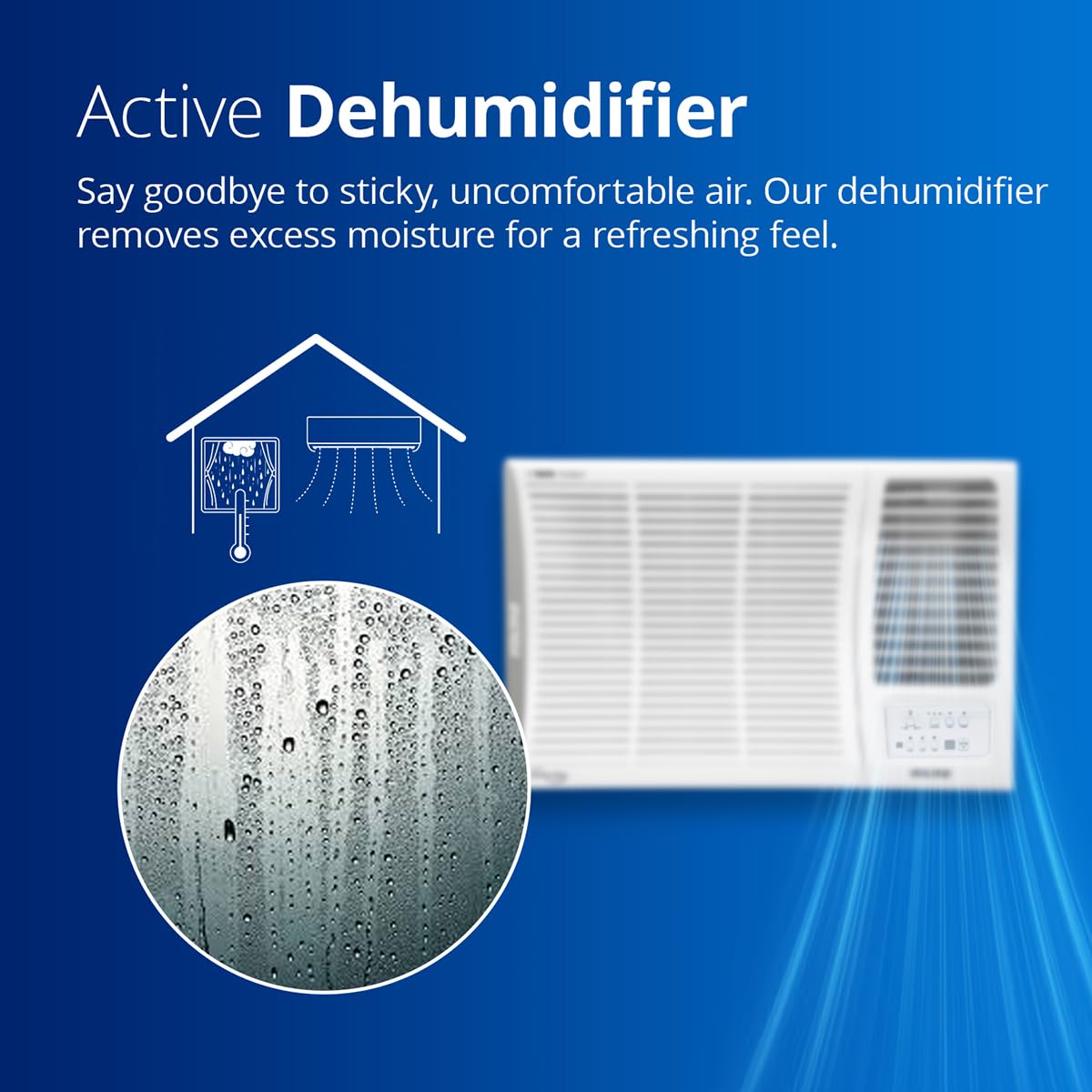
Figure 6.2: Active Dehumidifier Function
This image depicts the active dehumidifier feature, which removes excess moisture from the air for improved comfort.
- Instant Cooling: Delivers rapid cooling to quickly lower room temperature.
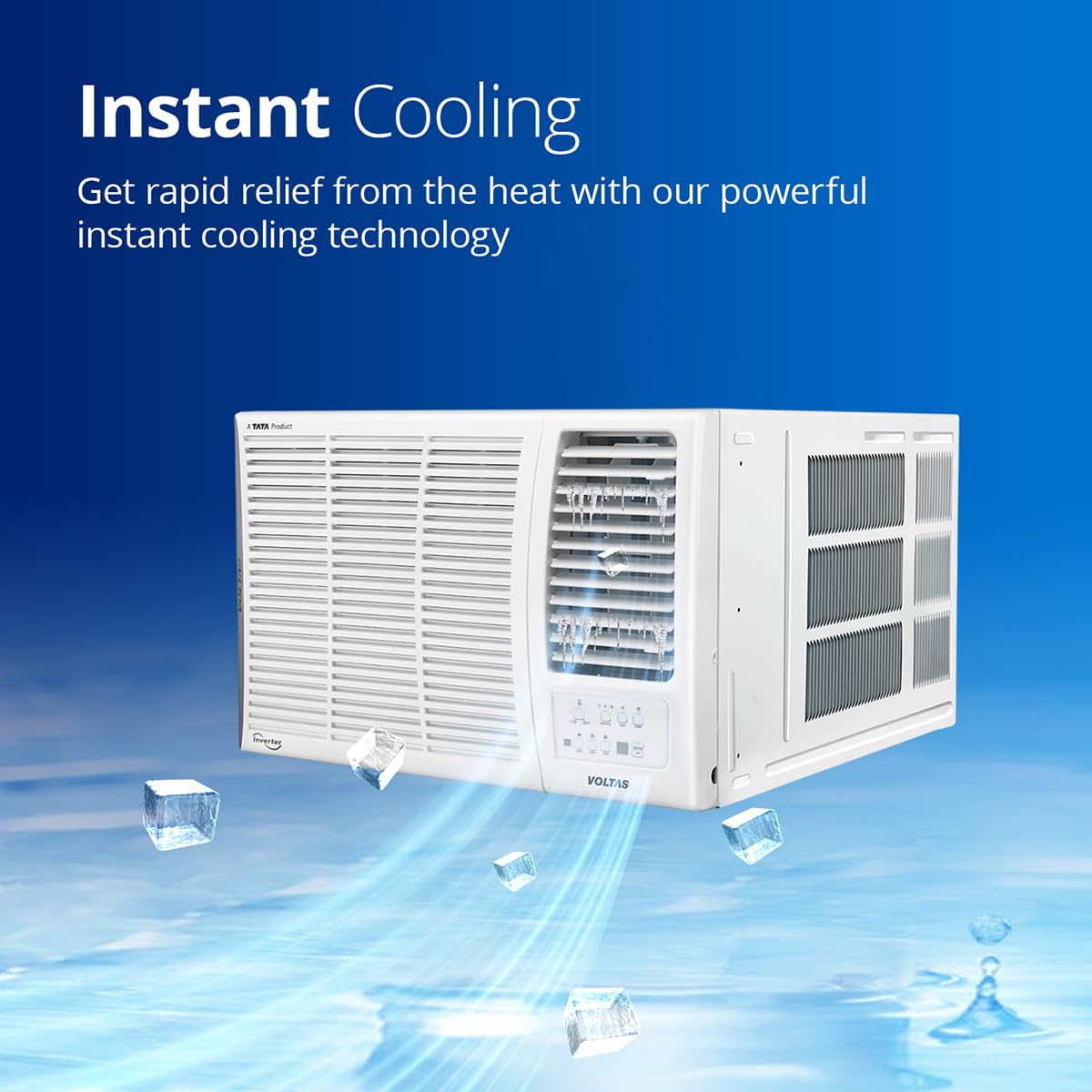
Figure 6.3: Instant Cooling Technology
This image visually represents the instant cooling capability of the Voltas AC, providing rapid relief from heat.
- LED Display: Provides clear temperature and mode indications on the unit.
- Ultra Silent Operation: Designed to operate with minimal noise for a peaceful environment.

Figure 6.4: Ultra Silent Operation
This image illustrates the low noise level of the Voltas AC, ensuring a quiet and comfortable indoor environment.
7. Maintenance
Regular maintenance ensures optimal performance, energy efficiency, and extends the lifespan of your AC unit.
7.1 Air Filter Cleaning
The AC is equipped with an Anti-Microbial Air Filtration system and a Dust Filter. Clean the air filter regularly, especially when the "Filter Clean Indicator" illuminates.
- Disconnect the power supply to the unit.
- Open the easily removable front panel.
- Remove the air filter(s).
- Clean the filter using a vacuum cleaner or wash it with lukewarm water and mild detergent.
- Allow the filter to dry completely before reinserting.
- Close the front panel and restore power.
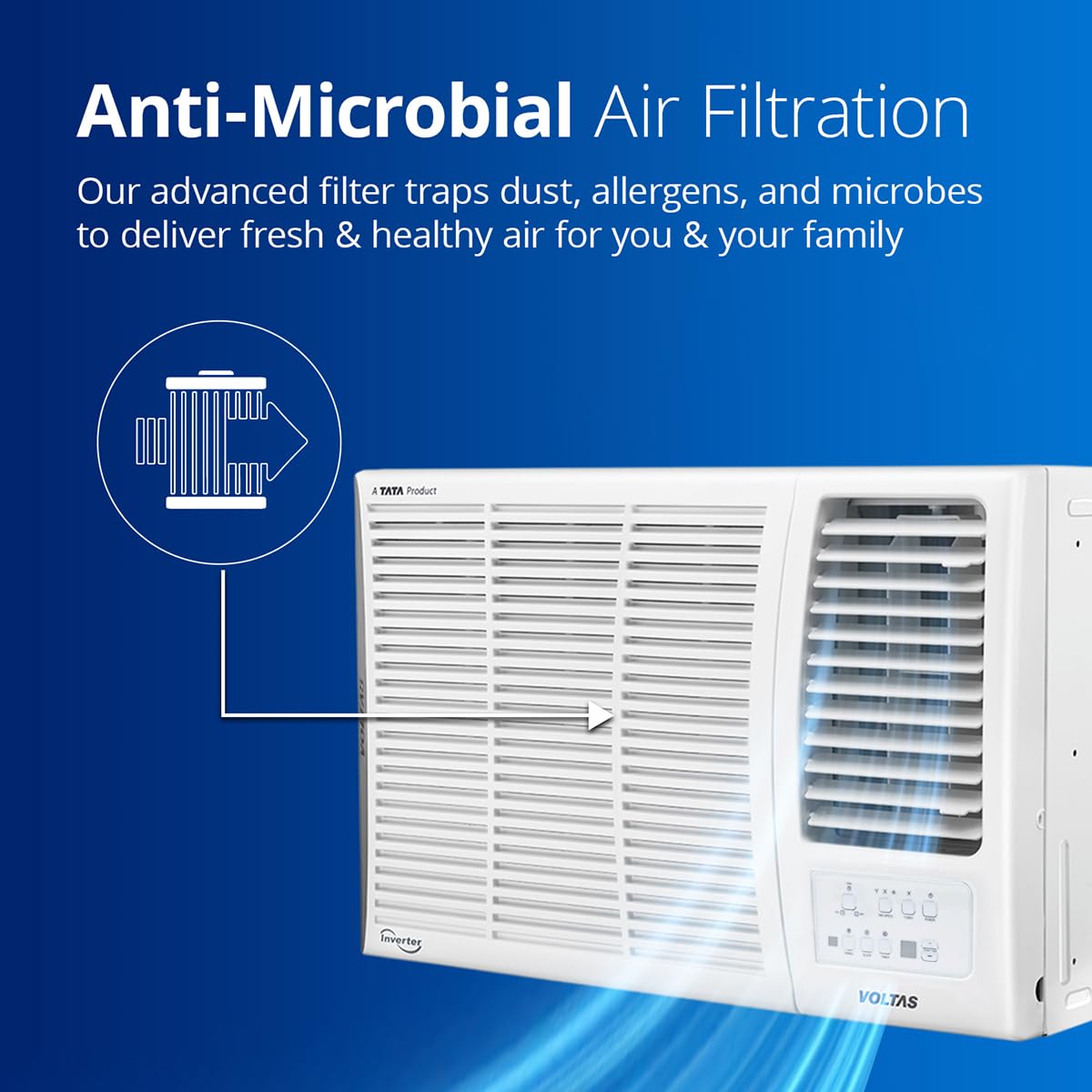
Figure 7.1: Anti-Microbial Air Filtration
This image illustrates the advanced air filtration system, designed to trap dust, allergens, and microbes for cleaner air.

Figure 7.2: Multi-Layer Filter System
This image shows the multi-layered filter system, emphasizing the importance of regular cleaning for optimal air quality.
7.2 Ice Wash Function
The Ice Wash feature helps in cleaning the evaporator coil by freezing and then rapidly thawing, which washes away accumulated dirt and dust.
- Refer to your remote control or unit panel for initiating the Ice Wash cycle.
- This function helps maintain cooling efficiency and air quality.

Figure 7.3: Ice Wash Feature
This image illustrates the Ice Wash feature, which helps clean the evaporator coil for improved performance.
7.3 Anti-Rust Coating
The unit features an Anti-Rust Coating on critical components, particularly the 100% Copper Condenser Coil, to enhance durability and prevent corrosion. While this reduces maintenance, periodic inspection by a professional is still recommended.

Figure 7.4: 100% Copper Condenser Coil
This image shows copper pipes, representing the durable and efficient 100% copper condenser coil used in the AC unit.
8. Troubleshooting
This section provides solutions to common issues you might encounter. If the problem persists, contact Voltas customer support.
| Problem | Possible Cause | Solution |
|---|---|---|
| AC not turning on | No power supply; remote control batteries low; unit not plugged in. | Check power connection and circuit breaker. Replace remote batteries. Ensure unit is securely plugged in. |
| Insufficient cooling | Dirty air filter; blocked air intake/outlet; room too large; low refrigerant. | Clean air filter. Ensure no obstructions. Verify room size is within capacity (111-150 sq ft). If low refrigerant is suspected, contact service. |
| Unusual noise | Loose parts; unit not level; foreign object inside. | Ensure unit is level and securely installed. Disconnect power and check for foreign objects. If noise persists, contact service. |
| Water leakage | Blocked drain hose; improper installation angle. | Check and clear the drain hose. Ensure the unit is slightly tilted outwards for proper drainage. |
| Self Diagnosis Error | Internal system fault detected by the unit. | Note the error code displayed (if any) and refer to the full service manual or contact Voltas customer support with the code. |
| Low Gas Diagnosis | System detects low refrigerant levels. | This requires professional attention. Contact Voltas service for inspection and refrigerant recharge. |

Figure 8.1: Low Gas Diagnosis System
This image represents the smart system's ability to detect low refrigerant levels, indicating a need for professional service.
9. Warranty and Support
Your Voltas Window AC comes with a comprehensive warranty and dedicated customer support.
- Manufacturer Warranty: 1 Year Comprehensive Warranty on the Product and 5 Years on Compressor.
- Warranty Claim: The brand warranty can be availed using your Amazon invoice.
- Customer Service: For service requests, technical assistance, or warranty claims, please contact Voltas customer support.
- Online Resources: The user manual can also be accessed from the official Voltas brand website. You can visit the Voltas Store on Amazon for more product information.


