Introduction
This manual provides essential information for the safe and effective use of your BTF-LIGHTING WS2814 RGBW Addressable LED Strip. This product features individually addressable RGB and Warm White (3000K) LEDs, offering versatile lighting options for various indoor applications. Please read these instructions thoroughly before installation and operation.
Safety Information
- Ensure the power supply voltage matches the LED strip's requirement (DC12V). Using an incorrect voltage can damage the strip and pose a safety risk.
- Do not connect the LED strip directly to AC power. A DC12V power adapter is required.
- Avoid bending the LED strip sharply, especially at the solder joints or LED locations, as this can cause damage.
- This specific model (IP30) is designed for indoor use only. Do not expose it to moisture or outdoor elements.
- Disconnect power before making any connections or adjustments.
- Keep out of reach of children.
Product Features
- Addressable WS2814 IC: Each IC controls a group of 3 LEDs, allowing for dynamic and customizable lighting effects.
- RGB + Warm White (3000K): Integrates RGB colors with a dedicated Warm White channel for enhanced color mixing and pure white illumination.
- Flexible Design: The strip is 16.4 feet (5 meters) long with 60 LEDs per meter and 20 pixels per meter.
- Cuttable: Can be cut every 3 LEDs without affecting the rest of the strip, allowing for custom lengths.
- High Resolution: Features 256 brightness levels and 24-bit color display.
- Energy Efficient: Pure white LEDs consume less power compared to mixed white (RGB).
- Controller Compatibility: Works with various SPI RGBW controllers such as SP617E, WLED, K-1000C, Rasp Pi, ESP-8266, and ESP-32.
- Connectors: Equipped with 3-pin JST-SM connectors on both ends for easy extension or connection.
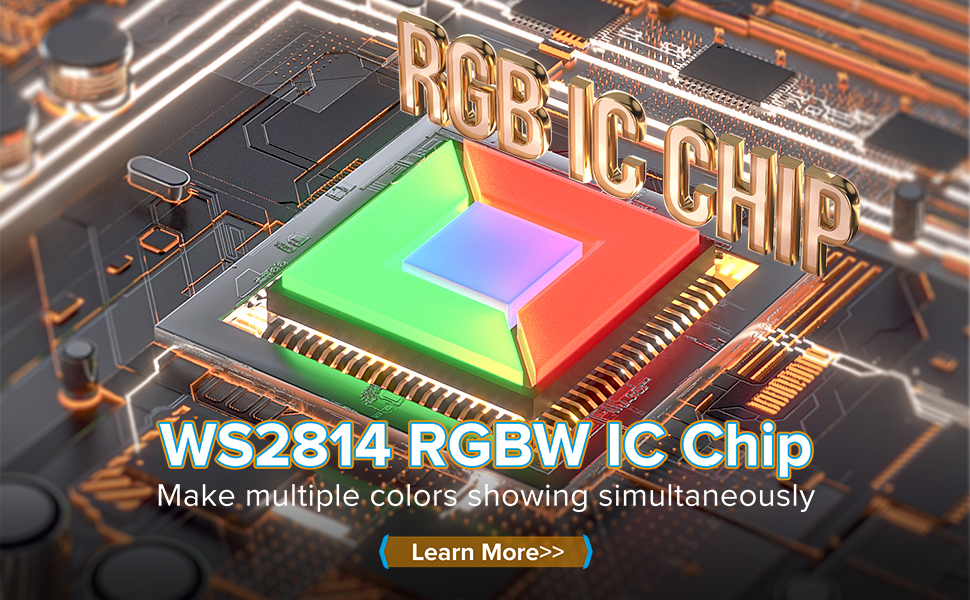
Image: Close-up of the WS2814 IC chip and its integration on the LED strip, illustrating data flow.

Image: LED contrast showing Cool White and Warm White options, highlighting the 4-colors-in-1 design.
Setup
- Unpacking: Carefully remove the LED strip and the included 3-pin male JST connector from the packaging. Note that a power supply and controller are not included and must be purchased separately.
- Power Supply Selection: A DC12V power supply is required. For optimal performance and to prevent voltage drop, a DC12V 10A (120W) power supply is recommended for a 5-meter strip. Power consumption is approximately 0.3W per LED for mixed white (RGB) and 0.1W per LED for pure white.
- Controller Connection: Connect the 3-pin JST-SM connector of the LED strip to a compatible SPI RGBW controller. Ensure the data input (DI), ground (GND), and 12V power connections are correctly aligned. Refer to your controller's manual for specific wiring details.
- Mounting: For IP30 models, the strip typically features double-sided adhesive tape on the back. Clean the desired surface thoroughly before peeling off the tape backing and firmly pressing the strip into place.
- Wiring Diagram: Follow the wiring diagram below for proper connection of the LED strip to the power supply and controller.

Image: Distribution Wiring Diagram for connecting WS2814 LED strips with a DC12V power supply and controller.

Image: DIY options for the LED strip, including cutting, adhesive application, and connection.
Operating Instructions
The operation of the LED strip is primarily controlled by the external controller you choose. This section provides general guidance; refer to your specific controller's manual for detailed instructions.
- Power On/Off: Use the controller or power supply switch to turn the LED strip on or off.
- Color Control: Utilize your controller's interface (e.g., mobile app, remote) to select from 16 million monochrome effects, various dynamic lighting effects, and pure white chasing effects. The RGBW design allows for vibrant colors and distinct warm white light.
- Brightness Adjustment: Adjust the brightness levels through your controller to suit your environment.
- Music Lighting Effects: Many compatible controllers offer music synchronization modes, allowing the lights to react to sound.
Video: Demonstration of the SP617E controller with WS2814 LED strips, showcasing color selection, dynamic effects, pure white chasing, and music synchronization. This video illustrates the various lighting effects and control options available with a compatible controller.

Image: Examples of the LED strip displaying various colors including Full Color, Cool White, Natural White, and Warm White.

Image: Application examples demonstrating warm white, cool white, and natural white lighting in a home setting.
Maintenance
- Cleaning: Gently wipe the LED strip with a soft, dry cloth to remove dust. Do not use abrasive cleaners or harsh chemicals.
- Storage: If storing the LED strip, ensure it is coiled loosely and kept in a cool, dry environment away from direct sunlight and extreme temperatures.
- Inspection: Periodically inspect the strip for any signs of damage, such as cuts, frayed wires, or loose connections. Address any issues promptly.
Troubleshooting
| Problem | Possible Cause | Solution |
|---|---|---|
| LED strip does not light up. | No power, incorrect voltage, loose connection, faulty controller. | Check power supply connection and output. Ensure DC12V. Verify all connections are secure. Test with a different controller if available. |
| Incorrect colors displayed. | Incorrect color order setting in controller software. | Access your controller's settings (e.g., WLED app) and adjust the color order. For WS2814, common settings might include BRG or RGBW with W&G swap. |
| Only a portion of the strip lights up. | Damage to the strip, faulty IC, poor connection at a cut point. | Inspect the unlit section for physical damage. Check connections if the strip was cut and reconnected. |
| Flickering or unstable lighting. | Insufficient power supply, poor data signal, voltage drop. | Ensure your power supply meets the recommended wattage. Check data line connections. Consider injecting power at multiple points for longer runs. |
Specifications
- Model: WS2814-60L-B-IP30
- LED Type: 5050 SMD RGBW (RGB + Warm White 3000K)
- IC Type: WS2814
- Voltage: DC12V
- Length: 16.4 Feet (5 meters)
- LEDs per Meter: 60
- Pixels per Meter: 20 (1 IC controls 3 LEDs)
- IP Rating: IP30 (Indoor Use)
- Cuttable: Every 3 LEDs
- Connectors: 3-pin JST-SM
- Recommended Power Supply: DC12V 10A (120W)
- Average Life: 50,000 Hours

Image: Product feature diagram detailing dimensions and IP ratings for different WS2814 LED strip configurations.
Warranty and Support
BTF-LIGHTING products are covered by a standard manufacturer's warranty. For specific warranty details, please refer to the product packaging or the official BTF-LIGHTING website. If you encounter any issues or require technical assistance, please contact our customer support team:
- Email: support@btf-lighting.com (Example)
- Website: BTF-LIGHTING Official Store


