
Introduction
The Discovery #Mindblown STEM 12-in-1 Solar Robot Creation Kit provides an engaging and educational experience for aspiring engineers and scientists aged 8 and up. This 197-piece construction set allows you to build 12 different types of robots, all powered by a working solar-powered motorized engine. Explore the principles of solar energy, mechanics, and engineering through hands-on assembly and creative design.
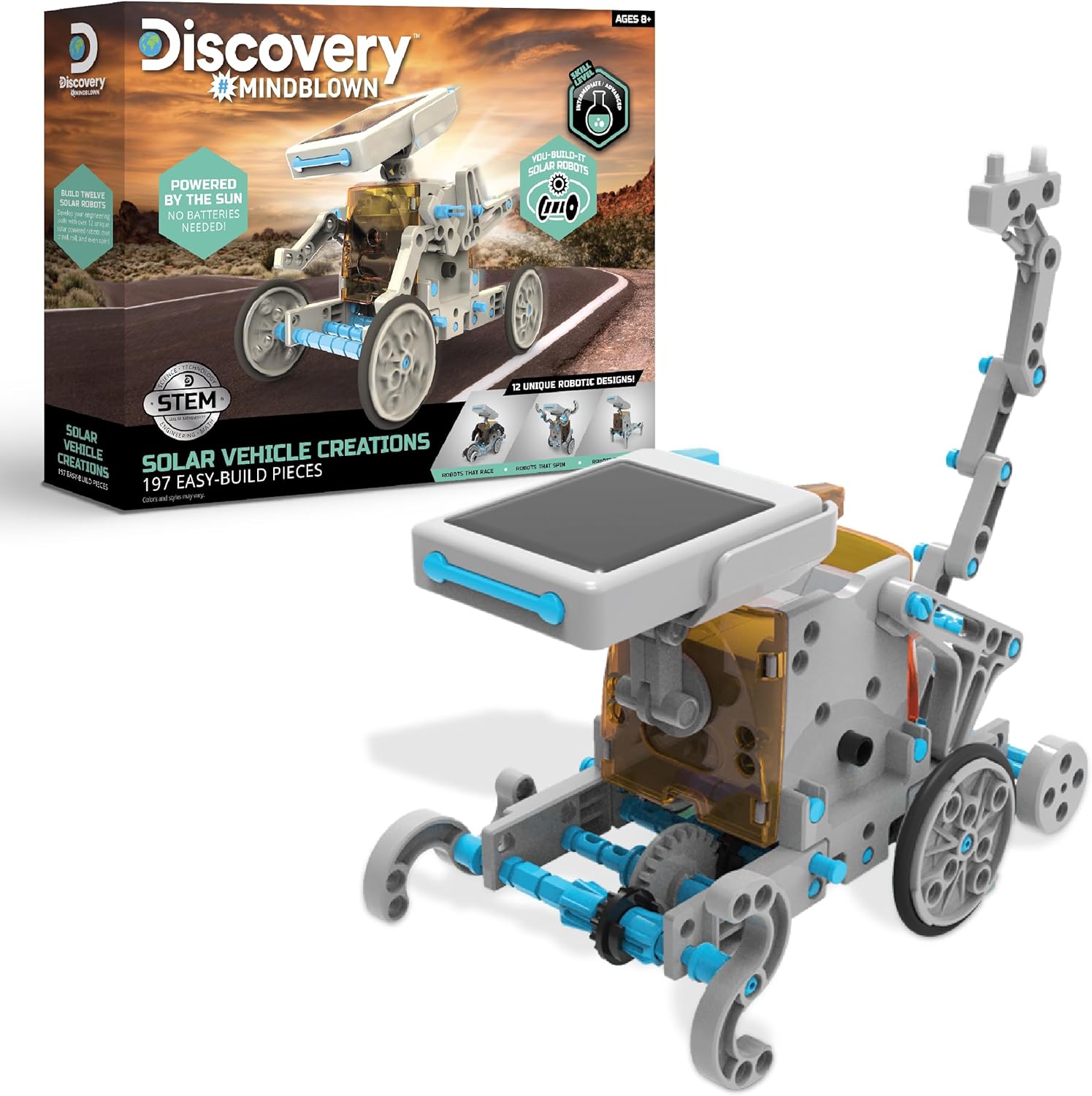
Image: The product box alongside one of the assembled solar robots, showcasing the kit's contents and potential.
What's in the Box
Your Discovery #Mindblown Solar Robot Creation Kit includes all the necessary components to construct your solar-powered robots. Carefully unpack the box and ensure all parts are present before beginning assembly.
- 197 Easy-Build Robot Components (various gears, plates, tires, shafts, and structural pieces)
- Solar Panel
- Motorized Engine
- Detailed Instruction Manual with blueprints for 12 unique robot designs
- Double-Sided Educational Poster

Image: A visual guide illustrating the 12 distinct robot models that can be constructed from the kit's components, including Buddy Bot, Lobster, Horse, T-Rex, Praying Mantis, Scorpion, 4x4, Spin Bot, Racing Trike, Diamond Cycle, Hot Rod, and Centaur.
Setup and Assembly
Before you begin, find a clean, well-lit workspace. It is recommended to sort the pieces according to the instruction manual to facilitate the building process. The kit is designed for easy assembly, but adult supervision is recommended for younger users, especially when detaching pieces from their frames.
- Review the Manual: Carefully read through the entire instruction manual to familiarize yourself with the components and the assembly steps for your chosen robot model.
- Detach Components: Gently detach the required pieces from their plastic frames. Use caution to avoid breaking smaller or more delicate parts.
- Assemble the Base: Follow the step-by-step diagrams to assemble the foundational structure of your robot.
- Integrate the Motor and Solar Panel: Connect the motorized engine and solar panel according to the instructions. Ensure all connections are secure for proper functionality.
- Complete the Model: Attach the remaining structural and decorative pieces to complete your chosen robot design.
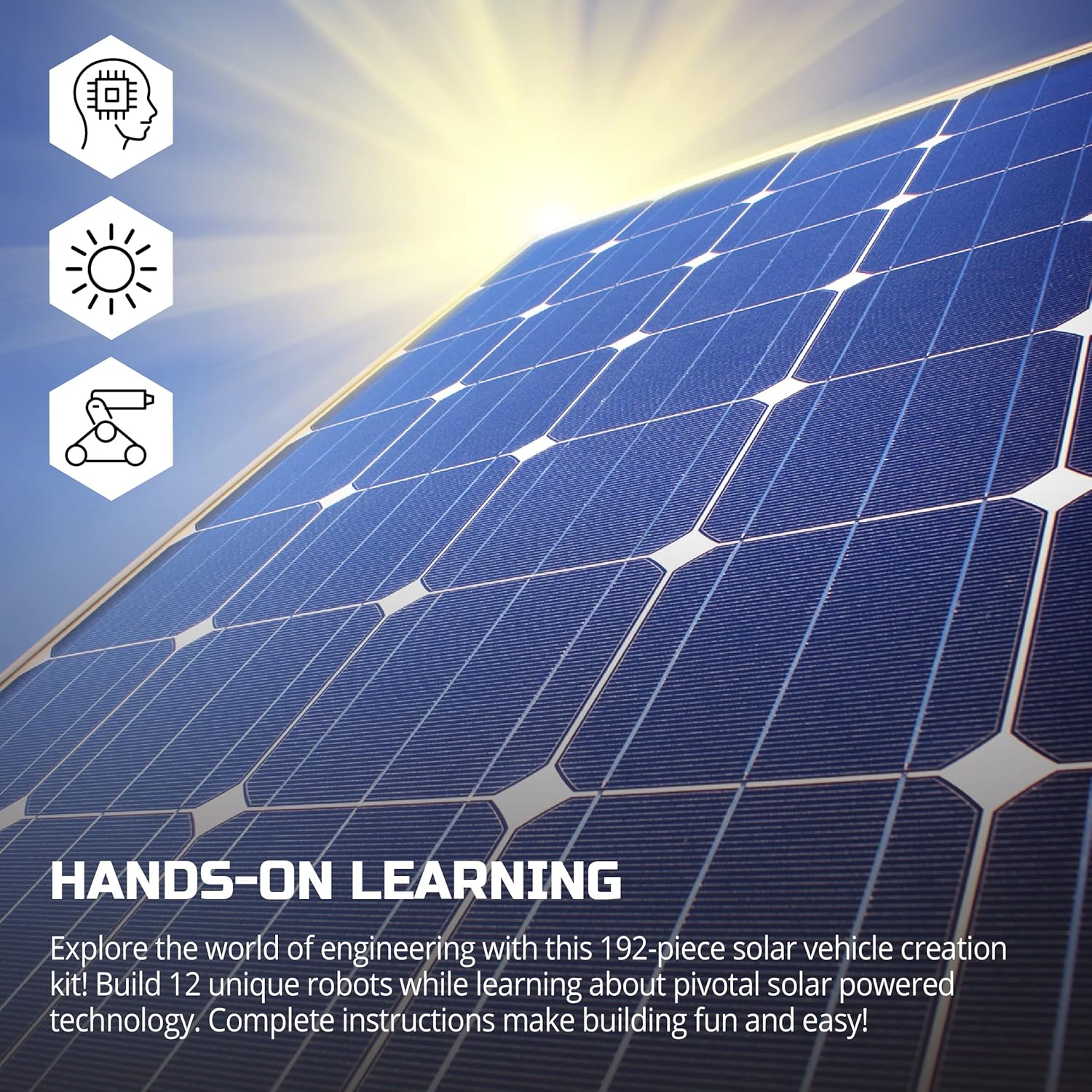
Image: A detailed view of the solar panel component, highlighting its role in powering the robots and the kit's focus on hands-on STEM learning.
Operating Your Solar Robot
Once assembled, your solar robot is ready for action. The robot is powered by a solar panel, which converts sunlight into electrical energy to drive the motor. No batteries are required for operation.
- Optimal Light Conditions: For best results, operate your solar robot outdoors on a sunny day. Direct sunlight is crucial for the solar panel to generate sufficient power for movement.
- Indoor Operation: While designed for outdoor use, the robot may operate indoors under very strong, direct artificial light (e.g., a powerful incandescent lamp or LED spotlight). Fluorescent lighting or indirect light sources may not provide enough energy.
- Observe Movement: Depending on the robot model you've built, it may crawl, roll, race, walk, or spin. Observe how different designs interact with the solar power.
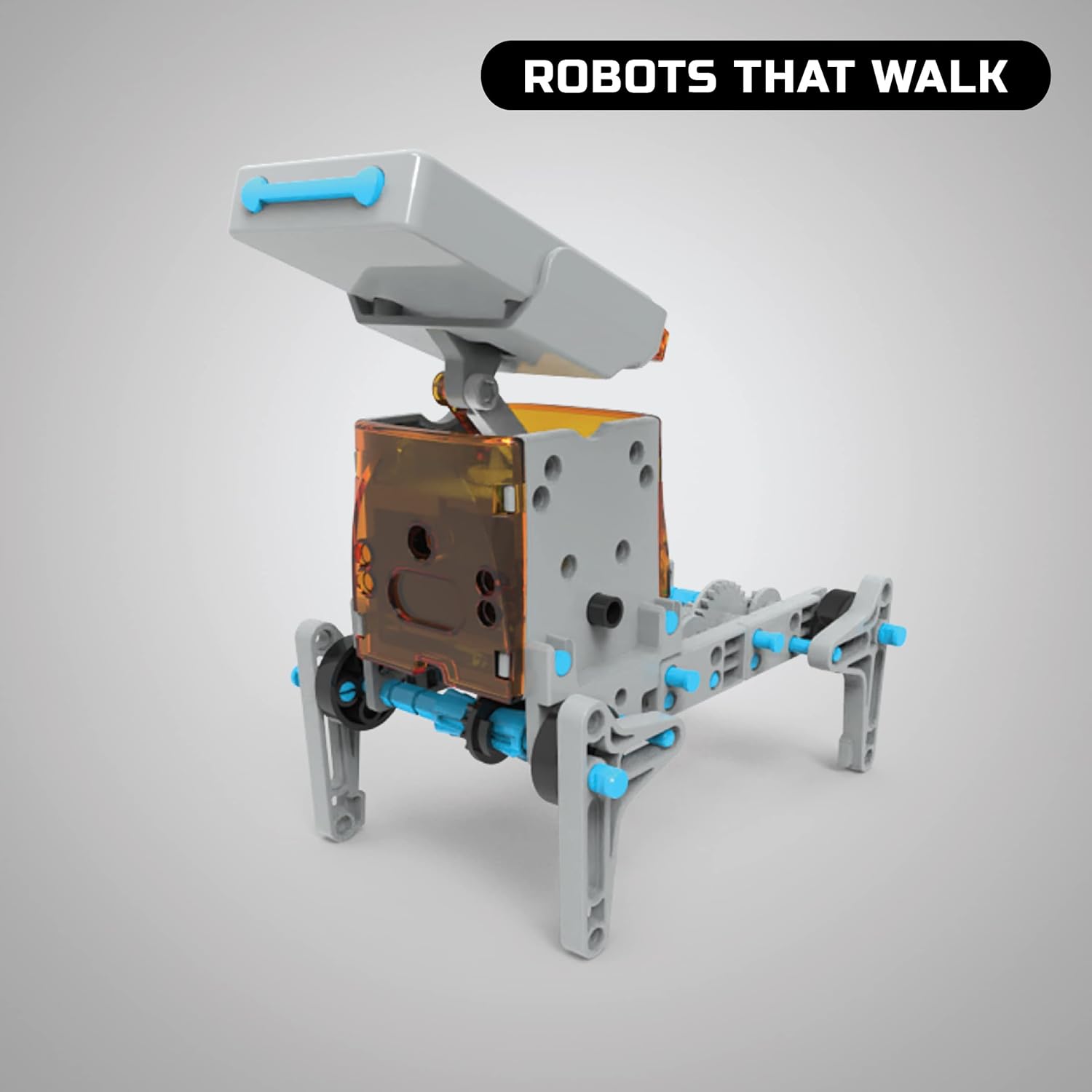
Image: A robot model configured for walking, demonstrating one of the many movement capabilities of the kit.

Image: A robot model designed for spinning, showcasing another dynamic function achievable with the kit.
Maintenance
To ensure the longevity and optimal performance of your Discovery #Mindblown Solar Robot Creation Kit, follow these maintenance guidelines:
- Cleaning: Use a soft, dry cloth to gently wipe down the robot components and solar panel. Avoid using harsh chemicals or abrasive materials, which can damage the surfaces.
- Storage: When not in use, disassemble the robot or store it in a clean, dry place away from direct sunlight and extreme temperatures. Keep all components organized to prevent loss.
- Handling: Handle the robot and its components with care, especially the solar panel and delicate gears, to prevent damage.
Troubleshooting
If your solar robot is not functioning as expected, consider the following common issues and solutions:
| Problem | Possible Cause | Solution |
|---|---|---|
| Robot does not move or moves weakly. | Insufficient light, loose connections, or obstructed gears. |
|
| Parts do not fit together. | Incorrect part selection or improper alignment. |
|
| Robot is unstable or falls apart. | Loose connections or missing components. |
|
Specifications
- Product Dimensions: 12.6 x 2.56 x 9.85 inches
- Item Weight: 1.3 pounds
- Model Number: 1015770
- Manufacturer Recommended Age: 8 years and up
- Power Source: Solar Powered (No batteries required)
- Number of Pieces: 197
- Manufacturer: Merchsource
- Release Date: August 11, 2022
Safety Information
Please consult the instruction manual provided with your kit for all specific safety instructions and warnings. Always ensure adult supervision for children during assembly and operation, especially when handling small parts or detaching components from the frames.
Warranty and Support
For information regarding product warranty, returns, or technical support, please refer to the contact details provided on the product packaging or visit the official Discovery Kids website. Keep your purchase receipt as proof of purchase.
