
Introduction
This manual provides instructions for the Besia RC802V Replacement IR Remote Control. This remote is designed to function as a direct replacement for your original TCL Android TV remote, offering essential control without voice functionality. It is compatible with a wide range of TCL Android TV models.

Image: Front view of the Besia RC802V Replacement IR Remote Control, showing its buttons and layout.
Key Features:
- Direct IR replacement remote control.
- No voice function.
- No programming required; ready for use with batteries.
- Compatible with numerous TCL Android TV models including 40S330, 32S330, 65Q637, 55Q637, 55S430, 43S430, 43S434, 50S434, 55S434, 65S434, 75S434, 32P30S, and many others.
Setup Instructions
The Besia RC802V remote control is designed for immediate use with compatible TCL Android TVs. No complex programming or pairing is required.
- Insert Batteries: Open the battery compartment cover on the back of the remote control. Insert two new Alkaline batteries (AAA size, not included) according to the polarity indicators (+ and -) inside the compartment.
- Close Compartment: Replace the battery compartment cover securely.
- Ready for Use: The remote control is now ready to operate your compatible TCL Android TV. Point the remote directly at your TV's IR receiver.
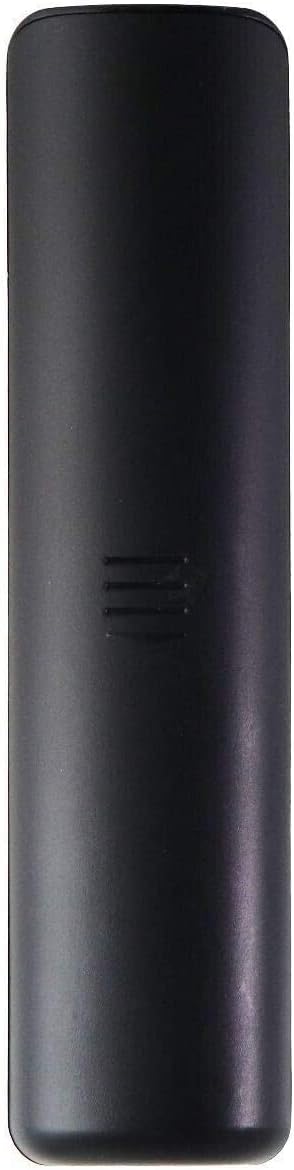
Image: Back view of the remote control, indicating the location of the battery compartment.
Note: Ensure the TV is powered on or in standby mode for the remote to function correctly.
Operating Instructions
This section outlines the basic functions of the Besia RC802V remote control.

Image: Detailed view of the remote control's buttons and their layout.
- Power Button (●): Located at the top left. Press to turn the TV on or off (standby mode).
- Settings Button (⚙): Located at the top right. Accesses the TV's settings menu.
- Home Button (⌂): Navigates to the TV's home screen or main menu.
- Navigation Pad (Up, Down, Left, Right, OK): Used to navigate through menus and select options. The OK button confirms selections.
- Back Button (←): Returns to the previous screen or menu.
- Input/Source Button (□): Changes the TV's input source (HDMI, AV, etc.).
- Volume Up/Down (VOL + / -): Adjusts the TV's volume level.
- Mute Button (🔇): Mutes or unmutes the TV's audio.
- Channel Up/Down (CH + / -): Changes TV channels.
- App Shortcut Buttons (NETFLIX, YouTube): Direct access buttons for popular streaming applications.
For specific TV functions not covered here, refer to your TCL Android TV's original user manual.
Maintenance
Proper care and maintenance will ensure the longevity of your remote control.
- Battery Replacement: Replace batteries when the remote's response becomes sluggish or stops working. Always replace both batteries at the same time with new ones of the same type (AAA Alkaline). Do not mix old and new batteries, or different types of batteries.
- Cleaning: Wipe the remote control with a soft, dry cloth. Do not use liquid cleaners, sprays, or abrasive materials, as these can damage the remote's surface or internal components.
- Storage: If the remote will not be used for an extended period, remove the batteries to prevent leakage and potential damage. Store the remote in a cool, dry place away from direct sunlight and extreme temperatures.
- Avoid Drops: Protect the remote from physical impact, as drops can damage internal circuitry.
Troubleshooting
If you encounter issues with your Besia RC802V remote control, refer to the following common solutions:
| Problem | Possible Cause / Solution |
|---|---|
| Remote is not working. |
|
| Buttons are unresponsive or sticky. |
|
| Remote works intermittently. |
|
If the problem persists after trying these solutions, please contact customer support.
Specifications
- Model Name: RC802V
- Brand: Besia
- Connectivity Technology: Infrared (IR)
- Compatible Devices: TCL Android Televisions (various models)
- Special Feature: Ergonomic design
- Color: Black
- Max Number of Supported Devices: 1 (Television)
- Button Quantity: 30
- Controller Type: Button Control
- Maximum Range: 10 Feet
- Battery Type: AAA Alkaline (2 required, not included)
- Item Weight: 0.04 Kilograms
- Manufacturer: Young Electronics
Warranty Information
The product comes with a 1-year warranty from the manufacturer. For warranty claims or details, please retain your proof of purchase and contact customer support.
Customer Support
If you have any questions, concerns, or require assistance with your Besia RC802V remote control, please do not hesitate to contact us. We are committed to providing support for our products.
Please refer to the seller's contact information on the platform where you purchased the product for direct support channels.
