Introduction
This manual provides detailed instructions and tips for effectively using your Samsung Galaxy S22, S22+, or S22 Ultra smartphone. It covers essential functions, advanced features, and optimization techniques to help you maximize your device's potential. This guide is based on the comprehensive information found in the "Samsung Galaxy S22 User Guide: The Beginner to Expert Guide for the Samsung Galaxy S22, S22+, and S22 Ultra" by Joseph F. Morris.
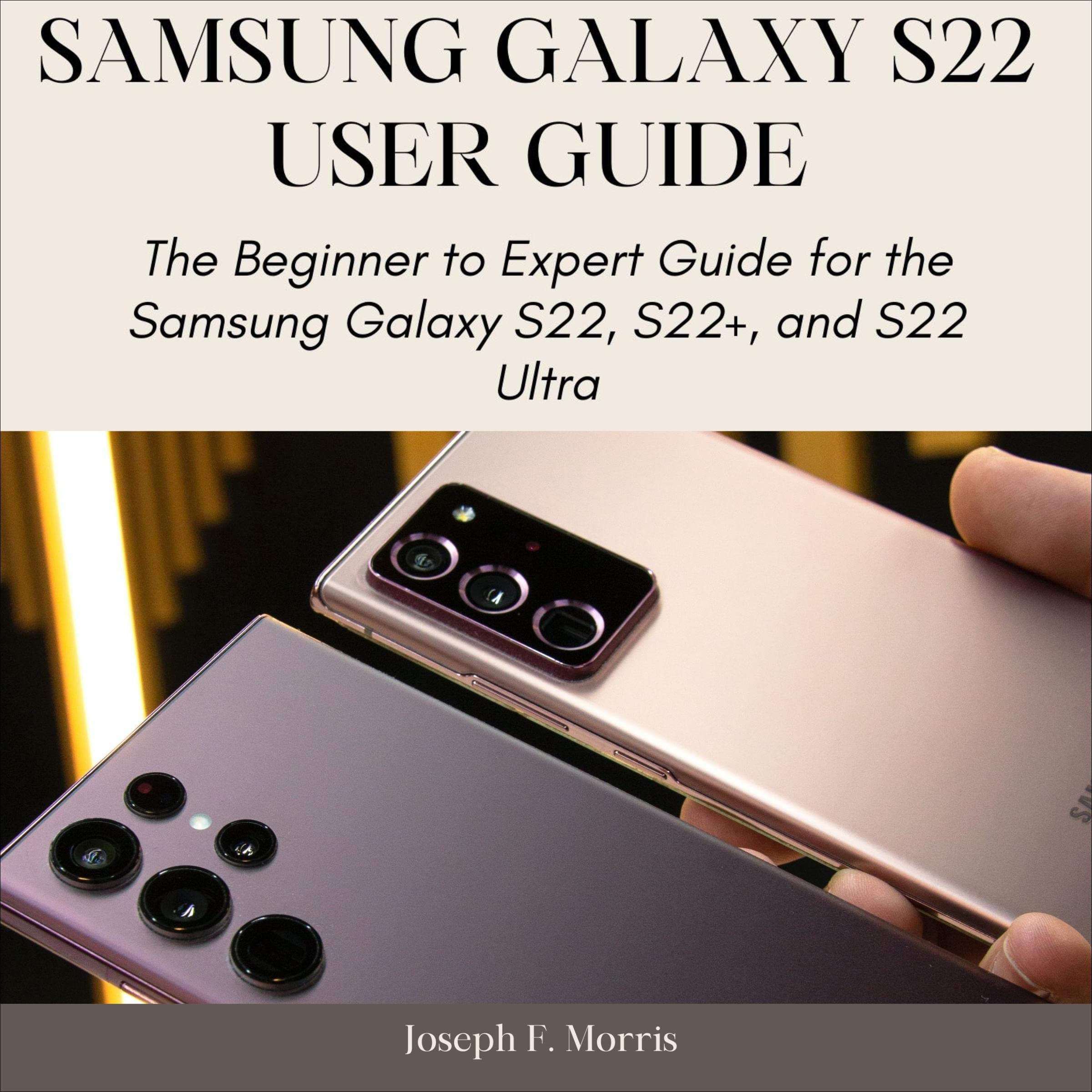
Image: Cover of the "Samsung Galaxy S22 User Guide" audiobook, which this manual is based upon.
Setup and Initial Configuration
This section guides you through the initial setup process and important configurations for your new Samsung Galaxy S22 series device.
- Setting Up Emergency Contacts: Learn how to configure emergency contacts and information for quick access in critical situations.
- Creating and Using Mail Services: Instructions for adding and managing your email accounts on your device.
- Transferring Data: Steps to transfer data from your previous device to your new Galaxy S22.
- Setting Up an eSIM: Guide on how to activate and use an embedded SIM (eSIM) for cellular connectivity.
Operating Your Device: Features and Functions
Explore the various features and functionalities of your Samsung Galaxy S22 series phone.
- Camera Tips and Tricks: Discover how to utilize your device's camera features for optimal photo and video capture.
- S Pen Usage (S22 Ultra): For S22 Ultra users, learn to effectively use the S Pen for notes, drawings, and navigation.
- Media and Playback Options: Manage and enjoy your media content, including music, videos, and photos.
- Wireless Charging: Instructions for wirelessly charging your device and using its wireless power share feature to charge other compatible devices.
- Calls and Call Settings: Customize your call experience, including settings for incoming and outgoing calls.
- Find My Mobile Setting: Configure and use the Find My Mobile feature to locate, lock, or erase your device remotely.
- Calendar and Time Converter: Utilize the built-in calendar for scheduling and the time converter for different time zones.
Maintenance and Optimization
Maintain your device's performance and extend its battery life with these tips.
- Battery Optimization Tips: Strategies to improve and prolong your device's battery life, including power-saving modes and app management.
- Software Updates: Regularly check for and install software updates to ensure optimal performance and security.
Troubleshooting Common Issues
This section addresses common problems you might encounter and provides general solutions.
- Device Not Responding: If your device freezes, try a forced restart by pressing and holding the Volume Down button and the Side key simultaneously for more than 7 seconds.
- Battery Draining Quickly: Review battery optimization tips, check for background apps, and ensure your software is up to date.
- Connectivity Problems: For Wi-Fi or Bluetooth issues, try toggling the respective settings off and on, or restart your device.
- App Malfunctions: Clear the cache and data for the problematic app, or reinstall it.
For more specific troubleshooting or persistent issues, refer to Samsung's official support website or contact their customer service.
Specifications
This manual focuses on the operational aspects of the Samsung Galaxy S22 series. For detailed technical specifications of the Samsung Galaxy S22, S22+, and S22 Ultra devices, please refer to the official Samsung product pages or the documentation included with your device.
Key features generally include:
- High-resolution Dynamic AMOLED 2X display
- Advanced multi-lens camera system
- Powerful processor for enhanced performance
- Long-lasting battery with fast and wireless charging capabilities
- 5G connectivity
- S Pen integration (Galaxy S22 Ultra)
Warranty and Support
For information regarding the warranty of your Samsung Galaxy S22 series device, please consult the warranty card included with your purchase or visit the official Samsung support website for your region. Warranty terms and conditions may vary.
For technical support, software updates, and service information, please visit the official Samsung support portal:


