
1. Introduction
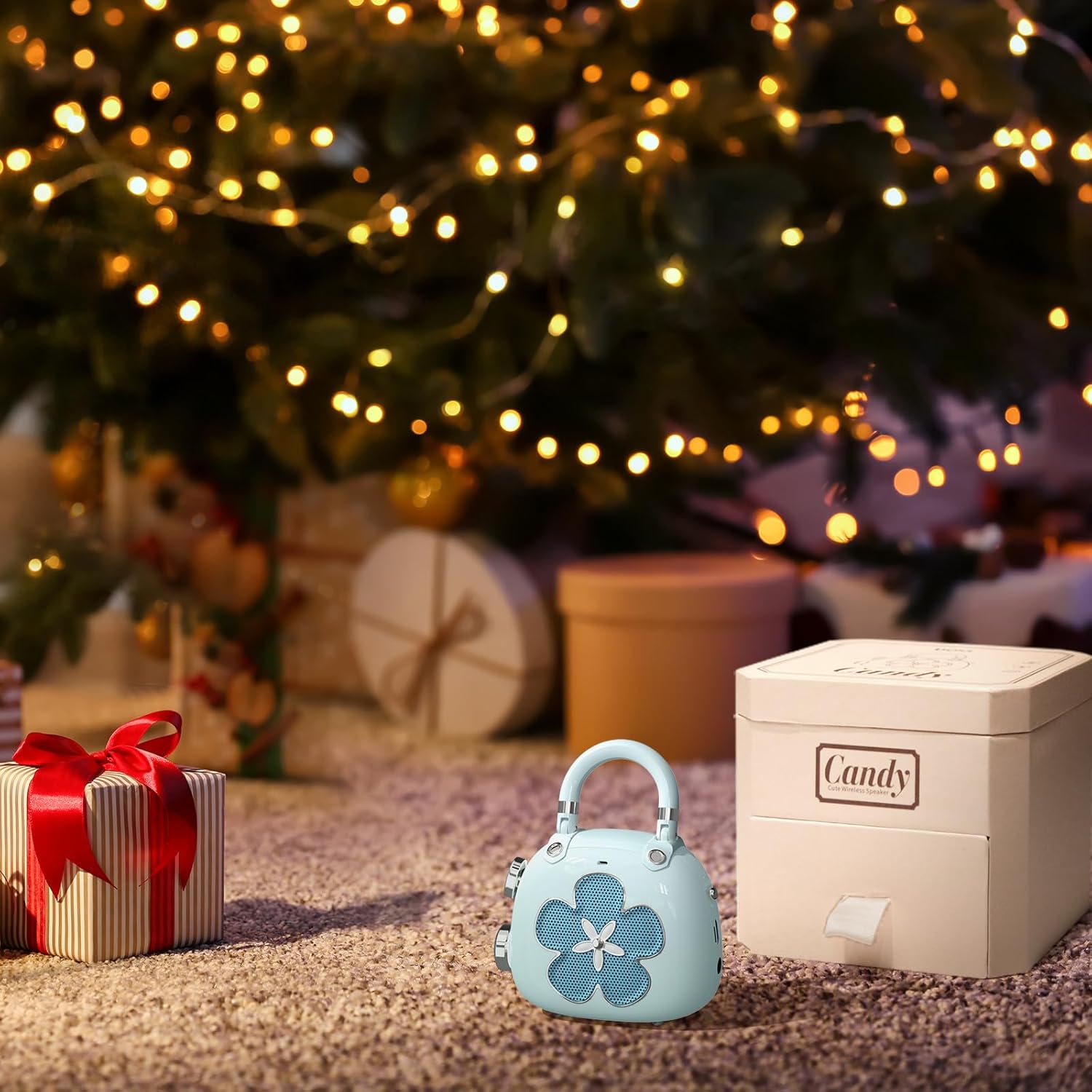
Thank you for choosing the DOSS Candy Bluetooth Speaker. This mini portable speaker combines mighty sound with a retro stylish design, perfect for room decoration or as a gift. It features Bluetooth 5.0 technology for stable and fast connections.

2. What's in the Box
- DOSS Candy Bluetooth Speaker
- Charging Cable (USB)
- User Manual
3. Setup
3.1 Charging the Speaker
Before first use, fully charge the speaker. Connect the provided USB charging cable to the charging port on the speaker and a USB power source (e.g., computer, wall adapter). The indicator light will show charging status and turn off when fully charged.

3.2 Bluetooth Pairing
- Turn on the DOSS Candy speaker by pressing and holding the power button. The speaker will enter Bluetooth pairing mode, indicated by a flashing LED light.
- On your device (smartphone, tablet, etc.), enable Bluetooth and search for available devices.
- Select "DOSS Candy" from the list of devices.
- Once connected, the LED light on the speaker will become solid, and you will hear an audible confirmation.

4. Operating the Speaker
4.1 Power On/Off
- To turn on: Press and hold the power button (usually located on the back or side) until the indicator light illuminates.
- To turn off: Press and hold the power button again until the indicator light turns off.
4.2 Volume Control
The DOSS Candy speaker features dedicated volume buttons. These are typically located on the side of the speaker, resembling small decorative elements.
- Increase Volume: Press the '+' button.
- Decrease Volume: Press the '-' button.

4.3 Playback Control
Playback functions are typically controlled via your connected Bluetooth device. Some speakers may offer limited controls directly on the unit:
- Play/Pause: A single press of the power button or a dedicated play/pause button (if available).
- Next Track: Double-press the '+' button (if supported).
- Previous Track: Double-press the '-' button (if supported).
5. Maintenance
- Cleaning: Use a soft, dry cloth to clean the speaker's surface. Do not use harsh chemicals or abrasive cleaners.
- Storage: Store the speaker in a cool, dry place away from direct sunlight and extreme temperatures.
- Battery Care: To prolong battery life, avoid fully discharging the speaker frequently. Charge it regularly, even if not in use for extended periods.
6. Troubleshooting
| Problem | Possible Cause | Solution |
|---|---|---|
| Speaker does not turn on | Low battery | Charge the speaker fully. |
| Cannot pair with device | Bluetooth not enabled/speaker not in pairing mode | Ensure Bluetooth is on and the speaker is in pairing mode (flashing LED). Move devices closer. |
| No sound | Volume too low/device not connected | Increase speaker and device volume. Re-pair the device. |
| Poor sound quality | Interference/distance | Move speaker closer to the device. Avoid obstacles. |
7. Specifications
| Feature | Detail |
|---|---|
| Brand | DOSS |
| Model Name | M66 |
| Product Dimensions | 1.2"D x 2.09"W x 2.5"H |
| Item Weight | 6.7 ounces |
| Speaker Maximum Output Power | 5 Watts |
| Connectivity Technology | Bluetooth |
| Bluetooth Range | 35 Feet |
| Power Source | Battery Powered (1 Lithium Ion battery included) |
| Control Method | Touch |
| Material | Metal |
| Color | Blue |
| Warranty Type | 1-year warranty |
8. Warranty & Support
The DOSS Candy Bluetooth Speaker comes with a 1-year warranty covering any quality-related concerns from the date of purchase.
For any issues with the product, please feel free to contact us. We are committed to providing you with 24-hour prompt assistance and support!

Phone: 1-833-275-3677
Email: support@dossav.com


