
1. Introduction
Thank you for choosing the Baseus IGBT Power Inverter 300W. This device converts 12V DC power from your vehicle's battery into 220V AC power, allowing you to operate various electronic devices on the go. It features high-efficiency energy conversion, a smart digital display, and multiple output ports for versatile use in outdoor settings, during road trips, or for powering small appliances.
2. Safety Information
- Read all instructions: Before using the inverter, read this manual thoroughly to understand its functions and safety precautions.
- Proper ventilation: Ensure the inverter is placed in a well-ventilated area to prevent overheating. Do not block ventilation openings.
- Avoid moisture: Do not expose the inverter to rain, water, or excessive moisture.
- Correct voltage: Ensure the input voltage from your vehicle (12V DC) matches the inverter's requirements.
- Total wattage: Do not exceed the inverter's maximum output power of 300W. Overloading can damage the inverter and connected devices.
- Children and pets: Keep the inverter out of reach of children and pets.
- Professional service: Do not attempt to disassemble or repair the inverter yourself. Refer all servicing to qualified personnel.
3. Package Contents
Verify that all items are present in the package:
- Baseus IGBT Power Inverter 300W
- 2 x USB Cables (for charging)
- Power supply cable (cigarette lighter adapter)
4. Product Overview
Familiarize yourself with the components of your Baseus Power Inverter.
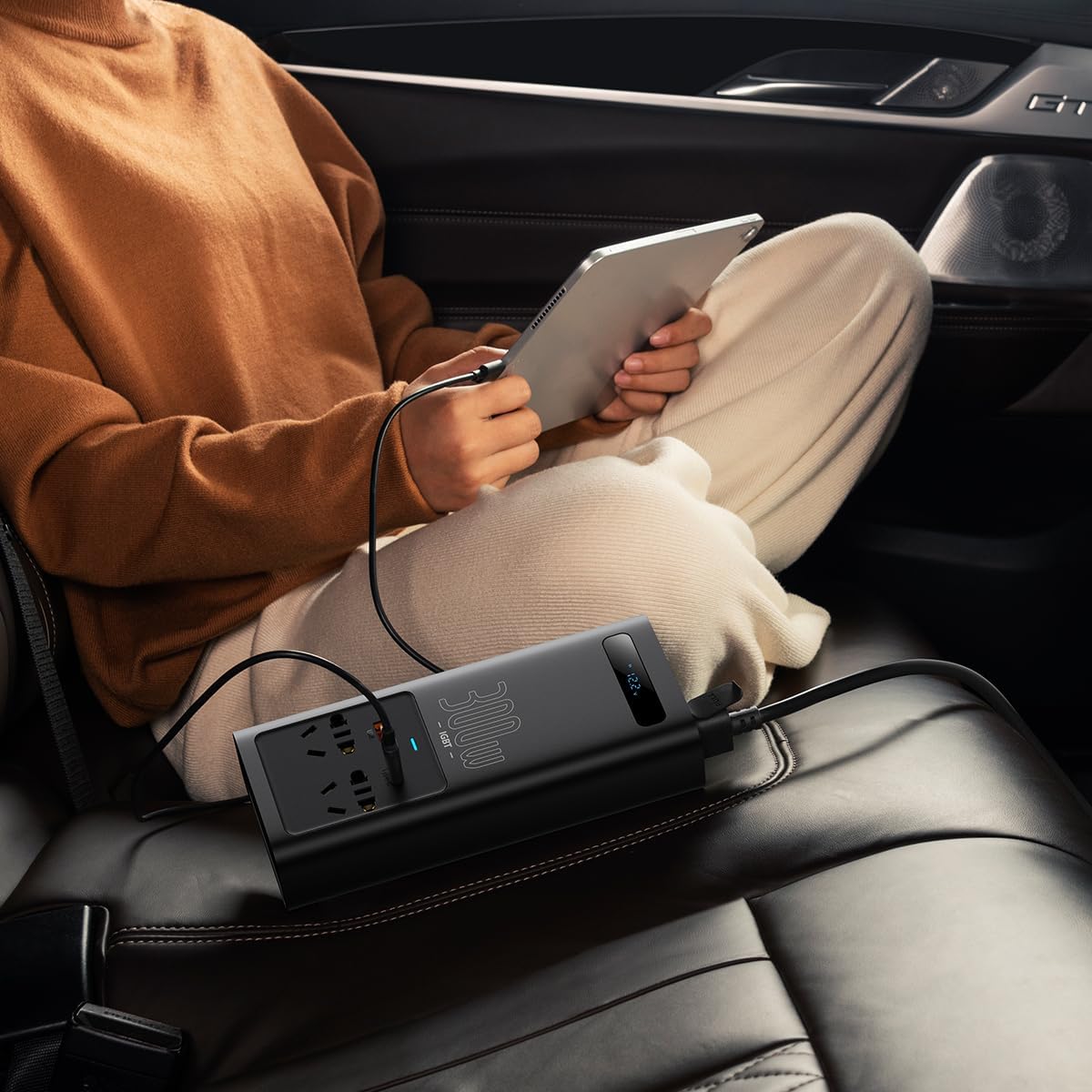
Image: The Baseus IGBT Power Inverter 300W, showcasing its compact design and various output ports.
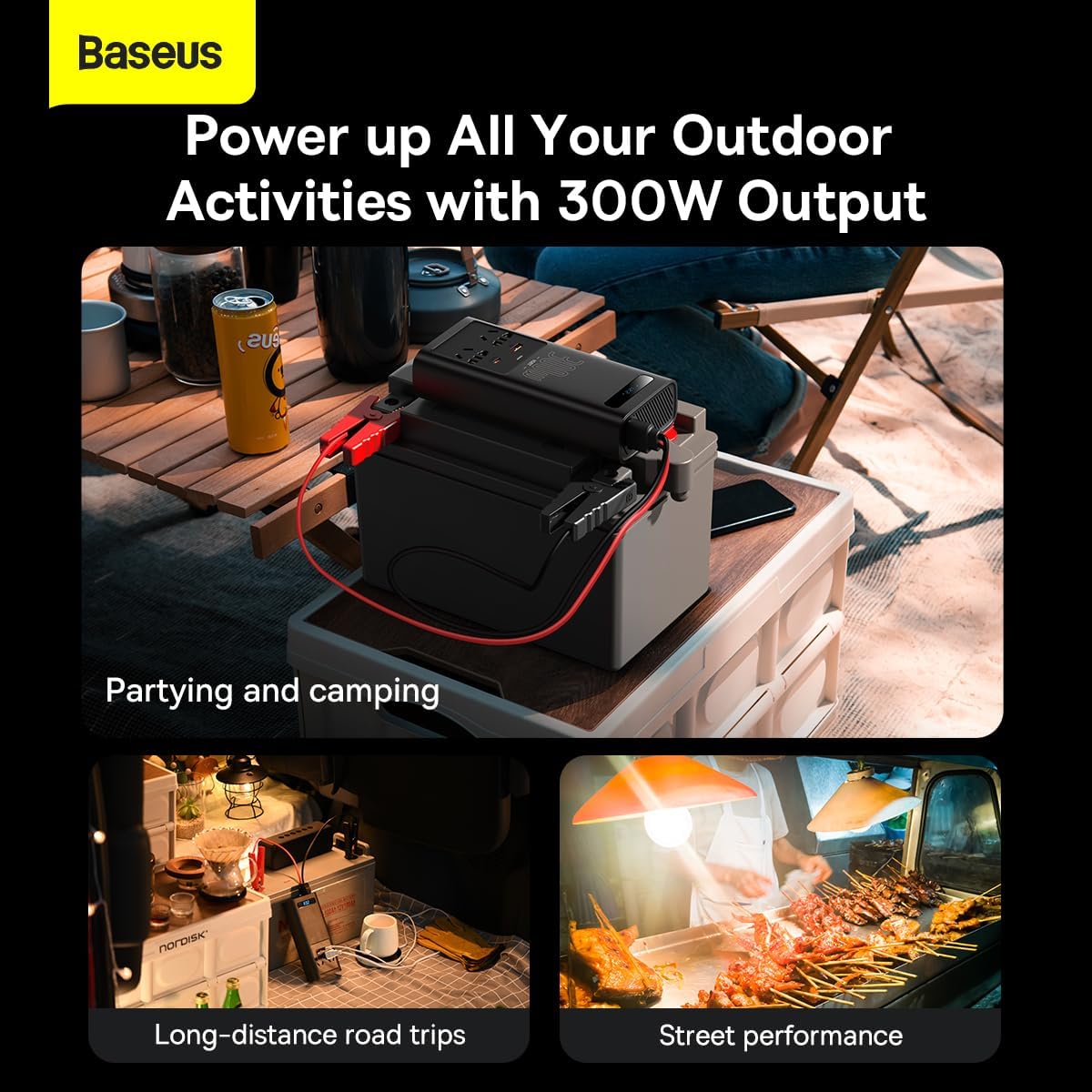
Image: A detailed view of the inverter's output panel, featuring two universal AC outlets, a USB QC3.0 port, and a Type-C PD port.
The inverter features a robust casing, multiple power outlets (AC, USB, Type-C), and a digital display for real-time monitoring. The integrated IGBT technology ensures high efficiency and energy saving.
5. Setup
Follow these steps to set up your power inverter:
- Vehicle Compatibility: Ensure your vehicle has a 12V DC power outlet (cigarette lighter socket).
- Connect to Vehicle: Insert the inverter's power supply cable (cigarette lighter adapter) firmly into your vehicle's 12V DC outlet.
- Placement: Place the inverter on a stable, flat surface, ensuring adequate ventilation around the unit. Avoid placing it in direct sunlight or near heat sources.
- Power On: The inverter should automatically power on, and the digital display will show the input voltage.
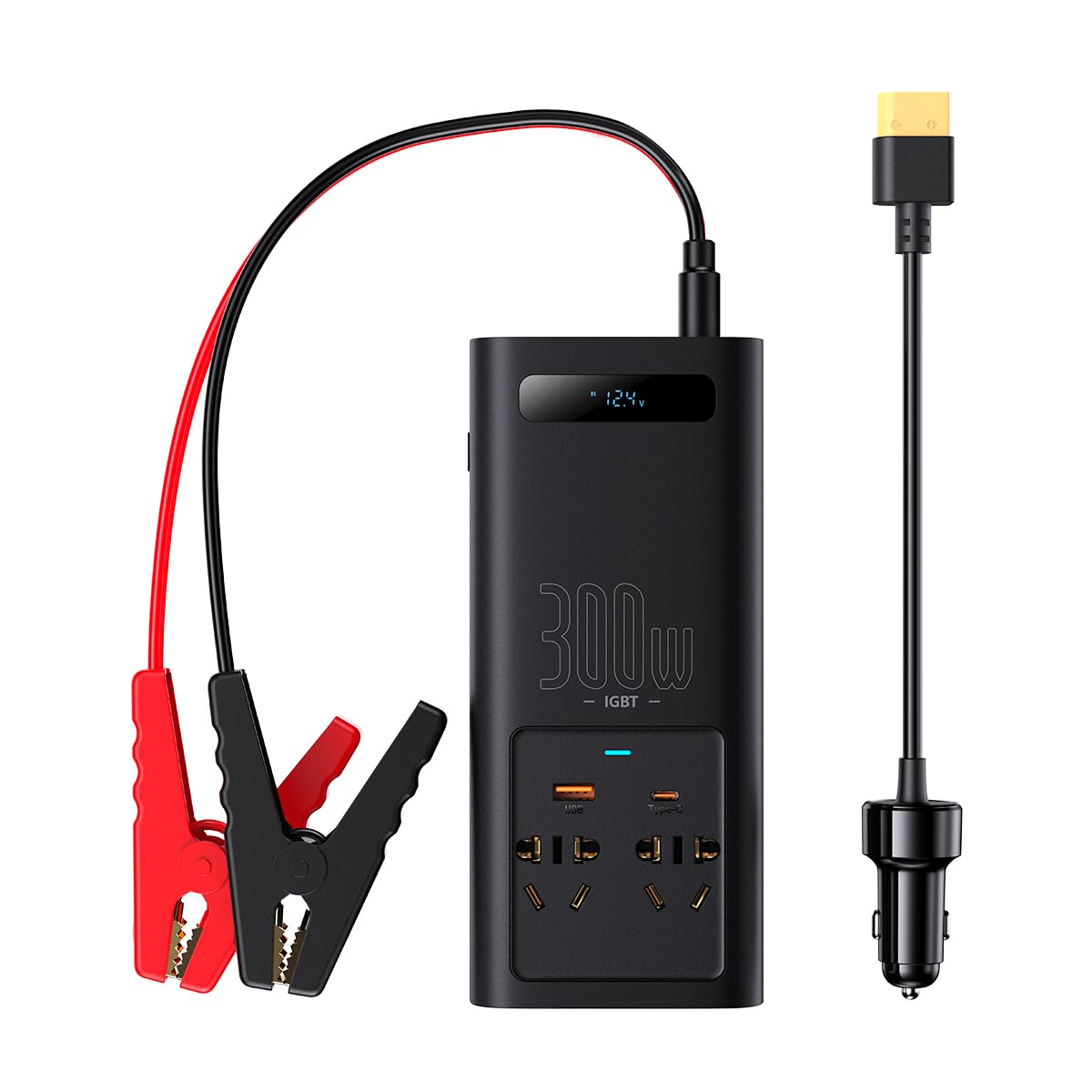
Image: The Baseus IGBT Power Inverter 300W connected to a vehicle's power outlet, providing power to a tablet for charging.
6. Operating Instructions
Once the inverter is set up, you can connect your devices:
- Connect Devices: Plug your electronic devices into the appropriate output ports on the inverter (AC outlets, USB QC3.0, or Type-C PD).
- Monitor Display: The smart digital display will show real-time voltage and power consumption. This helps you monitor the load and prevent overloading.

Image: A close-up of the inverter's digital display, showing the input voltage (e.g., 12.2V) for real-time monitoring.
The inverter is designed for various applications, including powering devices during camping, long-distance road trips, or other outdoor activities.

Image: The Baseus IGBT Power Inverter 300W being used to power devices during outdoor activities like camping, road trips, and street performances.
7. Maintenance
To ensure the longevity and optimal performance of your inverter:
- Cleaning: Use a dry, soft cloth to clean the exterior of the inverter. Do not use liquid cleaners or solvents.
- Storage: When not in use, store the inverter in a cool, dry place, away from direct sunlight and extreme temperatures.
- Ventilation: Regularly check that the ventilation openings are clear of dust and debris.
8. Troubleshooting
If you encounter issues with your inverter, refer to the following common problems and solutions:
| Problem | Possible Cause | Solution |
|---|---|---|
| No power output | Inverter not connected properly; vehicle's 12V outlet not supplying power; device power draw too high. | Ensure secure connection to vehicle outlet. Check vehicle's fuse. Reduce total wattage of connected devices. |
| Overheating | Poor ventilation; excessive load. | Ensure inverter is in a well-ventilated area. Reduce connected load. |
| Digital display not working | Loose connection; internal fault. | Check power connections. If problem persists, contact customer support. |
If these solutions do not resolve the issue, please contact customer support for further assistance.
9. Specifications
Technical specifications for the Baseus IGBT Power Inverter 300W:
- Model Number: CGNB010101
- Dimensions: 200 x 90 x 50 mm
- Weight: 500 grams
- Power Output: 300W
- Input Voltage: 12V DC (from vehicle cigarette lighter)
- Output Voltage: 220V AC
- Frequency: 50 Hz
- Output Ports: 1 x AC outlet, 1 x USB QC3.0 (30W Max), 1 x Type-C PD (30W Max)
- Color: Black
- Power Source: Corded Electric
- Recommended Use: Vehicle
10. Warranty and Support
For warranty information or technical support, please refer to the warranty card included with your product or visit the official Baseus website. Keep your purchase receipt as proof of purchase for warranty claims.


