
Introduction
This manual provides essential instructions for setting up, operating, and maintaining your Mingdaln Smart Watch. Please read this guide thoroughly to ensure optimal performance and longevity of your device.
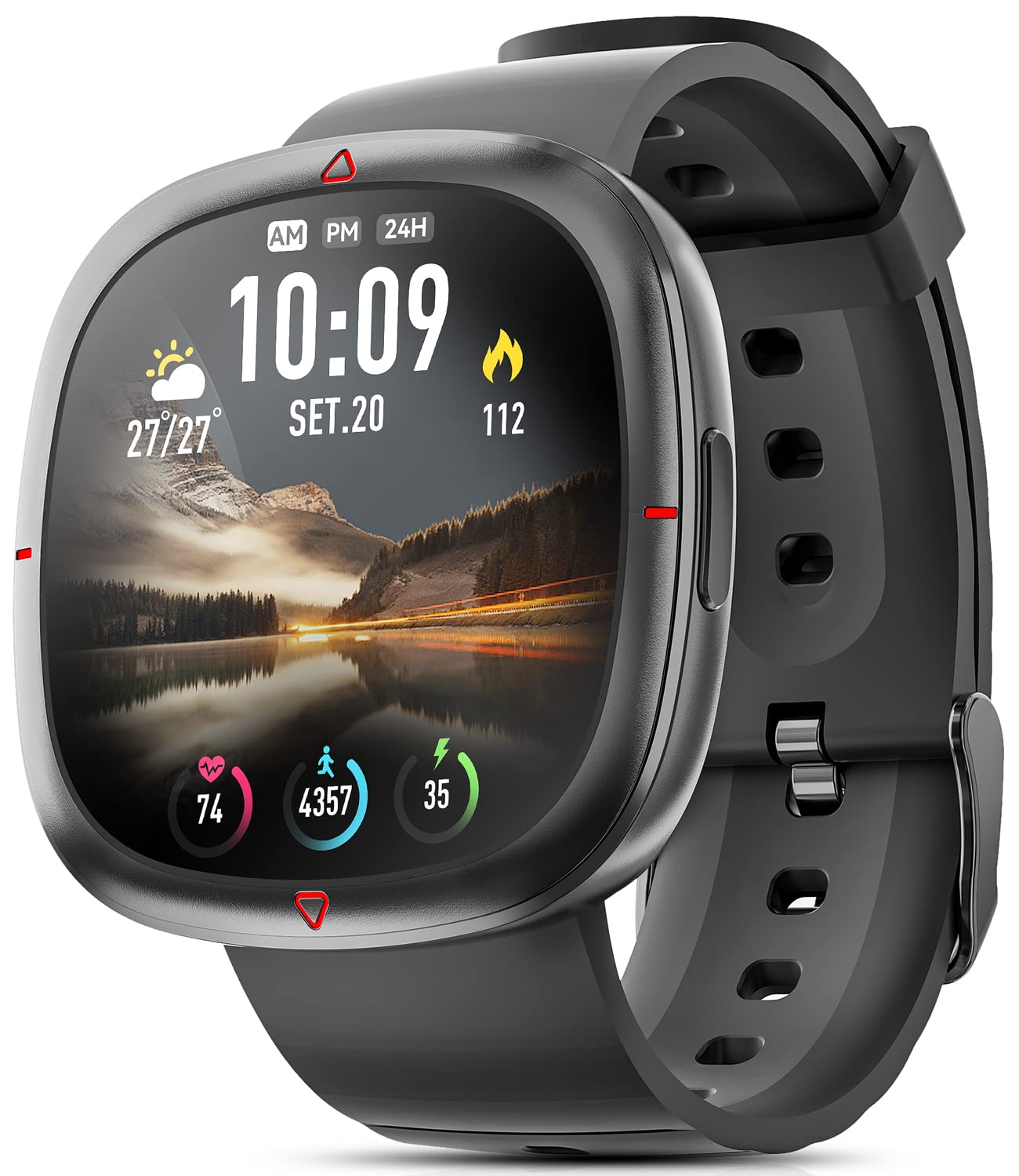
Figure 1: Mingdaln Smart Watch on a wrist, showing the main display with time and weather information.
What's in the Box
- 1 x Mingdaln Smart Watch
- 1 x Charging Cable
- 1 x User Manual
Setup
1. Charging the Smart Watch
Before initial use, fully charge your smart watch. Connect the provided charging cable to the charging port on the back of the watch and plug the USB end into a power source. A full charge typically takes approximately 2 hours.
2. Downloading the 'Da Fit' App
The Mingdaln Smart Watch requires the 'Da Fit' app for full functionality and data synchronization. You can download the app by:
- Scanning the QR code provided in the manual or on the watch screen.
- Searching for "Da Fit" in the Google Play Store (for Android devices) or Apple App Store (for iOS devices).
3. Pairing with Your Smartphone
- Ensure Bluetooth is enabled on your smartphone.
- Open the 'Da Fit' app.
- Follow the in-app instructions to search for and connect to your Mingdaln Smart Watch.
- Once connected, the watch will synchronize time and data with your phone.
Operating the Smart Watch
Basic Navigation
- Wake Screen: Raise your wrist or press the side button.
- Swipe Up/Down: Access quick settings or notifications.
- Swipe Left/Right: Navigate through main features and widgets.
- Tap: Select an item or confirm an action.
- Side Button: Return to the main watch face or power on/off (long press).
Customizing Watch Faces
The Mingdaln Smart Watch offers multiple built-in watch faces. You can also customize your watch face through the 'Da Fit' app to personalize your device.
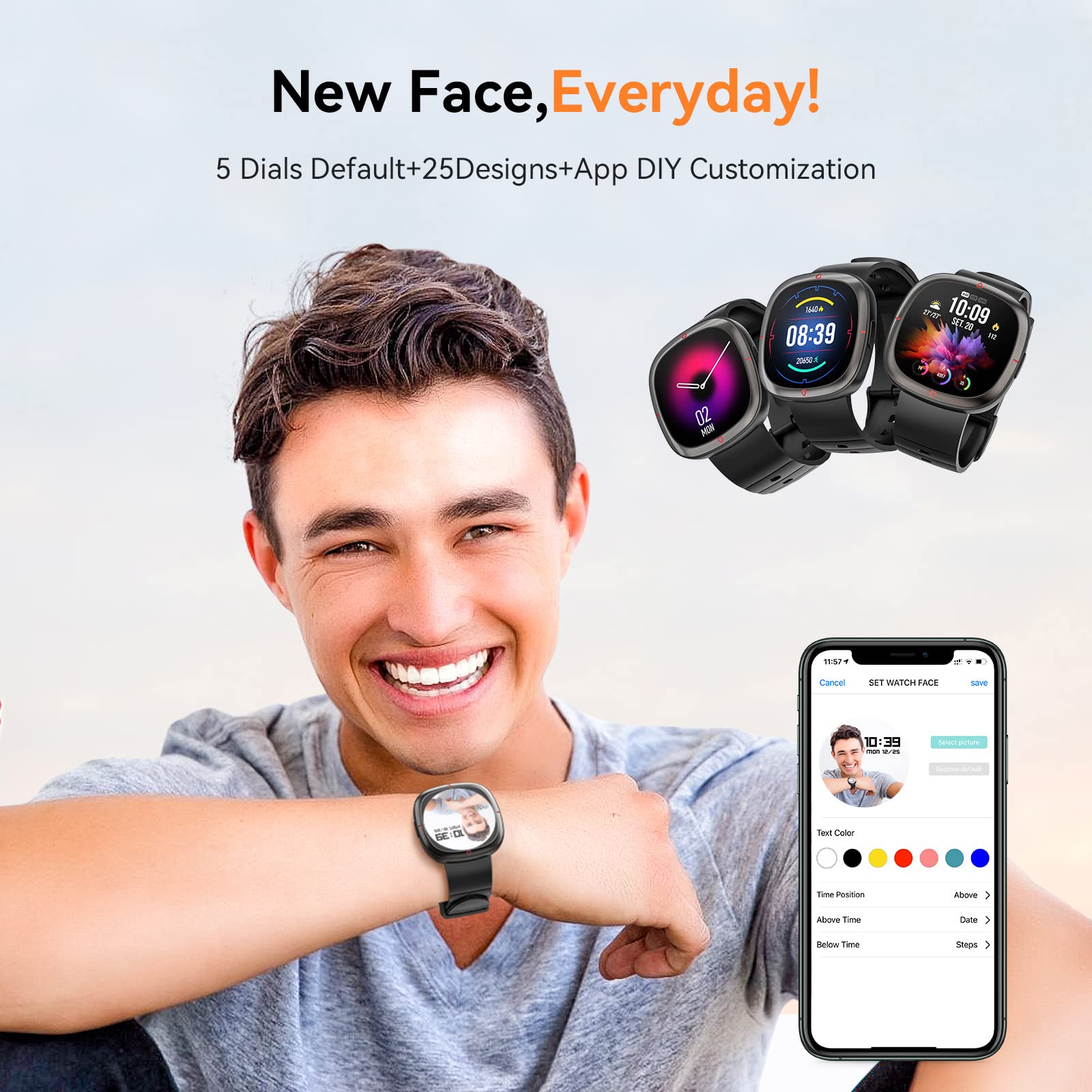
Figure 2: Various watch faces available for customization via the 'Da Fit' app.
Smart Notifications
Receive real-time notifications for calls, SMS messages, and various social media apps directly on your watch when connected to your smartphone.
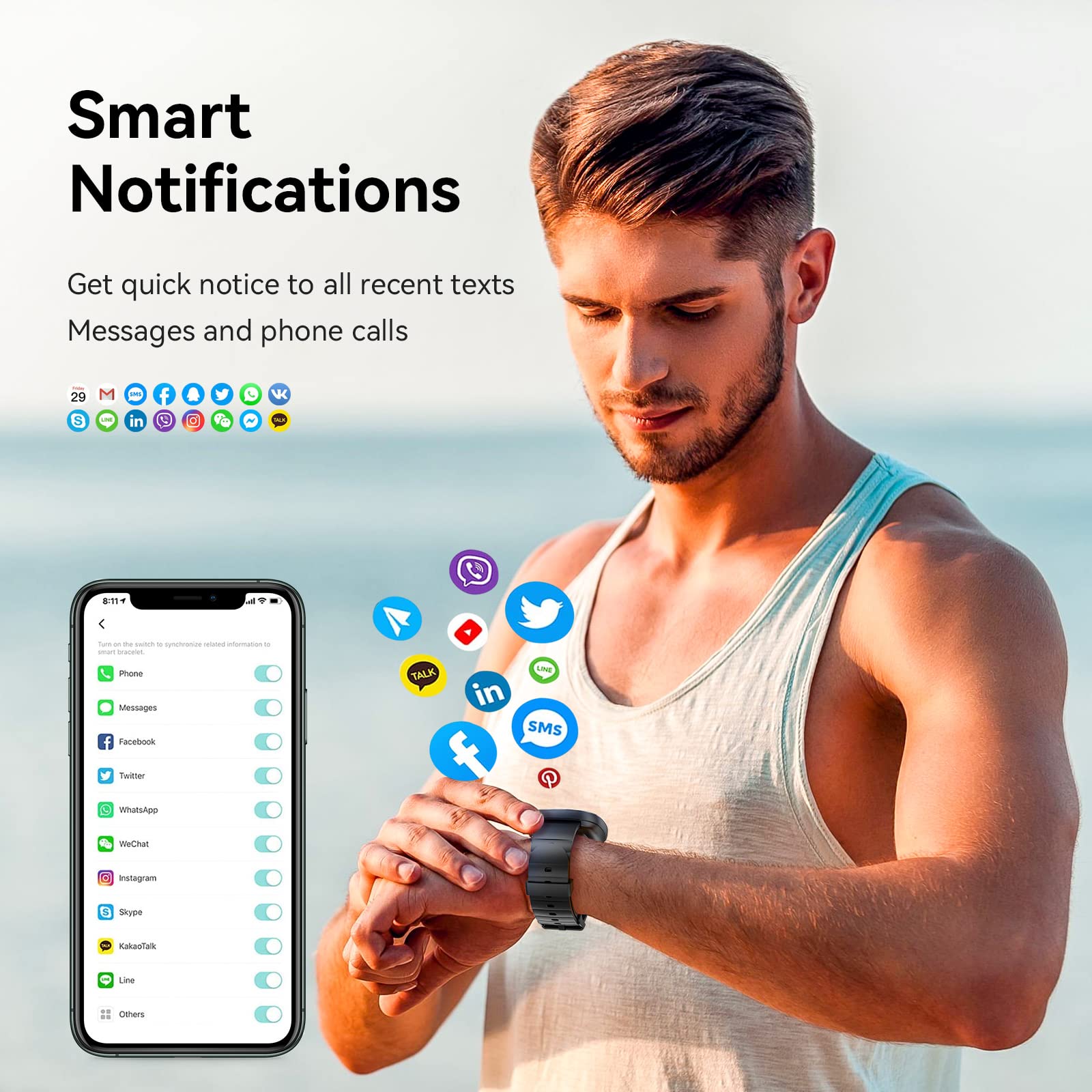
Figure 3: Smart notifications from various applications displayed on the watch.
Sports Modes
The watch supports 8 sports modes to accurately monitor your exercise data, including:
- Swimming
- Running
- Cycling
- Skipping
- Badminton
- Basketball
- Football
- Walking
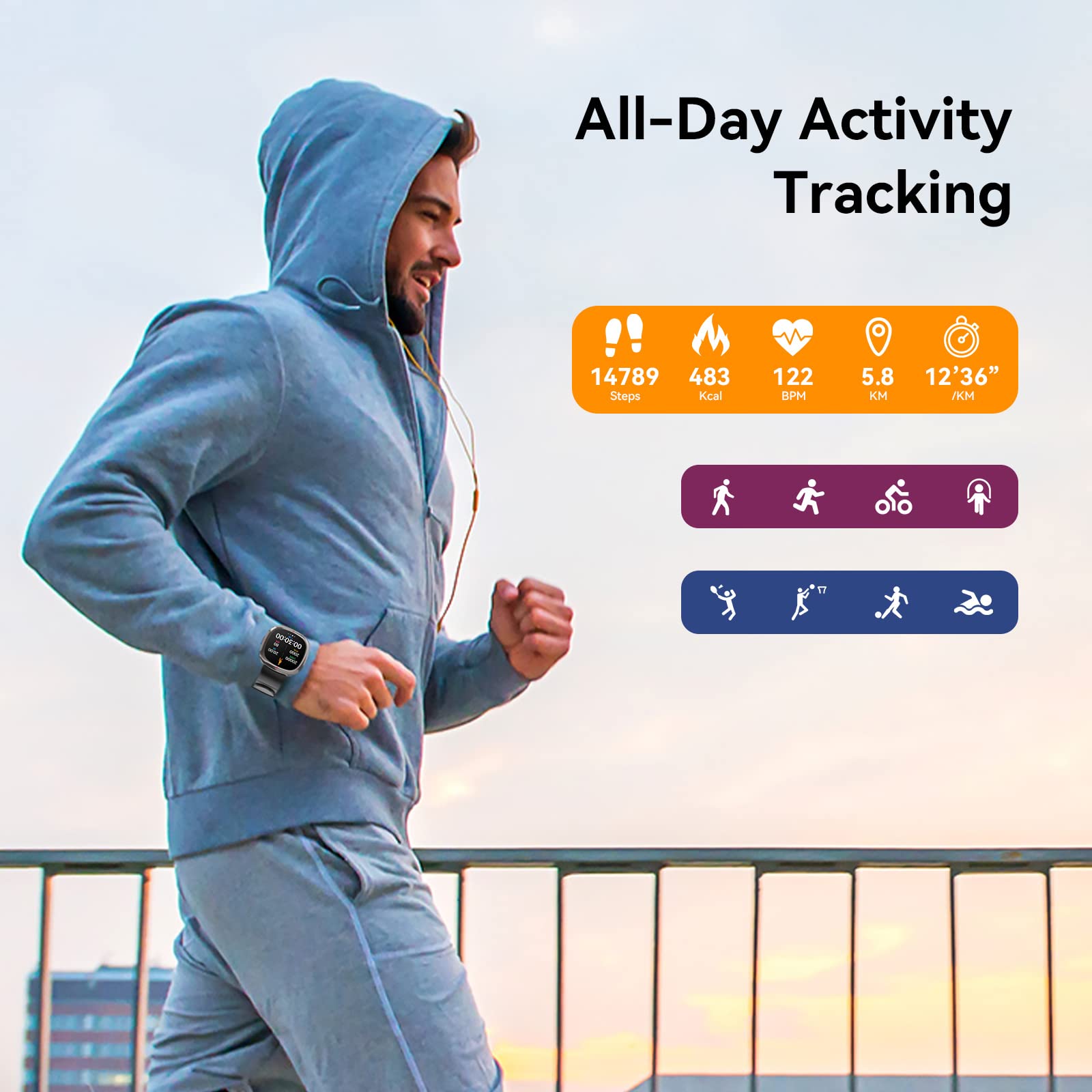
Figure 4: Activity tracking during a run, showing steps, calories, and heart rate.
Health Monitoring
The smart watch provides 24/7 health monitoring features:
- Heart Rate: Real-time heart rate tracking.
- Blood Pressure: Monitors blood pressure levels.
- Blood Oxygen: Measures blood oxygen saturation.
- Sleep Tracking: Automatically tracks sleep status (deep sleep, light sleep, awake time) and analyzes sleep quality.
Note: All test data from the smart watch is for reference only and cannot be compared with professional medical device data.
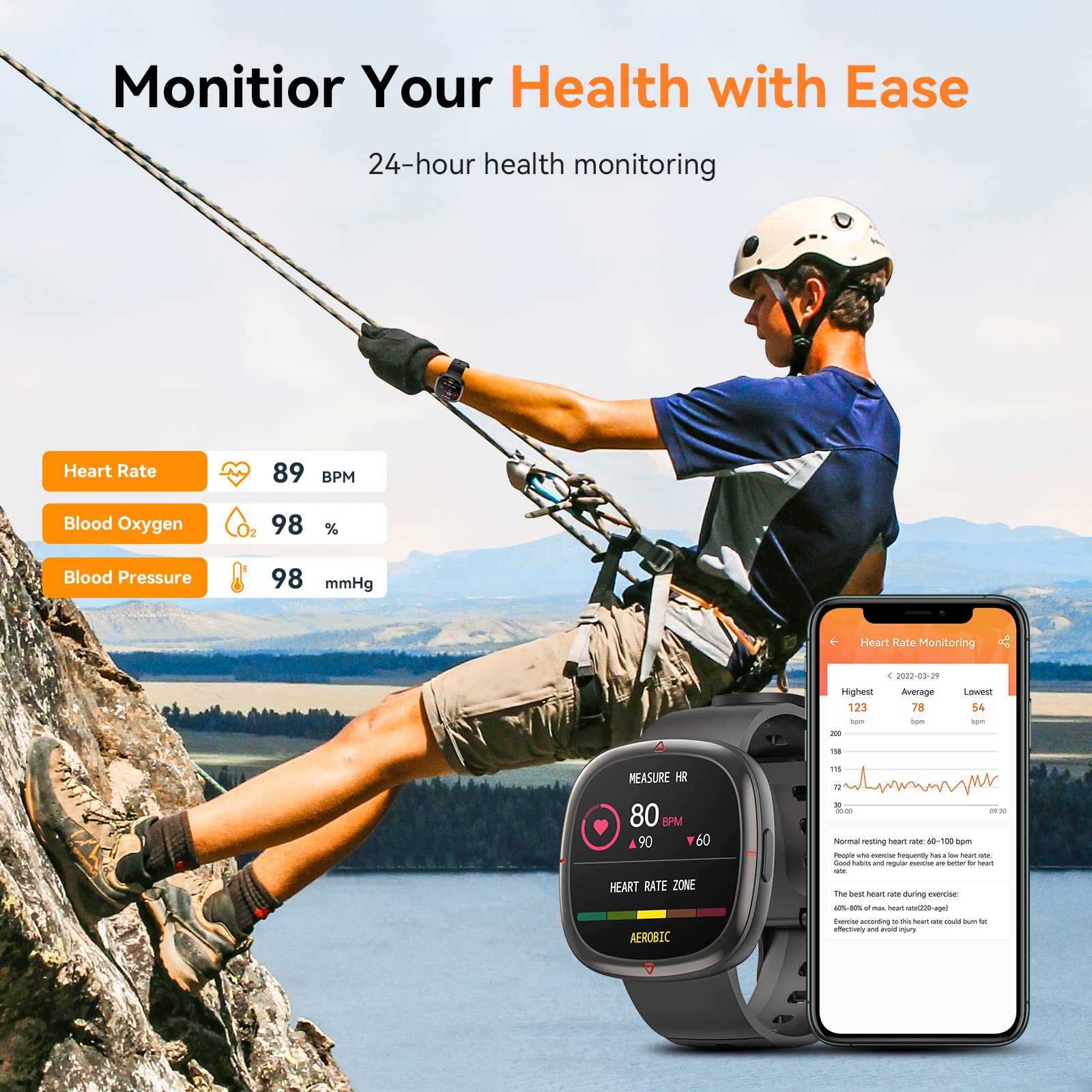
Figure 5: Health monitoring features including heart rate, blood oxygen, and blood pressure.
Other Features
The smart watch includes additional practical tools:
- Weather Reminder
- Remote Photo Control
- Music Control
- Theater Mode
- Stopwatch
- Alarm Clock
- Timer
- Breathing Training
- Relax Games
Video 1: An overview of the Mingdaln Smart Watch features, including screen display, health monitoring, watch faces, notifications, sports modes, IP68 waterproofing, and sleep tracking.
Maintenance
Water Resistance (IP68)
The Mingdaln Smart Watch is IP68 waterproof, meaning it is resistant to dust and can withstand immersion in water up to 1.5 meters for 30 minutes. It is suitable for activities like swimming, but it is not recommended for diving or sauna use.
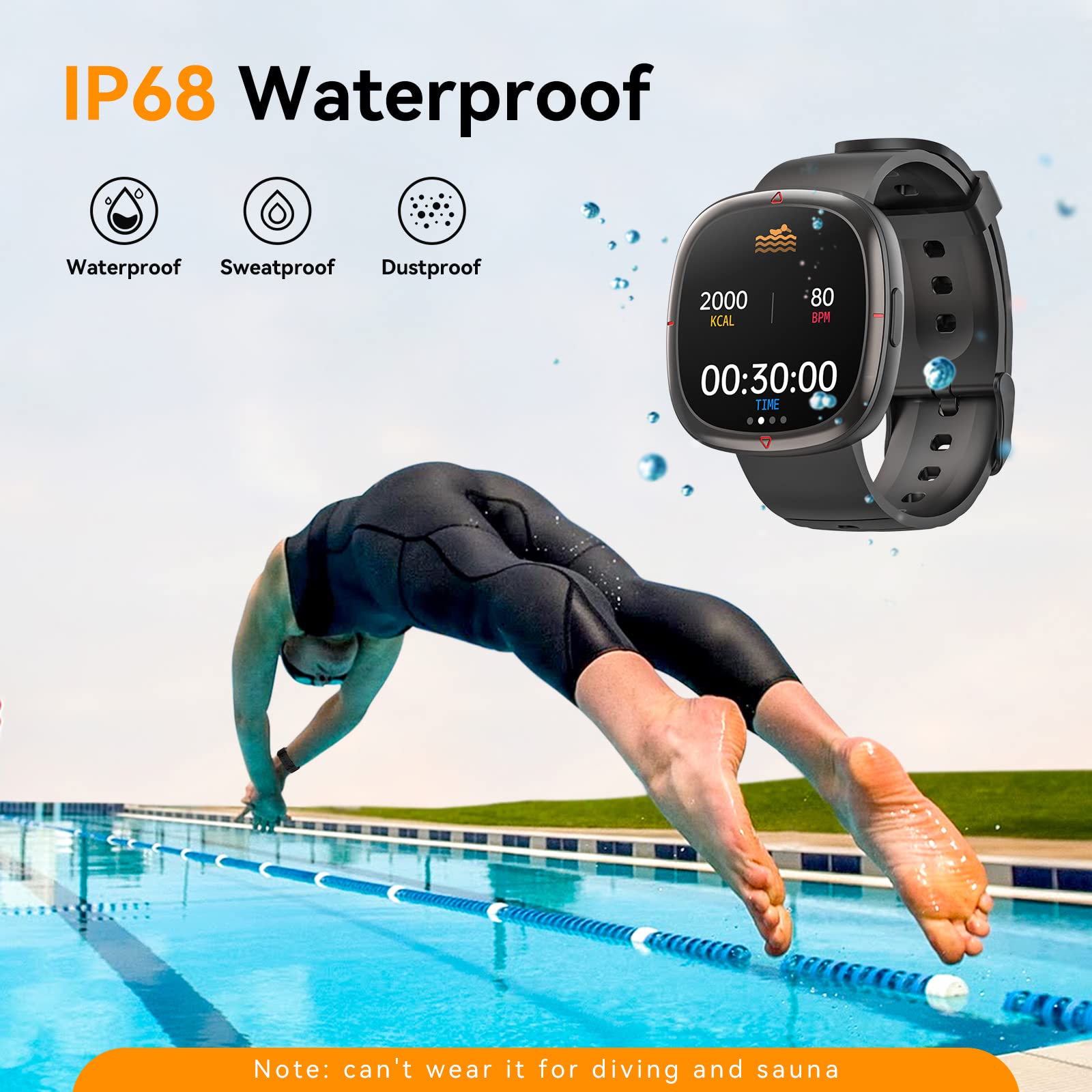
Figure 6: The smart watch demonstrating its IP68 waterproof capability during swimming.
Cleaning
Regularly clean your smart watch and band with a soft, dry cloth. If necessary, use a slightly damp cloth. Avoid harsh chemicals or abrasive materials.
Battery Care
To prolong battery life, avoid exposing the watch to extreme temperatures. Charge the device using only the provided charging cable. The 200mAh battery offers 4-5 days of typical use and up to 15-30 days on standby, with a full charge taking about 2 hours.
Troubleshooting
- Watch not turning on: Ensure the watch is fully charged. Long-press the side button to power it on.
- Cannot pair with phone: Make sure Bluetooth is enabled on your phone and the watch is within range. Restart both devices and try pairing again through the 'Da Fit' app.
- Inaccurate health data: Ensure the watch is worn snugly on your wrist. Remember that health data is for reference and not for medical diagnosis.
- Notifications not appearing: Check app notification settings on your phone and within the 'Da Fit' app to ensure they are enabled for the watch.
- Short battery life: Reduce screen brightness, limit background app refresh, and disable unnecessary notifications to extend battery life.
Specifications
| Feature | Detail |
|---|---|
| Model Number | e68cf4f7-a223-4ba2-8fa2-de26d946654a |
| Screen Size | 1.32 Inches |
| Operating System | Android 5.0+, iOS 10+ |
| Connectivity | Bluetooth 4.0 |
| Battery Capacity | 200mAh Lithium Polymer |
| Water Resistance | IP68 |
| Item Weight | 5.2 ounces |
| Special Features | Activity Tracker, Alarm Clock, Blood Pressure Monitor, Heart Rate Monitor, Breath Monitor, Sleep Monitor, Music Player, Sedentary Reminder |
Warranty and Support
For warranty information and customer support, please refer to the documentation included with your product packaging or visit the official Mingdaln website. If you have any questions or encounter issues, please contact customer service through the provided channels.