
1. Introduction
This manual provides essential information for the proper use and maintenance of your TiMOVO protective case. Designed to safeguard your iPad while enhancing its functionality, this case offers robust protection, convenient features, and a sleek design. Please read these instructions carefully to ensure optimal performance and longevity of your product.
2. Compatibility
The TiMOVO protective case is specifically designed for the following iPad models:
- iPad (A16) 11th Generation 11 Inch 2025 (Model numbers: A3354, A3355, A3356)
- iPad 10th Generation 10.9 Inch 2022 (Model numbers: A2696, A2757, A2777, A3162)
To verify your iPad model number, please check the back bottom of your device.

Image: Compatibility chart illustrating the specific iPad models this case is designed for, highlighting the 11th Generation (A16) 2025 and 10th Generation 2022 models, and indicating incompatible models.
3. Key Features
3.1. Robust Protection
The case features a hard PC (Polycarbonate) back shell combined with a shockproof TPU (Thermoplastic Polyurethane) bumper. This hybrid design provides comprehensive protection against scratches, smudges, dust, shocks, drops, and impacts, safeguarding your iPad from daily wear and tear.
3.2. Built-in Pencil Holder
A dedicated slot is integrated into the case to securely hold your Apple Pencil. This design ensures your pencil is always accessible and prevents it from being lost. The flexible material allows for easy insertion and removal of the pencil.
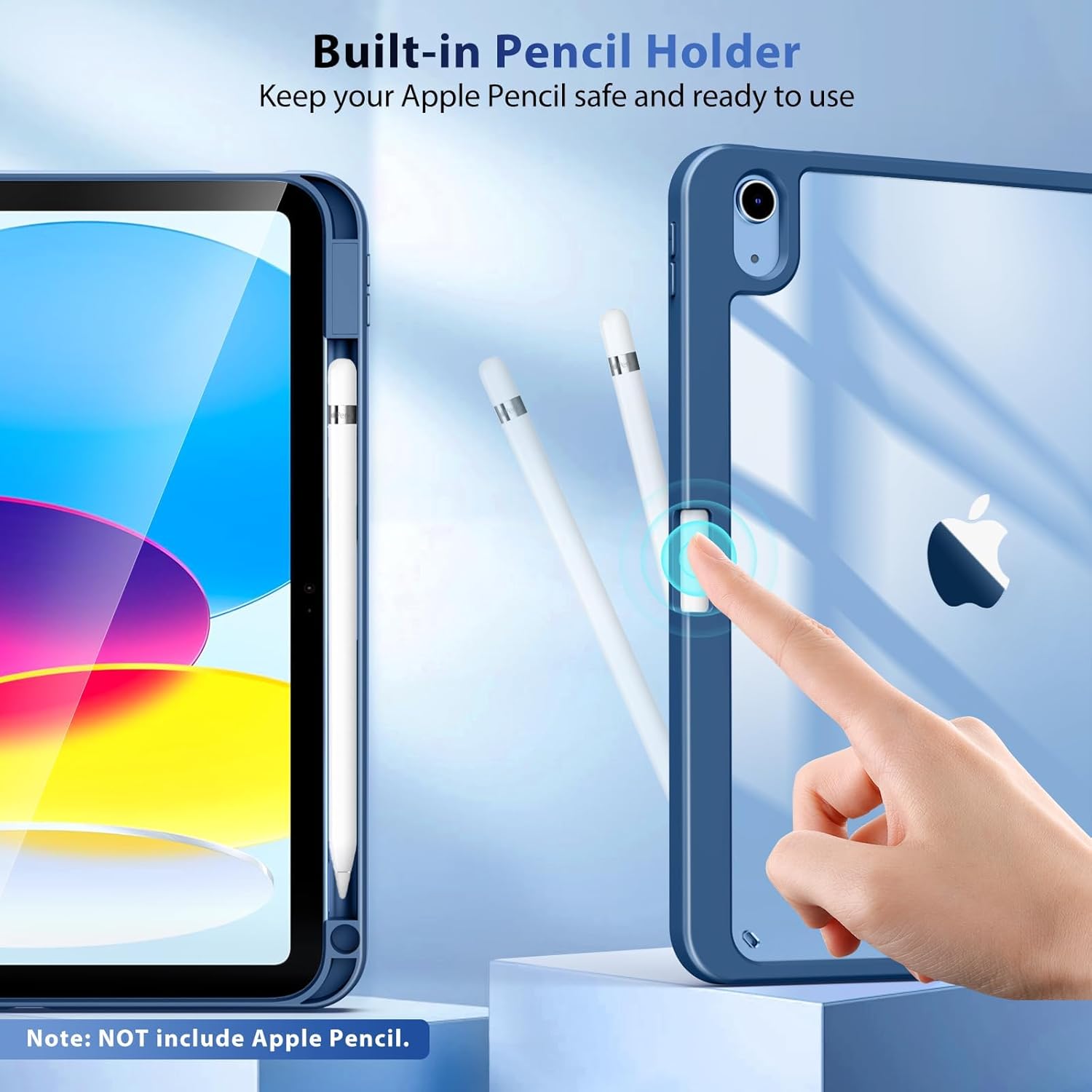
Image: Close-up view of the iPad case showing the integrated slot designed to hold an Apple Pencil securely along the side of the iPad.
3.3. Clear Back Cover
The transparent PC back cover allows the original color and any personalized engravings of your iPad to remain visible. This feature maintains the aesthetic appeal of your device while providing protection.
Note: Before installing the case, please remove the protective films from both the inner and outer surfaces of the clear back cover for optimal clarity.

Image: The clear back shell of the TiMOVO iPad case, designed to showcase the iPad's original color and Apple logo, with the case frame in Abyss Blue.

Image: An iPad in the clear-back case, adorned with various stickers, demonstrating the customization potential of the transparent design. Note: Stickers are not included.
3.4. Auto Wake/Sleep Function
Internal magnets within the front cover ensure that the auto wake/sleep function of your iPad works seamlessly. Opening the cover will wake your iPad, and closing it will put it to sleep, helping to conserve battery life and extend standby time.
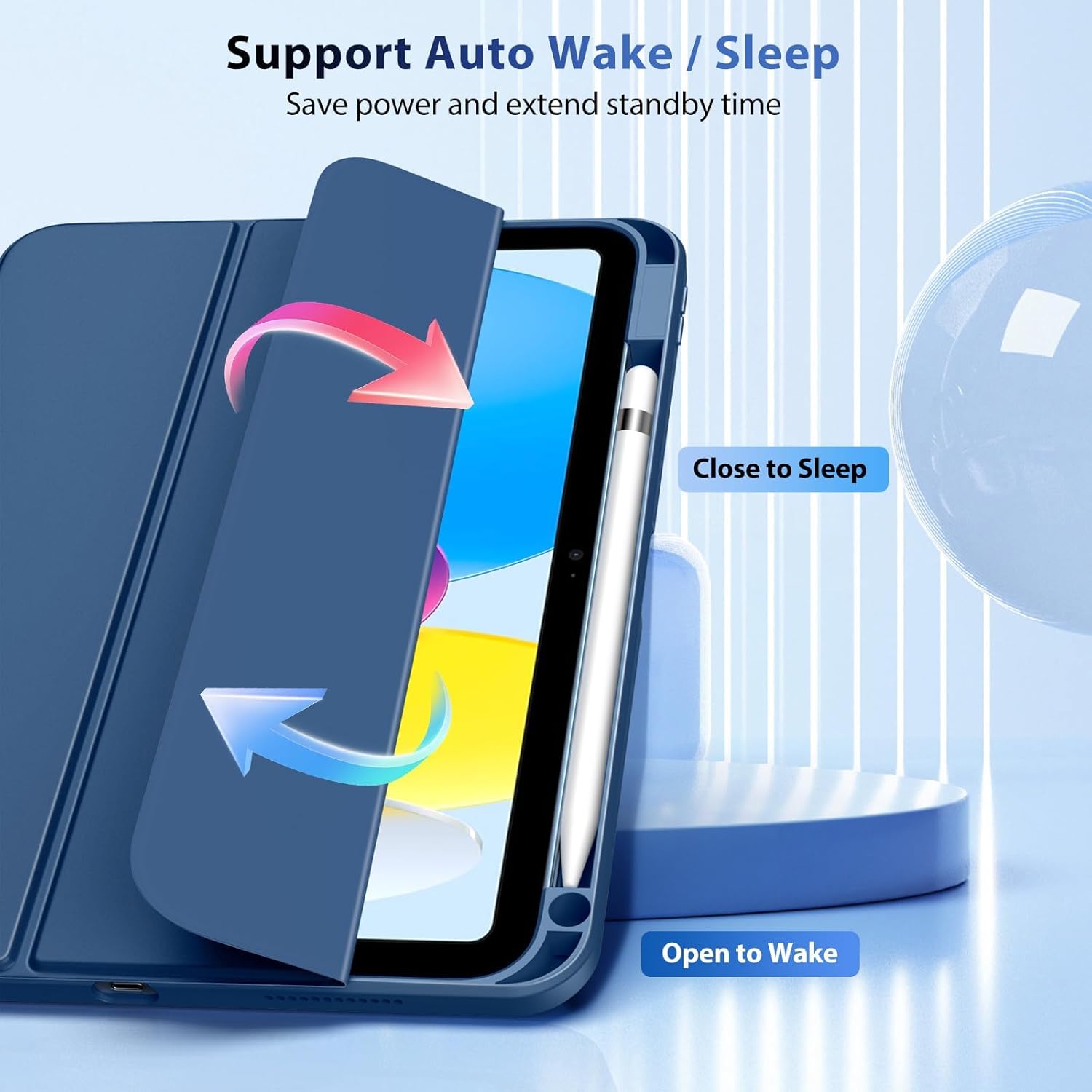
Image: An illustration showing the iPad screen turning on when the cover is opened and turning off when the cover is closed, demonstrating the auto wake/sleep feature.
3.5. Versatile Stand Modes
The tri-fold front cover can be folded into two different positions, providing stable viewing angles for various activities. This allows for hands-free use, whether you are reading, watching videos, typing, or making video calls.
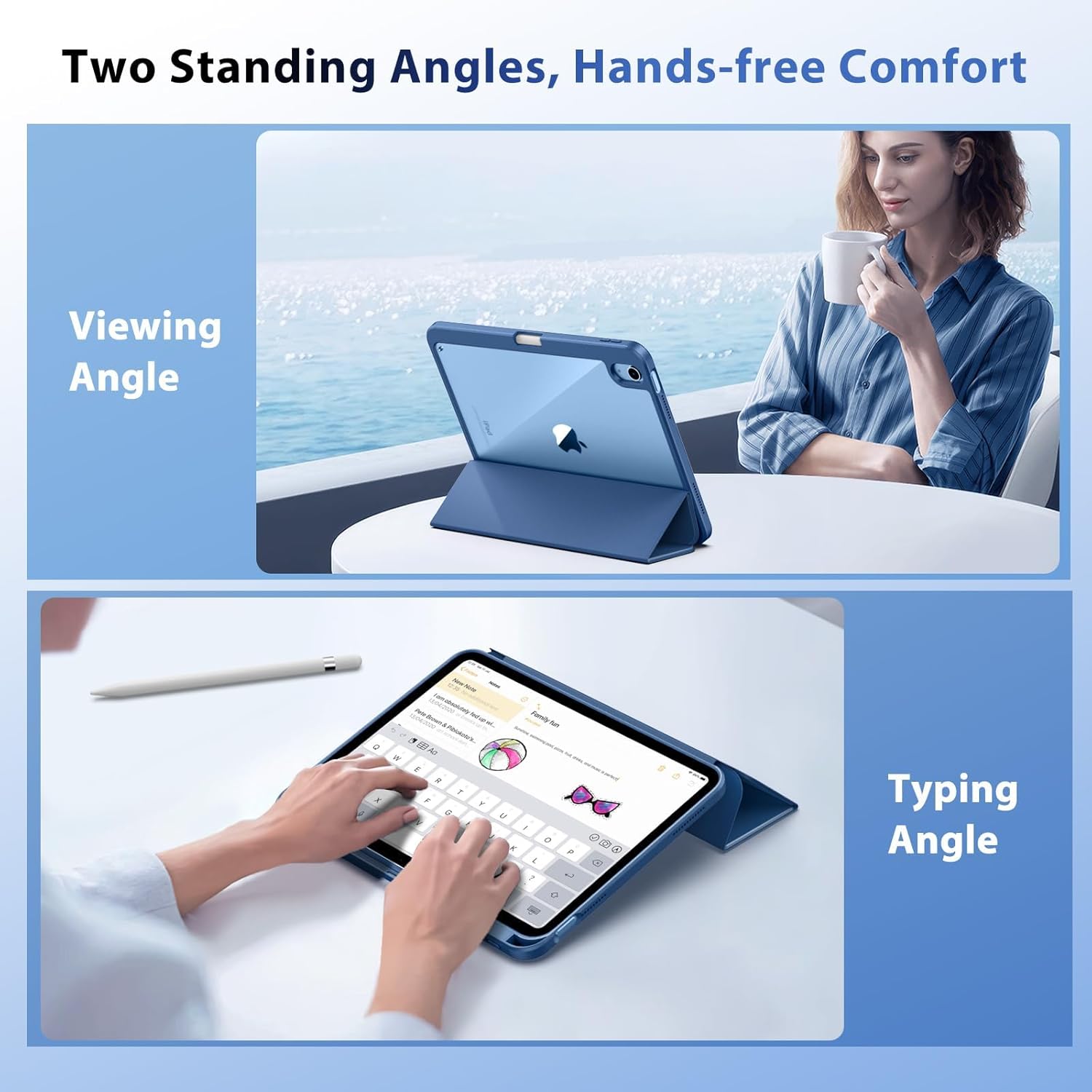
Image: Two separate images demonstrating the iPad case folded into two different stand positions: one for a viewing angle (more upright) and another for a typing angle (lower incline).
4. Setup and Installation
- Prepare Your iPad: Ensure your iPad is clean and free of dust or debris.
- Remove Protective Films: Carefully peel off any protective films from both the inner and outer surfaces of the clear back cover of the TiMOVO case.
- Insert iPad: Align your iPad with the case, ensuring that the camera, ports, and buttons match the cutouts on the case. Gently press the iPad into the case, starting from one corner and working your way around until it is fully seated.
- Secure Apple Pencil (Optional): If you use an Apple Pencil, insert it into the dedicated holder slot on the side of the case.
5. Operating Instructions
5.1. Using the Auto Wake/Sleep Function
Simply open the front cover to automatically wake your iPad. Close the front cover to put your iPad to sleep and conserve battery power.
5.2. Utilizing the Stand Modes
The tri-fold front cover can be folded back to create a stand. Adjust the folds to achieve either an upright viewing angle for watching videos or a lower typing angle for comfortable keyboard use.
5.3. Apple Pencil Storage
The built-in pencil holder keeps your Apple Pencil secure. To use, simply slide the pencil out. To store, slide it back into the holder until it is firmly in place.
6. Maintenance
- Cleaning: Wipe the case with a soft, damp cloth to remove dust and smudges. Avoid using harsh chemicals or abrasive cleaners, as these may damage the material.
- Clear Back Care: To maintain the clarity of the transparent back, avoid scratching it with sharp objects.
- Storage: When not in use, store the case in a cool, dry place away from direct sunlight.
7. Troubleshooting
- Auto Wake/Sleep Not Working: Ensure your iPad's auto-lock settings are enabled. Check that the case is properly aligned with your iPad and that no obstructions are preventing the magnetic closure from engaging.
- iPad Not Fitting Securely: Double-check that your iPad model is listed under the compatible devices in Section 2. Ensure the iPad is inserted correctly and all edges are snapped into place.
- Scratches on Clear Back: Confirm that all protective films have been removed from both sides of the clear back cover. Minor surface scratches may occur over time with normal use.
8. Specifications
| Feature | Detail |
|---|---|
| Product Dimensions | 9.96 x 7.68 x 0.51 inches |
| Item Weight | 9.9 ounces |
| Color | Abyss Blue |
| Material | Hard PC back, Shockproof TPU bumper |
| Special Features | Tri-fold Stand, Built-in Pencil Holder, Auto Wake/Sleep, Clear Back Shell |
| Compatible Devices | iPad (A16) 11th Generation 11 Inch 2025, iPad 10th Generation 10.9 Inch 2022 |
| What's in the box | iPad Case x 1 |
9. Official Product Video
Video: An official product video from ZMSolution (TiMOVO seller) showcasing the features and design of the TiMOVO iPad case, including its compatibility, clear back, and built-in pencil holder.
10. Warranty and Support
TiMOVO products are designed for quality and durability. For any questions, concerns, or warranty claims regarding your TiMOVO iPad case, please contact TiMOVO customer support through the retailer where you purchased the product or visit the official TiMOVO website for assistance.